
Select the model you want to generate your image with.
AI Long Hair Filter: Transform Your Look Instantly
Unleash Your Inner Rapunzel with Bylo.ai’s AI Long Hair Filter!
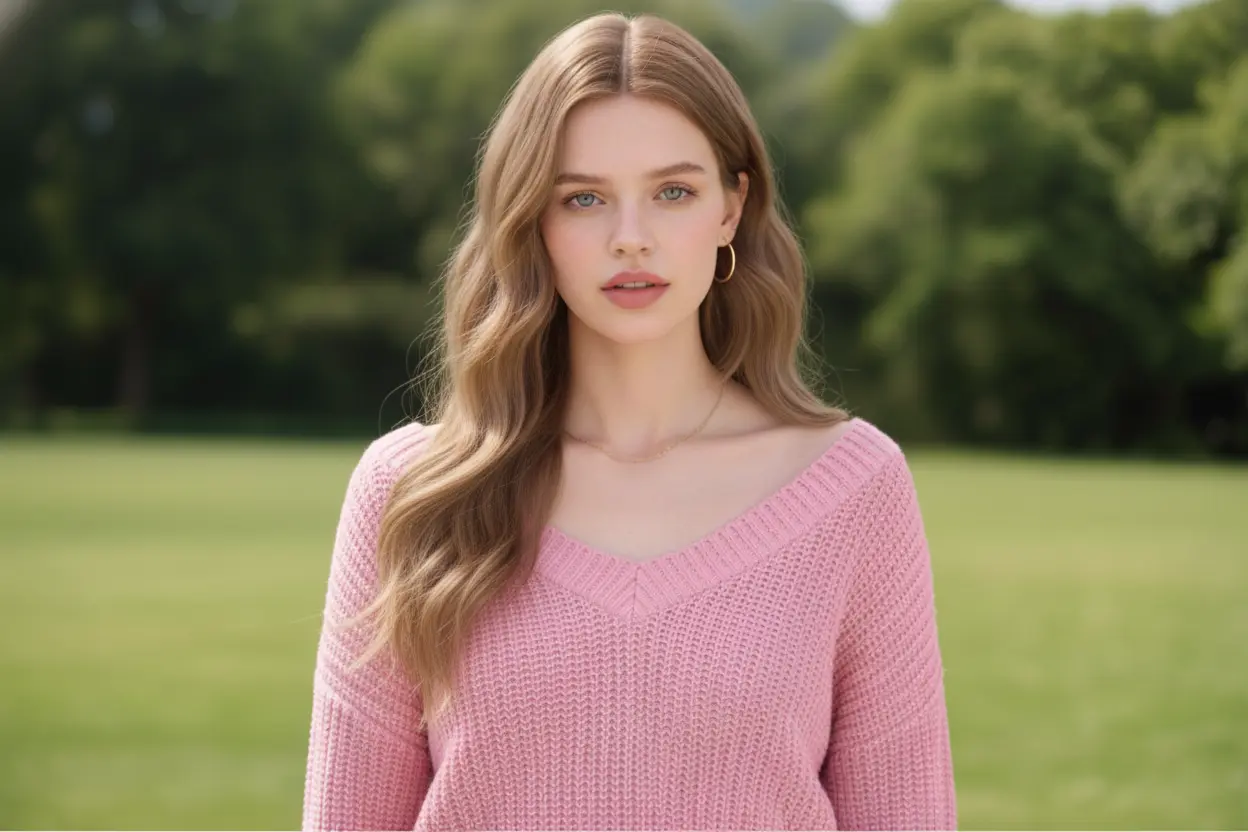
Your Generated Images
How to Use Bylo.ai’s AI Long Hair Filter
Upload Your Photo:
Choose a clear, well-lit image of yourself to serve as the base for your long hair filter transformation.
Apply the AI Magic:
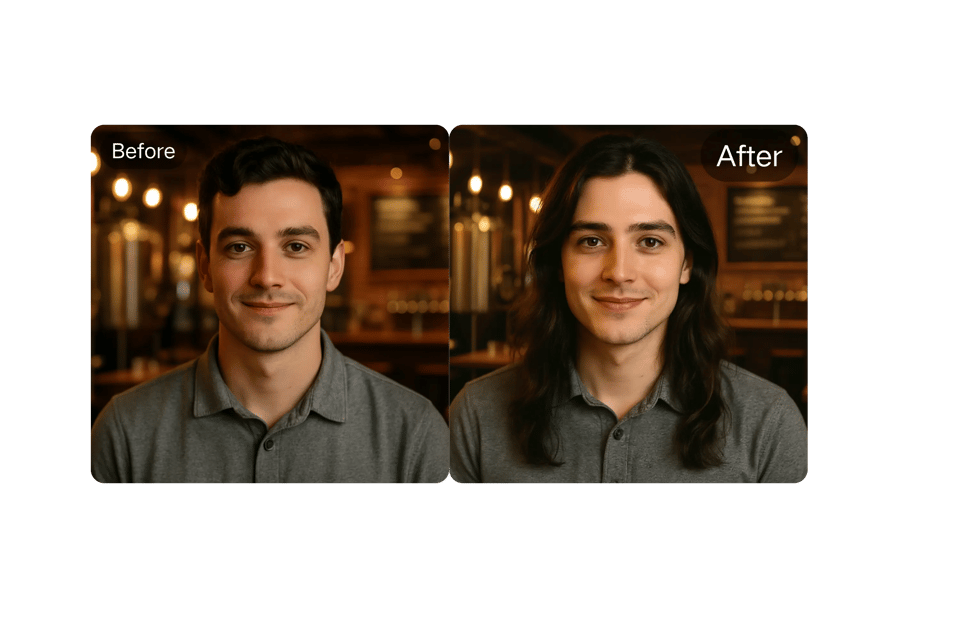
Click “Generate” to let Bylo.ai’s AI long hair technology work its magic, adding realistic long hair to your photo.
Download and Share:
Save your high-quality image as a JPEG or PNG and share your new look on social media or with friends.
Key Features of AI Long Hair Filter
Rapunzel-Ready Realism
Bylo.ai’s long hair AI leverages state-of-the-art algorithms to create hyper-realistic long hair that blends seamlessly with your photo. From flowing waves to sleek straight locks, the results are so natural, you’ll feel like you’ve grown your hair overnight.
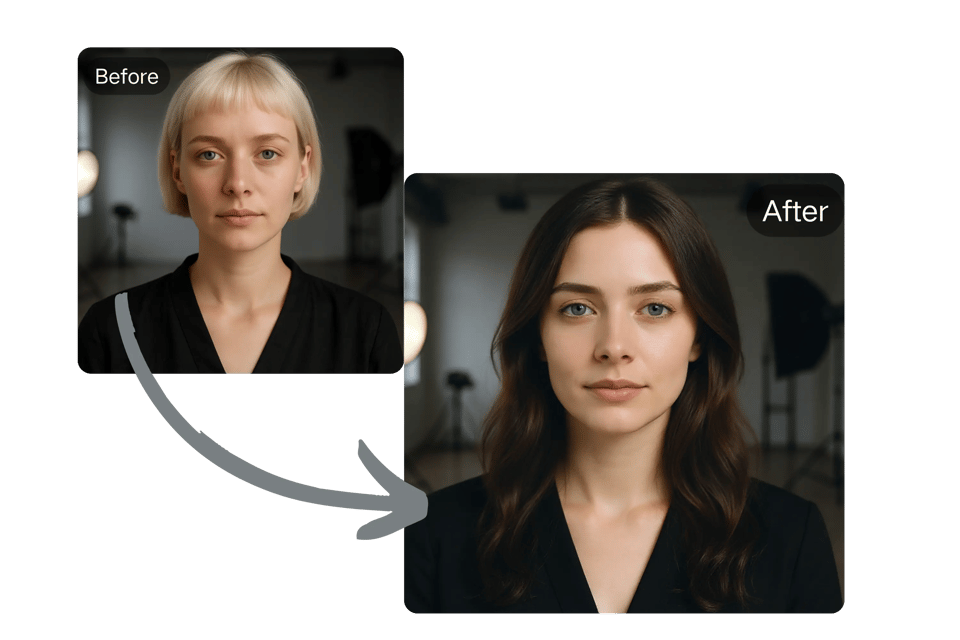
Instant Transformation
No waiting required! Upload your photo, apply the long hair filter, and see your new look in seconds. The tool’s speed makes it perfect for quick experiments or sharing on social media.
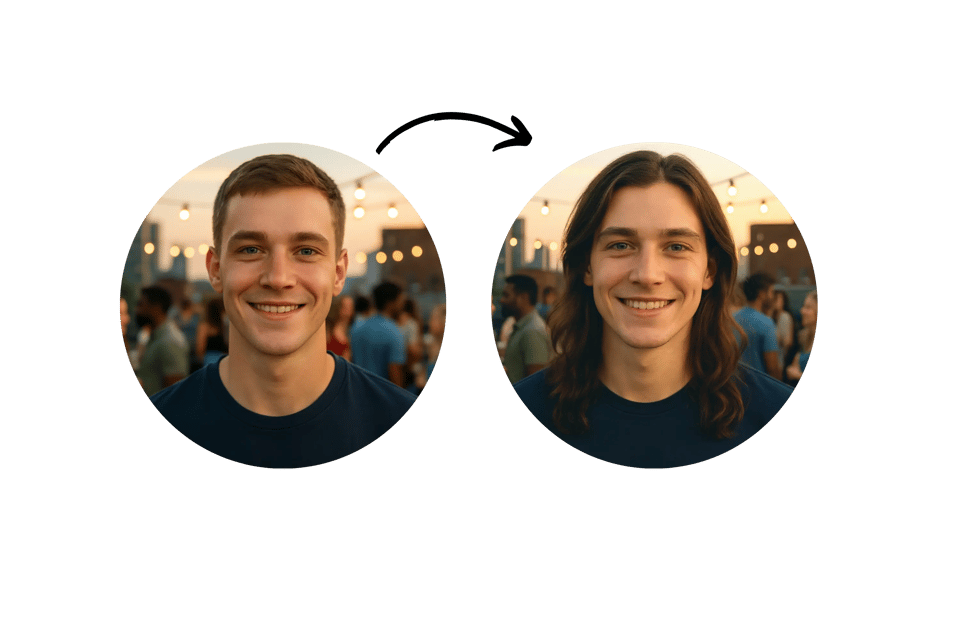
User-Friendly Interface
Designed for all skill levels, Bylo.ai’s long hair filter online is intuitive and requires no downloads or technical expertise. Simply upload, tweak, and download your transformed image.
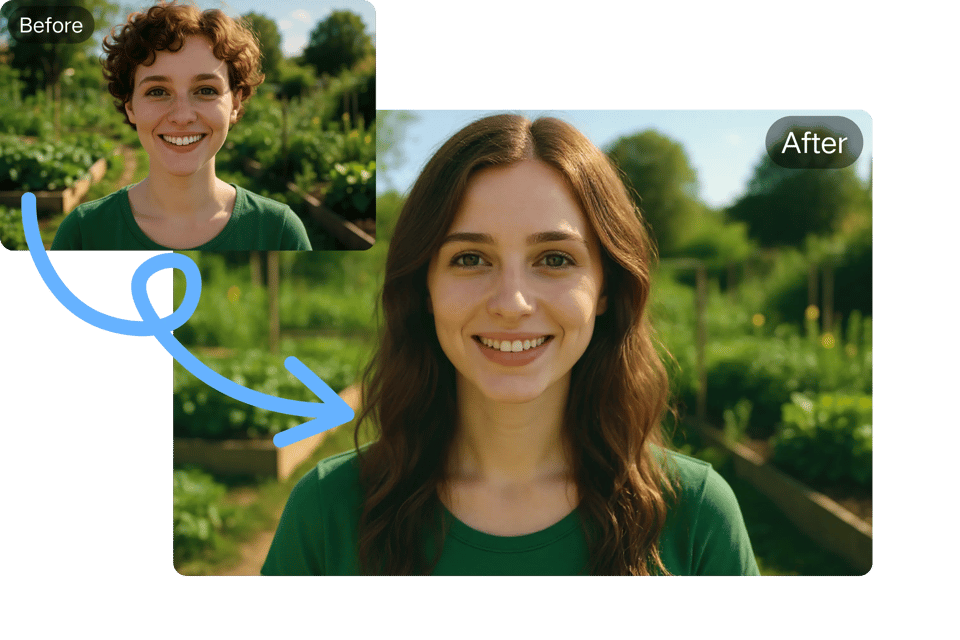
Cross-Platform Compatibility
Access the AI long hair filter on any device—desktop, tablet, or smartphone. Bylo.ai ensures a seamless experience whether you’re at home or on the go.
Creative Use Cases for Bylo.ai’s Hair Transformation Spell
Pre-Salon Visualization
Thinking of growing out your hair or trying a new style? Use the long hair AI to preview how long hair will look before committing to a cut or color change.
Social Media Showstopper
Create eye-catching profile pictures or posts by adding long hair to your photos. The add long hair to photo feature makes your content stand out on platforms like Instagram or TikTok.
Cosplay and Costume Planning
Perfect for cosplayers, the long hair filter lets you experiment with character-inspired hairstyles, ensuring your costume is spot-on for conventions or photoshoots.
Virtual Makeovers for Events
Planning a wedding or special event? Use the AI long hair filter to test elegant updos or flowing locks to match your outfit and vibe.
User Reviews: What People Are Saying About Bylo.ai’s Long Hair Filter
Aisha K. (★★★★★): “This long hair AI is so easy to use! I created a stunning profile pic in minutes, and it’s boosted my Instagram engagement. Bylo.ai is my new go-to!”
Carlos V. (★★★★☆): “The add long hair to photo feature is awesome for experimenting. I wish there were more color options, but the realism is top-notch.”
Emma L. (★★★★★): “I used the long hair filter online to see how I’d look for my wedding. It helped me decide on a hairstyle, and the process was so quick and fun!”
Priya R. (★★★★★): “The AI long hair filter is a game-changer for my cosplay prep. I can test out character hairstyles without spending hours in front of a mirror. Highly recommend!”
James T. (★★★★☆): “As a guy, I was curious about what I’d look like with long hair. This tool is super fun and the hair looks so natural. I shared my pic on social media and got tons of likes!”
Sarah M. (★★★★★): “I was skeptical, but Bylo.ai’s long hair filter blew me away! The results are so realistic, and I love how easy it is to try different styles. Perfect for planning my next haircut!”
FAQs About Bylo.ai’s AI Long Hair Filter
Is Bylo.ai’s Long Hair Filter Free to Use?
Yes, you can try the long hair filter online for free to create your first transformation without signing up or paying.
Can I Use My AI-Generated Long Hair Images Commercially?
Commercial use may require a subscription. Visit Bylo.ai to check the terms of service for details.
How Long Does It Take to Apply the Long Hair Filter?
The AI long hair filter generates your new look in just seconds, delivering fast, high-quality results.
Do I Need to Install Anything to Use the Long Hair Filter?
No installation is needed. Bylo.ai’s long hair filter online is fully web-based and works on all modern devices.
What File Formats Are Available for Download?
Download your transformed images as high-resolution JPEG or PNG files, perfect for social media or personal use.
Is My Personal Information Safe?
Bylo.ai prioritizes privacy. Your uploaded photos are not stored after your session, ensuring your data remains secure.