
Select the model you want to generate your image with.
Remove Furniture from Photos with Bylo AI
Clean, declutter, and redesign any room photo in seconds.
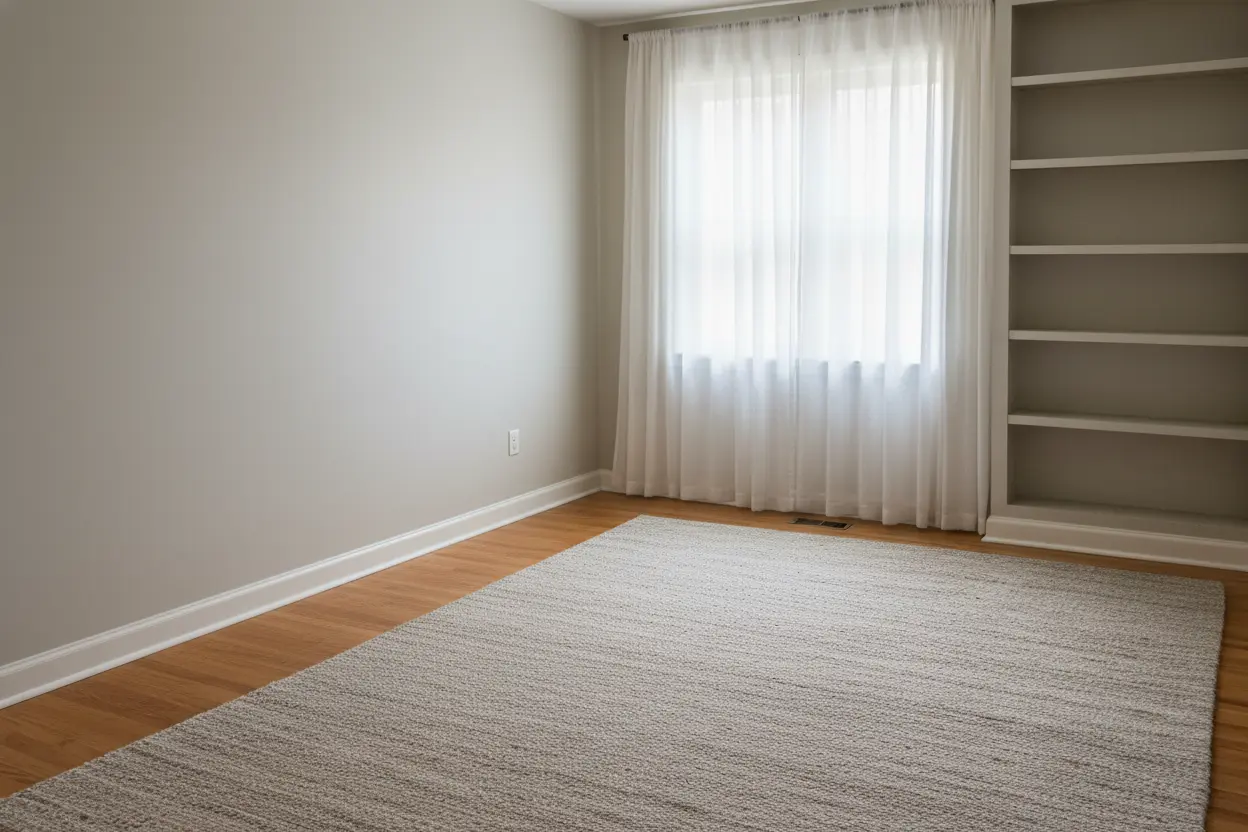
Your Generated Images
Key Features of Bylo AI Furniture Removal Tool
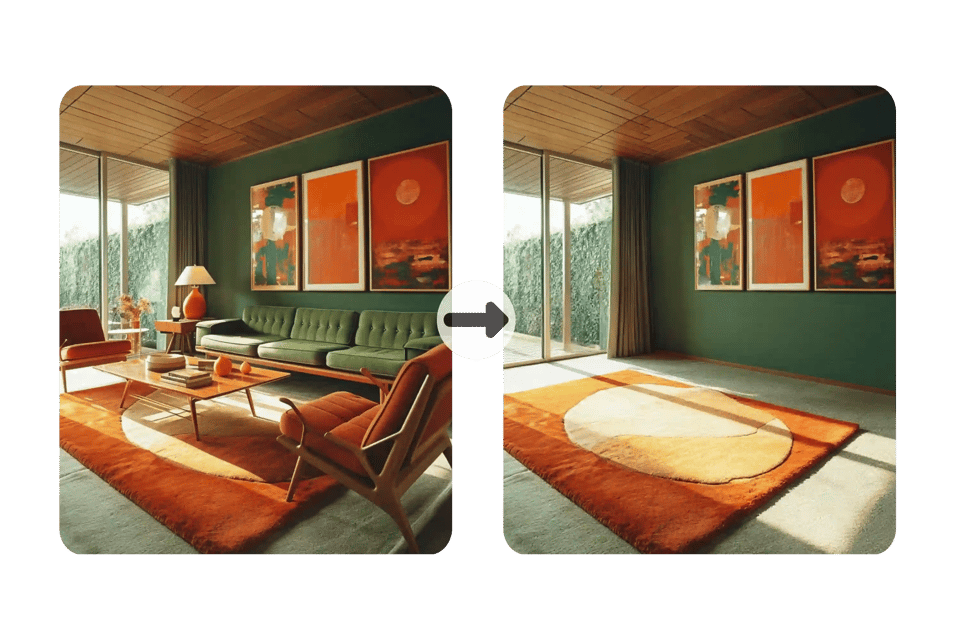
Instantly Remove Furniture from Photo with AI
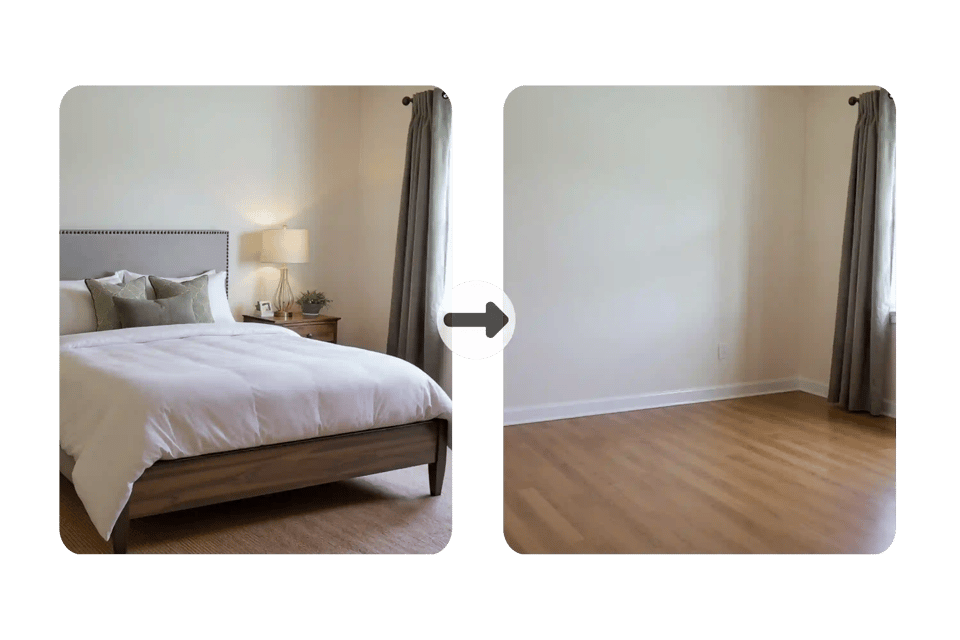
Bylo AI makes it effortless to remove furniture from photo in seconds. Upload your image and the AI creates a clean, decluttered version, perfect for real estate, interior design, or personal projects.
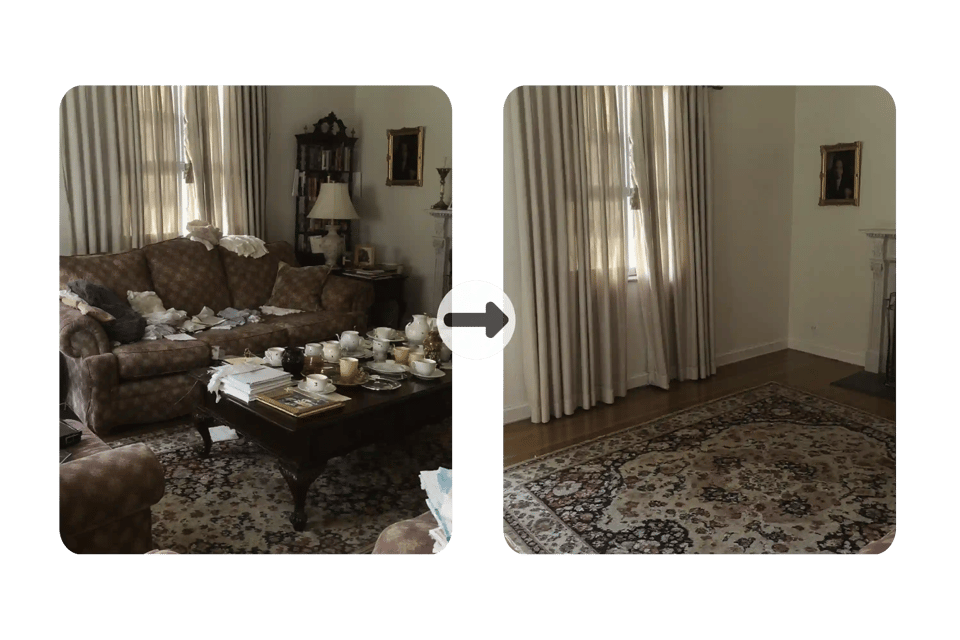
Smart Background Reconstruction with AI Inpainting
When you remove furniture from room photos, Bylo AI uses advanced AI inpainting to restore walls, floors, and shadows naturally. The result looks authentic and professional, without rough edges or gaps.
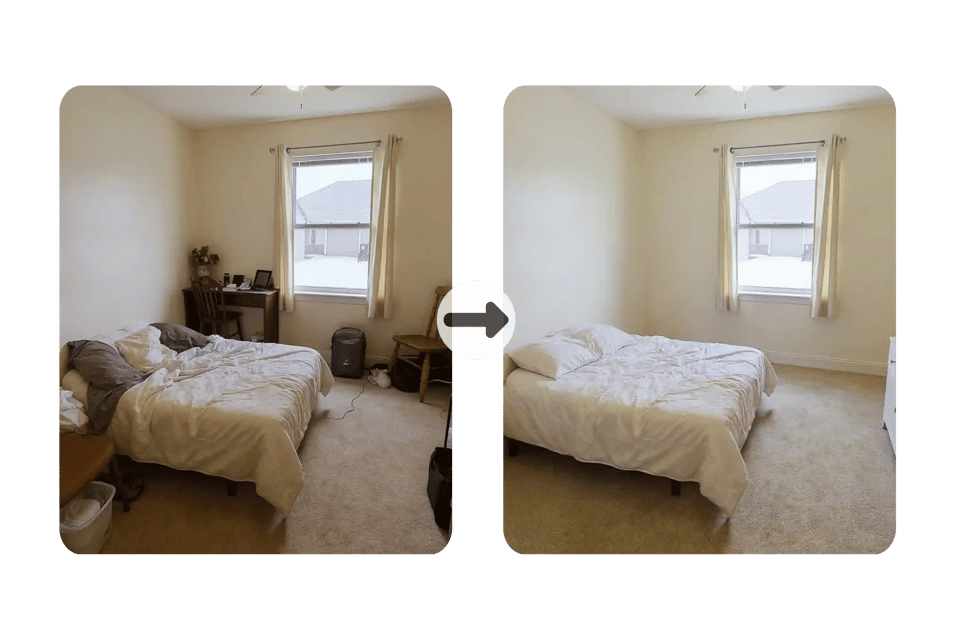
Flexible Use for Real Estate, Design, and Social Media
With Bylo AI, the option to remove furniture from photo supports many needs. Agents can showcase spacious rooms, designers can create empty room AI layouts, and everyday users can share polished, clutter-free images online.
Free Online Trial to Remove Furniture from Photos
You can try Bylo AI’s furniture removal tool free online with no login required. Upload, declutter, and download instantly to see how AI-powered virtual decluttering transforms your photos.
Who Needs to Remove Furniture from Photos?
Sell Homes Faster with Furniture-Free Room Photos
Real estate agents use Bylo AI to remove furniture from room photos and present spacious, clutter-free interiors. Buyers focus on the potential of the space, making it easier to imagine their own style and leading to quicker sales.
Redesign Spaces Effortlessly with Empty Room AI
Interior designers benefit from empty room AI by removing furniture from photos to create a clean canvas. This allows them to experiment with layouts, colors, and décor ideas without physically moving heavy furniture.
Attract Guests with Virtual Decluttering for Rentals
Homeowners and Airbnb hosts can use virtual decluttering to refresh listing photos. Removing furniture and clutter makes each room appear brighter and more inviting, giving guests a better first impression.
Share Cleaner Images by Removing Clutter from Photos
Everyday users also find value in the ability to remove clutter from photos. From personal albums to social media posts, cleaner images stand out, look more professional, and tell a better visual story.
How to Remove Furniture from Room Photos with Bylo AI
Step 1 – Select Bylo AI Furniture Removal Tool
Begin by choosing the Bylo AI remove furniture from photo tool on our website. This dedicated feature is designed to declutter room photos and prepare them for real estate, interior design, or personal use.
Step 2 – Enter Your Prompt or Upload a Room Image
Next, simply upload the room photo you want to edit or enter a short prompt describing what you’d like removed. Bylo AI allows you to remove furniture from room photos quickly without complicated settings or manual editing.
Step 3 – Generate and Download Your Decluttered Photo
Click generate, and in just seconds Bylo AI will process the image, apply AI inpainting, and create a realistic, furniture-free result. You can then download your decluttered photo instantly and use it for listings, design mockups, or social media.
Remove Furniture from Photos and Redesign with Bylo AI
Redesign Your Space After You Remove Furniture from Photos
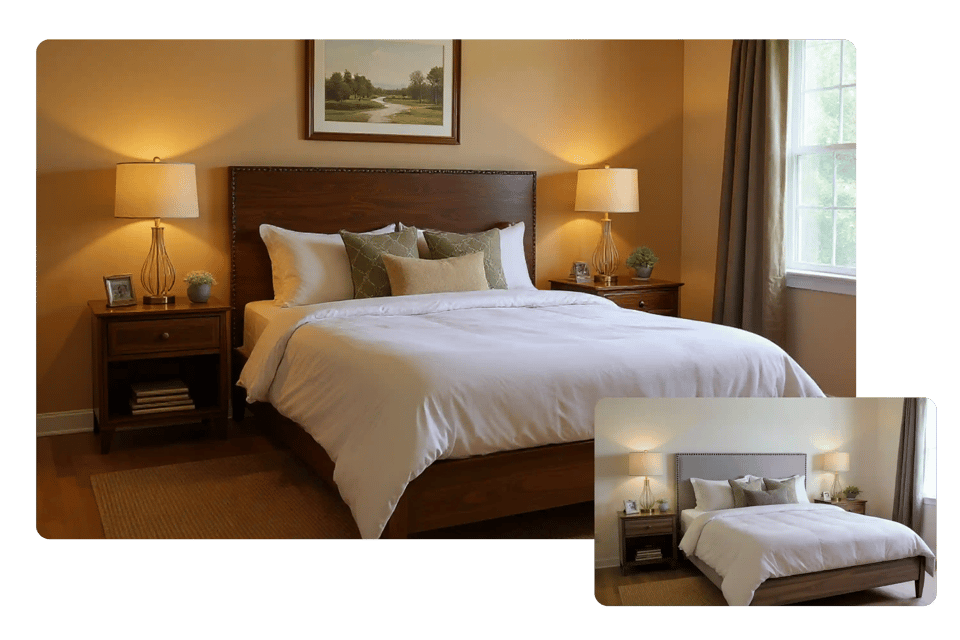
With Bylo AI, you can easily remove furniture from photos to create a clean, empty room image, then take the next step by redesigning the space with our interior design AI. This smooth workflow allows you to declutter, reimagine, and present any room in a fresh style—perfect for real estate, design projects, or personal inspiration.
Frequently Asked Questions
Can I remove furniture from photo free with Bylo AI?
Yes, Bylo AI lets you remove furniture from photos free online with a simple trial. You can upload an image, apply virtual decluttering, and download the result instantly without login or extra software.
How does Bylo AI remove furniture from room photos?
Bylo AI uses AI inpainting technology to remove furniture from room photos. The system clears unwanted items and naturally rebuilds walls, floors, and shadows, creating realistic results that look like a true empty room.
Can Bylo AI remove clutter or objects beyond furniture?
Absolutely. Bylo AI can remove clutter from photos as well as furniture. Whether it’s décor, boxes, or distracting objects, the AI clears them out while keeping the background consistent and professional.
What image formats and resolutions are supported?
Bylo AI supports standard formats like JPG, PNG, or WEBP, and lets you download high-resolution furniture-free room photos. This ensures your decluttered images are ready for listings, interior design projects, or marketing campaigns.
How is Bylo AI different from Photoshop object remover?
Unlike manual editing tools such as Photoshop, Bylo AI focuses on remove furniture from photo online with speed and simplicity. There’s no need for advanced editing skills—the AI handles decluttering automatically, delivering professional results in seconds.