
Select the model you want to generate your image with.
Free Eyebrow Filter by Bylo.ai – Perfect Your Brow Style Instantly
Shape Your Perfect Brows with AI - Try Our Free Eyebrow Filter Online
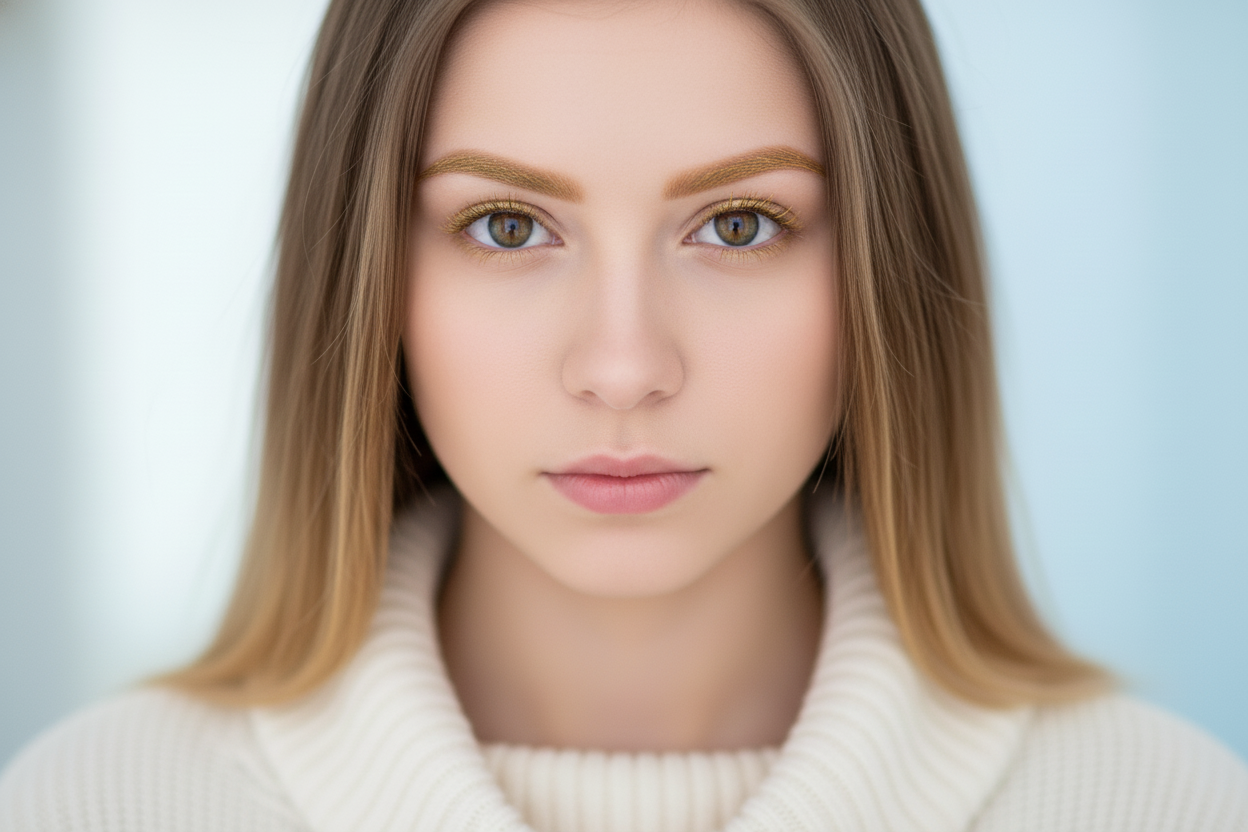
Your Generated Images
Key Features of the Eyebrow Filter by Bylo.ai
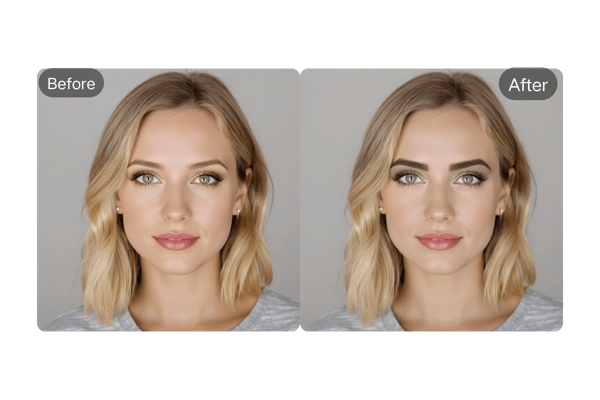
Smart Eyebrow Mapping Technology
Our eyebrow filter uses AI to analyze your facial structure and recommend brow shapes that enhance your natural beauty. By recognizing your face shape, eye position, and brow placement, it delivers personalized and flattering brow suggestions.
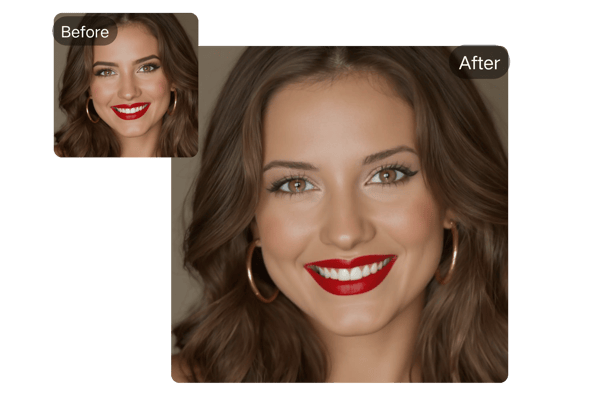
Extensive Eyebrow Color Palette
Experiment with a wide range of eyebrow colors, from natural tones like brown and blonde to vibrant shades for bold styles. The eyebrow filter adjusts shades to suit your skin tone and lighting for lifelike results.
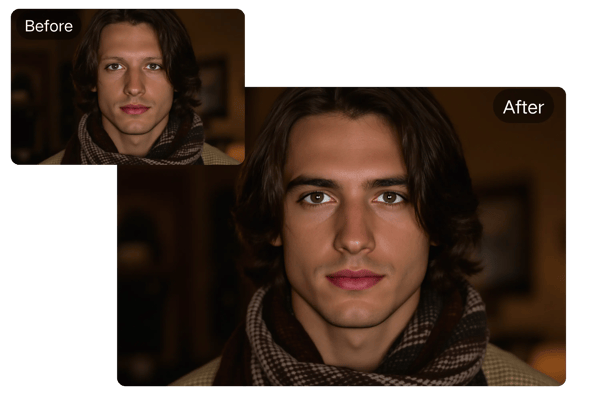
Real-Time Virtual Eyebrow Try-On
With our eyebrow filter online, you can preview your changes in real-time. Instantly see how different shapes, thickness levels, and arches look on your face with our intuitive virtual try-on interface.
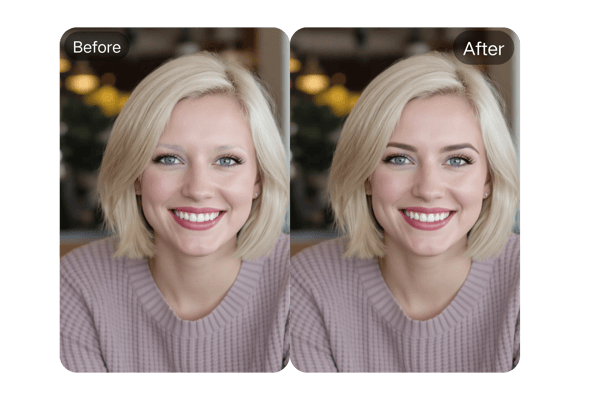
Symmetry & Style Correction Tools
Ensure flawless, even eyebrows with our advanced symmetry correction and styling tools.Eyebrow filter tool The eyebrow filter aligns both brows perfectly for a balanced, professionally groomed appearance.
How to Use the Eyebrow Filter by Bylo.ai
Upload Your Photo
Begin by uploading a clear, front-facing photo where your eyebrows are visible. Our AI eyebrow filter supports JPEG and PNG formats for maximum flexibility.
Choose and Customize Your Brows
Enter your preferred eyebrow shape, then fine-tune thickness, arch height, and color with easy-to-use sliders. The filter instantly previews the results.
Generate & Download Your Final Look
Once satisfied, click ‘Generate’ to process your image. Download your transformed photo and use it for salon visits, social media, or personal style references.
Use Cases of Eyebrow Filter
Design Artistic & Bold Brows
Use the brow filter to create standout styles like glitter brows, gradient brows, or geometric eyebrows for creative expression.
Try-On Eyebrow Tattoos Before Committing
Use the eyebrow generator to preview tattoo options and experiment with shapes before going under the needle.
Pull Off Eyebrow Filter Pranks
Create funny, over-the-top eyebrow edits of celebrities, friends, or yourself using the eye brow filter for laughs and viral social content.
Eyebrow Makeup Inspiration
Struggling with makeup ideas? Use the eyebrow AI tool to try styles virtually and gather looks before applying the real thing.
Social Media-Ready Edits
Use eye brows filter tools to enhance your selfies and upload your perfect brows to Instagram, TikTok, or Snapchat instantly.
Professional Grooming for Men
Men can use the eyebrow mapping filter for grooming previews—whether aiming for clean lines or rugged brows.
User Feedback on the Eyebrow Filter by Bylo.ai
This eyebrow filter online tool is absolutely game-changing! The virtual try-on is so realistic, and it helped me find my ideal brow shape with zero stress.
Sarah M.
Beauty Blogger
The Bylo.ai eyebrow editor saved me hours in post-production. It blends brows naturally and adds a polished look to every portrait.
Michael T.
Professional Photographer
I was nervous about my first brow appointment. Bylo.ai’s eyebrow shape generator gave me the confidence to choose the perfect style beforehand.
Jessica L.
College Student
This eyebrow filter app is now a key part of my editing process. It’s fast, easy, and delivers pro-level results for all my posts.
David R.
Content Creator
Bylo.ai’s eyebrow filter is my digital styling assistant. It helps my clients visualize potential brow looks before any product is applied.
Amanda K.
Makeup Artist
I love trying bold new looks. This eyebrow generator gives me endless creative freedom to experiment and find what suits me best.
Emily S.
Fashion Enthusiast
Frequently Asked Questions About Eyebrow Filters
Is Bylo.ai's eyebrow filter free to use?
Yes, the eyebrow filter is free for trial. Subscription is available for professionals who want advanced editing tools.
Can I use the eyebrow filter on my phone?
Yes! Our eyebrow filter app works on all devices, including smartphones and tablets, with no download required.
How realistic is the virtual eyebrow try-on?
The AI-powered eyebrow filter uses trained models to deliver highly accurate, natural-looking results that reflect real-life outcomes.
What file formats can I download the final image in?
You can download your edited eyebrow images in JPEG and PNG – all in high resolution suitable for printing or digital use.
Can I save and revisit my favorite brow styles?
Yes, users with a free account can save and return to their favorite eyebrow styles for future comparisons or beauty appointments.
How fast is the image processing?
The AI processes images in 10–30 seconds, depending on size and complexity, while delivering accurate and refined results.