
Select the model you want to generate your image with.
AI Crochet Filter by Bylo.ai – Turn Photos into Crochet Art for Free
Effortlessly transform your photos into cozy crochet masterpieces with our free AI crochet tool.

Your Generated Images
Key Features of the AI Crochet Filter by Bylo.ai
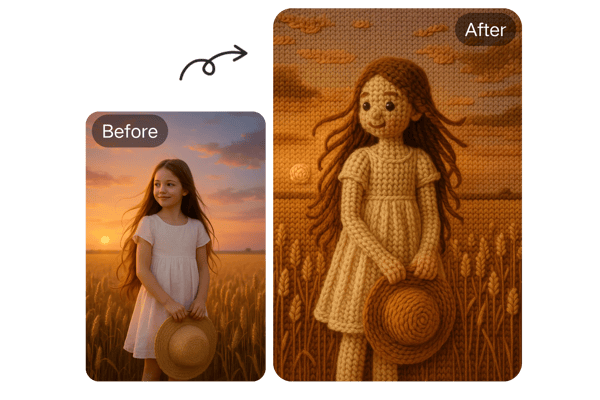
Realistic Crochet Effects with AI
Our AI crochet filter brings your images to life with authentic woolen textures and stitch patterns. Whether it’s a portrait, pet, or object, our tool applies detailed crochet effects that mimic real handcrafted art.
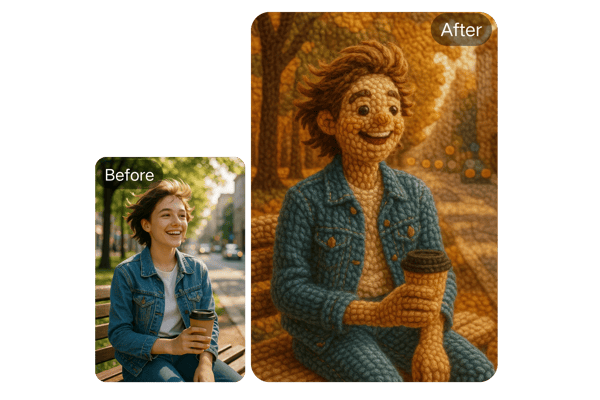
No Need For Hours of Crochet
Generate unique crochet patterns in seconds. Our AI understands light, shadows, and fabric structure to deliver depth-rich crochet imagery that looks genuinely handmade and artistically layered.
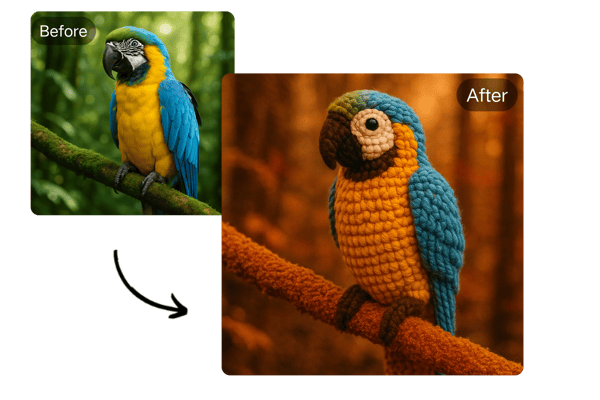
Free and Easy-to-Use Crochet Filter
With Bylo.ai AI Crochet Filter Guide’s AI crochet filter, there’s no learning curve. It’s 100% online and free to try—just upload your photo, click the "generate" button, and download your artwork.
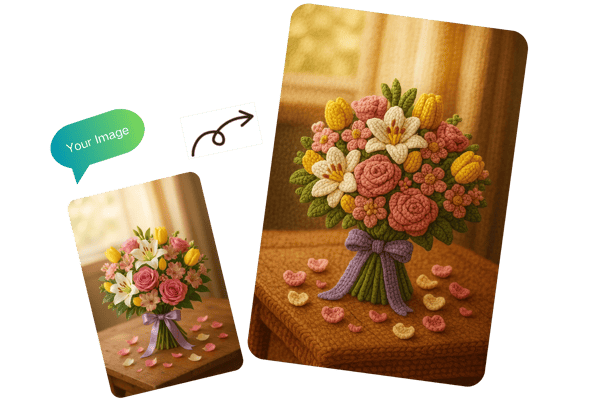
AI-Powered Crochet Tool for All Photo Types
From selfies and pet pictures to food and floral shots, the AI crochet tool by Bylo.ai detects elements and enhances them with textured yarn-like overlays, delivering high-resolution, crochet-style images.
How to Use the AI Crochet Filter by Bylo.ai
Step 1: Upload Your Photo
Choose an image in JPG, PNG, WEBP format from your device and upload it directly to the AI crochet tool on Bylo.ai.
Step 2: Let AI Work Its Magic
Once your photo is uploaded, the AI works quickly to analyze your image and convert it into a Crochet-style cartoon. This process only takes within a minute.
Step 3: Download and Share
Once the image is rendered, click 'Download' to save your AI-generated crochet art. Share your creation across social platforms or keep it as a cozy digital keepsake.
Use Case of the AI Crochet Filter Tool
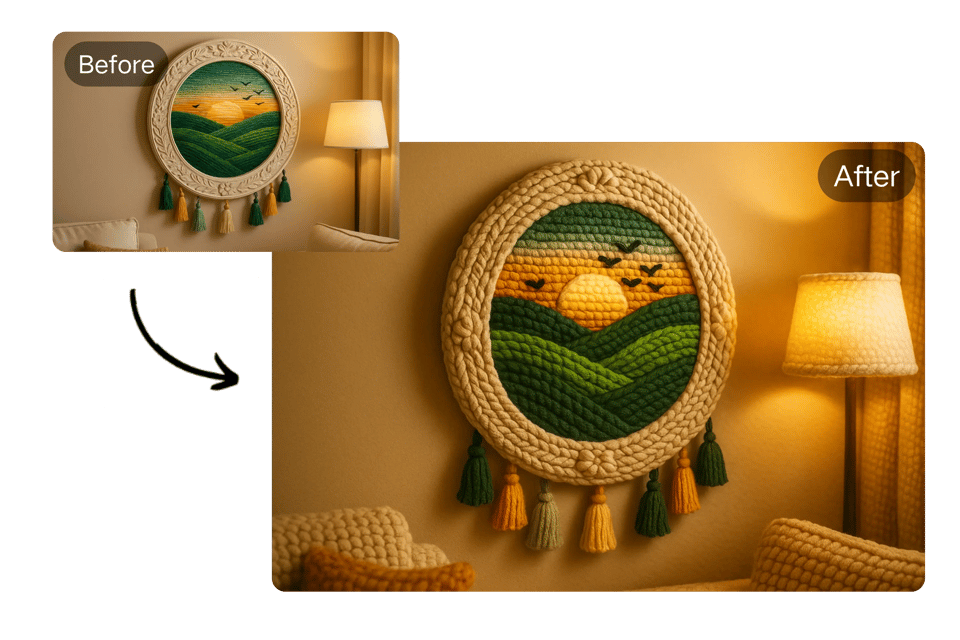
Decorative Fun Inspiration
If you enjoy crocheting or knitting, you’ll love seeing your everyday photos turned into crochet art, inspiring new handmade projects or simply for decorative fun.
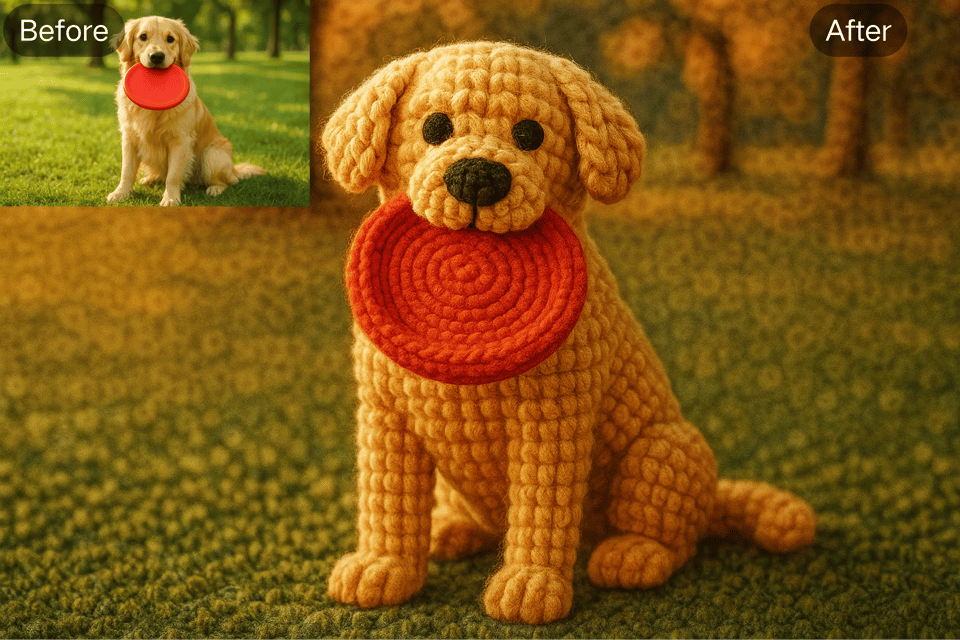
Furry Friends Celebration
Turn adorable pet photos into crochet-styled images to share on social media, frame, or print as keepsakes—ideal for celebrating your furry friends with a warm touch.
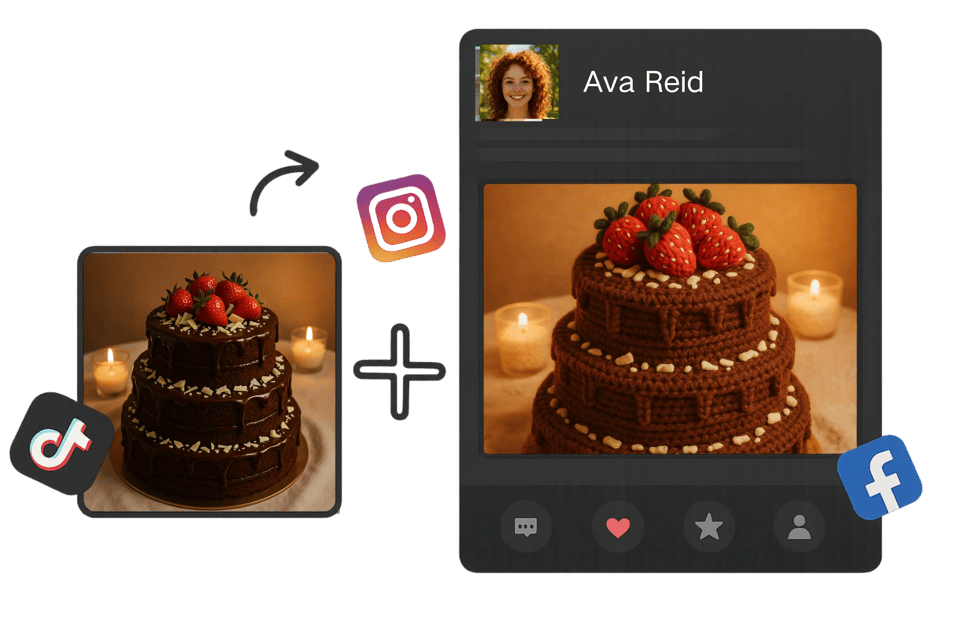
Creating Viral Content
Add a unique crochet effect to your photos to stand out on platforms like Instagram, Pinterest, or TikTok. Perfect for themed posts and engaging storytelling.
Gift Design and Personalization
Add a unique crochet effect to your photos to stand out on platforms like Instagram, Pinterest, or TikTok. Perfect for themed posts and engaging storytelling.
What Users Say About the AI Crochet Filter
I love how easy it is to create crochet-styled artwork with Bylo.ai! It adds a creative, handmade look to my digital projects.
Emily R.
Digital Artist
My dog’s photo looks absolutely adorable with the AI crochet filter. My followers can’t get enough of it!
Carlos M.
Pet Blogger
This AI crochet tool helps me create unique social media content for my store. The realism of the textures is impressive!
Aisha P.
Craft Store Owner
I used the crochet filter to make custom postcards for my friends—they thought I actually crocheted them!
Daniel T.
DIY Enthusiast
It’s an awesome way to visualize patterns and textures. Great for quick concept design!
Mei L.
Fashion Student
Super fast and free! I use it to add artistic depth to profile images and client projects.
Oliver G.
Freelance Designer
Frequently Asked Questions
Is the AI crochet filter by Bylo.ai really free?
Bylo.ai's AI Crochet Filter is free to try — no login, no payment, no strings attached. Just upload your image and generate instantly.
Can I use the AI crochet tool on mobile devices?
Absolutely! Bylo.ai’s crochet filter works smoothly on both desktop and mobile browsers.
What image formats are supported?
You can upload JPG, JPEG, PNG, WebP formats.
How long does it take to apply the crochet filter?
Typically, it takes within a minute for the AI to render the crochet effect, depending on the image size.
Can I share the results on social media?
Once downloaded, your AI-generated crochet image is ready to be shared on any platform.If it is for commercial use, a subscription is required.
Does Bylo.ai store my uploaded photos?
No, we do not store user photos. Your privacy is important to us, and all uploads are deleted after processing.