
Select the model you want to generate your image with.
90s AI Filter-Transform Your Photos into 90s Style for Free
Relive the Retro Magic of the 90s in Just One Click with Our Free AI Yearbook Filter

Your Generated Images
Key Features of the 90s AI Filter by Bylo.ai
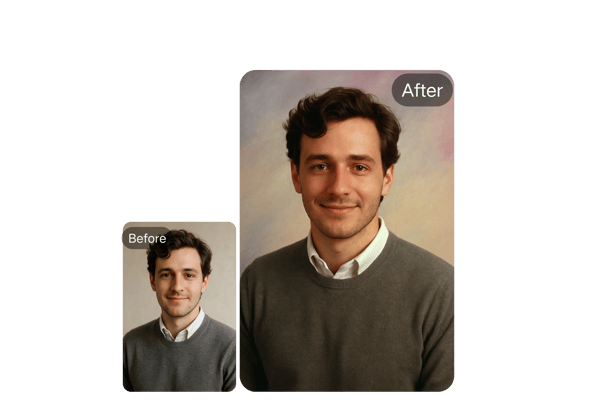
Instant 90s Time Travel
With the 90s AI Filter, your selfie is instantly transformed into a retro masterpiece. It's more than just a 90s photo filter online—it's a full AI-powered journey back in time, turning your image into a nostalgic throwback that looks like it came straight from a 90s yearbook.
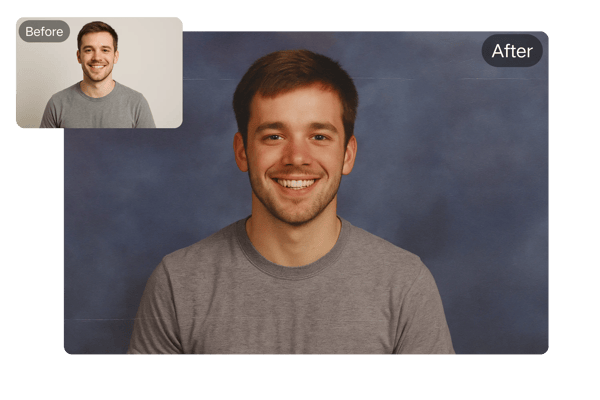
AI-Crafted Authentic 90s Vibe
This isn’t just another filter—Bylo.ai uses AI scripts to replicate iconic 90s photography styles. From grainy textures to vintage lens flares, the 90s AI filter generator recreates the complete visual language of the decade.
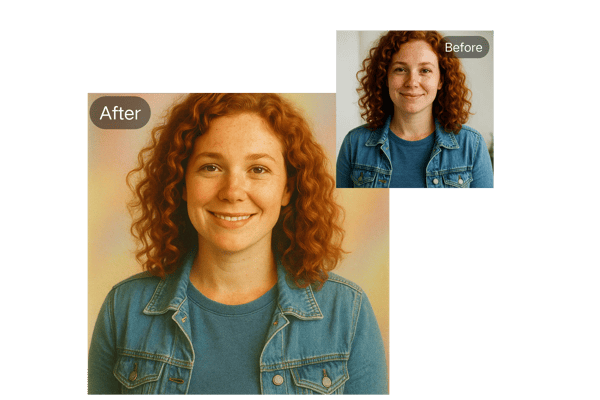
User-Friendly 90s AI Filters
No technical knowledge required—just upload your image and let the AI yearbook filter do the rest. It's designed for anyone to use easily on any device, offering fast, seamless, and high-quality transformations.
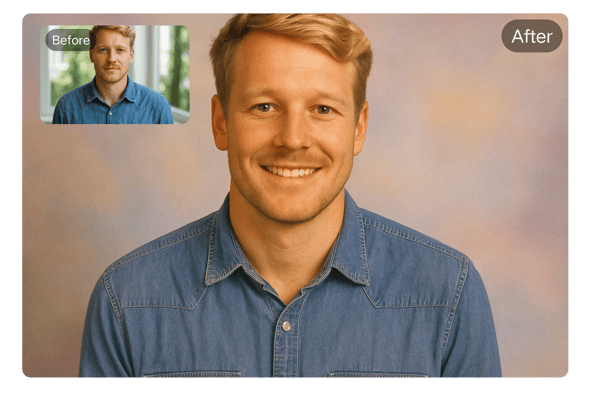
Free and No Login Required
Enjoy the filter completely free without the need for account creation, login, or payment. Simply upload your photo and start creating 90s-style images instantly, making it accessible to everyone, anytime, anywhere.
How to Use the 90s AI Filter by Bylo.ai
Upload Your Photo
Choose your favorite selfie or portrait in JPG, PNG, or WEBP format. Upload it directly through the web interface on any device.
Let AI Work Its Magic
The AI yearbook filter analyzes your features and applies a 90s-style makeover. Within seconds, your image is transformed into a nostalgic photo with perfect lighting and retro effects.
Download and Share
Preview your vintage masterpiece and download it with a single click. Then share it on social media, messaging apps, or print it as a creative gift!
Use Case of the 90s AI Filter
Make Content That Goes Viral
Content creators can use the 90s AI filter generator to craft engaging throwback posts, reels, and profile pictures that spark nostalgia and increase engagement.
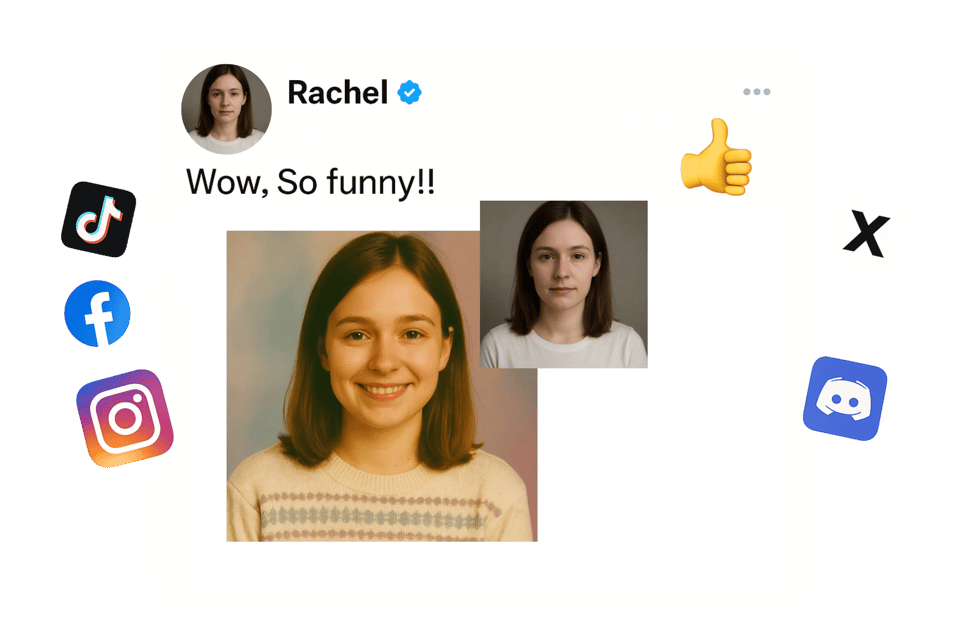
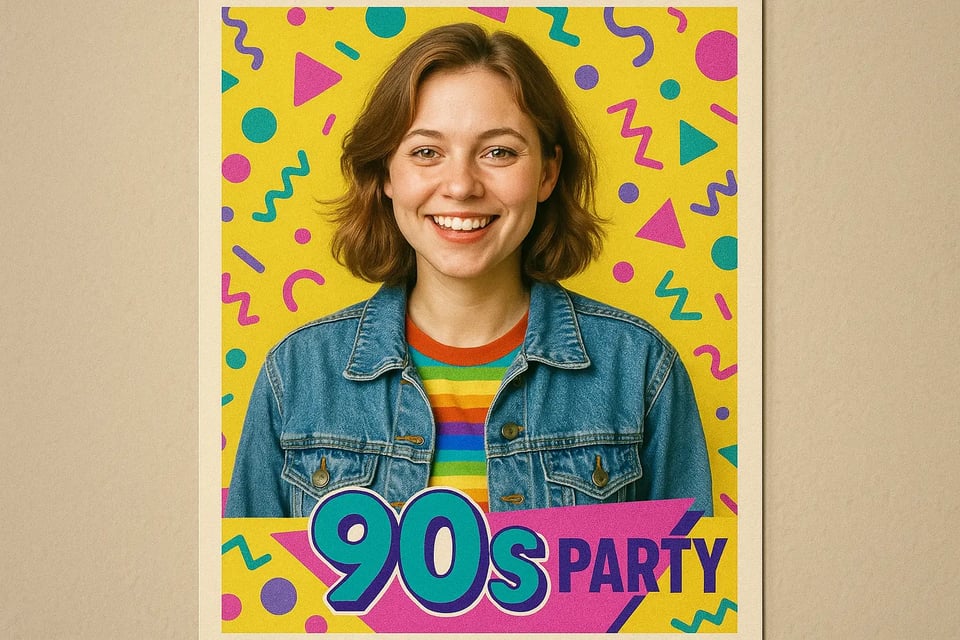
Personalized Digital or Printed Souvenirs
Add a creative twist to theme parties and festivals. Use the 90s AI filter to create personalized digital or printed e-cards and photo souvenirs for guests.
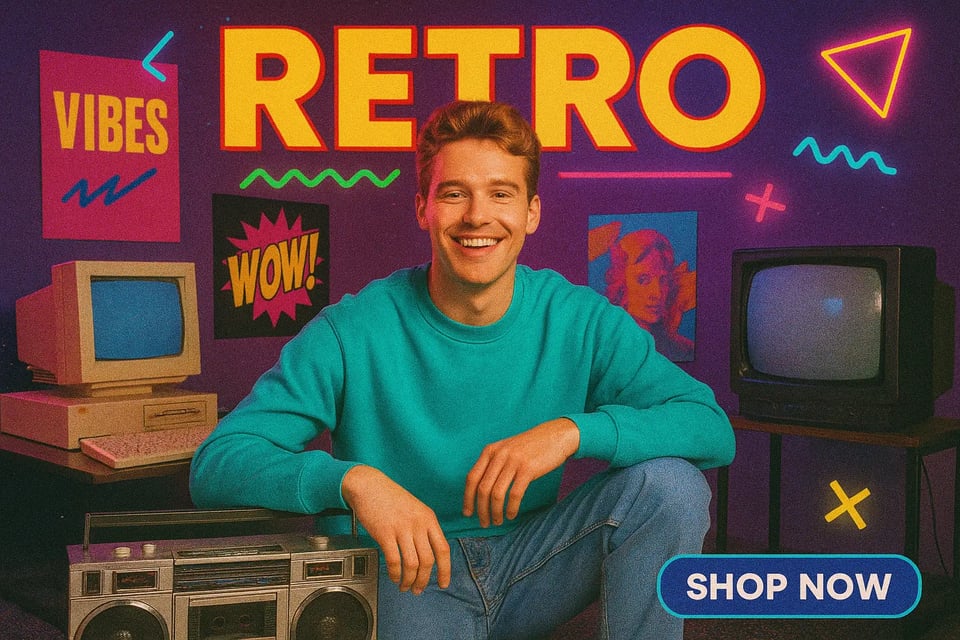
Nostalgia-based Brand Storytelling
Make your campaigns stand out with the 90s aesthetic. Use AI-generated retro visuals for creative ads, nostalgia-based brand storytelling, and themed promotions.
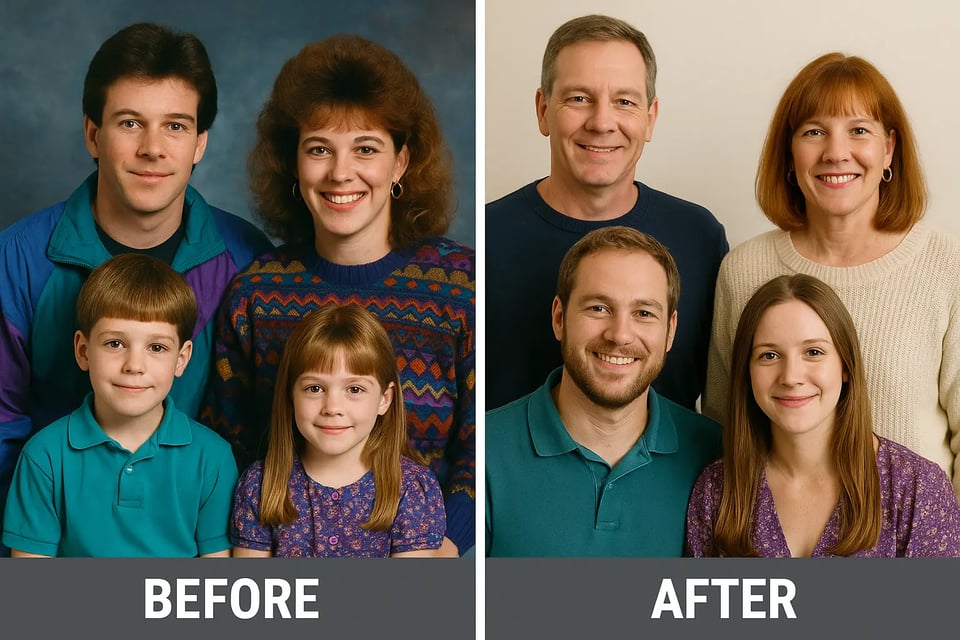
Make Memorable Photo Collections
Create timeless ‘before and after’ sets or just have fun revisiting the 90s with loved ones. Perfect for sharing online or keeping as memorable photo collections.
What Users Say About the 90s AI Filter
Bylo.ai's 90s AI filter is a total game-changer! I got a ton of engagement on my retro photos. It’s like having a time machine in your browser.
Emily R.
Influencer & Content Creator
We used the AI yearbook filter at a 90s-themed party, and guests couldn’t stop talking about it! It made for perfect souvenirs and social media moments.
Jason L.
Event Planner
Our campaign needed a retro vibe and Bylo.ai delivered! The 90s AI filter created beautiful visuals that resonated with our target audience.
Linda M.
Marketing Specialist
I was amazed at how easy and accurate the 90s AI filter was. No login, no fuss—just instant results. Super fun to use!
Arjun S.
Tech Enthusiast
So fun to see myself in a 90s high school look! The AI filter is super quick and the quality is amazing for sharing with friends.
David Lee
College Student
This 90s AI Filter is so cool! It perfectly captures the retro vibe I love, and the ease of use lets me create stunning posts for my clients in seconds.
Sarah Johnson
Graphic Designer
Frequently Asked Questions About the 90s AI Filter
How do I start using the 90s AI filter?
Simply upload a photo, click generate, and let the AI create your 90s-style transformation.
Is the 90s AI filter free to use?
Bylo.ai offers free use of the 90s photo filter online with no login or payment required for personal use. Subscription required if the limit is exceeded.
Can I use the AI-generated images commercially?
Commercial use requires a subscription. Refer to our Terms of Service for more details.
Does it work on mobile devices?
Absolutely! The 90s AI filter is optimized for use on any device—mobile, tablet, or desktop.
Are my photos stored or shared?
Bylo.ai prioritizes user privacy. Your uploaded images are processed securely and not stored or shared.
How long does it take to generate a 90s-style image?
The transformation typically takes less than a minute, delivering fast and high-quality results.
Can I change hairstyles or poses using this tool?
Yes! You can customize poses, hairstyles, and even expressions by adding prompts before generation.
What image formats are supported?
You can upload JPG, PNG, or WEBP formats for best results with the 90s AI filter generator.