
Select the model you want to generate your image with.
Free AI Red Eye Remover for Natural, Accurate Eye Correction
Automatic red-eye detection, identity-preserving restoration, and advanced AI image models—designed for realistic results without manual editing.
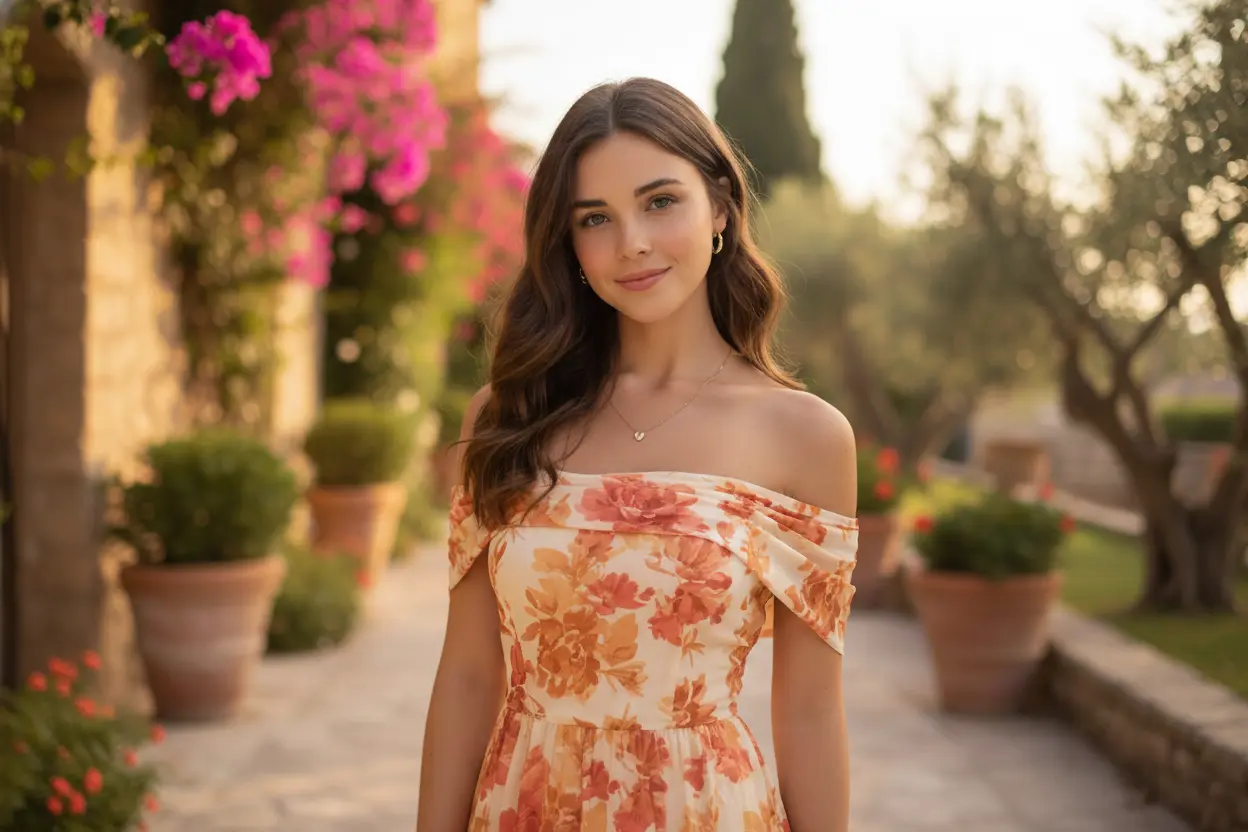
Your Generated Images
How to Remove Red Eye from Photo Free Online with Bylo.ai
Follow these simple steps to get started with our platform.
Step 1: Upload Your Photo
Open Bylo.ai’s Free Red Eye Remover and upload the image you want to edit. Processing begins immediately after upload.
Step 2: AI Automatically Detects and Fixes Red Eyes
After upload, our AI analyzes the image, detects flash-induced red-eye reflections, and corrects them automatically. No manual selection is required. Natural pupil appearance is restored while original iris color, lighting, and facial details remain unchanged.
Step 3: Preview and Download
Preview the corrected result, then download the updated image in high quality. Red eyes are removed seamlessly, keeping the photo realistic and visually balanced.
Key Features Of Bylo AI Red Eye Remove
Instantly Correct Red Eyes and Restore Natural Expression
Red-eye reflections from flash photography can make portraits look harsh or unnatural. Bylo.ai’s AI Red Eye Remover automatically detects and corrects red pupils in seconds, restoring a natural appearance without altering lighting, skin tone, or facial detail.
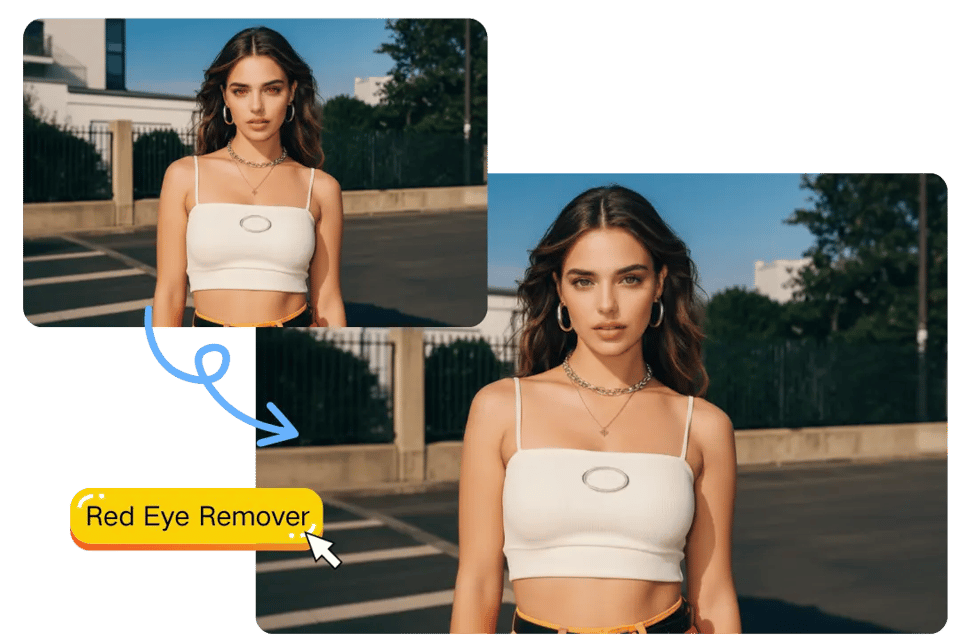
Refine Portraits by Fixing Red Eyes Naturally
Even a small red reflection can distract from an otherwise perfect photo. Our AI Red Eyes Photo Editor corrects the issue precisely, preserving iris color, highlights, and texture so the result looks authentic rather than artificially darkened.
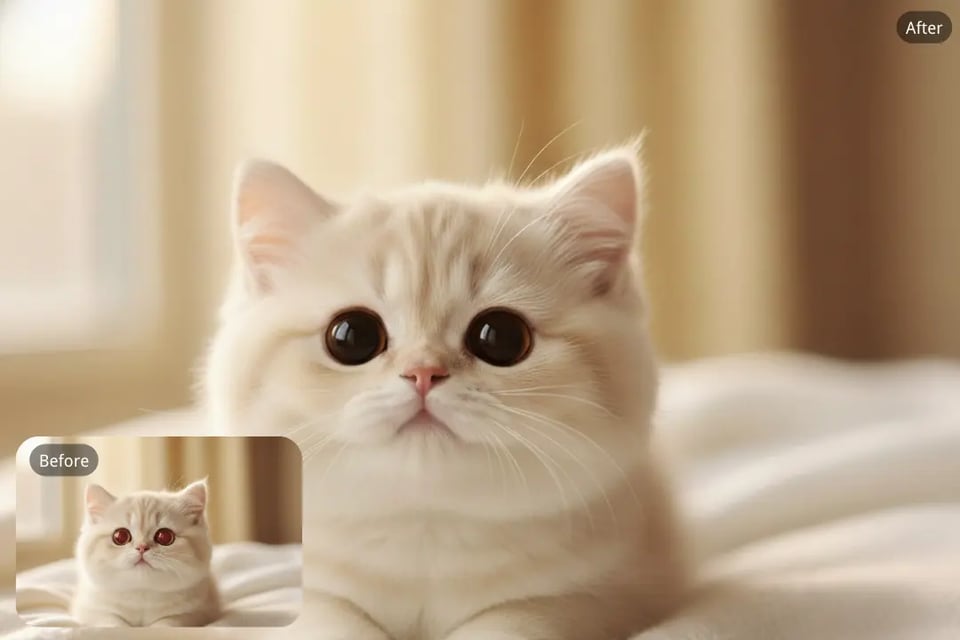
Accurate Pet Eye Reflection Correction
Pets often display green, yellow, or red reflections when photographed with flash. Bylo.ai detects these artifacts and restores natural eye appearance without dulling fur texture or facial detail. Suitable for single-subject shots and group photos involving pets.
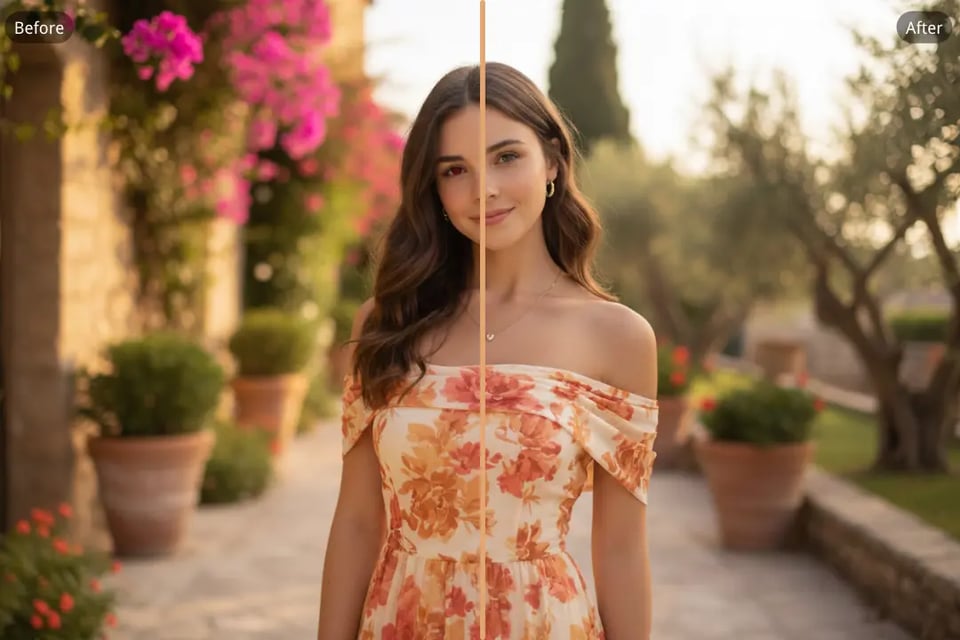
Seamless Red Eye Removal Across Photo Types
From indoor portraits to event photography and casual snapshots, red-eye correction can be applied quickly and consistently. Multiple faces within a single image are processed accurately to ensure uniform and natural-looking results.
Everyday Moments That Need a Red Eye Remover
Fix Red Eyes in Portraits and Selfies Taken with Flash
Flash photography in low light often creates red-eye reflections that distract from facial expression. With Bylo.ai’s AI Red Eye Remover, you can fix red eyes in portraits and selfies while keeping natural iris color, highlights, and skin tones intact.
Remove Red Eye from Group Photos with Multiple Faces
Group photos make manual editing difficult, especially when several people have red-eye at once. This Red Eyes Photo Editor automatically detects and corrects each affected eye, ensuring consistent and natural-looking results across the entire image.
AI Red Eye Remover for Pet Green or Yellow Eye Effect
Pets often show green, yellow, or red reflections due to flash. Bylo.ai accurately removes these reflections while preserving eye brightness and fur detail, helping your pet photos look lifelike instead of artificial.
Fix Red Eyes in Night, Indoor, and Event Photography
Party photos, indoor celebrations, and evening snapshots frequently suffer from red-eye artifacts. Use the AI Red Eye Remover to restore a clean, natural eye appearance without altering the atmosphere or lighting of the original photo.
Why Choose Bylo.ai as Your AI Red Eye Remover Online
Free Red Eye Remover Online with Instant AI Correction
Start with a free red eye remover online designed for fast and reliable results. Upload an image and remove red eye from photo within seconds while preserving natural pupil tone and overall image clarity.
Automatic Red Eye Detection and Smart Image Scanning
Advanced AI scans each photo automatically to identify flash-induced red-eye reflections. Manual selection is unnecessary. Red eyes are detected and corrected precisely across portraits, group photos, and pet images.
Preserve Facial Consistency When You Fix Red Eyes
Removing red eye should not alter identity. Iris color, highlight reflections, lighting direction, and facial proportions remain consistent, ensuring realistic correction without artificial darkening or distortion.
Choose from Multiple Advanced AI Image Models
Bylo.ai supports multiple advanced AI image models for red eye removal. Different models can be tested and compared to evaluate correction style, restoration accuracy, and visual consistency, offering greater flexibility for different photo types.