
Select the model you want to generate your image with.
Add Rainbow to Photo Free Online with Bylo.ai’s Rainbow Filter
Add rainbow to photo with natural color, dreamy light, and more expressive atmosphere in seconds.
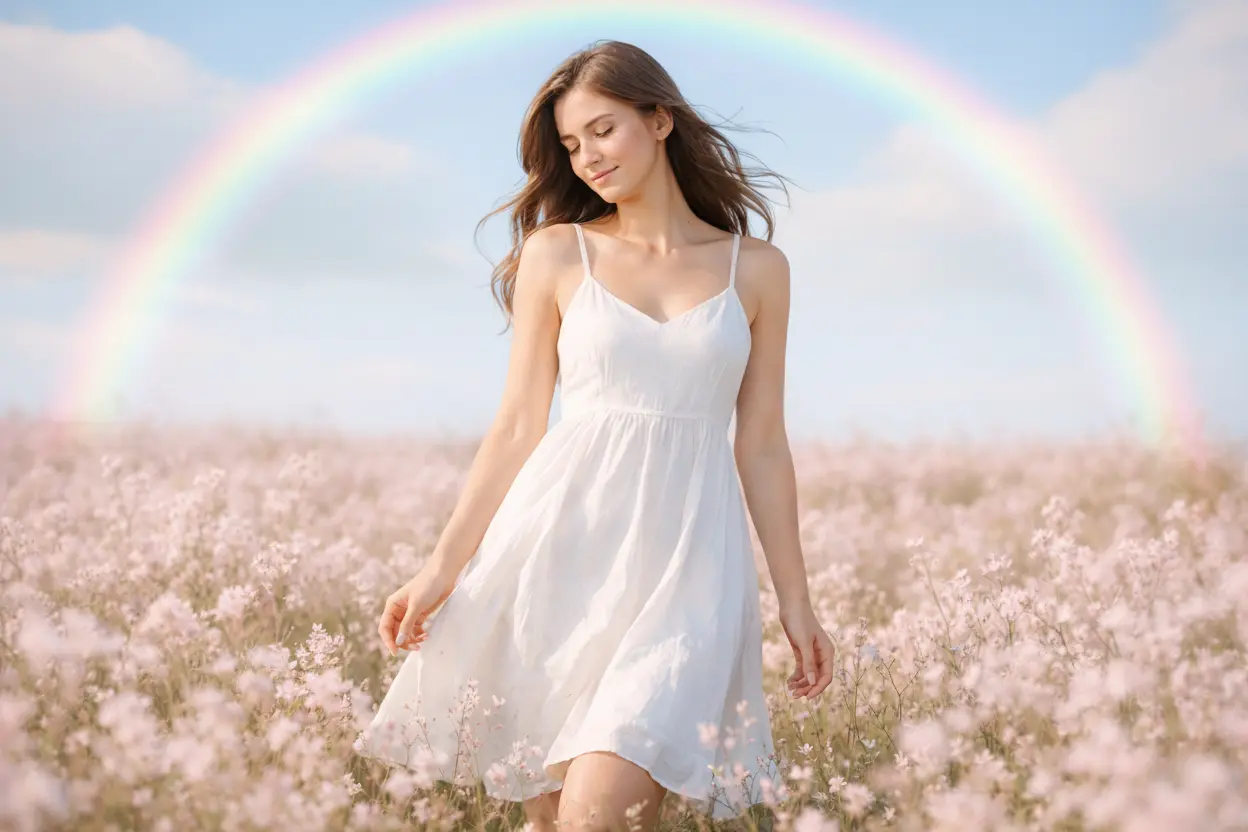
Your Generated Images
How to Add Rainbow to Photo Free on Bylo.ai
Follow these simple steps to get started with our platform.
Upload Your Photo
Start by uploading the photo you want to transform with a rainbow effect. You can use portraits, landscapes, couple photos, selfies, or everyday images, and the tool works well whether you want a natural sky rainbow or a softer rainbow light effect added to the scene.
Describe the Rainbow Look You Want
Enter a simple text prompt to describe the rainbow style you want to create. You can ask for a realistic rainbow arc in the sky, a dreamy rainbow glow behind the subject, pastel rainbow light, or prism-like color reflections, depending on the mood and visual impact you want for the photo.
Generate Your Rainbow Photo
Click generate and let the AI create a new image with the rainbow effect blended into your original photo. In just a few moments, you will get a more colorful and expressive result that is ready to use for social posts, creative projects, or personal photo edits.
Key Features of Bylo.ai’s Rainbow Filter
Rainbow Filter That Adds More Natural Color and Atmosphere to Photos
Bylo.ai’s Rainbow Filter helps rainbow effects feel more connected to the original image instead of looking flat or overly artificial. Whether you want a soft rainbow after rain, a brighter sky accent, or a more subtle wash of color in the background, Bylo.ai makes it easier to create photos that feel more vivid, more balanced, and more visually appealing.
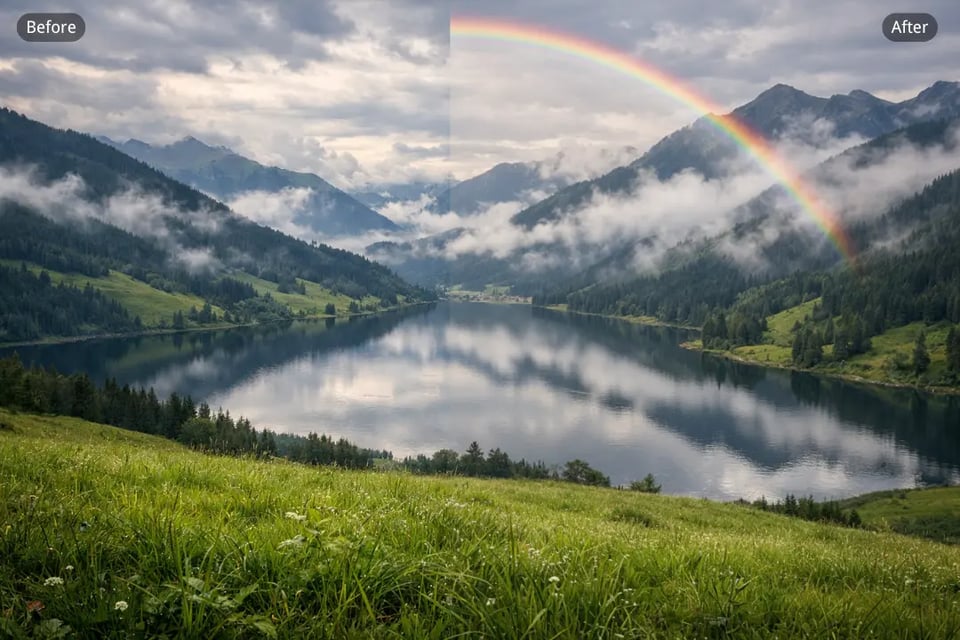
Add Rainbow to Photo with More Flexible Prompt-Based Styling
Bylo.ai’s Rainbow Filter gives users more creative control over how the rainbow effect appears in the final image. Instead of being limited to one fixed look, you can add rainbow to photo with a realistic arc, pastel glow, prism-like reflections, soft color haze, or a more dreamy aesthetic, making the result better matched to your own visual idea.
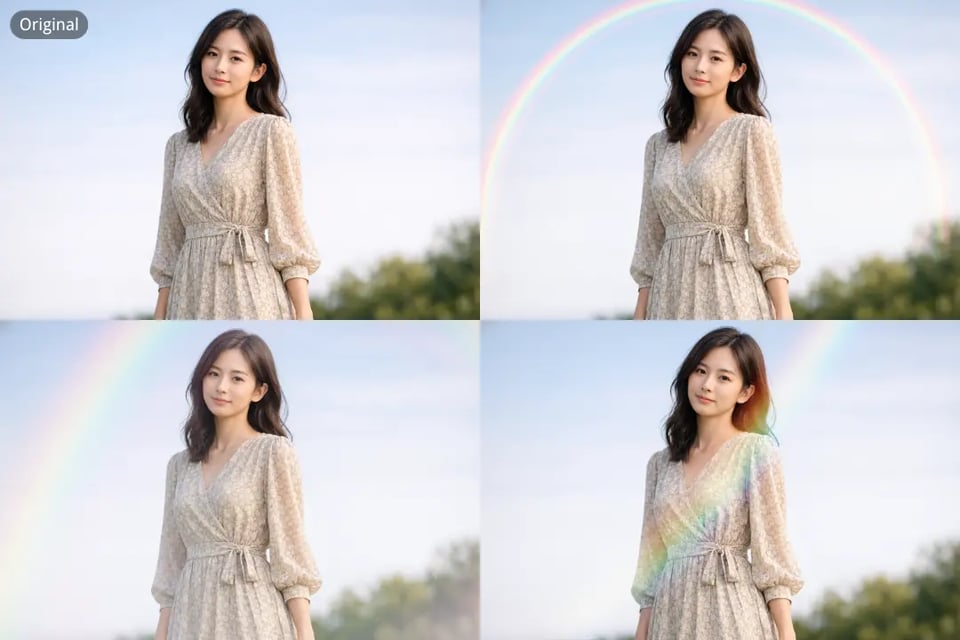
Free Rainbow Filter Online for Faster Photo Creation Without Complex Editing
Bylo.ai offers a free Rainbow Filter online experience that makes rainbow photo creation much easier for users who want quick results without learning traditional editing software. You can move from upload to generation in a simple workflow, which makes Bylo.ai especially useful for fast social content, creative experiments, and everyday image enhancement.
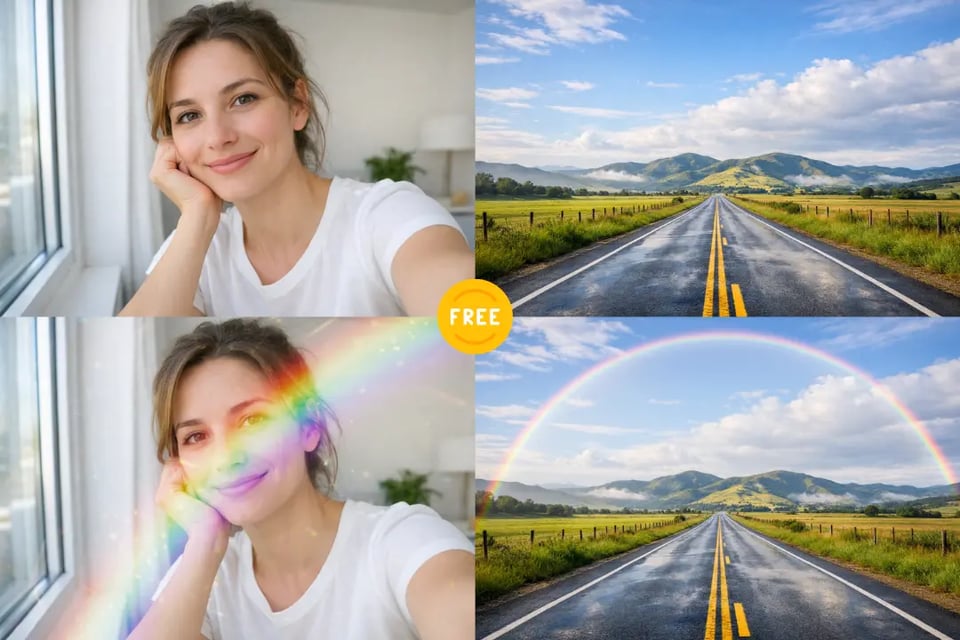
Add Rainbow to Photo for More Dreamy Portraits and Scenic Images
Bylo.ai’s Rainbow Filter works well across both people-focused photos and wider outdoor scenes, making it easier to add rainbow to photo in a way that matches the original mood. From soft portrait glow to more eye-catching landscape color, the tool helps turn ordinary images into more expressive and visually memorable results.
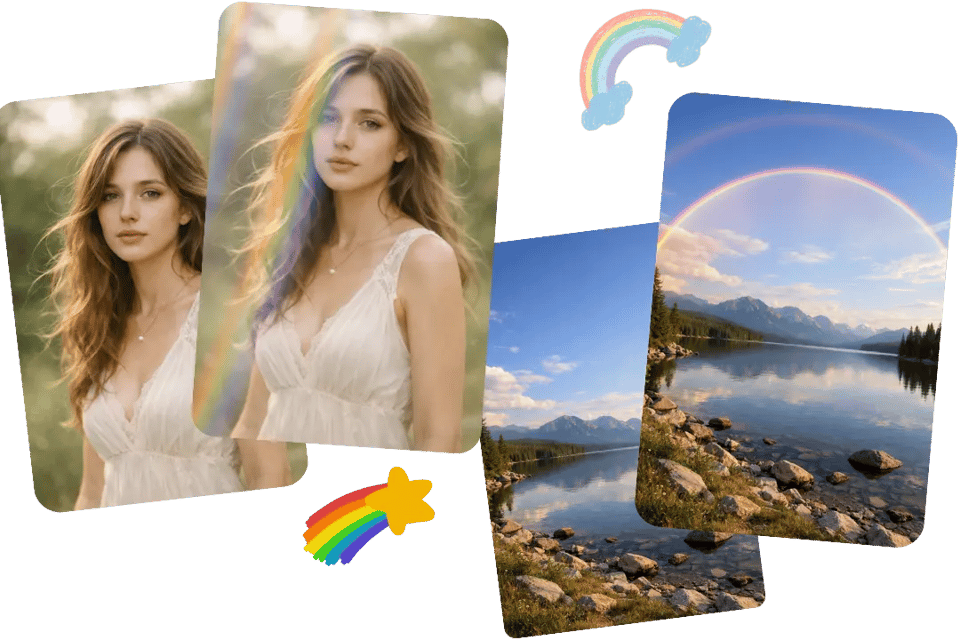
Explore Different Photo Styles with Bylo.ai’s Free Rainbow Filter Online
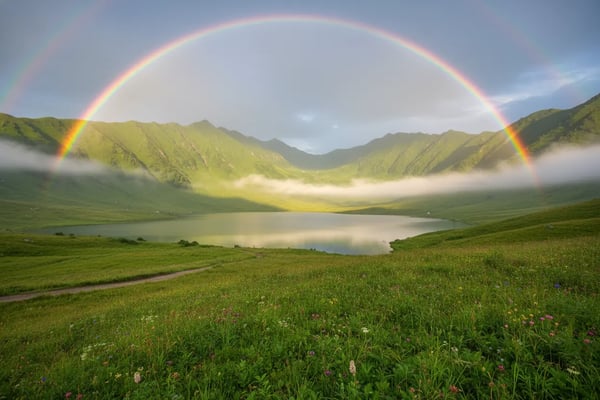
Rainbow Over Mountain Landscapes After Rain
A rainbow over a mountain scene can make the whole photo feel fresher, brighter, and more visually uplifting. Bylo.ai’s Rainbow Filter works well for adding a realistic rainbow arc above peaks, lakes, meadows, or open skies, helping ordinary landscape shots feel more atmospheric and more memorable without losing their natural outdoor mood.
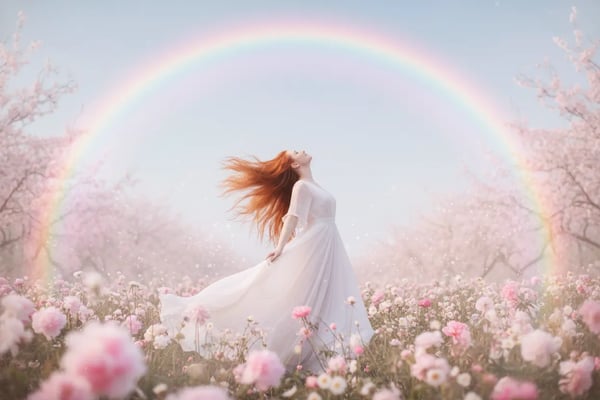
Soft Rainbow Glow for Portrait Photos
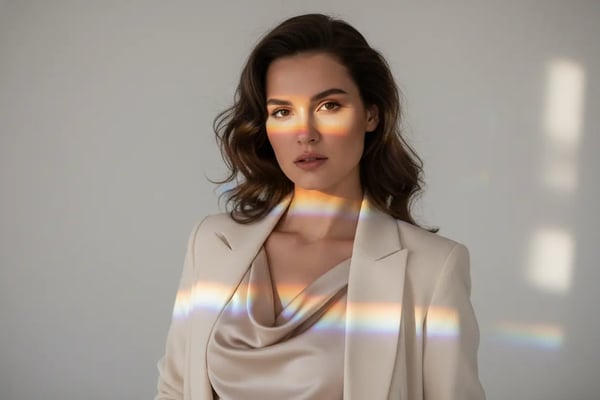
A soft rainbow glow can give portraits a more dreamy and expressive look without overpowering the person in the photo. With Bylo.ai’s Rainbow Filter, users can create gentle rainbow light behind the subject, subtle pastel color haze around the frame, or a softer rainbow atmosphere that makes portraits feel warmer, more aesthetic, and more visually distinctive.
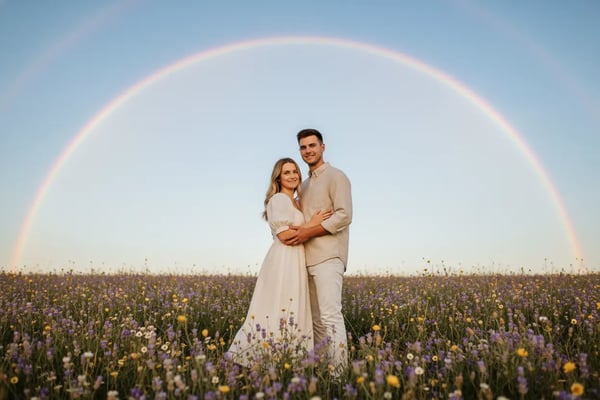
Rainbow Background Effects for Couple and Celebration Images
Rainbow effects can bring a more joyful and romantic mood to couple photos, party pictures, and celebration moments. Bylo.ai’s Rainbow Filter makes it easier to add rainbow background styling that feels more integrated into the scene, whether the goal is a soft celebratory glow, a colorful sky accent, or a more magical backdrop for meaningful memories.
Prism Rainbow Light for Artistic Aesthetic Photos
Prism-style rainbow light adds a more creative and fashion-forward feel to photos that need stronger visual styling. Bylo.ai’s Rainbow Filter can generate refracted rainbow highlights, colorful light streaks, or artistic rainbow reflections that make portraits, still life images, and aesthetic edits feel more layered, more eye-catching, and more visually refined.
Why Choose Bylo.ai for Rainbow Photo Effects
Free Rainbow Filter Online to Test More Creative Ideas
Bylo.ai offers a more accessible way to explore rainbow photo editing before committing to a final look. With a free Rainbow Filter online experience, users can try different rainbow directions more easily, compare visual styles across portraits and landscapes, and experiment with softer or more dramatic effects in a lower-friction workflow.
Add Rainbow to Photo with a Simple and Easy Workflow
Bylo.ai makes it easier to add rainbow to photo without dealing with a complicated editing process. Users can upload an image, describe the rainbow effect they want, and generate a refreshed result in just a few steps, which makes the overall experience more convenient for quick creative edits and everyday photo styling.
Rainbow Filter Results That Look More Natural and Believable
A strong Rainbow Filter should feel like part of the original image instead of looking flat or artificially placed on top. Bylo.ai helps create rainbow arcs, rainbow glow, and colorful atmosphere effects that feel more visually balanced within the scene, making the final image look more polished, more immersive, and more realistic.
Explore More Weather and Atmosphere Editors After Using Rainbow Filter
Bylo.ai offers more than a single Rainbow Filter experience. After creating rainbow effects, users can continue exploring other weather and atmosphere editors on Bylo.ai for additional sky styling, lighting changes, dreamy scene effects, and broader visual editing directions, making it easier to build a more complete creative workflow in one place.