
Select the model you want to generate your image with.
Free Portrait to Landscape Image Converter
Convert portrait photo to landscape without cropping. AI expands background naturally while preserving subject and image quality.
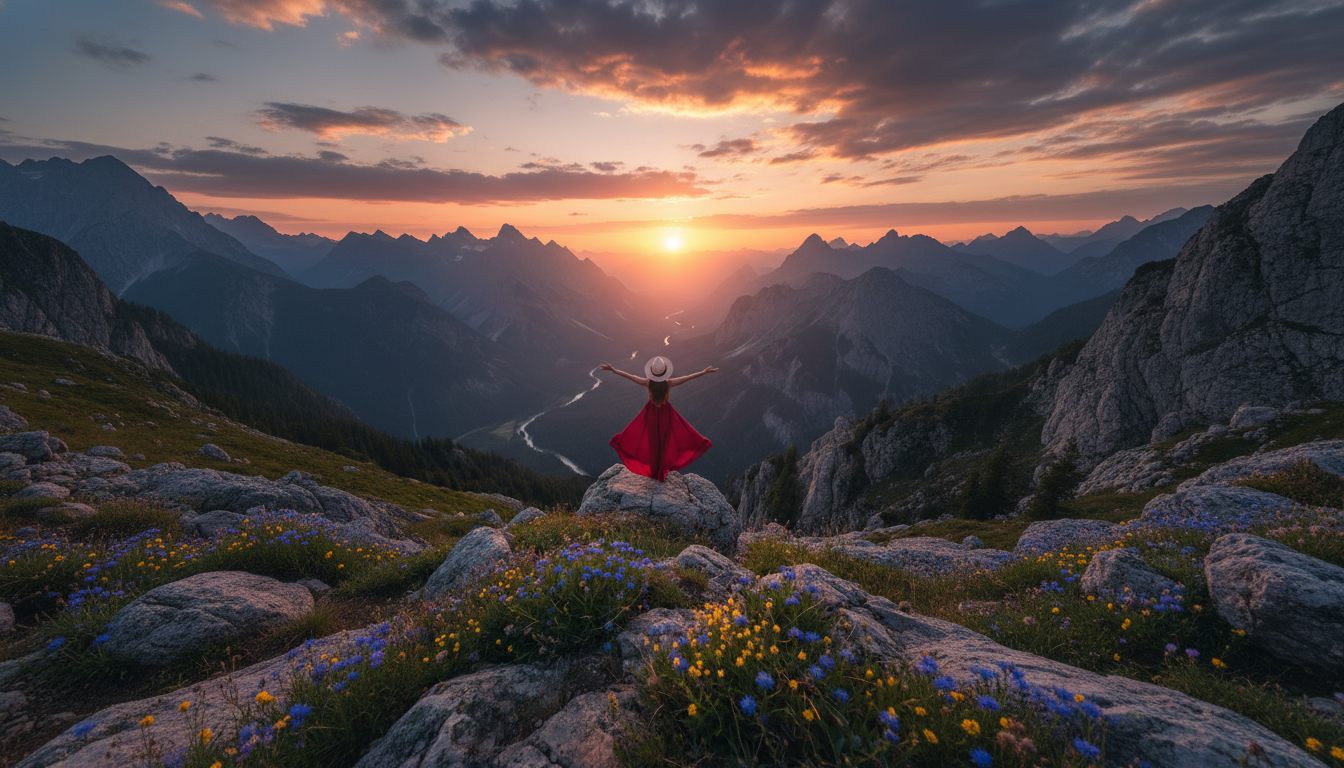
Your Generated Images
Convert Portrait to Landscape in Different Aspect Ratios
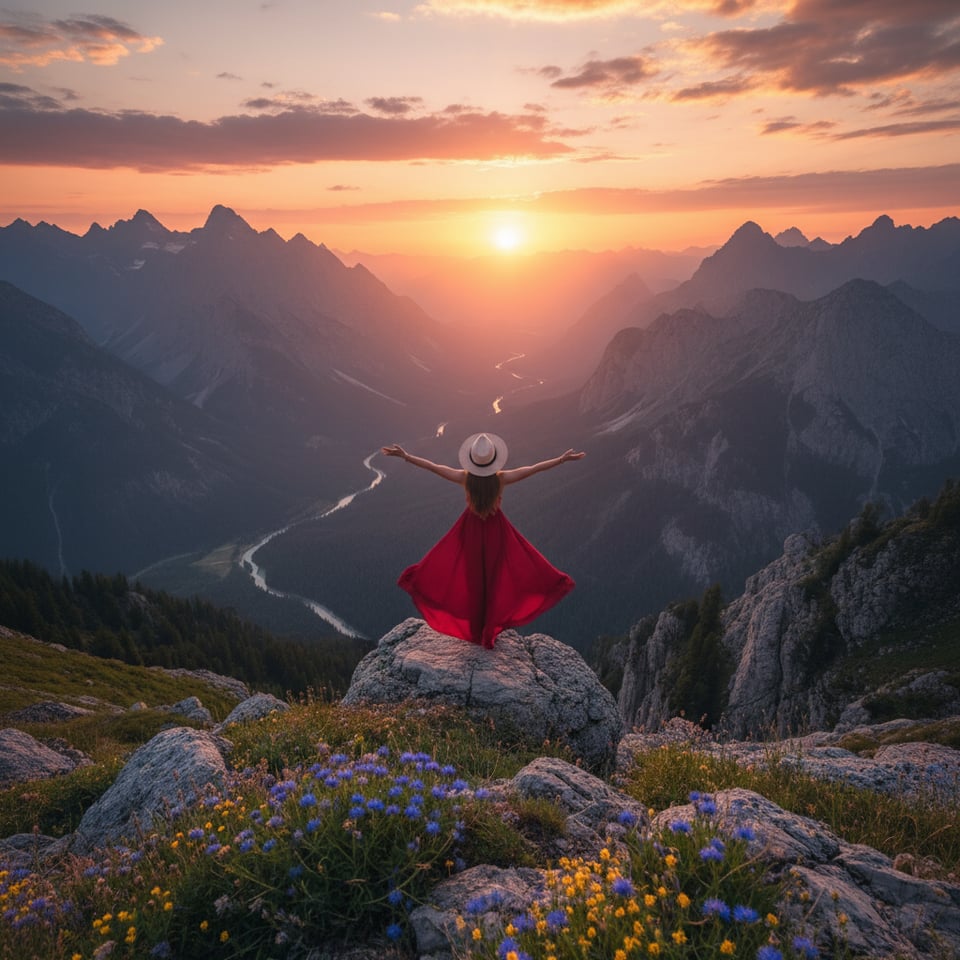
Convert Portrait to 1:1 Square
Convert portrait photo to 1:1 square format for Instagram posts, profile images, and product displays.
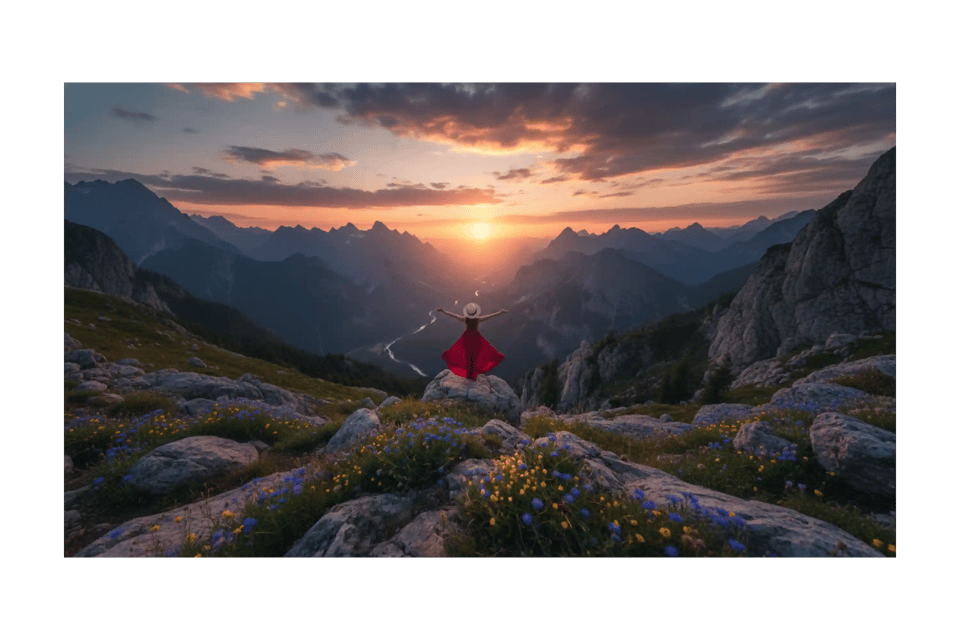
Convert Portrait to 16:9 Landscape
Convert portrait photo to 16:9 landscape for YouTube thumbnails, website banners, and presentations.
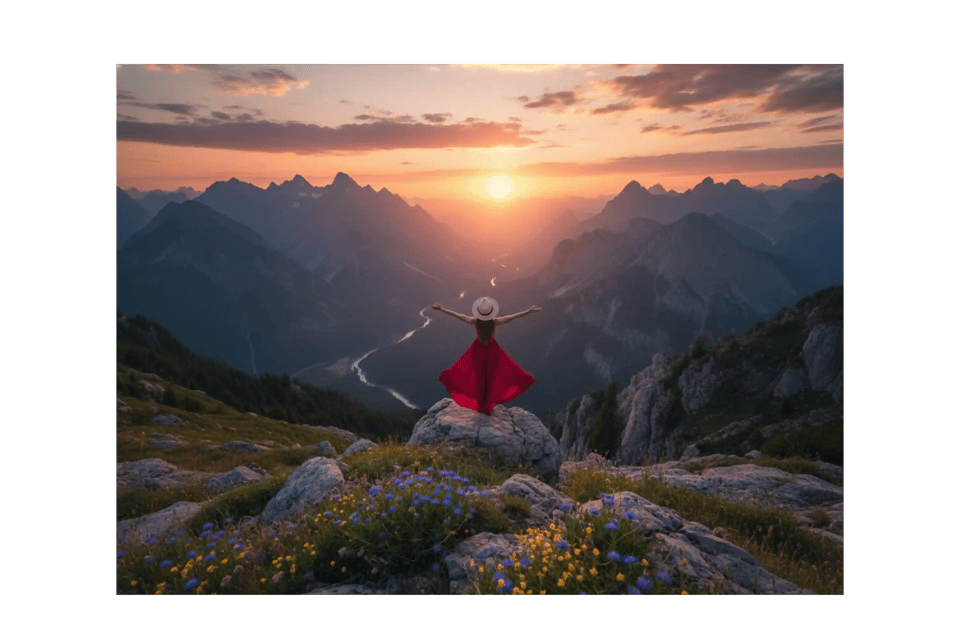
Convert Portrait to 4:3 Landscape
Convert portrait photo to 4:3 landscape for blogs, articles, and classic website layouts.
Convert Portrait to 3:2 Photo
Convert portrait photo to 3:2 photo ratio for photography portfolios and print-ready visuals.
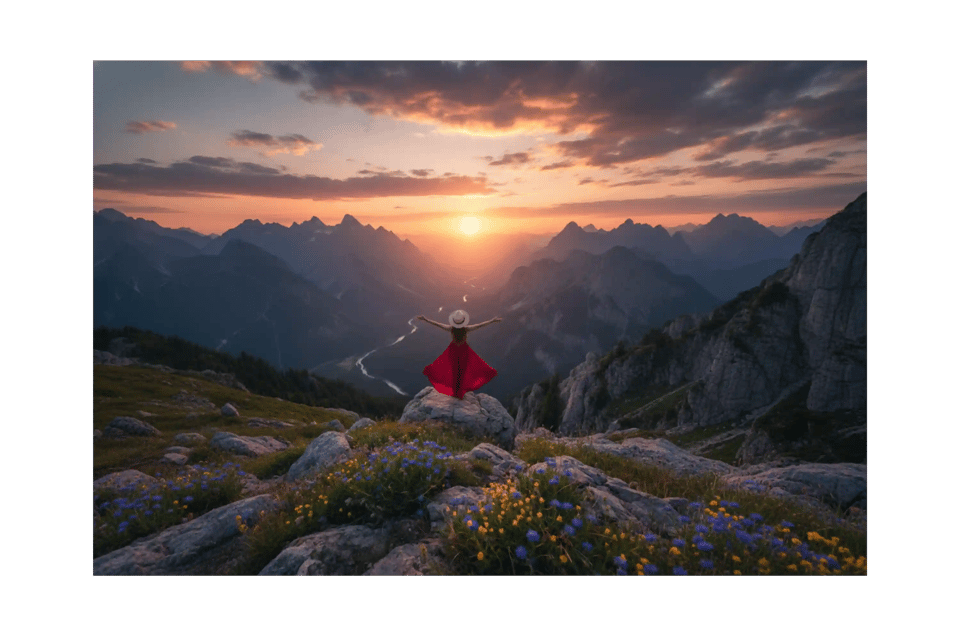
Core Features of Bylo AI Portrait to Landscape Image Converter
Convert Portrait to Landscape Without Cropping Using AI Outpainting
Bylo AI Portrait to Landscape Image Converter uses advanced AI outpainting to expand image instead of trimming it. When you convert portrait to landscape, tool generates realistic background space while preserving faces, objects, and composition. This portrait to landscape image converter AI keeps subject intact, making it ideal for creators who need clean landscape format without losing detail.
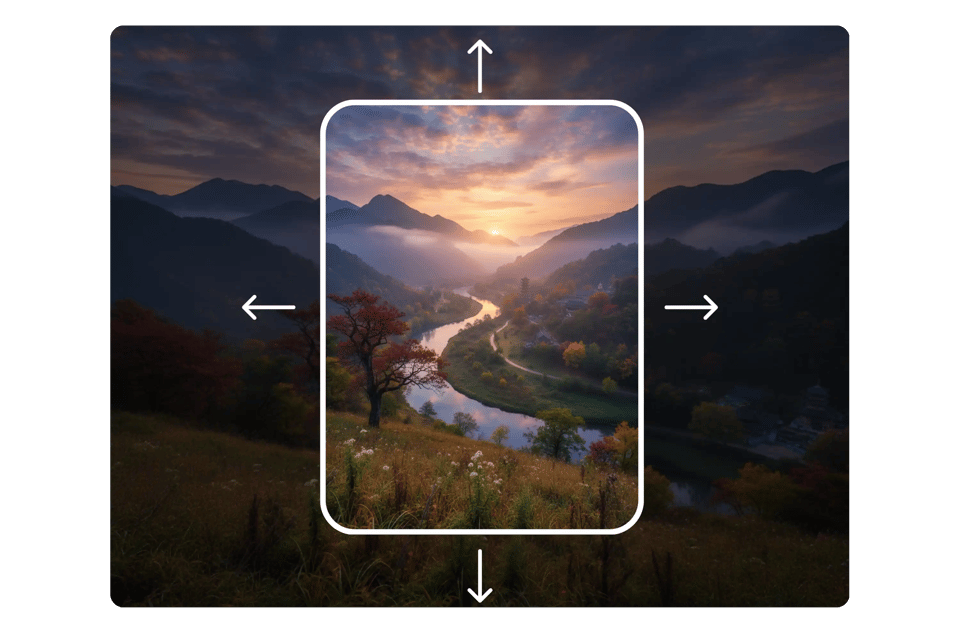
AI Portrait to Landscape Converter with High-Resolution Output
AI Portrait to Landscape Converter maintains sharp quality from edge to edge. Portrait to Landscape Image Converter analyzes lighting, shadows, and textures before expanding frame, so converted landscape image looks natural and consistent. When you convert portrait photo to landscape, you avoid stretching, distortion, or pixel loss, ensuring professional results every time.
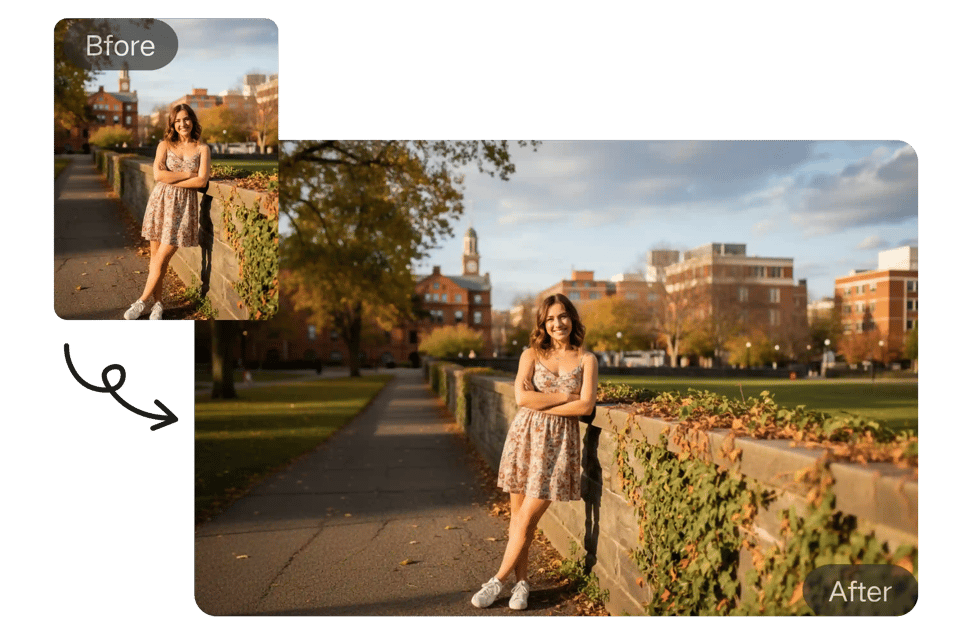
Convert Portrait Photo to Landscape in Multiple Aspect Ratios
Portrait to Landscape Image Converter supports common landscape ratios like 16:9, 4:3, and 3:2. You can quickly convert portrait photo to landscape for website banners, YouTube thumbnails, ads, or presentations. AI Portrait to Landscape Converter automatically adjusts composition for each ratio, giving platform-ready landscape images in seconds.
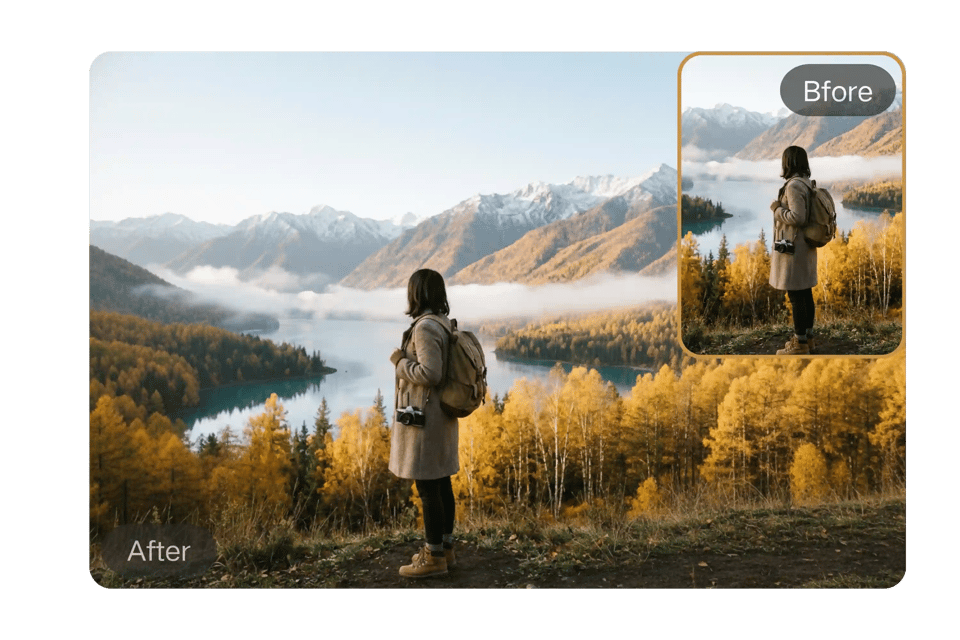
Free Online Portrait to Landscape Image Converter by Bylo AI
Bylo AI offers free online Portrait to Landscape Image Converter that works directly in browser. No downloads, no design tools, no technical skills required. Simply upload portrait image, convert portrait to landscape with AI, and download high-quality result instantly. Fast, accessible, built for modern content creators.
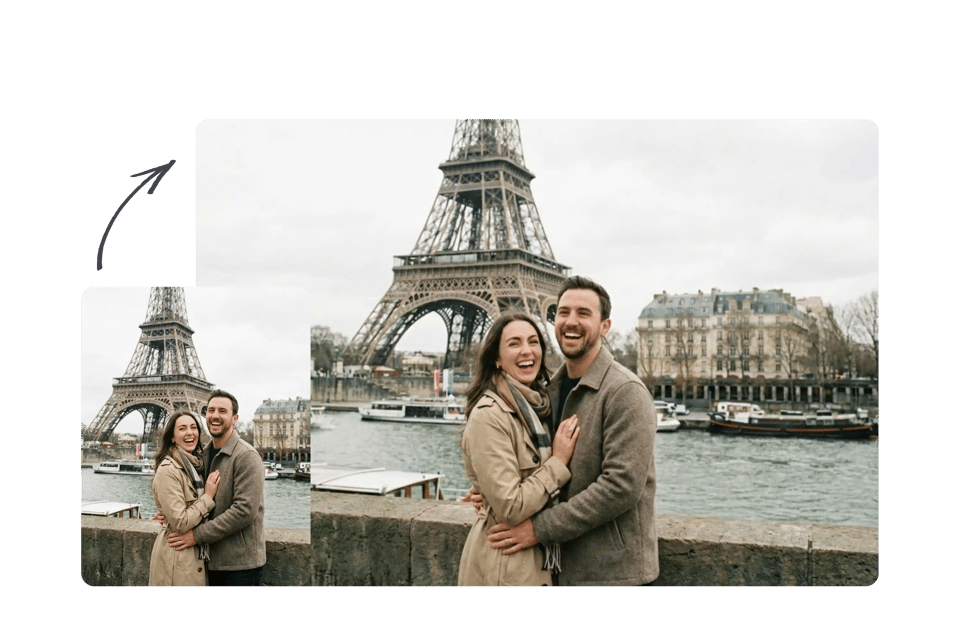
How to Make a Portrait Photo Landscape with Bylo AI
Step 1 – Upload Portrait Photo to Portrait to Landscape Image Converter
Start by uploading portrait image to Bylo AI Portrait to Landscape Image Converter. Tool supports common formats like JPG and PNG. Once uploaded, AI analyzes subject, depth, and lighting to prepare for accurate portrait to landscape conversion without cropping important content.
Step 2 – Select Aspect Ratio to Convert Portrait Photo to Landscape
Choose preferred landscape ratio such as 16:9, 4:3, or 3:2. This step ensures portrait photo fits website banners, YouTube thumbnails, or social media covers. AI Portrait to Landscape Converter adjusts composition automatically to keep subject centered and visually balanced.
Step 3 – Generate and Download Landscape Image
Click convert and let AI Portrait to Landscape Converter expand background naturally. Within seconds, you can convert portrait to landscape with high-resolution output. Preview final result and download landscape image ready for publishing or marketing use.
Use Cases for Portrait to Landscape Image Converter AI
Convert Portrait Photo to Landscape for Website Hero Sections
Website hero banners require wide 16:9 visuals, but many photos are taken in portrait format. Use Portrait to Landscape Image Converter AI to convert portrait photo to landscape without cropping faces or key subjects. Perfect for landing pages, SaaS headers, and brand storytelling visuals.
AI Portrait to Landscape Converter for YouTube Thumbnails
YouTube requires 16:9 landscape thumbnails, while creators often shoot portrait photos. Convert portrait to landscape instantly with AI background expansion. This AI Portrait to Landscape Converter keeps subject centered and generates clean, clickable thumbnail-ready images.
Convert Portrait to Landscape for Social Media Covers
LinkedIn, Facebook, and X (Twitter) use horizontal cover images. Convert portrait photo to landscape format to fit platform headers without stretching or losing composition. Portrait to Landscape Image Converter ensures natural background extension for professional profiles and business pages.
Portrait to Landscape Image Converter AI for Marketing & Ads
Marketing materials often require landscape visuals for ads, presentations, and product showcases. Convert portrait to landscape while maintaining high resolution and visual consistency. Ideal for digital ads, ecommerce banners, and promotional creatives.
Why Choose Bylo AI Portrait to Landscape Image Converter
Free Online Portrait to Landscape Image Converter
Convert portrait photo to landscape instantly using Bylo AI. Portrait to Landscape Image Converter delivers high-quality landscape images online with no software required and no complicated workflow.
Convert Portrait to Landscape Without Cropping or Manual Editing
Unlike basic resize tools, this AI Portrait to Landscape Converter expands background instead of cutting important content. You can convert portrait to landscape automatically without manual masking, dragging, or Photoshop skills. AI handles composition, lighting, and framing in seconds.
More Than an AI Portrait to Landscape Converter – Full AI Image Editor
Bylo AI offers more than just Portrait to Landscape Image Converter AI. Access powerful AI image editor tools including background remover, image extender, ratio changer, and creative enhancement features. Edit, resize, and optimize images in one complete AI workspace.