
Select the model you want to generate your image with.
Photo Eye Whitening Online with Bylo AI
Whiten eyes in photos, fix dull or discolored eyes, and brighten portraits instantly with natural AI enhancement by Bylo AI.
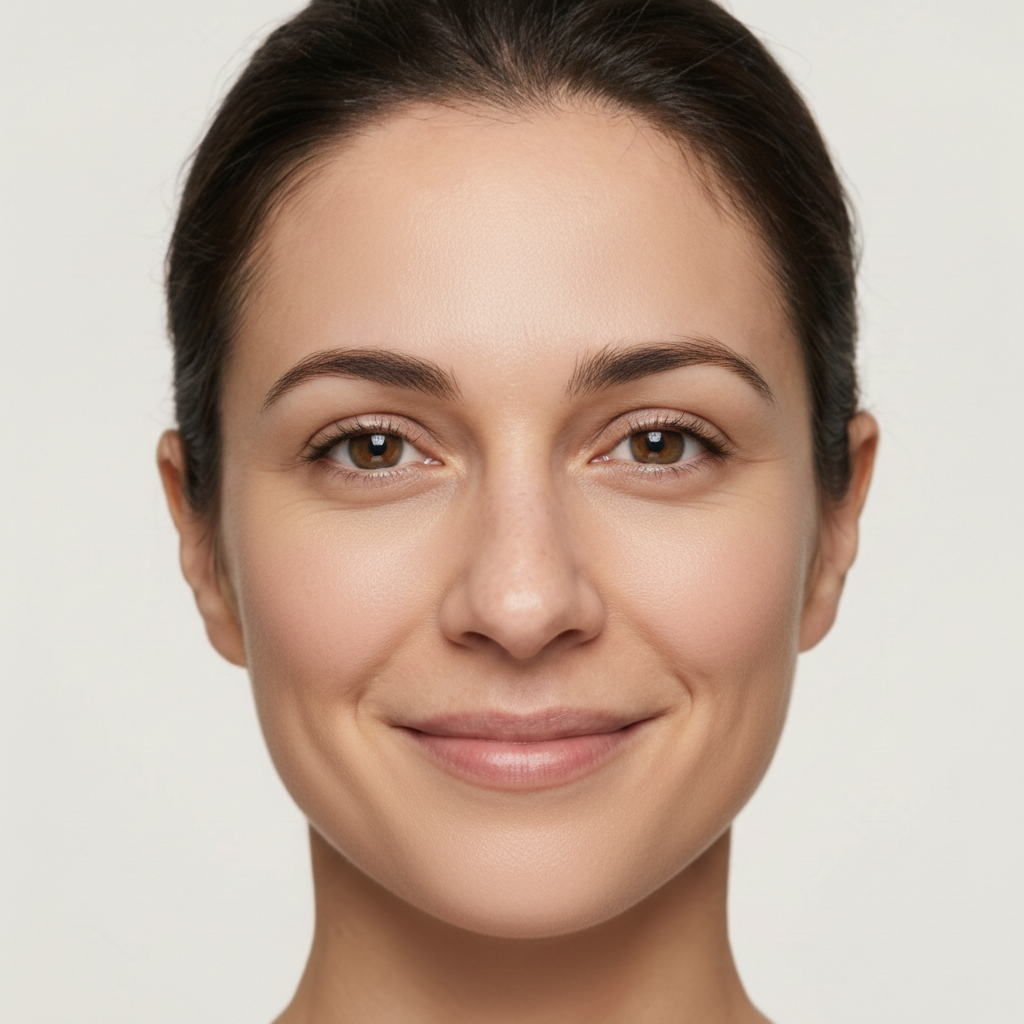
Your Generated Images
Bylo AI Photo Eye Whitening for Brighter Eyes
Whiten Eyes in Photos with AI for Natural Results
Bylo AI uses smart photo eye whitening technology to brighten eyes while keeping natural texture and shadow balance. The result looks clean and realistic, helping users whiten eyes in photos without over-editing.
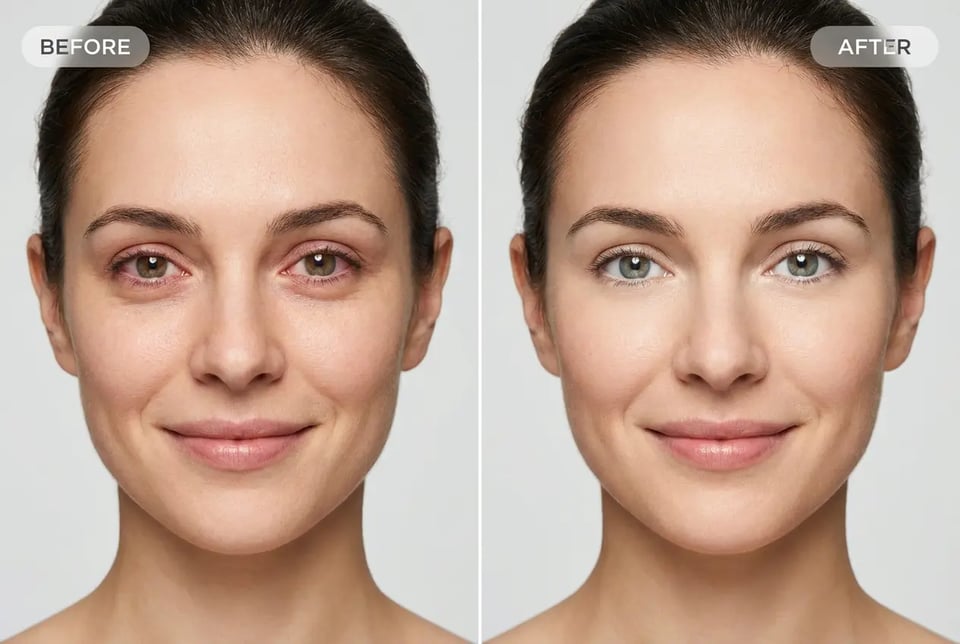
Photo Eye Whitening Free with One-Click AI Editing
Our photo eye whitening free tool lets you whiten eyes in photo free online in seconds. No manual selection or editing skills needed — AI applies balanced eye whitening automatically for fast, natural results.
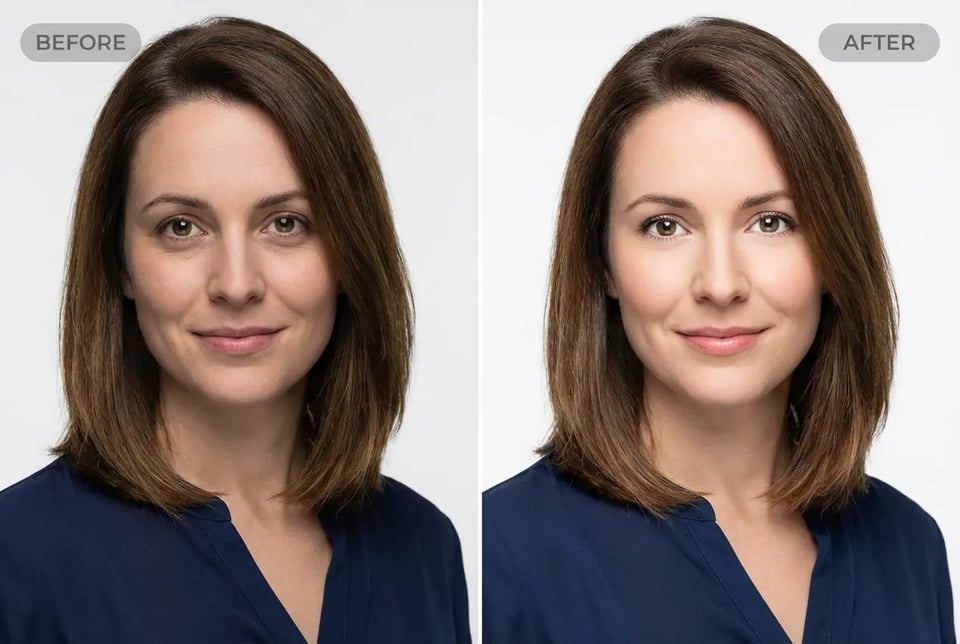
Eye Whitening Photo Editor for Redness & Discoloration Fix
Our eye whitening photo editor detects redness, dull tones, and uneven color. Bylo AI helps fix eye discoloration on a photo while keeping skin and facial details untouched for a clean, professional look.
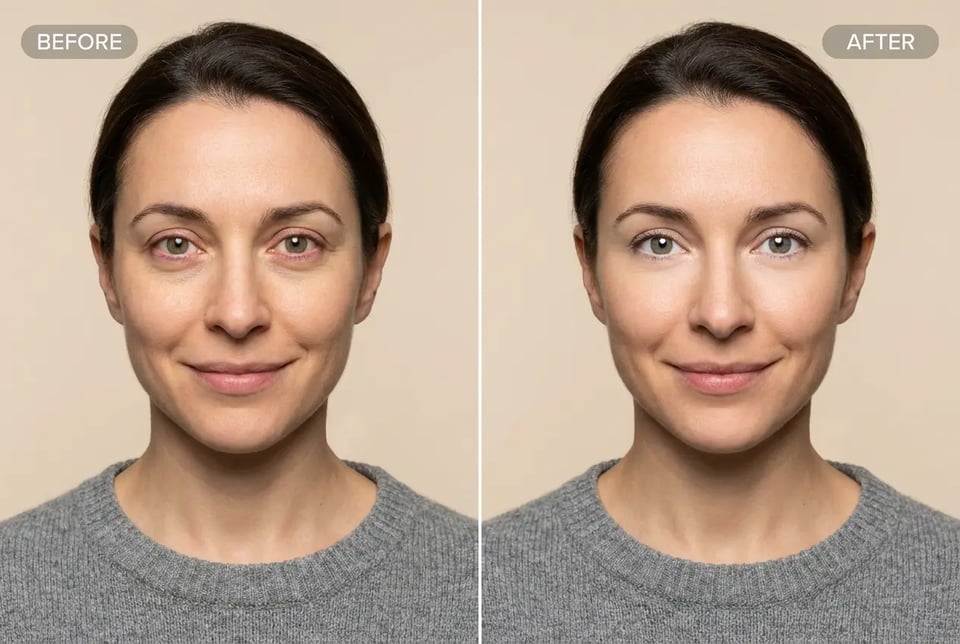
Enhance Eyes in Photo with Smart Brighten Adjustment
Enhance eyes in photo using AI brighten control that improves clarity and freshness. This feature makes your eyes whiter and more awake while maintaining realistic depth and avoiding artificial whitening effects.
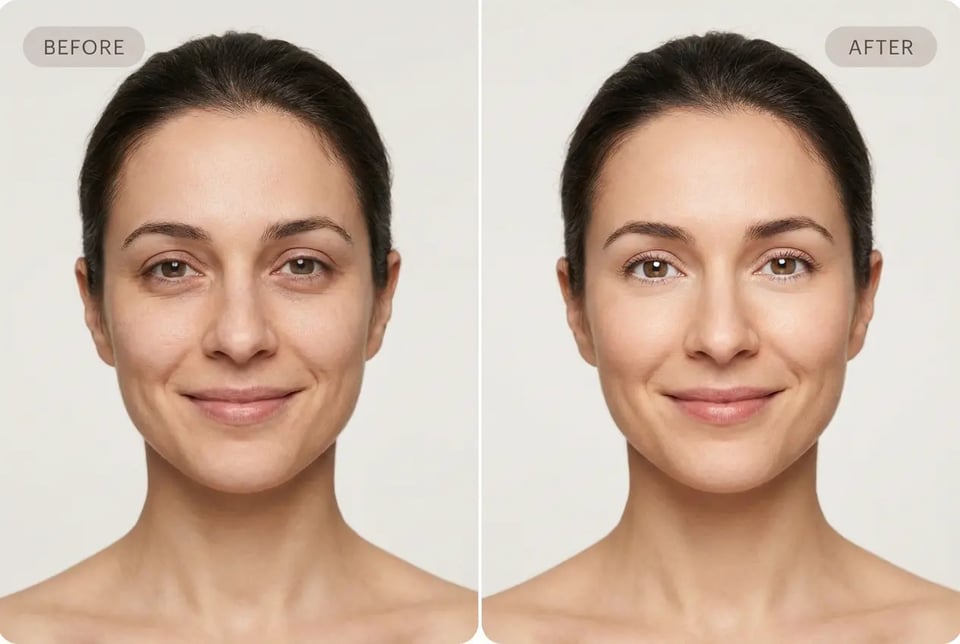
Whiten Eyes in Photo Free with Instant Online Results
Make your eyes whiter with a free online photo eye whitening tool built for portraits and selfies. Bylo AI combines brighten and eye enhancement to deliver quick, natural improvements directly in your browser.
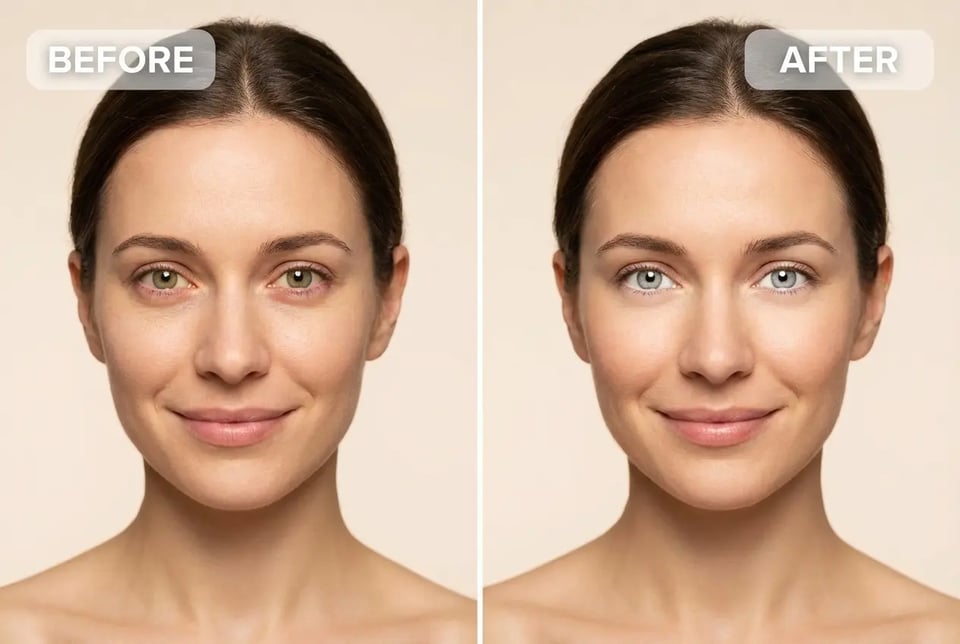
What You Can Fix with Photo Eye Whitening
Remove Red Eyes and Visible Veins
AI photo eye whitening helps reduce redness and bloodshot effects, making eyes look cleaner and healthier. It removes visual distractions while keeping the eyes natural and realistic.
Neutralize Yellow Tones for Clearer Eye Whites
Bylo AI balances color tones to neutralize yellow tint and dullness. This photo eye whitening effect creates brighter, fresher eyes without making them look over-edited or artificial.
Refresh Tired Looking Eyes Instantly
Fix tired eyes by brightening eye whites and restoring clarity. The AI enhancement helps reduce fatigue appearance so portraits look more awake, sharp, and professional.
How to Make Eyes Whiter in a Photo
Step 1 – Upload Your Photo to Bylo AI
Start by uploading a clear portrait or selfie to the Bylo AI photo eye whitening tool. The AI automatically detects the eye area to prepare for safe and natural eye enhancement.
Step 2 – Apply AI Photo Eye Whitening
Use one click to whiten eyes in photo free. The AI adjusts brightness, removes redness, and balances tones to make eyes look clearer while keeping the result natural and realistic.
Step 3 – Download Your Brighter Photo Instantly
Preview the result and download your enhanced image in seconds. Your photo eye whitening edit is ready for social media, profile photos, or professional use.
How Photo Eye Whitening Helps in Real Photos
Fix Dull Eyes in Selfies and Social Media Photos
Restore eye brightness in selfies and everyday portraits with AI photo eye whitening. Perfect for Instagram, profile pictures, and social posts where clear, bright eyes help photos look more lively and engaging.
Make Your Eyes Whiter for Professional Headshots
Use photo eye whitening to enhance eyes in photo and create cleaner, more confident business portraits. Bright, natural-looking eyes help improve first impressions on LinkedIn, resumes, and professional profiles.
Fix Eye Discoloration on a Photo for Beauty Retouching
Fix eye discoloration on a photo by reducing redness and uneven tones. This use case is ideal for beauty photography and personal portraits where subtle eye enhancement improves overall image quality.
Brighten Eyes for Content Creators and Influencers
Brighten eyes quickly to increase facial focus in creator content. Photo eye whitening helps videos and photos feel more polished, helping influencers maintain a fresh and professional visual style.
Why Choose Bylo AI for Photo Eye Whitening
Free Photo Eye Whitening Online
Bylo AI offers free photo eye whitening so you can whiten eyes in photos without paying for expensive editing software. Get fast, natural results directly online with no complicated setup.
No Photoshop or Editing Skills Needed
Whiten eyes in photo free without using Photoshop or manual retouch tools. The AI handles detection and enhancement automatically, making eye whitening simple for beginners and professionals alike.
All in One AI Photo Enhancement Platform
Bylo AI is more than an eye whitening photo editor. Enhance eyes in photo, improve portraits, and access multiple AI editing tools in one place for a faster and smoother workflow.