Select the model you want to generate your image with.

Model Version
Task

Supported formats: PNG, JPG, or WEBP

Maximum file size per image: 5 MB, up to 8 images can be uploaded.

0/2000
0/2000

No Watermark

Private

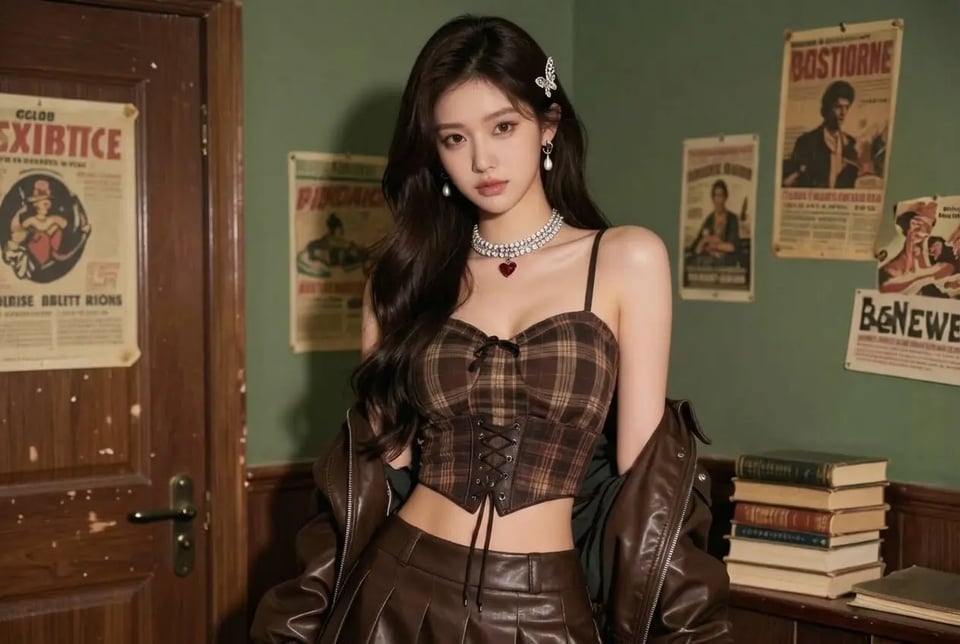
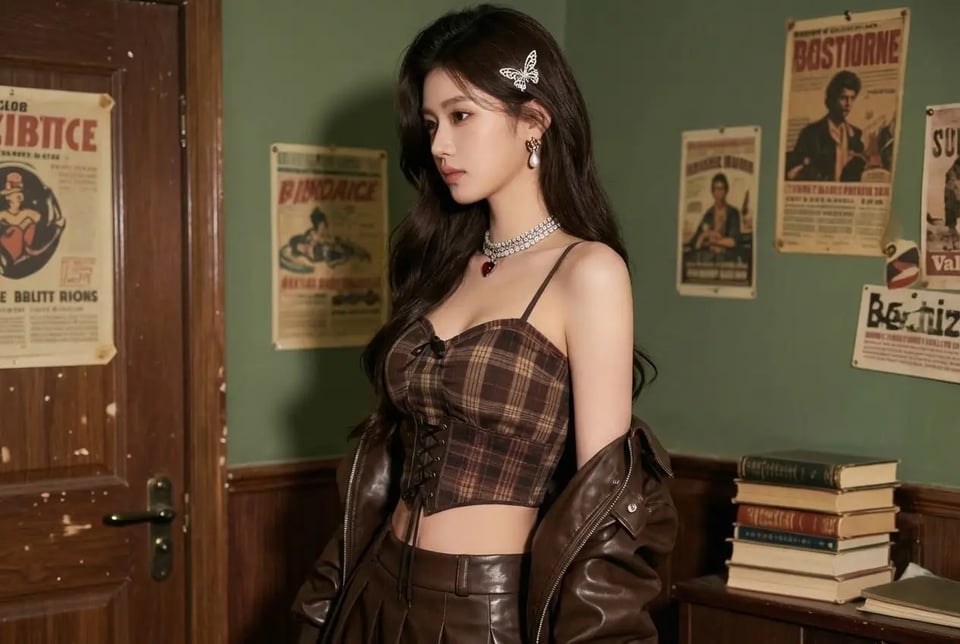
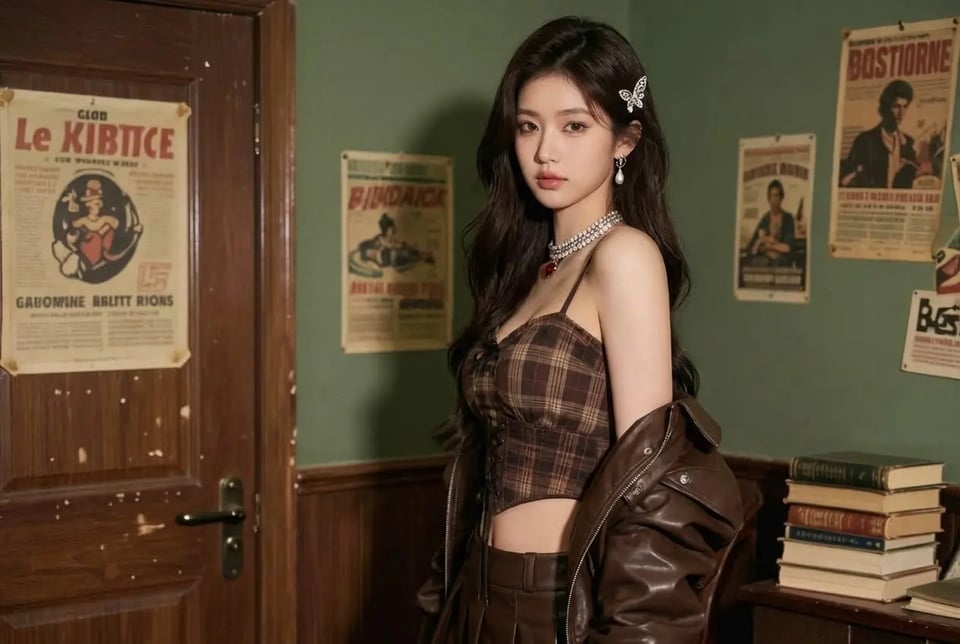
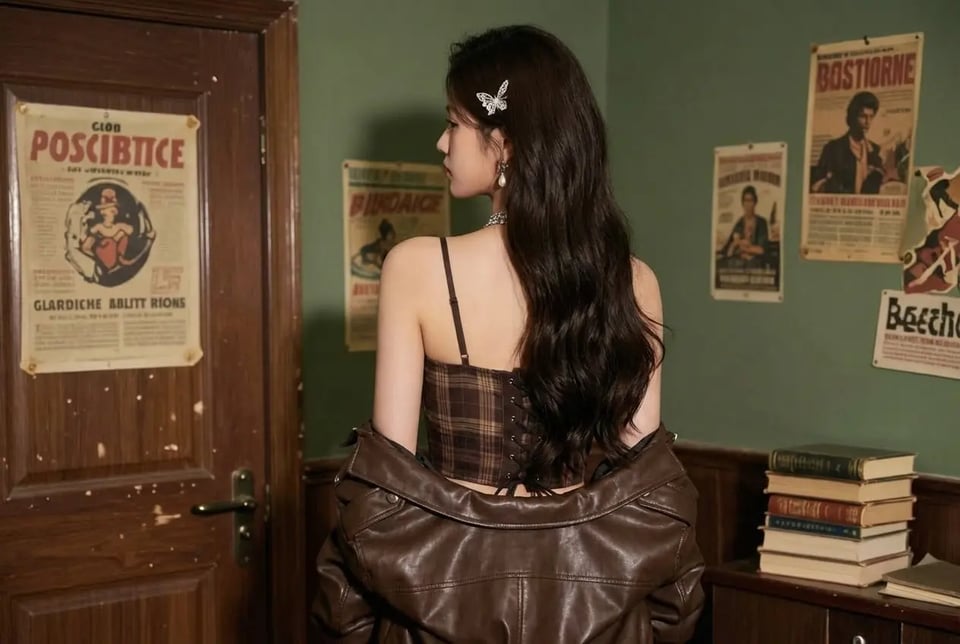
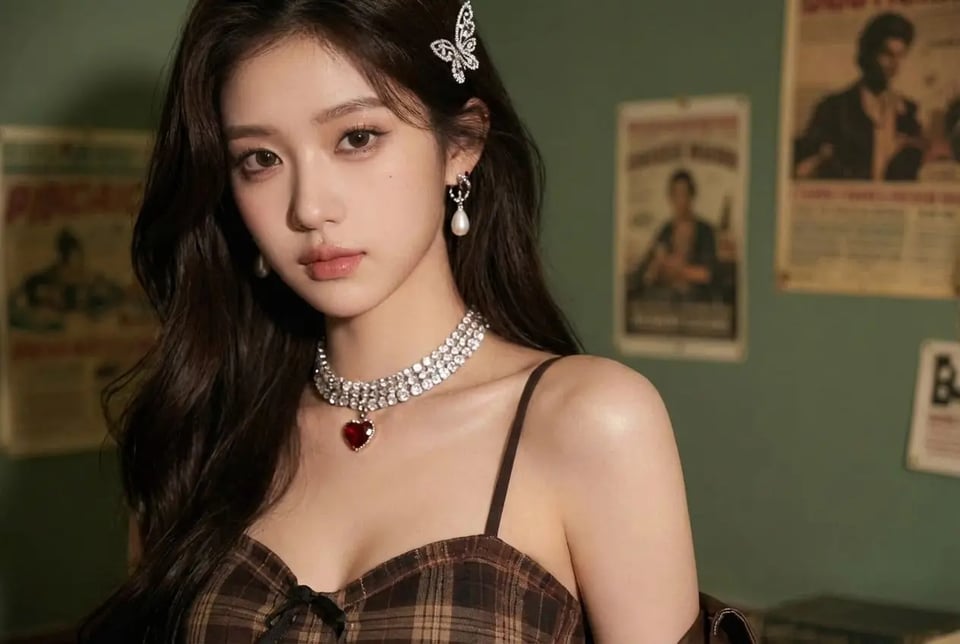
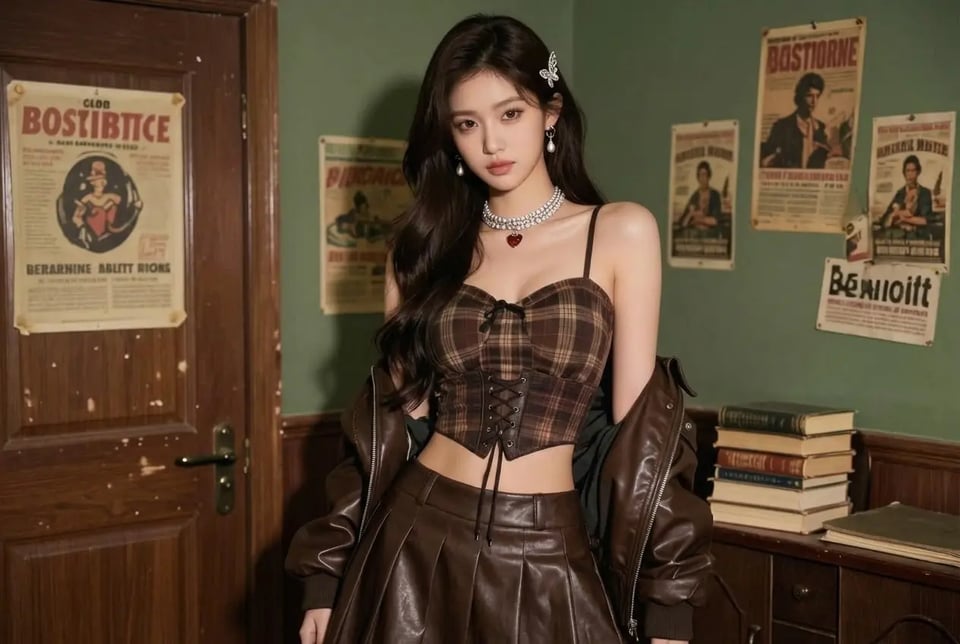
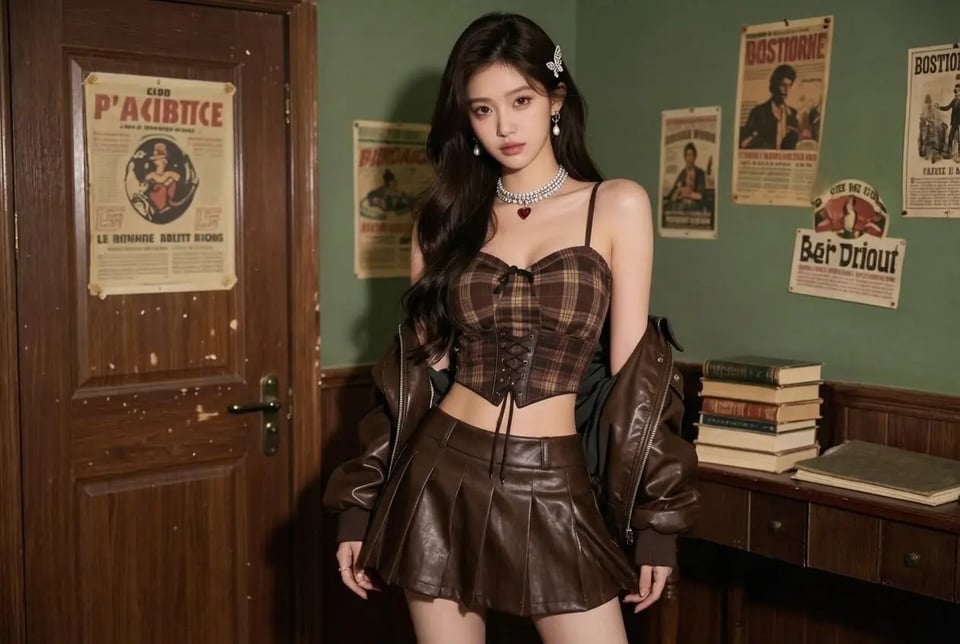
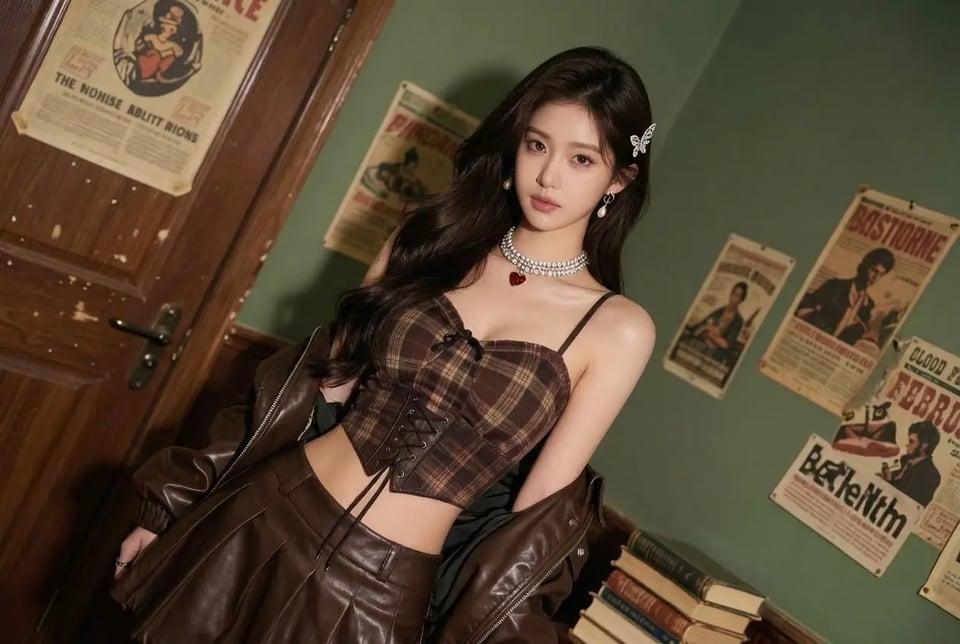
Free Photo Angle Change AI — Change Camera Angle Online from One Photo

Turn one photo into new camera angles—just tell us the view you want and try it free.

Record image

Your Generated Images

No images yet. Generate your first masterpiece!

How To Get Started with Photo Angle Change AI Free on Bylo.ai

Follow these simple steps to get started with our platform.

Step 1: Upload Your Photo

Step 2: Enter a Camera Angle Description

Step 3: Generate and Download the Result

Key Features Of Bylo AI Photo Angle Changer

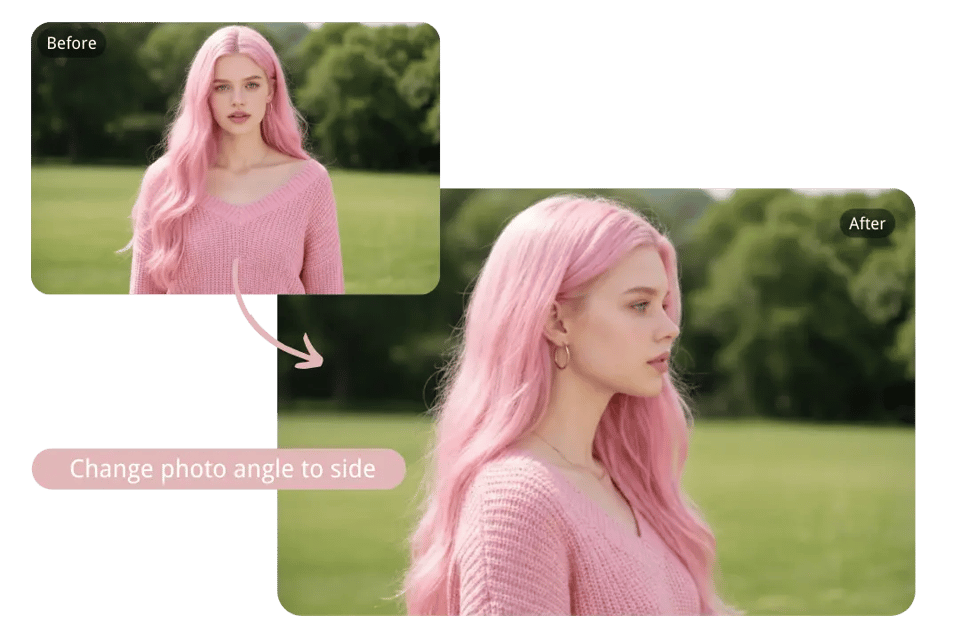
Change Photo Angle with Natural Language Prompt Online

Change Photo Angle with Natural Language Prompt Online

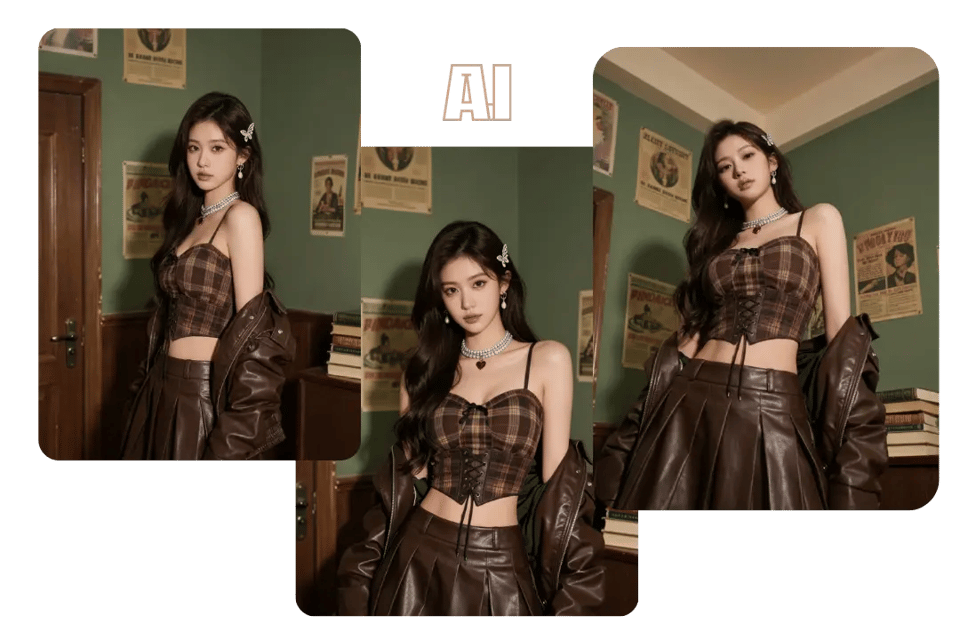
Generate Multiple Camera Angles from the Same Photo with AI

Generate Multiple Camera Angles from the Same Photo with AI

AI Photo Angle Editor with Scene-Aware Camera Angle Change

AI Photo Angle Editor with Scene-Aware Camera Angle Change

Fix Bad Photo Angles with Photo Angle Change AI

Fix Bad Photo Angles with Photo Angle Change AI

Free Online Photo Angle Change AI for Portraits and Products

Free Online Photo Angle Change AI for Portraits and Products

Camera Angles You Can Generate with Photo Angle Change AI On Bylo.ai

Eye Level Shot

Eye Level Shot

A natural eye-level perspective that mirrors how the scene would appear when viewed face to face. This angle keeps the subject balanced and proportional while maintaining a realistic sense of distance and visual comfort.

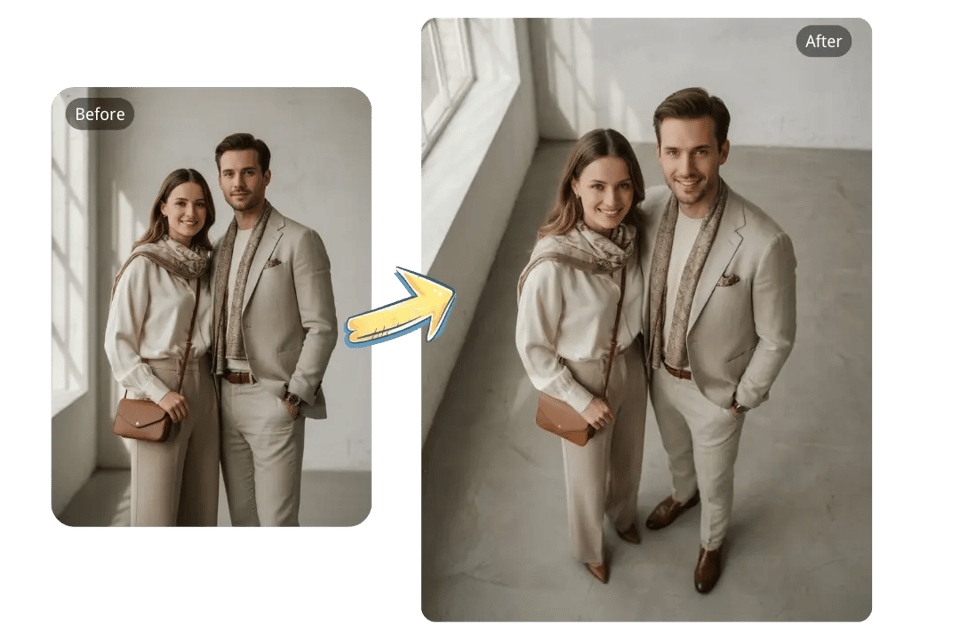
High Angle Shot

High Angle Shot

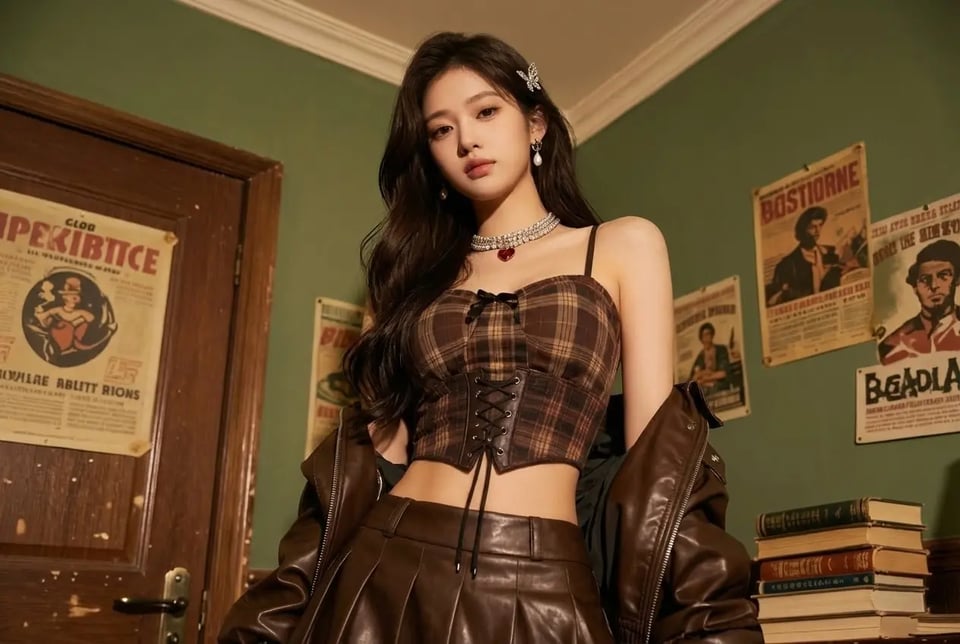
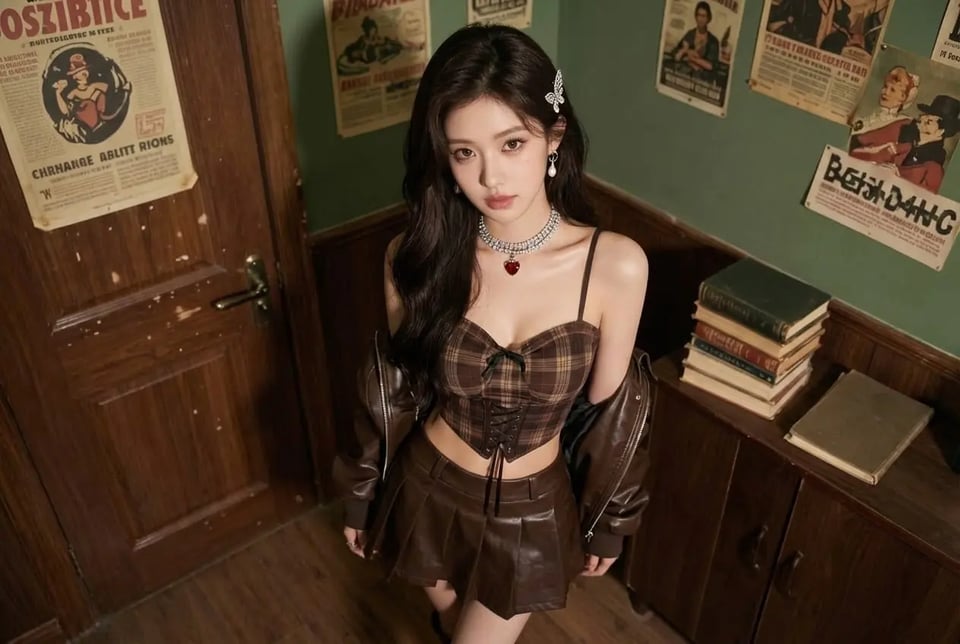
A camera angle positioned above the subject, creating a broader view of the scene and subtly shifting focus toward the surrounding space. This perspective can make compositions feel more open while preserving natural proportions.

Low Angle Shot

Low Angle Shot

A viewpoint captured from below the subject, adding depth and visual presence to the scene. The low angle introduces a stronger sense of perspective without exaggerating facial or body proportions.

Bird’s Eye View Shot

Bird’s Eye View Shot

An overhead perspective that looks directly down onto the scene. This angle clearly reveals spatial layout, object placement, and environmental structure while keeping scale and alignment consistent.

Front Angle Shot

Front Angle Shot

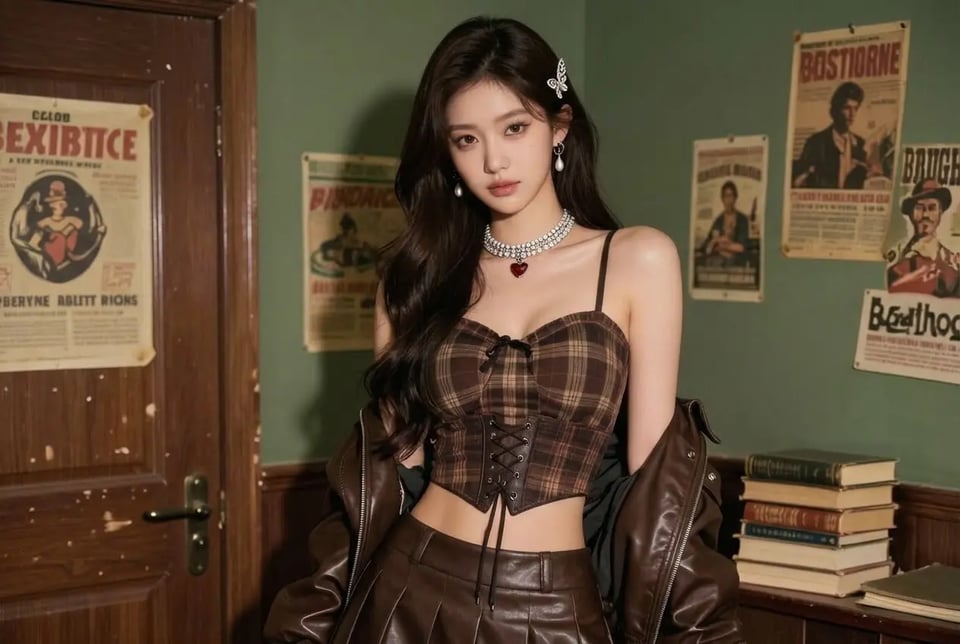
A straight-on camera view that faces the subject directly. This angle emphasizes symmetry and clarity, making it well suited for portraits, product visuals, and images that require a clean, centered composition.

Side Angle Shot

Side Angle Shot

A lateral viewpoint that shows the subject from the side, revealing profile details and depth. This angle adds dimensionality to the image while maintaining realistic spacing and structure.

Three Quarter Angle Shot

Three Quarter Angle Shot

A balanced perspective positioned between a front and side view. The three quarter angle adds depth and shape while keeping key features visible, resulting in a more dynamic yet natural composition.

Rear Angle Shot

Rear Angle Shot

A camera view captured from behind the subject, highlighting posture, movement, and spatial context. This perspective helps convey positioning within the environment without losing scene coherence.

Close-Up Shot

Close-Up Shot

A tightly framed perspective that brings attention to facial features or fine details. The close-up angle maintains natural texture and proportions without relying on artificial zoom effects.

Medium Shot

Medium Shot

A balanced framing that captures the subject from the waist or torso up. This angle preserves detail while allowing enough background context to keep the scene visually grounded.

Long Shot

Long Shot

A wide camera view that places the subject fully within the environment. The long shot emphasizes scale, surroundings, and spatial relationships while keeping the subject naturally proportioned.

Dutch Angle Shot

Dutch Angle Shot

A tilted camera perspective that introduces visual tension and movement. This angle adds a dynamic feel to the image while maintaining realistic structure and overall scene balance.

See How Photo Angle Change AI Works Across Different Scenarios on Bylo.ai

Photo Angle Change AI for Portrait and Face Angle Adjustment

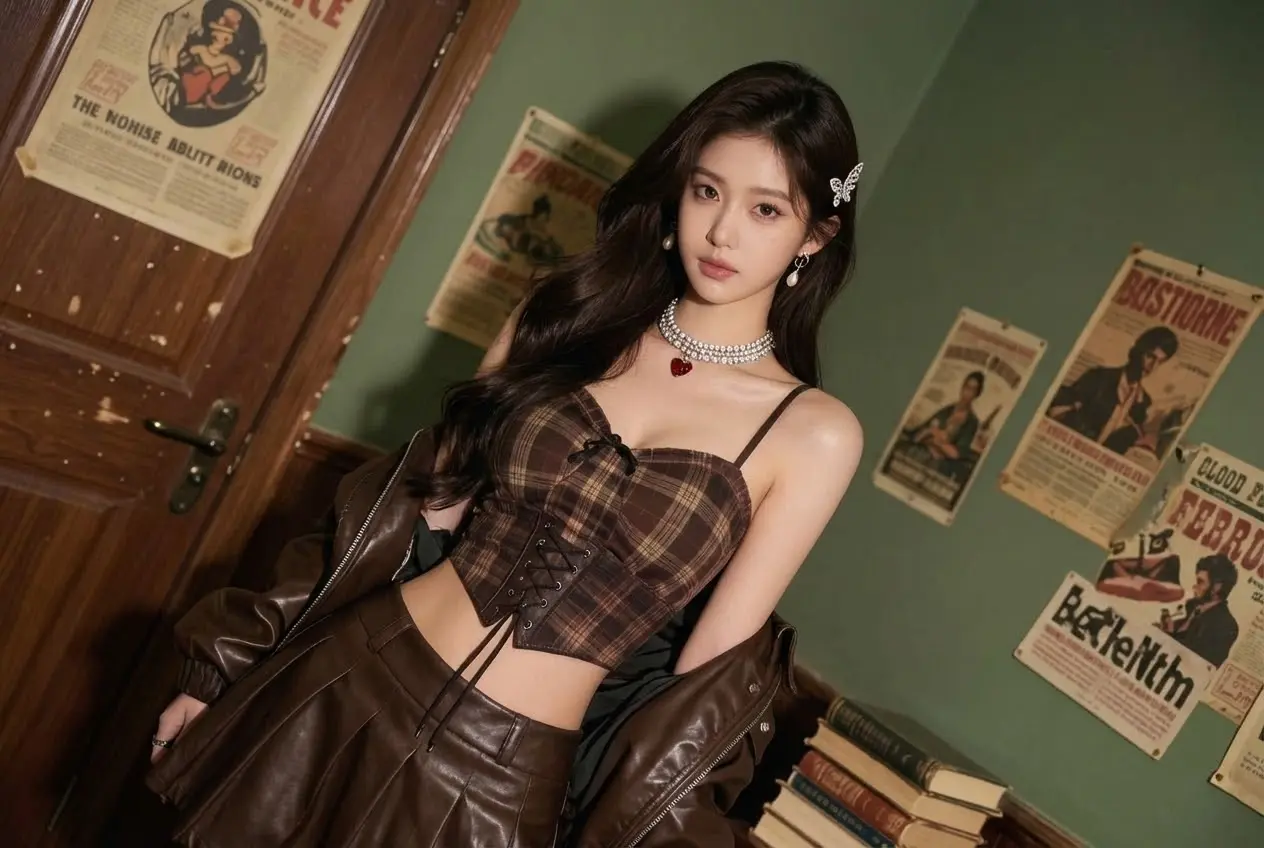
On Bylo.ai, we use Photo Angle Change AI to adjust portrait and face angles from a single photo. By describing a new camera angle in text, we generate front, side, or three-quarter views while preserving identity, facial structure, and natural expression. This makes face angle change more flexible without reshooting or manual editing.

AI Product Photo Angle Change for eCommerce Images

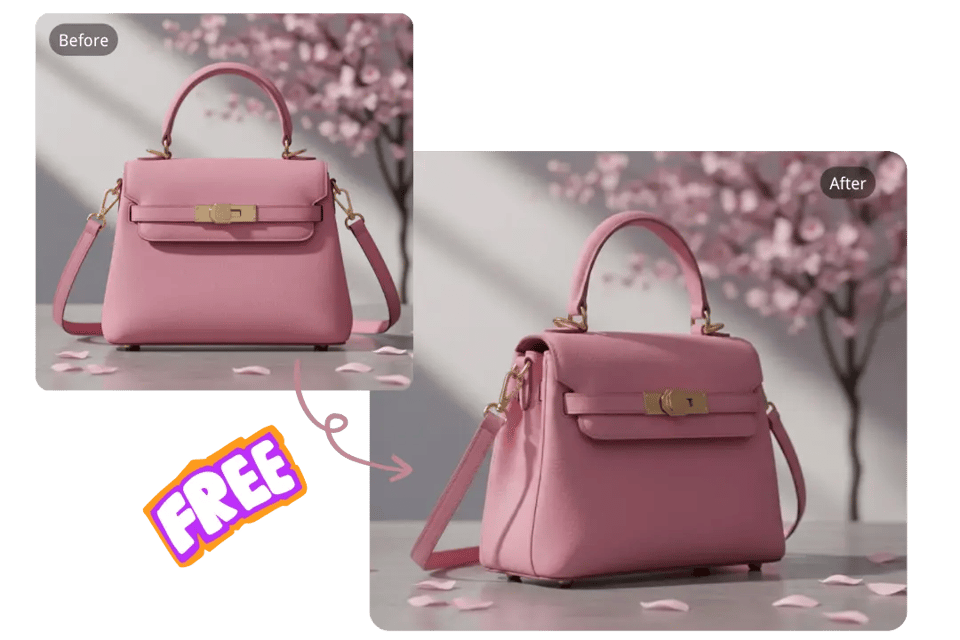
We apply AI product photo angle change to generate multiple product views from one original image. With Photo Angle Change AI, we reconstruct perspective and depth to create front, side, back, or angled product shots, helping product images look complete and consistent without 3D modeling or additional photography.

Photo Angle Change for Group Photos and Couple Images

Bylo.ai supports photo angle change for group photos and couple images where camera perspective matters. Our Photo Angle Change AI understands spatial relationships between multiple subjects and generates new viewpoints that keep proportions, interactions, and visual balance natural and believable.

Change Camera Angle for Interior and Scene Photos

We use Photo Angle Change AI to change camera angles for interior spaces and scene photos. By entering a camera angle description, we generate new perspectives that highlight layout, depth, and spatial flow, making it easier to visualize environments from different viewpoints using a single image.

Why Bylo.ai Stands Out for Photo Angle Change AI

Photo Angle Change AI Free to Try Online

AI Photo Angle Change Powered by Multiple Advanced Image Models

Consistent Identity and Subject Preservation Across Camera Angles

Frequently Asked Questions About Photo Angle Change AI