
Select the model you want to generate your image with.
Free Image Outline Maker – Add White Outline to Image
Outline any image automatically with smart edge detection. Create professional photo outline effect without manual editing.
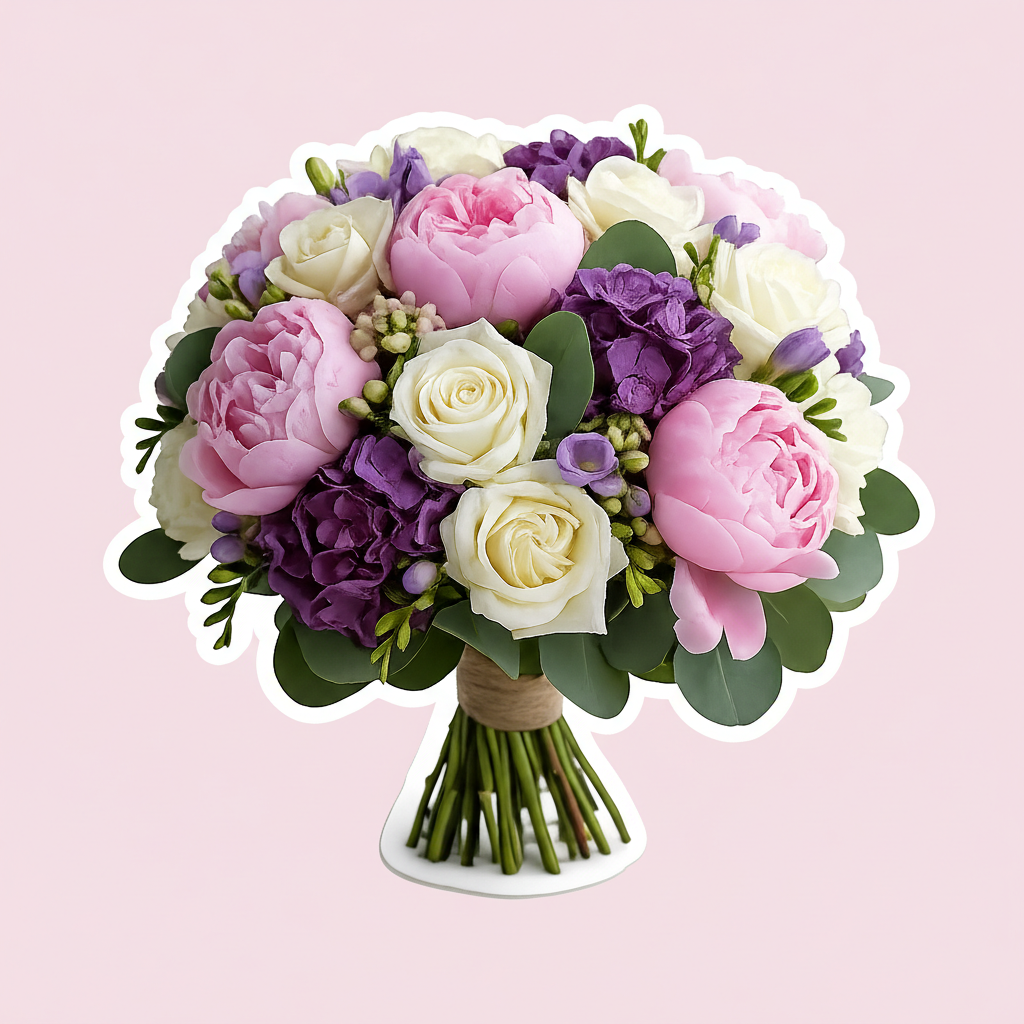
Your Generated Images
What Makes Bylo AI Image Outline Maker Stand Out
One-Click Image Outline Maker AI – No Manual Background Removal
Bylo AI’s image outline maker AI detects your subject automatically and adds a clean border in seconds. You can create image outline results without Photoshop or manual masking. This image outline maker works smoothly for portraits, products, and graphics, helping you outline any image with consistent, professional edges.
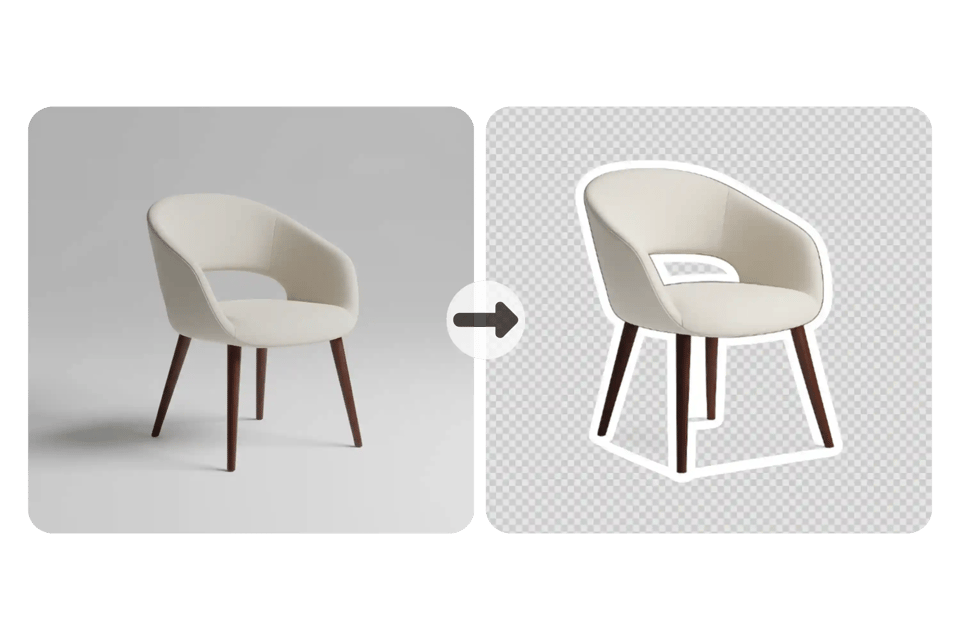
AI Edge Detection to Create Image Outline with Precision
Our image outline maker uses advanced AI edge detection to create image outline effects with sharp accuracy. It captures fine details like hair, curves, and complex shapes, so you can add outline to image files without losing quality. The result is a natural, clean photo outline effect ready for real use.
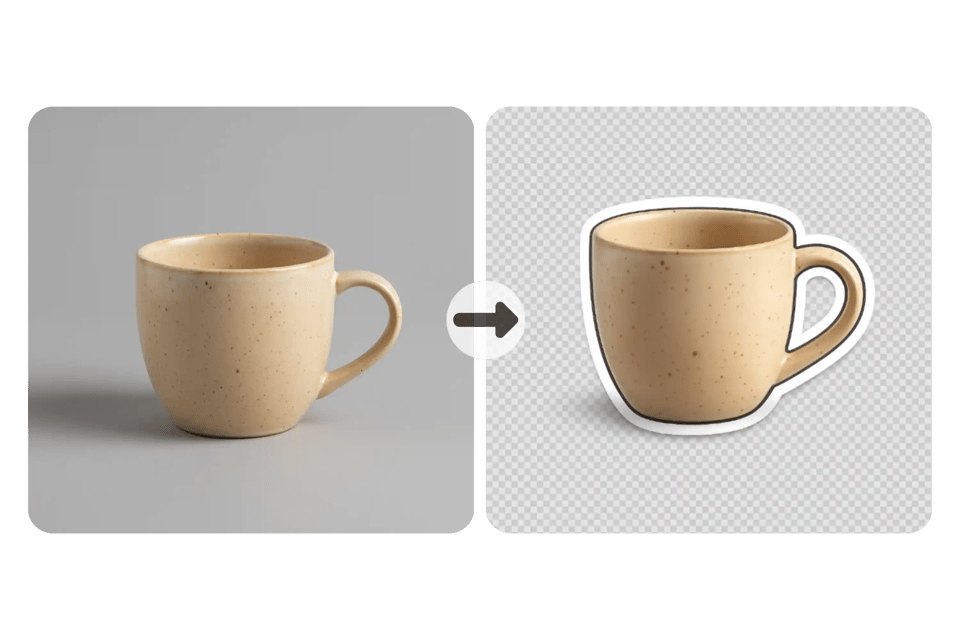
Add White Outline to Image or Black Outline for Photos
With this photo outline maker, you can add white outline to image files for modern thumbnails or apply a bold black outline for photos. Simply specify the outline color in your prompt. Whether you need white outline for photos or a graphic border, this image outline maker keeps edges smooth, clean, and professionally balanced.
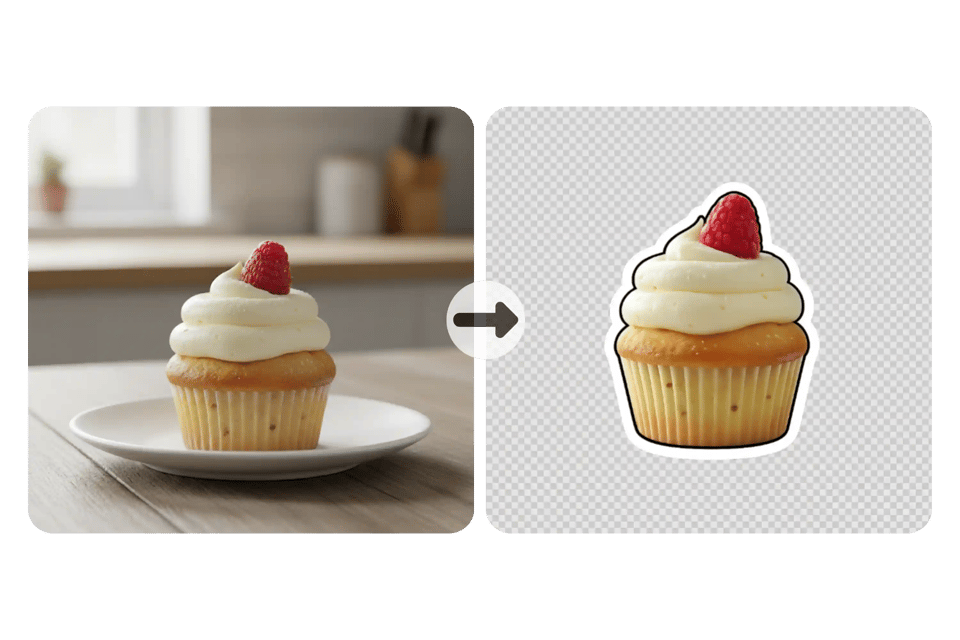
Transparent Background Export – Sticker-Ready Photo Outline Maker
Bylo AI image outline maker lets you download PNG files with transparent background in one click. Outline any image and export it as a sticker-ready asset for ecommerce, YouTube, or social media. This photo outline maker makes it simple to create image outline graphics with clean separation.
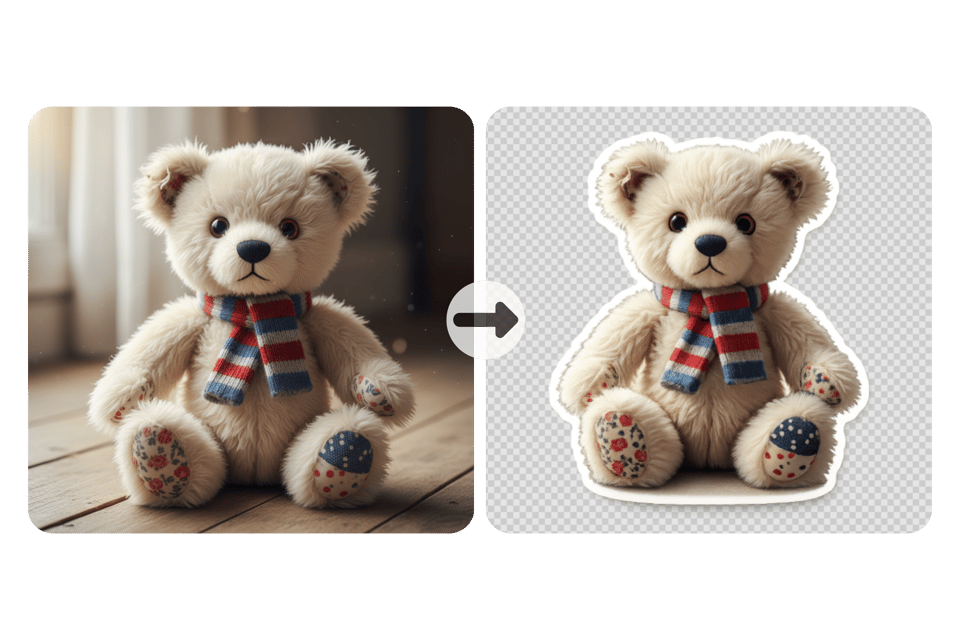
Free Online Image Outline Maker with Fast AI Processing
Use free image outline maker directly in browser with no software installation. Upload photo and add outline to image in seconds using AI precision. Download clean photo outline effect in high resolution, ready for thumbnails, ecommerce, and social media use.
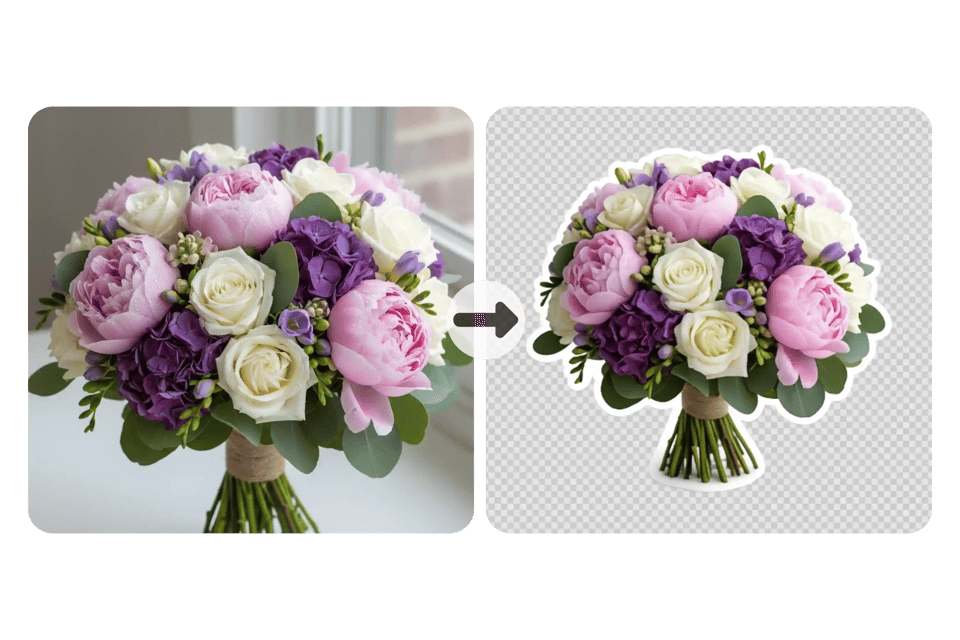
Image Outline Maker Prompt Examples for White and Black Outline
White Sticker Outline Prompt
Use this image outline maker prompt to create a pure white sticker-style border. This style works best for thumbnails, ecommerce visuals, and clean white outline for photos that need soft, modern separation. ✨Turn the object into a sticker-style cutout. Add a bold white outline border around the entire silhouette. Create smooth organic edges with clean subject separation. Apply soft outer glow and subtle shadow for a gentle floating effect. Keep lighting natural and realistic.
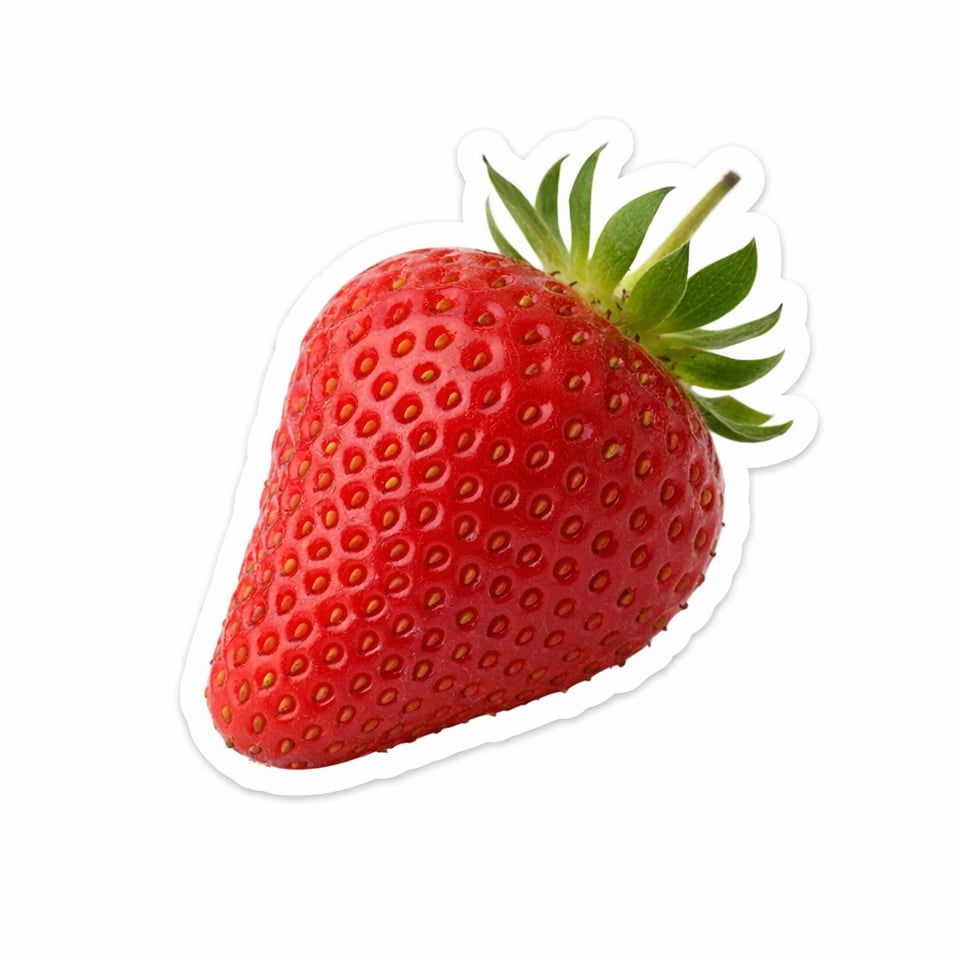
Black Outline with White Sticker Border Prompt
Use this image outline maker prompt to generate a bold black outline with layered white sticker border. This approach creates strong contrast and helps outline any image clearly against busy backgrounds. ✨Turn the object into a clean cutout with strong subject separation. Add a bold black outline following the exact silhouette. Include an outer white sticker-style border for layered contrast. Keep edges smooth and rounded with high clarity. Maintain realistic lighting and professional product style.
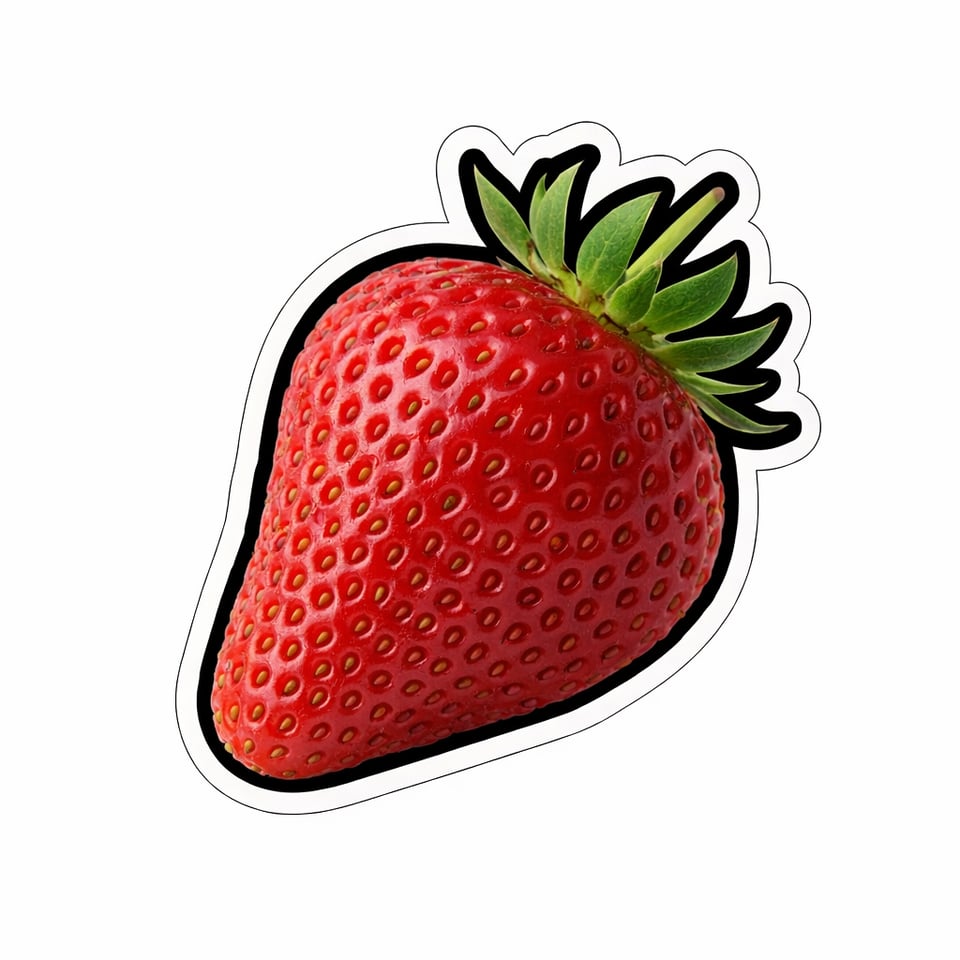
How to Add Outline to Image with Bylo AI Image Outline Maker
Step 1 – Upload Photo to Image Outline Maker
Upload portrait, product image, or graphic to image outline maker. Tool automatically detects subject and prepares clean edge selection, so you can outline any image without manual masking or editing skills.
Step 2 – Apply White or Black Outline Style
Write white outline for photos or black border directly in your prompt. Image outline maker will detect edges automatically and generate clean, smooth borders with clear subject separation and consistent photo outline effect.
Step 3 – Download Photo Outline Effect in High Resolution
Click generate to add outline to image and download transparent PNG. Use photo outline maker output for thumbnails, ecommerce listings, sticker design, or social media visuals.
Image Outline Maker Use Cases for Real-World Projects
Create White Outline for Photos in YouTube Thumbnails
Use image outline maker to add white outline for photos and make subjects stand out in crowded thumbnails. Clear separation improves visibility on small screens and helps boost click-through rate on YouTube and short-form video platforms.
Outline Any Image for Ecommerce Product Listings
Outline any image to improve product clarity in online stores. Photo outline maker helps isolate items from background, making listings look cleaner and more professional across Amazon, Shopify, and marketplace platforms.
Add Outline to Image for Social Media Graphics
Add outline to image files to create eye-catching Instagram posts, TikTok covers, and Pinterest pins. Subtle photo outline effect improves contrast and ensures subject remains clear even with colorful or textured backgrounds.
Photo Outline Maker for Sticker and Digital Asset Design
Use photo outline maker to create sticker-ready PNG files with transparent background. Perfect for digital sticker packs, printable designs, brand merchandise, and creative marketing materials.
Why Choose Bylo AI Image Outline Maker Online
Free Online Image Outline Maker for Instant Photo Outline Effect
Bylo AI offers free image outline maker online so you can add outline to image without extra software costs. Create white outline for photos or bold border effects directly in browser and download high-quality results ready for real projects.
No Design Skills Needed to Create Image Outline
This image outline maker AI removes need for manual editing or complex tools. You can outline any image in seconds without Photoshop or hand-drawn masks. Smart edge detection makes photo outline maker simple for beginners and professionals alike.
More Than a Photo Outline Maker – Complete Creative Toolkit
Bylo AI goes beyond basic photo outline maker features. After you add outline to image, you can enhance visuals with other AI editing tools, making it easier to build thumbnails, ecommerce graphics, and social-ready designs in one workflow.