
Select the model you want to generate your image with.
Free AI Illustration Generator for Custom Creative Visuals
Turn text prompts or photos into polished AI illustrations with Bylo.ai. Create flat artwork, cartoon visuals, watercolor scenes, sketch designs, 3D illustrations, and more in seconds.
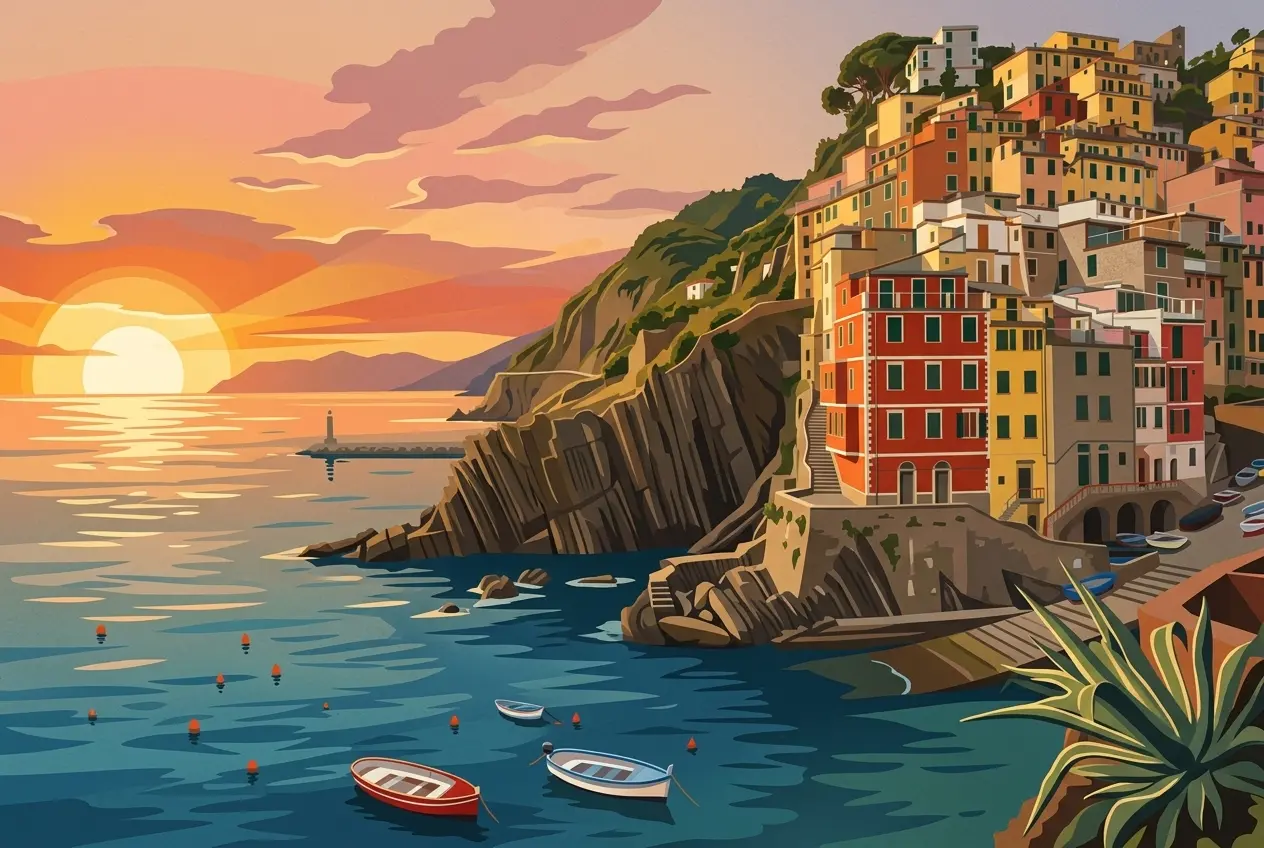
Your Generated Images
How to Generate AI Illustrations Free with Bylo.ai
Follow these simple steps to get started with our platform.
Step 1: Enter Your Illustration Idea or Upload a Photo
Start by describing the illustration you want to create, such as a character, scene, object, product, story moment, or visual concept. You can also upload a photo if you want to turn an existing portrait, product image, pet photo, or landscape into an illustrated artwork while keeping the original idea as a reference.
Step 2: Describe the Illustration Style You Want
Describe the visual style that best fits your project. You can create flat illustrations, watercolor art, cartoon-style visuals, sketch drawings, 3D illustrations, storybook scenes, or clean business graphics. Adding details about color, mood, composition, and purpose helps the AI create a result that feels closer to your creative direction.
Step 3: Generate and Download Your AI Illustration
Generate your illustration and review the result directly online. If the first version needs adjustment, refine your prompt with clearer style, subject, or layout details, then create a new version. Once the artwork matches your needs, download it for social media, websites, presentations, story projects, brand visuals, or personal creative use.
Key Features of Bylo AI Illustration Generator
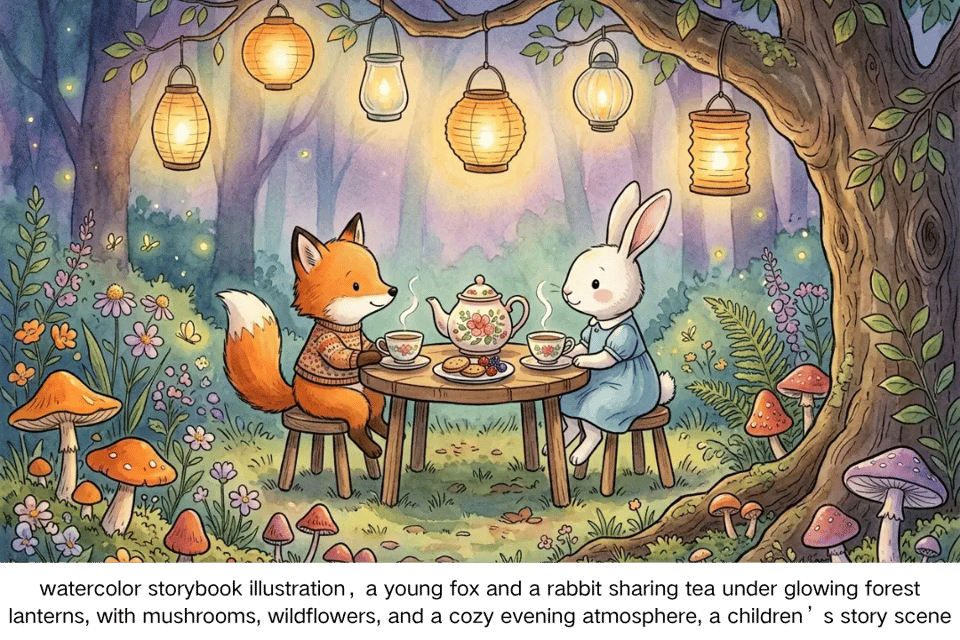
Turn Text Prompts into Finished AI Illustrations
A simple idea can become a complete illustration without sketching or design software. With Bylo.ai’s AI Illustration Generator, users can describe a character, scene, object, poster concept, or story moment, then generate polished artwork with clear composition, color, and visual direction. This makes it easier to move from text prompts to usable AI illustrations for creative projects, content visuals, or personal artwork.
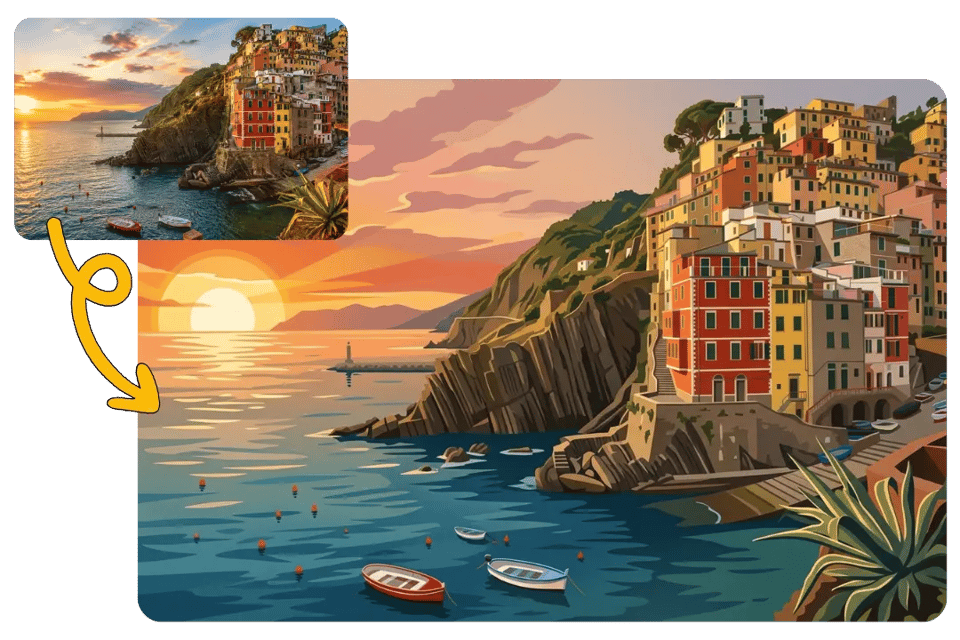
Transform Photos into Stylized Illustration Artwork
Uploaded images can also become illustration-style visuals. Bylo.ai’s AI Illustration Generator helps turn portraits, pet photos, product shots, travel images, or lifestyle photos into stylized artwork while keeping the main subject and composition recognizable. Users can create cartoon, watercolor, flat, sketch, or storybook-inspired results from an existing photo instead of starting from a blank prompt.
Explore Multiple AI Illustration Styles in One Place
Different illustration projects need different visual moods. Bylo.ai’s AI Illustration Generator supports a wide range of AI illustration styles, including flat illustration, cartoon art, watercolor painting, hand-drawn sketch, 3D illustration, line art, and children’s book illustration. Users can match the final look to a brand page, social post, book idea, educational visual, or creative concept.
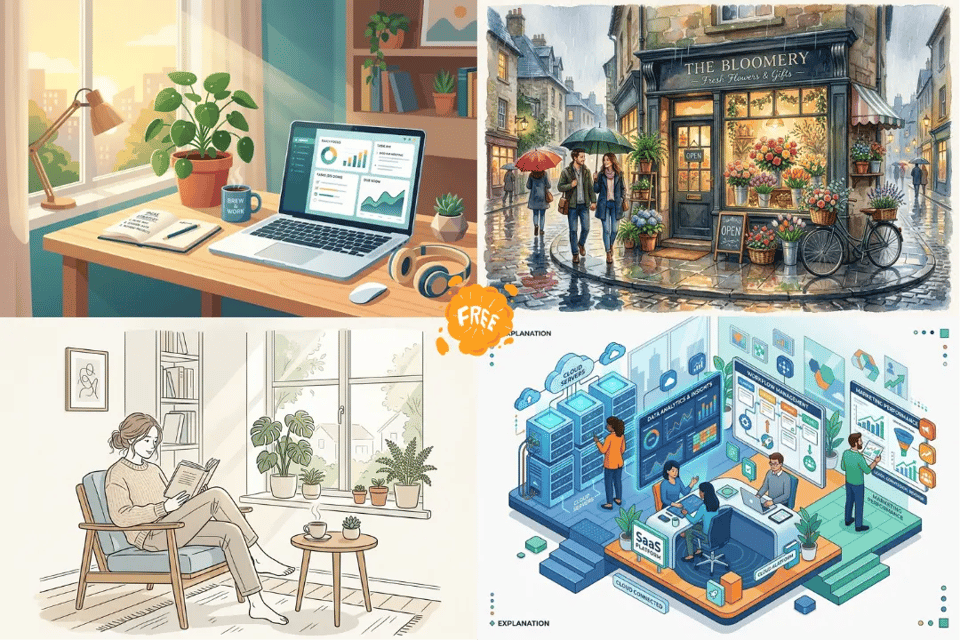
Create Illustration Assets for Content and Branding
Custom illustration assets can make websites, blogs, ads, presentations, and social posts feel more original than stock images. With Bylo.ai’s AI Illustration Generator, users can create visuals for landing pages, book covers, product concepts, marketing campaigns, educational materials, and personal creative work. The result is a flexible AI illustration workflow for both everyday creators and business content needs.
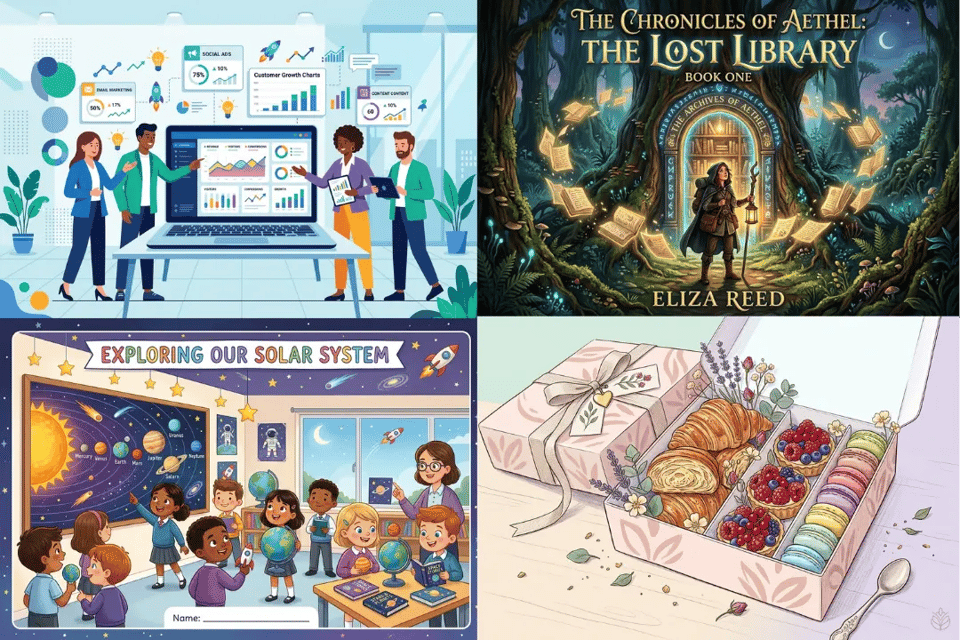
AI Illustration Styles and Creative Ideas You Can Generate On Bylo AI
Bylo.ai’s AI Illustration Generator can support more than one visual direction, making it useful for different creative goals. Whether users want a clean brand graphic, a charming storybook scene, a stylized portrait, or a decorative social image, they can guide the result through subject details, style descriptions, color mood, and composition prompts.
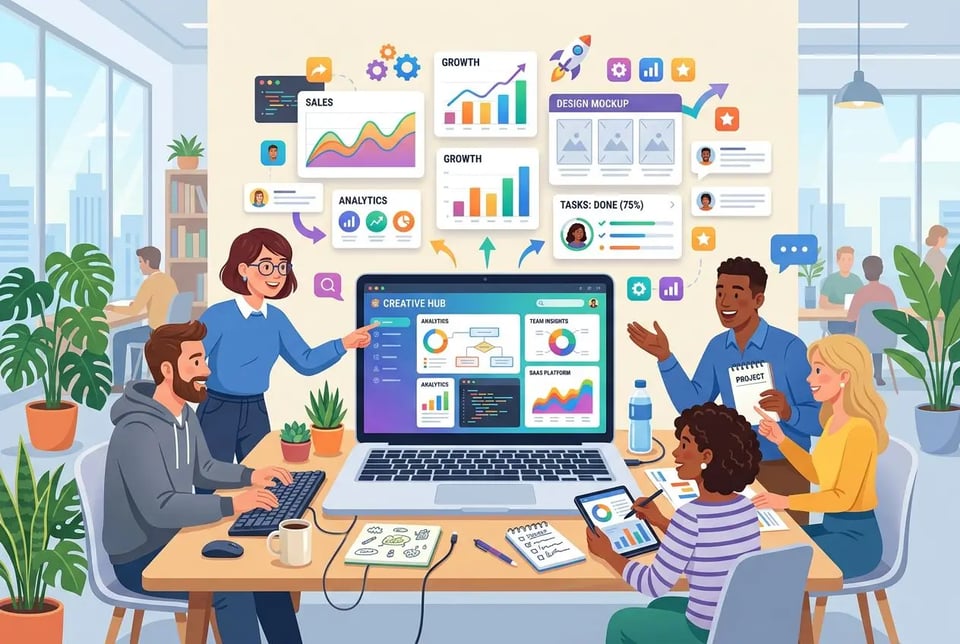
Flat Illustration for Modern Website Hero Graphics
Create clean flat illustrations with simple shapes, balanced composition, soft gradients, and modern color palettes. This style works well for landing pages, app screens, blog headers, SaaS visuals, and brand storytelling because it feels polished, readable, and easy to adapt across digital layouts.
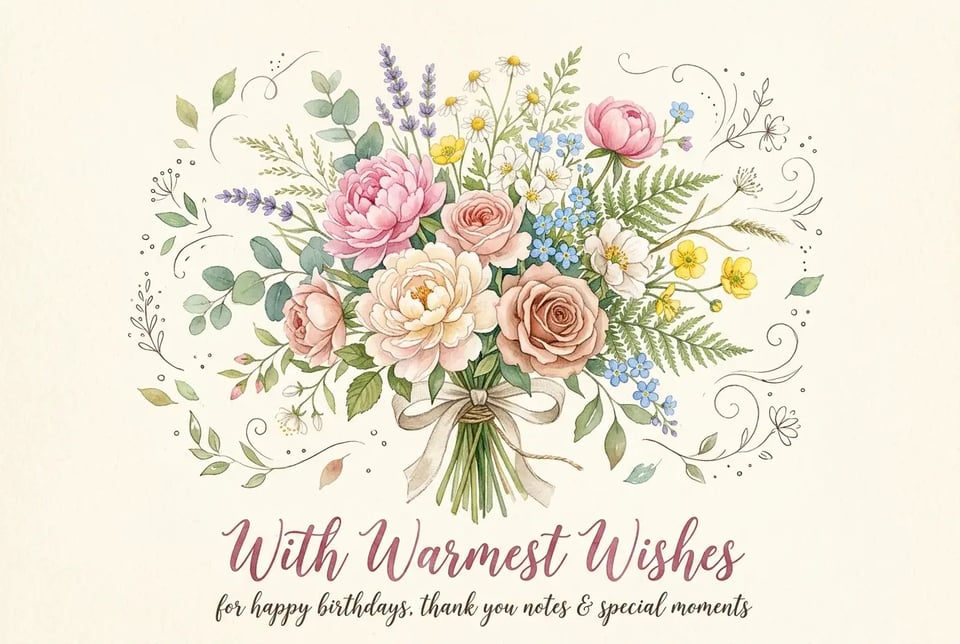
Watercolor Illustration for Soft Floral Greeting Cards
Generate gentle watercolor illustrations with transparent washes, delicate brush texture, soft flowers, and warm handmade details. This type of illustration is especially suitable for birthday cards, Mother’s Day designs, wedding notes, thank-you cards, and sentimental visuals that need a softer emotional tone.
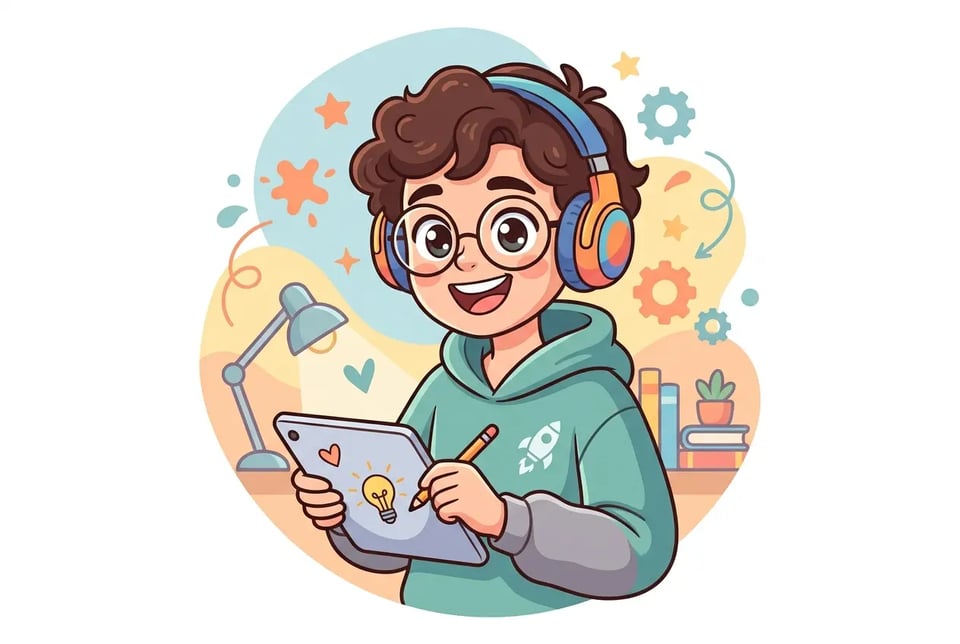
Cartoon Illustration for Fun Character Avatars
Turn a person, pet, or original idea into a playful cartoon illustration with expressive features, rounded shapes, bright colors, and a friendly visual style. Cartoon avatars are useful for profile pictures, creator branding, stickers, gaming identities, and lighthearted social media content.
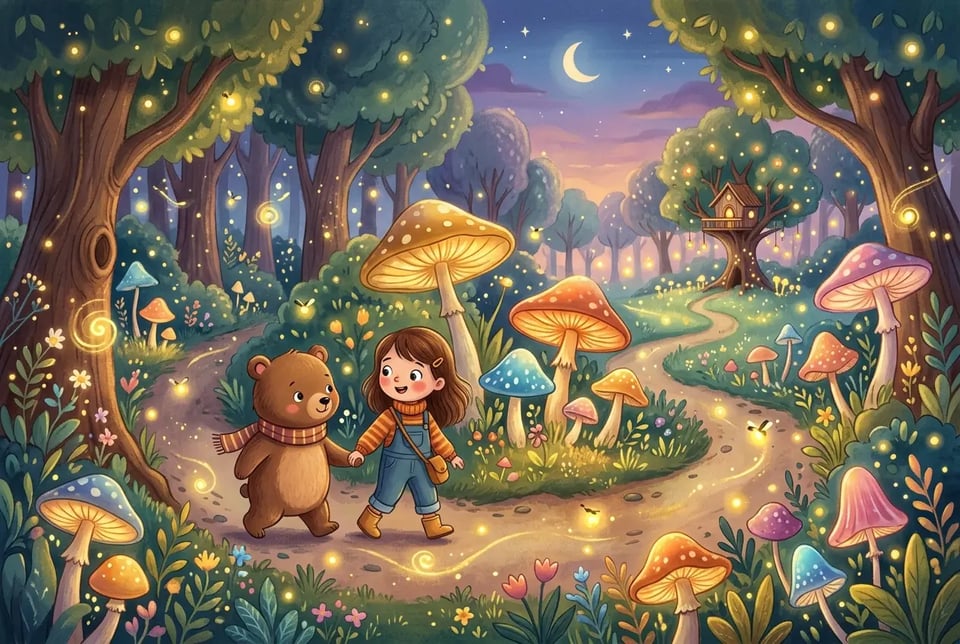
Storybook Illustration for Children’s Book Scenes
Create colorful storybook illustrations with friendly characters, gentle environments, and imaginative details. This style works well for children’s books, classroom materials, bedtime stories, educational posters, and family-friendly projects that need a warm, narrative visual feeling.
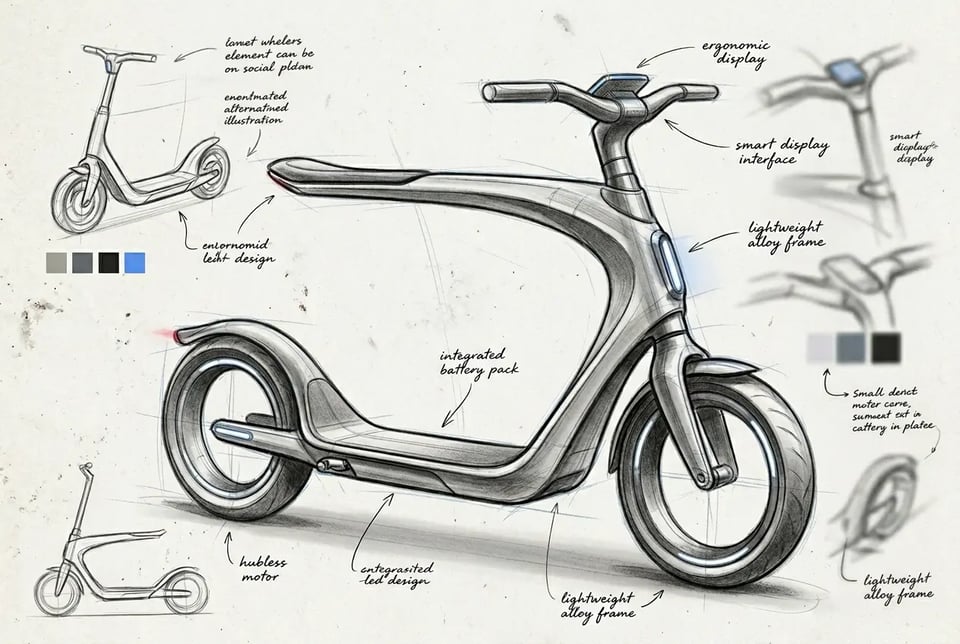
Sketch Illustration for Early Concept Art
Generate sketch-style illustrations with pencil lines, loose shading, rough outlines, and early-stage visual exploration. This direction is useful for character concepts, product ideas, scene planning, fashion concepts, architecture drafts, and creative brainstorming before committing to a final polished look.

3D Illustration for Product and Marketing Visuals
Create rounded 3D-style illustrations with soft lighting, clean surfaces, and a modern commercial look. This style is suitable for product concepts, ecommerce visuals, app feature graphics, social ads, thumbnails, and marketing campaigns that need a more dimensional and eye-catching presentation.
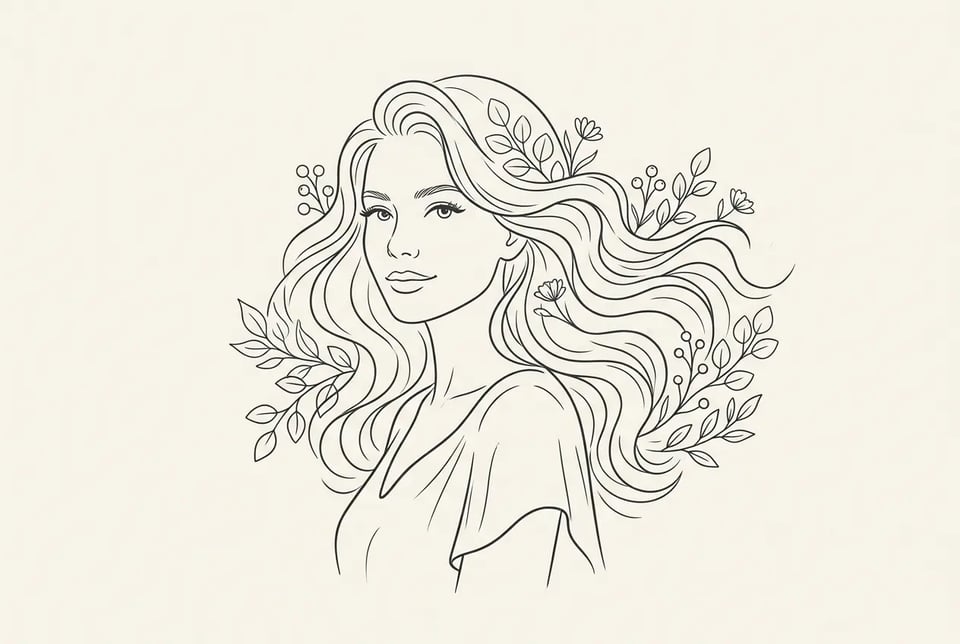
Line Art Illustration for Minimal Portrait Designs
Generate elegant line art illustrations with clean outlines, simplified facial details, and minimal composition. This style works well for portrait gifts, profile visuals, tattoo-inspired designs, fashion sketches, editorial graphics, and minimalist brand imagery.

Isometric Illustration for Business Workflow Scenes
Create isometric illustrations with structured angles, small characters, office objects, devices, charts, and workflow scenes. This direction is useful for business websites, explainers, SaaS pages, fintech visuals, startup presentations, and process diagrams that need to show systems or teamwork clearly.
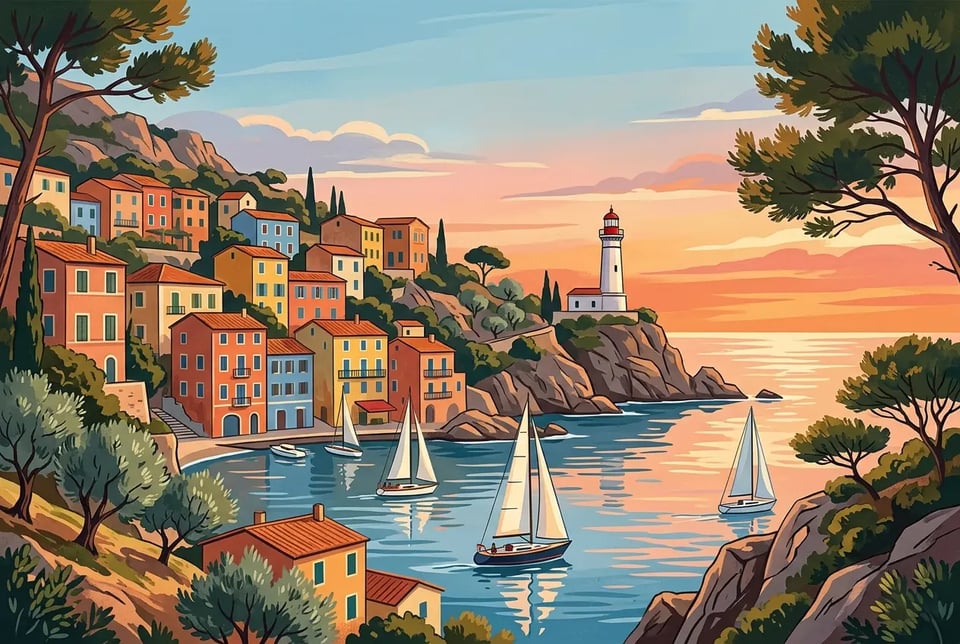
Vintage Poster Illustration for Travel and Event Artwork
Generate vintage poster-style illustrations with bold composition, textured colors, retro typography space, and scenic visual storytelling. This style is ideal for travel posters, music events, festival graphics, cafe promotions, city landmarks, and nostalgic social media designs.
Why Create AI Illustrations with Bylo.ai
Free AI Illustration Generator for Creative Experiments
Bylo.ai’s AI Illustration Generator gives users a simple way to start creating illustration-style images online for free. Users can test different ideas, visual directions, character concepts, social graphics, or content visuals without committing to expensive design software or hiring an illustrator for every draft.
Easy AI Illustration Maker for Beginners
Creating an illustration should not require professional drawing skills. With Bylo.ai’s AI Illustration Generator, users can describe what they want in plain language or upload a reference image, then let AI handle the visual creation process. The workflow stays beginner-friendly, making it easier to create polished illustrations for personal, social, educational, or business use.
Flexible AI Illustration Styles for Different Projects
Different projects need different illustration styles. Bylo.ai’s AI Illustration Generator can help users create flat illustrations, cartoon visuals, watercolor artwork, sketch-style images, 3D illustrations, line art, storybook scenes, and more. This flexibility makes it easier to match each result to a website, post, book concept, brand visual, or creative project.
More Than an AI Illustration Generator
Bylo.ai is not limited to one illustration workflow. After creating an AI illustration, users can continue exploring other AI image tools for portraits, posters, product visuals, stylized photo edits, social media graphics, and broader creative transformations. This makes Bylo.ai useful when one illustration idea needs to expand into more visual formats.