Select the model you want to generate your image with.

Model Version
Task

Supported formats: PNG, JPG, or WEBP

Maximum file size per image: 5 MB, up to 8 images can be uploaded.

0/2000

No Watermark

Private

Discover Flux.2: Revolutionizing AI Image Generation with BlackForestLabs

Elevate Your Creativity with Flux2 AI

Record image

Your Generated Images

No images yet. Generate your first masterpiece!

What is Flux.2?

Flux.2 Model Background

Flux.2 Updated Features

Flux.2 Advantages and Disadvantages

Flux.2 Key Features

Discover the powerful features that make our solution stand out from the competition.

Exceptional Prompt Adherence in Flux2 AI

Exceptional Prompt Adherence in Flux2 AI

Unmatched Visual Quality and Detail with Flux 2.0

Unmatched Visual Quality and Detail with Flux 2.0

Rapid Generation and Diversity in Flux 2

Rapid Generation and Diversity in Flux 2

Advanced Editing Tools Unique to BlackForestLabs Flux AI

Advanced Editing Tools Unique to BlackForestLabs Flux AI

Popular Uses of Flux.2

Marketing and Advertising Visuals with Flux2 AI

Concept Art and Design Prototyping in Flux 2.0

Personal Projects and Customization with Flux 2

Educational and Research Applications in Flux AI

Best Prompts You Can Copy-Paste for Flux.2

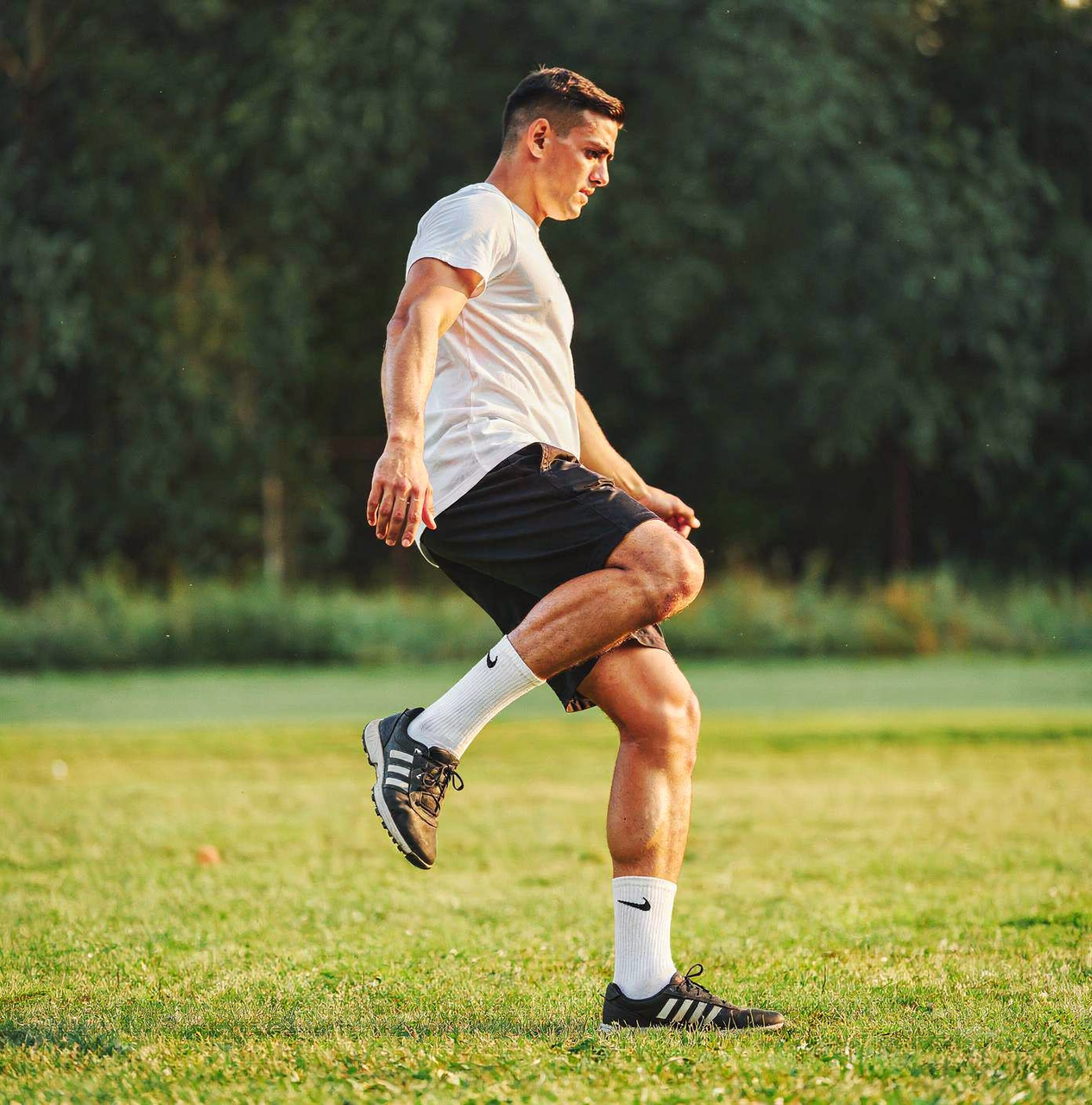
Realistic Landscape Generation

Realistic Landscape Generation

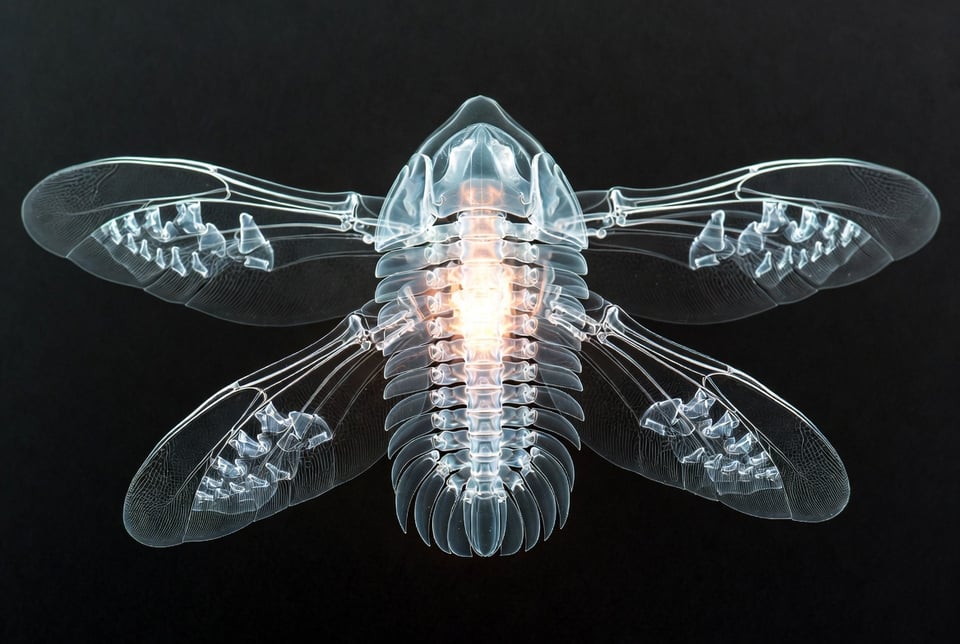
Abstract Creature Design

Abstract Creature Design

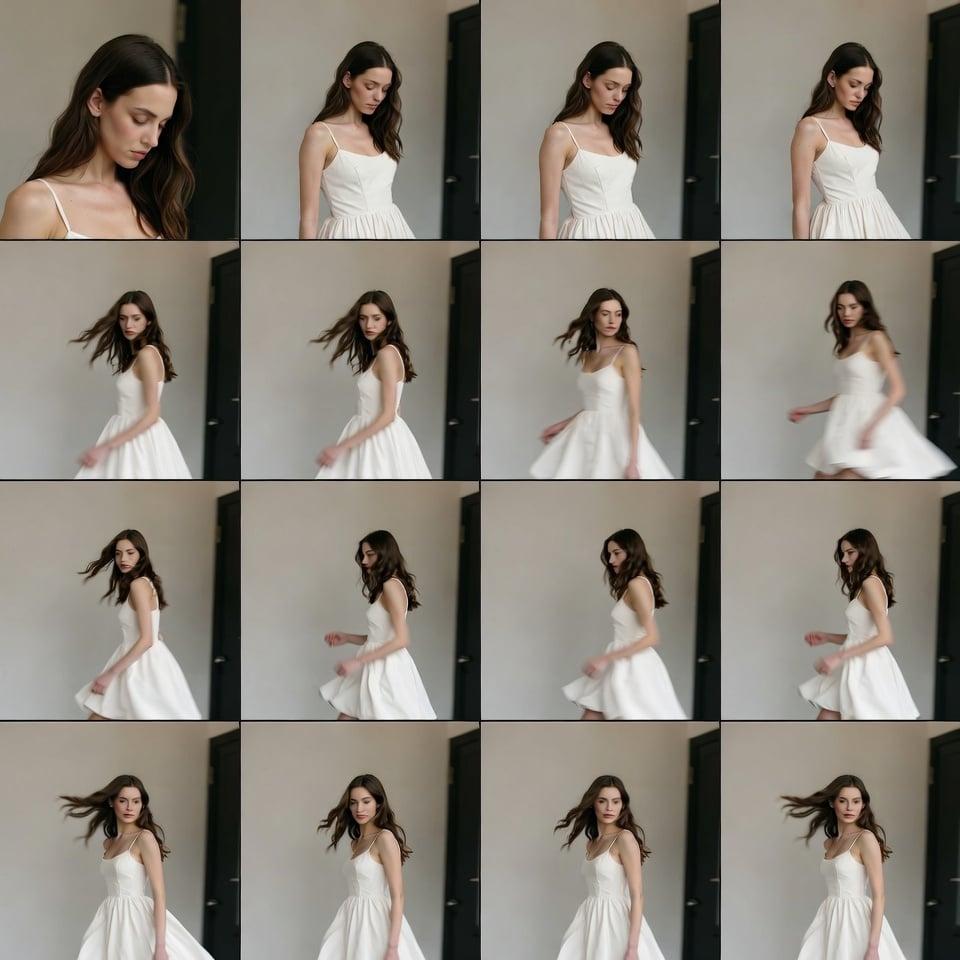
Character Scene Creation

Character Scene Creation

Flux.2 vs Other Image Models

ParameterFlux.2 (BlackForestLabs)DALL-E 3 (OpenAI)Midjourney V6Stable Diffusion 3
Prompt AdherenceExcellent, top benchmarksStrong, integrated with ChatGPTGood, artistic focusModerate, customizable
Visual QualityState-of-the-art detailHigh photorealismSuperior aestheticsVariable, community-driven
Resolution SupportUp to 4KUp to 1024x1024Up to 2048x2048Flexible, up to 8K with tweaks
Generation SpeedFast (seconds on partners)Quick via APIModerateSlower locally, fast on cloud
Output DiversityHigh, varied interpretationsPredictableCreative variationsHigh with fine-tuning
Editing ToolsAdvanced (inpainting, depth)BasicRetextureExtensive via extensions

How to Use Flux.2 on bylo.ai

  • Step 1: Choose Flux.2 on bylo.ai

  • Step 2: Upload an Image or Enter Your Prompt

  • Step 3: Generate and Download Flux.2 Art

Frequently Asked Questions of Flux.2