
Try AI CV Photo Editor Free Online
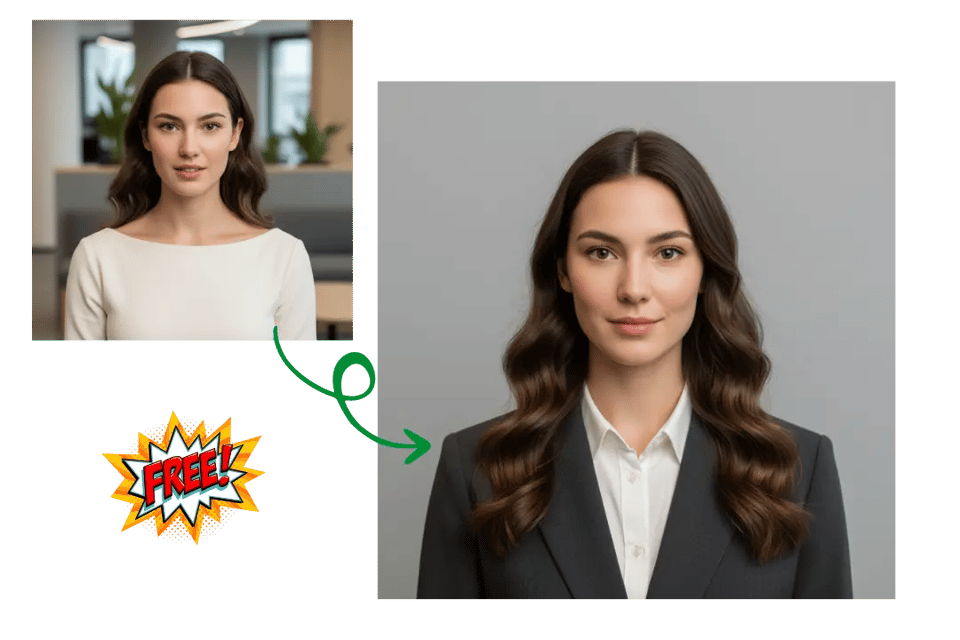
Bylo.ai offers a free trial so you can explore CV photo editing before upgrading. It’s a simple way to test background cleanup, portrait enhancement, and resume photo improvement with less pressure.
Select the model you want to generate your image with.
Turn any portrait into a polished resume photo using the Bylo.ai Resume Photo Editor. Automatically enhance lighting, adjust backgrounds, and generate professional CV headshots .
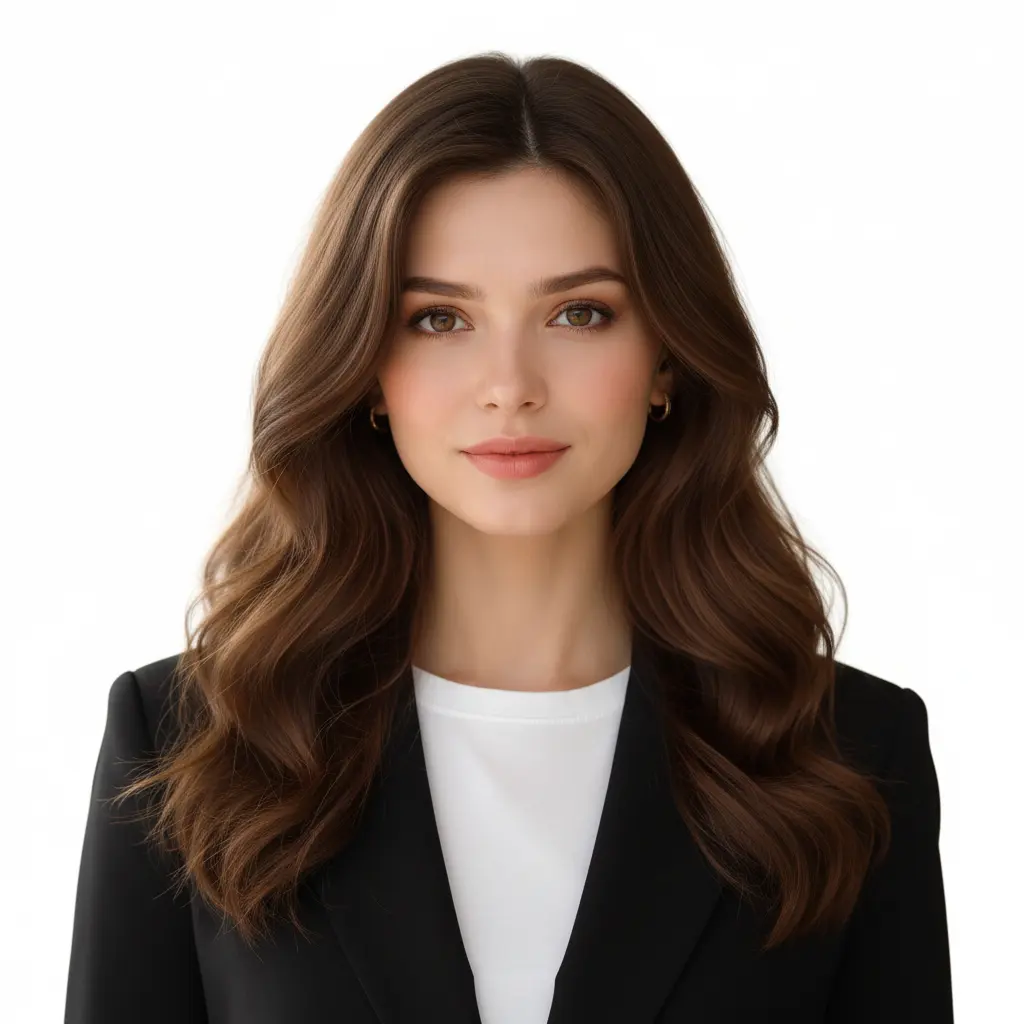
Follow these simple steps to get started with our platform.
Upload a clear portrait to begin editing your CV photo. Even if the original image has an uneven background or imperfect lighting, it can still be used as a starting point. A simple portrait is enough to start creating a more professional and polished resume photo.
After uploading, use the resume photo editor tools to refine the image. You can replace the background with a clean professional color, adjust lighting and clarity, and subtly enhance facial details. These edits help transform an everyday portrait into a polished resume photo suitable for job applications.
Once the edits are complete, download the final image and use it directly for resumes, LinkedIn profiles, job applications, or other professional platforms. Within minutes, you can create a clean and confident CV photo that presents a professional first impression.
A professional background can make a resume photo look cleaner, more formal, and more suitable for recruiters or hiring platforms. With our CV Photo Background Editor, you can remove distracting surroundings and replace them with simple white, gray, blue, or office-style backgrounds that better match professional CV photo standards. Bylo.ai’s AI CV Photo Editor helps create a more polished portrait without requiring manual cutout work or complicated editing steps.
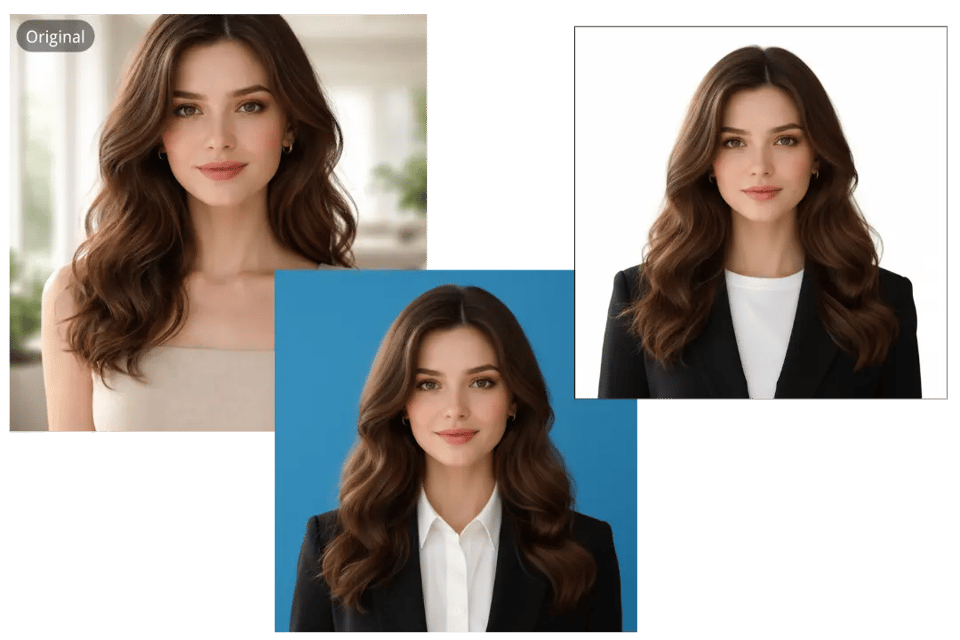
Poor lighting, dull colors, or slight blur can reduce the professionalism of a resume image. Our AI Resume Photo Editor helps improve brightness, contrast, sharpness, and overall portrait clarity so your image looks cleaner and more presentable for resumes, LinkedIn profiles, and job applications. Bylo.ai’s CV photo editing experience is designed to upgrade everyday portraits into more refined, job-ready headshots while keeping the result natural.
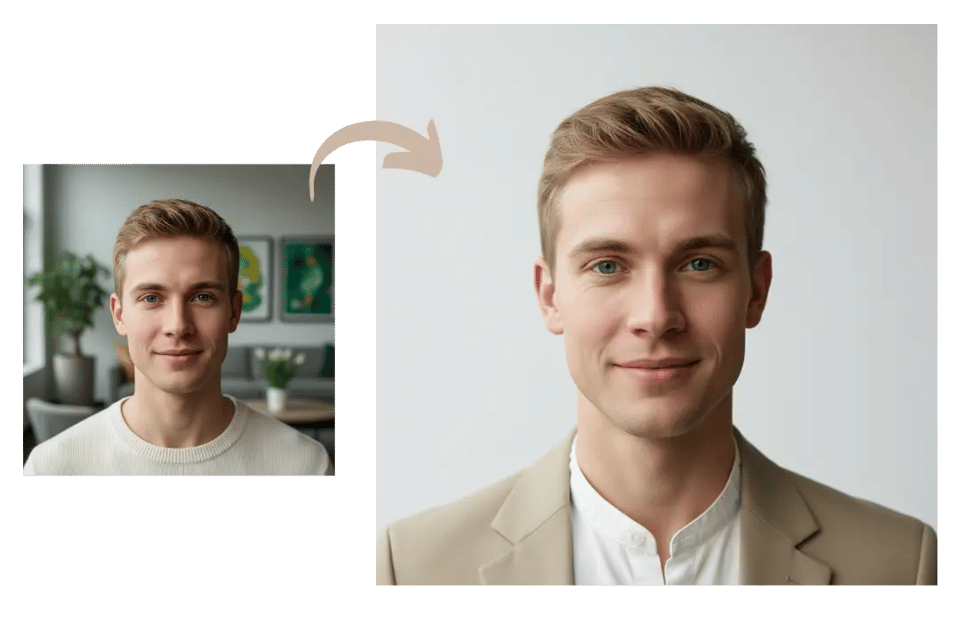
A good CV photo should look polished without appearing overly edited. With our Resume Portrait Editor, you can refine facial details, reduce small blemishes, smooth uneven skin tone, and improve the overall portrait appearance while keeping your natural identity intact. Bylo.ai’s AI CV Photo Editor makes it easier to create a clean and confident resume photo that feels professional, realistic, and appropriate for formal career use.
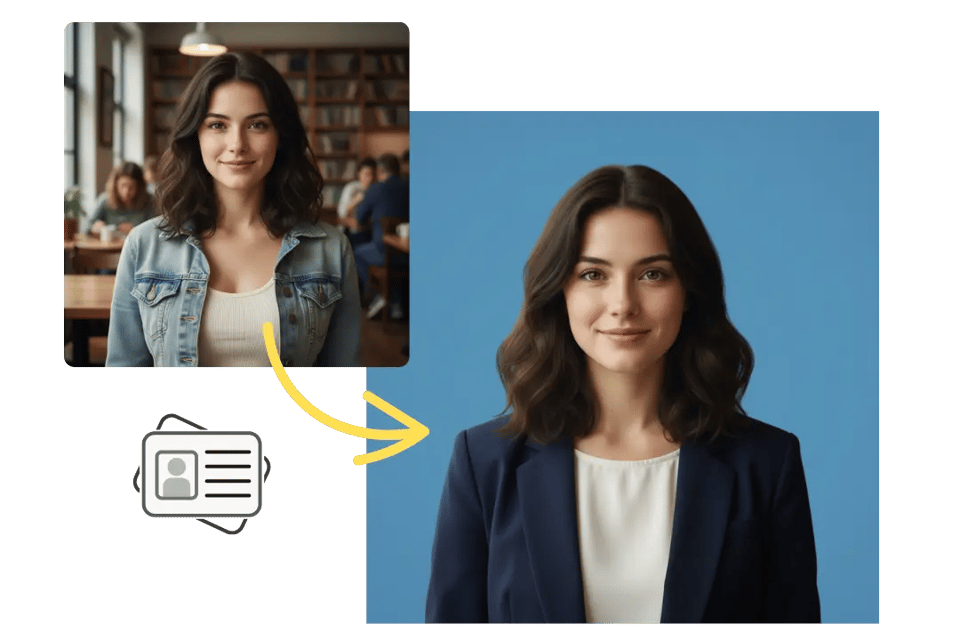
Professional clothing is an important part of a strong first impression, but retaking photos in formal wear is not always convenient. Our Professional Resume Photo Maker includes AI outfit change features that let you switch casual clothing into business-ready styles such as suits, blazers, or formal shirts. Bylo.ai’s AI CV Photo Editor helps users create more career-appropriate portraits for resumes and professional profiles without arranging a new photo shoot.
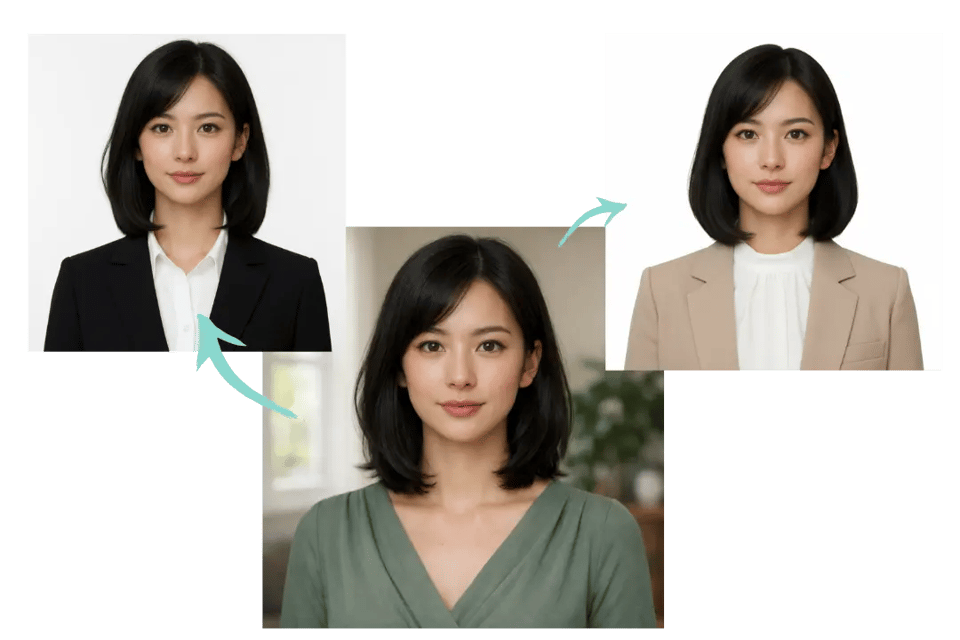
Not everyone wants a long editing process just to prepare a professional headshot. With our AI CV Photo Editor free experience, you can quickly improve your portrait by refining the background, upgrading image quality, and adjusting the overall presentation in just a few steps. Bylo.ai combines multiple resume photo editing functions in one place, making it easier to create a professional CV image online for free with less effort and more consistent results.
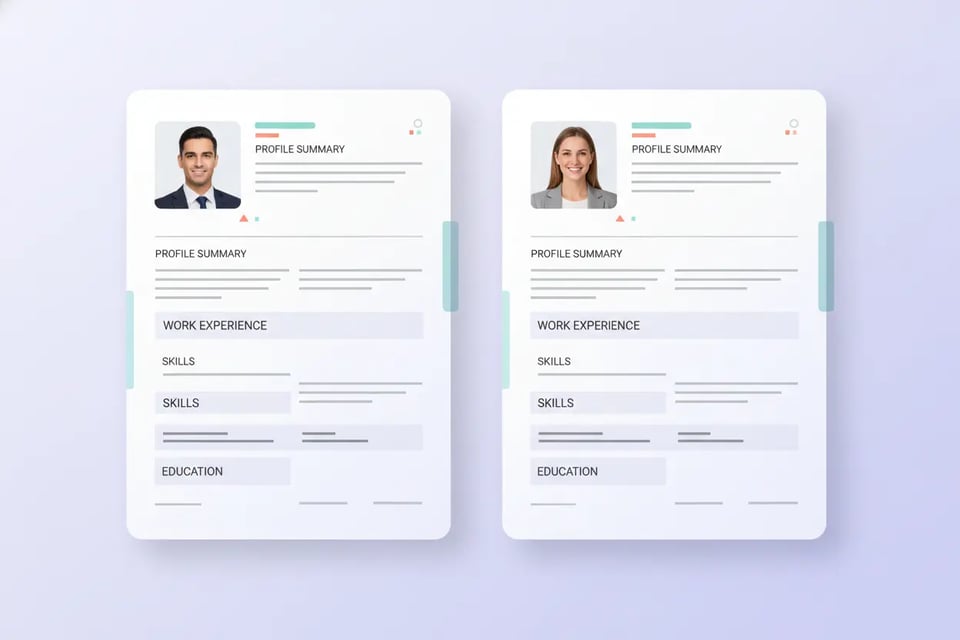
A polished CV photo helps create a stronger first impression on resumes and job application materials. Bylo.ai makes it easier to prepare a clean, professional portrait that looks suitable for formal submissions, helping candidates present themselves in a more credible and career-ready way.
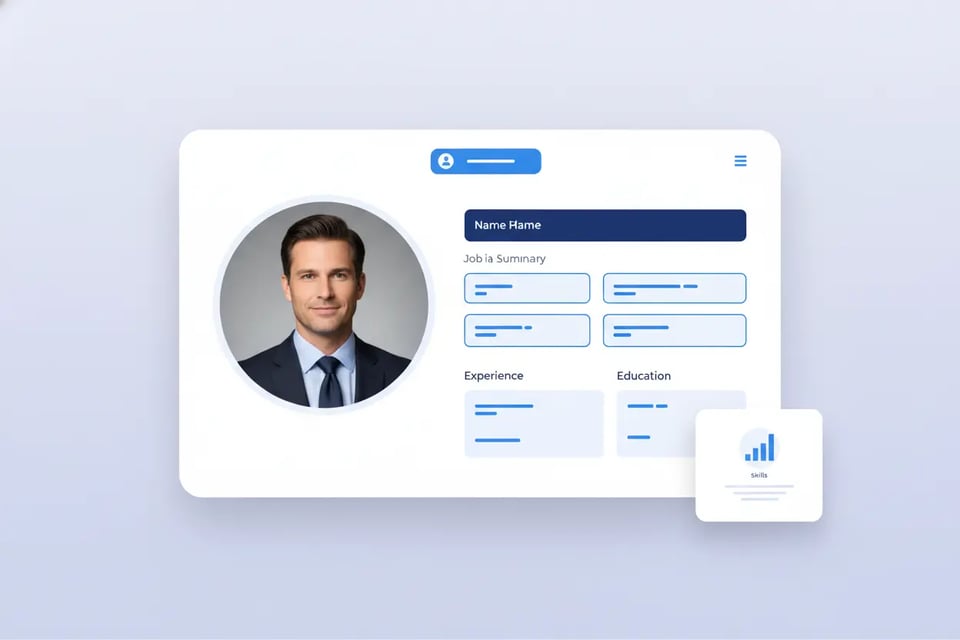
A professional resume photo can also be used to improve your LinkedIn presence. A cleaner background, clearer portrait, and more polished overall appearance help your profile look more trustworthy and professional, making it easier to stand out to recruiters, hiring managers, and business connections.
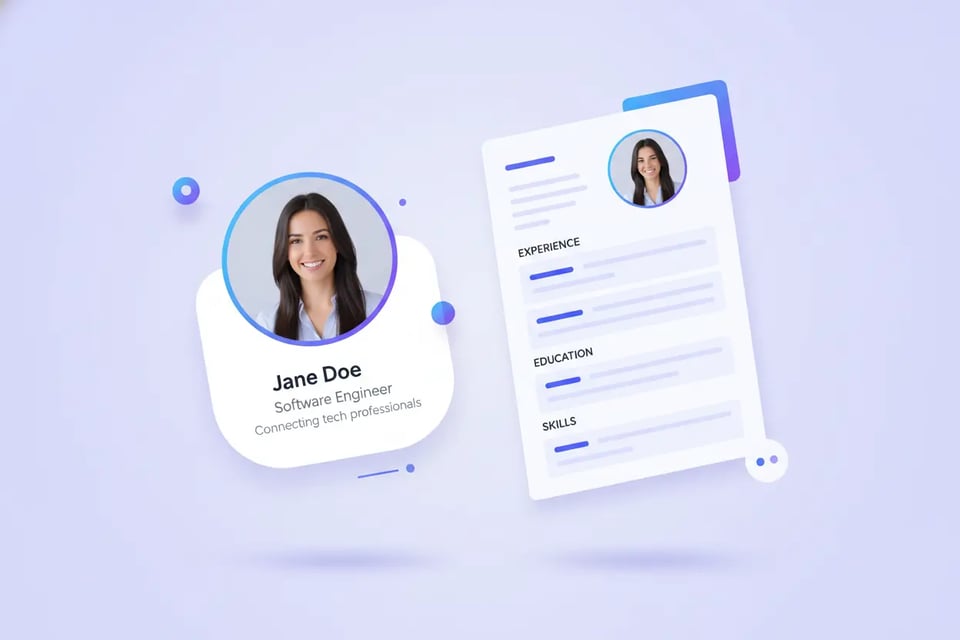
Using a professional CV photo in an email profile can make everyday communication look more formal and reliable. Whether for job outreach, internship applications, or professional networking, a refined portrait helps create a more consistent personal image across digital communication channels.
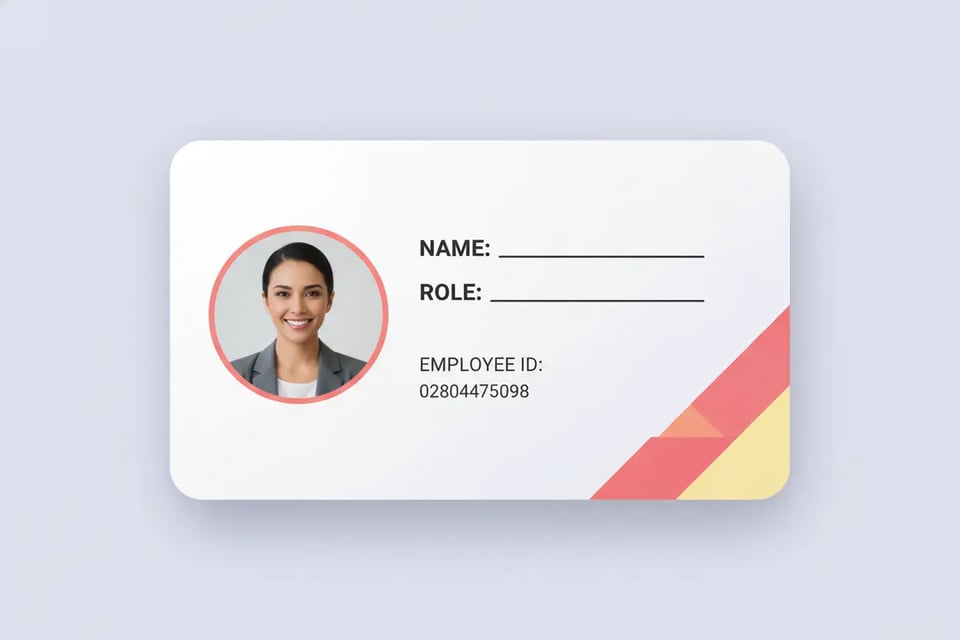
A well-edited resume photo can be used for business cards, company websites, internal directories, and employee onboarding materials. Bylo.ai helps create portraits that look clean, professional, and appropriate for workplace settings, making them useful beyond standard resume applications.
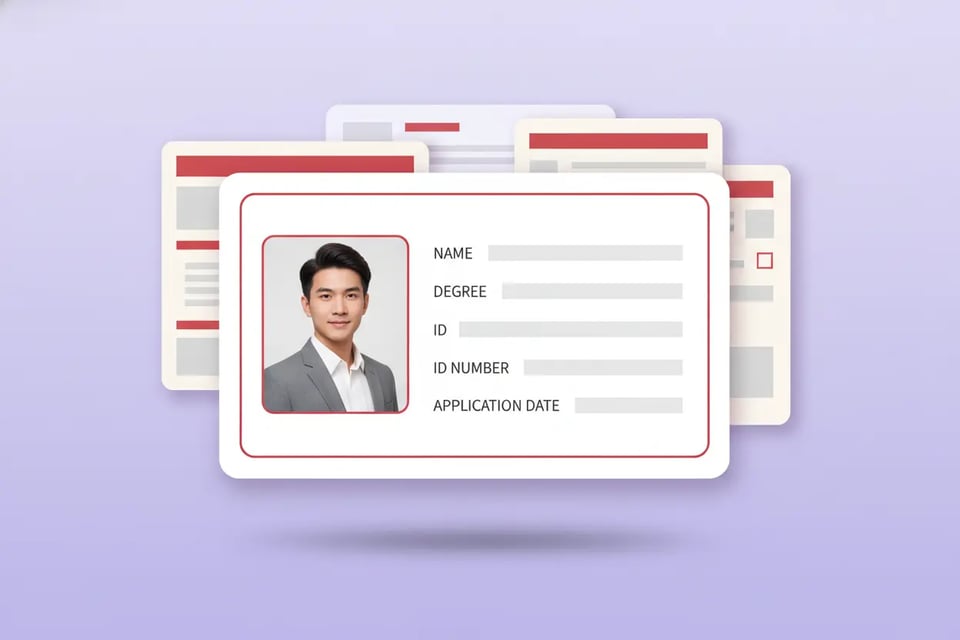
A clear and professional CV photo is also useful for university applications, internship submissions, student profiles, and related documents. A polished portrait can help present a more confident and approachable image while still matching the formal style often expected in academic or early-career contexts.
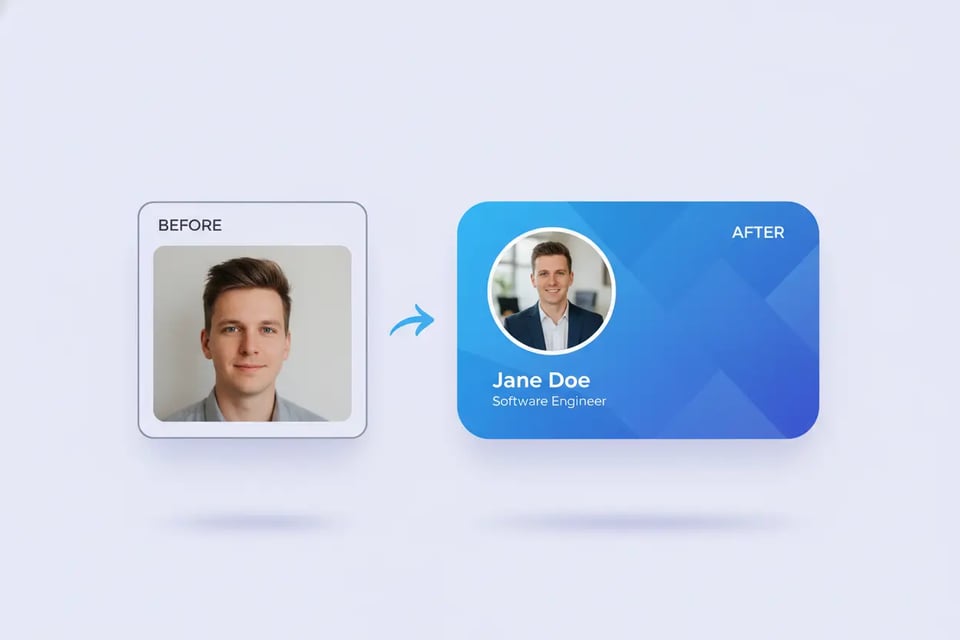
A high-quality resume photo can be adapted for professional social media avatars on platforms where a polished personal image matters. Bylo.ai helps turn an everyday portrait into a cleaner and more professional headshot that works well across online profiles, personal branding pages, and networking platforms.
Bylo.ai offers a free trial so you can explore CV photo editing before upgrading. It’s a simple way to test background cleanup, portrait enhancement, and resume photo improvement with less pressure.
A strong professional resume photo should look polished while still looking like you. Bylo.ai helps preserve facial identity, natural proportions, and overall portrait consistency, making the final image more believable for resumes, LinkedIn profiles, and job applications.
Bylo.ai offers more than basic CV photo editing. In addition to standard resume photo improvements, users can access multiple face editor tools to refine facial details, improve portrait balance, and create a cleaner, more professional result in one place.