
Select the model you want to generate your image with.
Free Grayscale Image Converter Online
Convert image to grayscale instantly with Bylo.ai and create clean, balanced black-and-white photos in seconds.
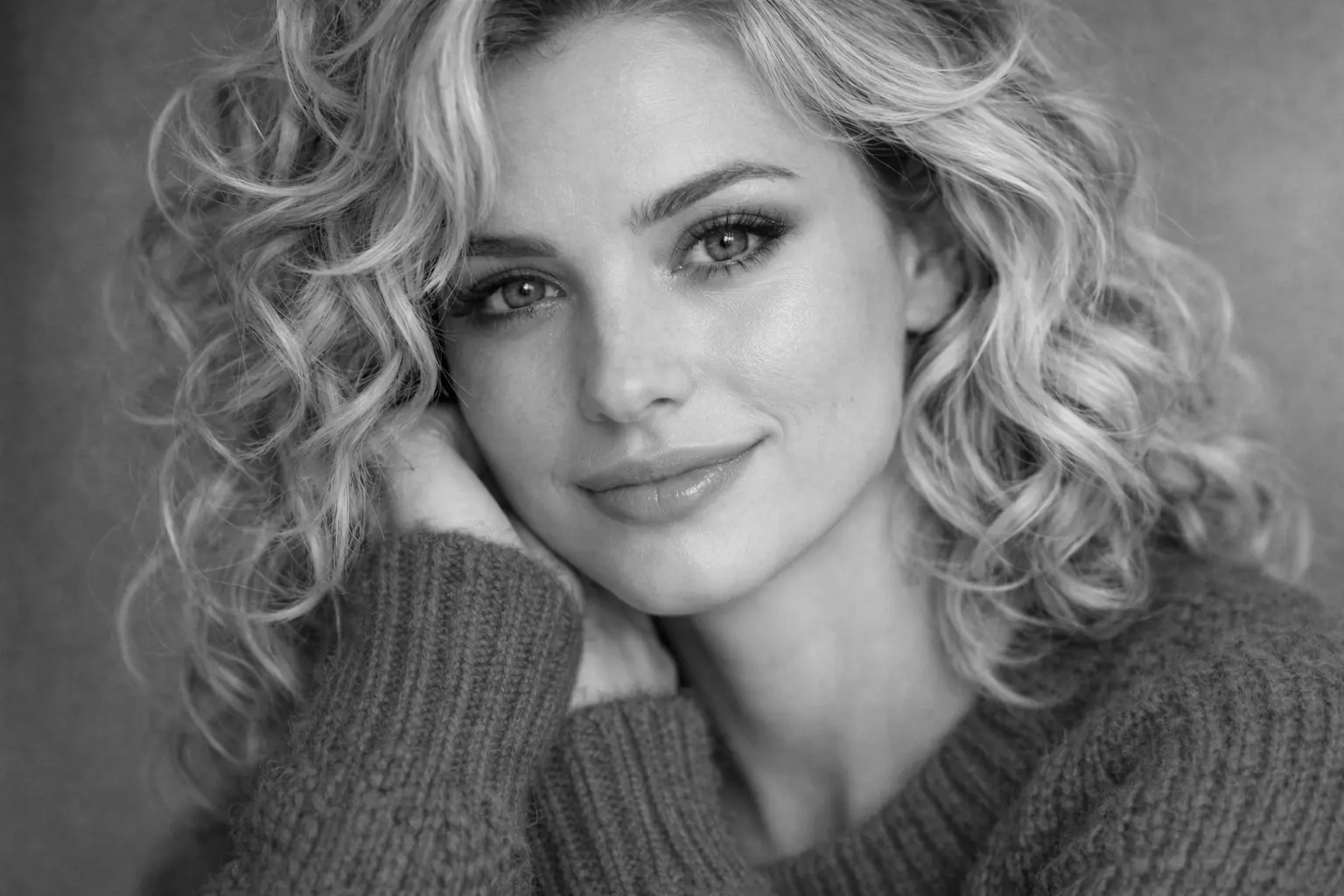
Your Generated Images
How to Convert Image to Grayscale Free Online with Bylo.ai
Follow these simple steps to get started with our platform.
Upload Your Image
Upload the image you want to edit to Bylo.ai’s Grayscale Image Converter. Once the photo appears in the workspace, it is ready for grayscale processing. The tool automatically prepares the image while keeping the original lighting, structure, and visual details intact.
Convert Image to Grayscale
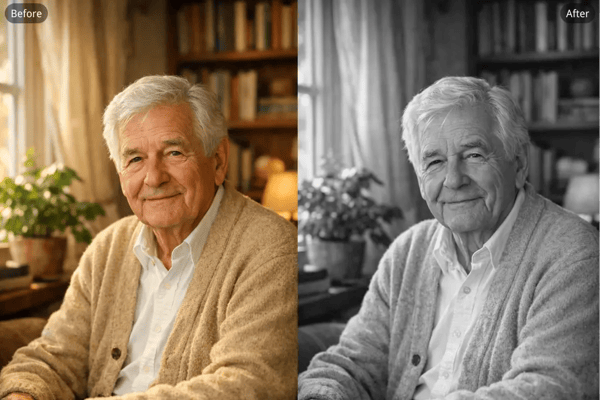
Click the grayscale option to convert image to grayscale instantly. Bylo.ai removes color information and recalculates tonal brightness so the image transitions smoothly into black and white while maintaining natural contrast and depth.
Download Your Grayscale Image
Preview the grayscale result and download the image once the conversion is complete. The final grayscale version preserves the clarity and tonal balance of the original image, making it suitable for creative projects, visual design, or social media use.
Key Features of Bylo AI Grayscale Image Converter
Convert Image to Grayscale Online in One Click
With Bylo.ai’s Grayscale Image Converter, you can convert image to grayscale online in a single step. After uploading your photo, the tool automatically removes color information and recalculates tonal brightness so the resulting black-and-white image keeps natural contrast, lighting balance, and visual structure.
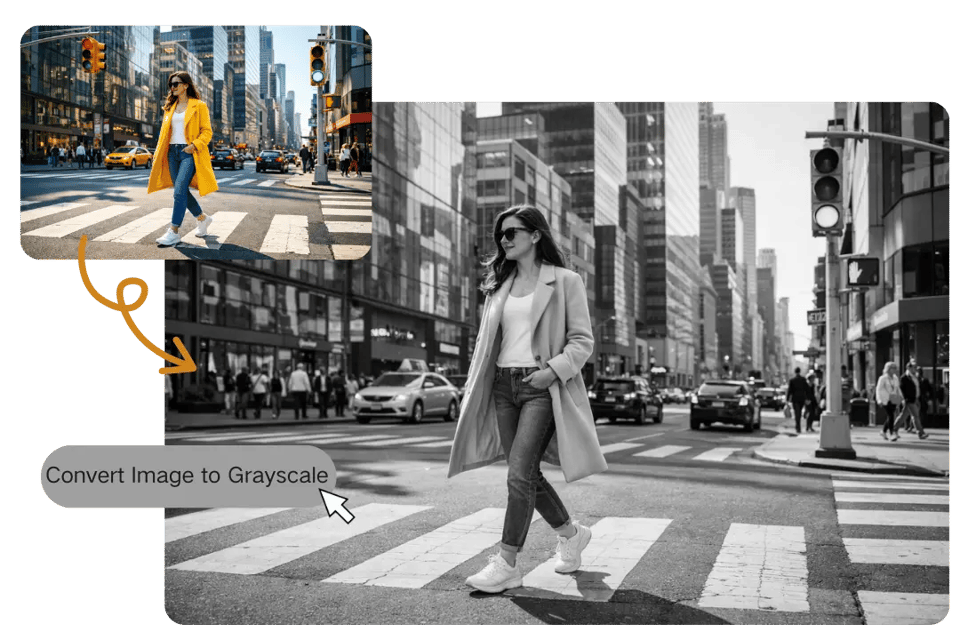
Convert Color Photos to Grayscale with Adjustable Intensity
Our Grayscale Image Converter allows you to convert color photos to grayscale while adjusting tonal intensity. By refining contrast and brightness, you can create different monochrome styles, ranging from soft gray transitions to stronger black-and-white contrast for a more dramatic visual effect.
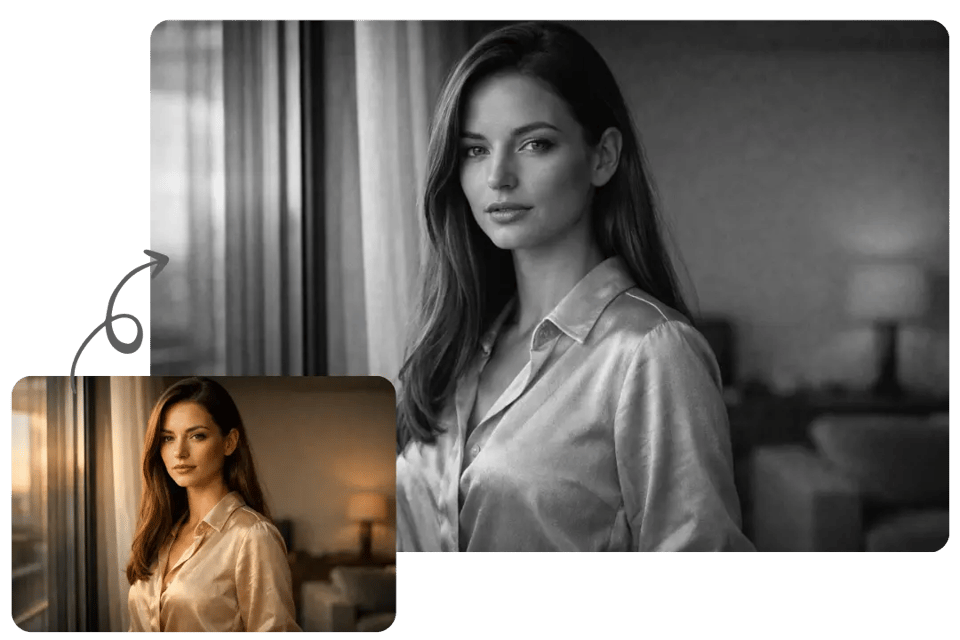
Make Image Grayscale While Preserving Detail and Texture
Using Bylo.ai’s Grayscale Image Converter, you can make image grayscale without losing the details that give the photo depth. The conversion maintains textures, edges, and lighting relationships so portraits, objects, and architectural structures remain clear after the color is removed.
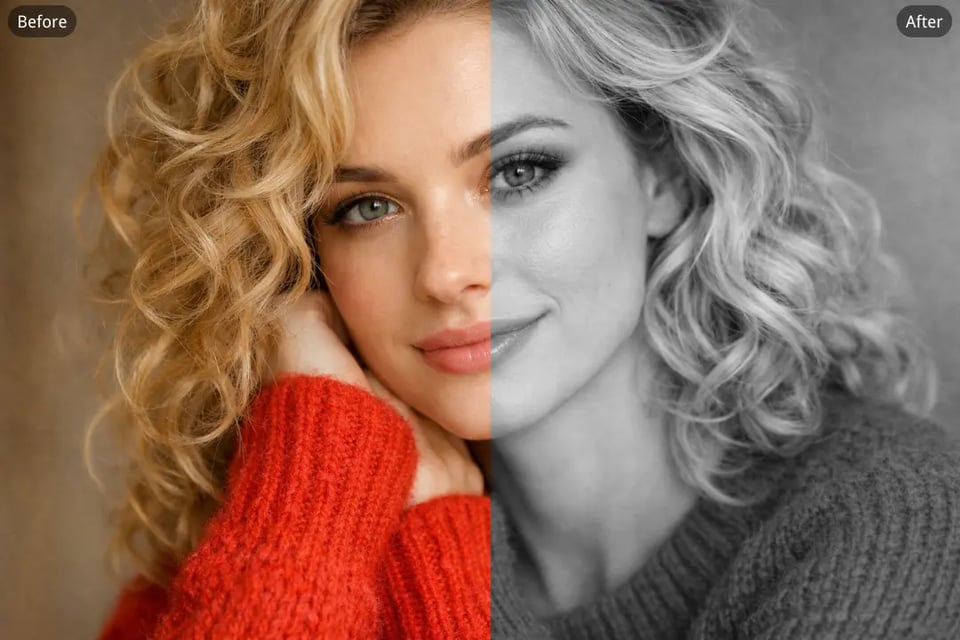
Convert Pictures to Grayscale for Retro and Artistic Effects
Our Grayscale Image Converter also helps you convert pictures to grayscale to achieve a timeless monochrome look inspired by classic photography. By emphasizing contrast and composition, the tool makes it easier to produce artistic black-and-white visuals for creative design, photography, or visual storytelling.
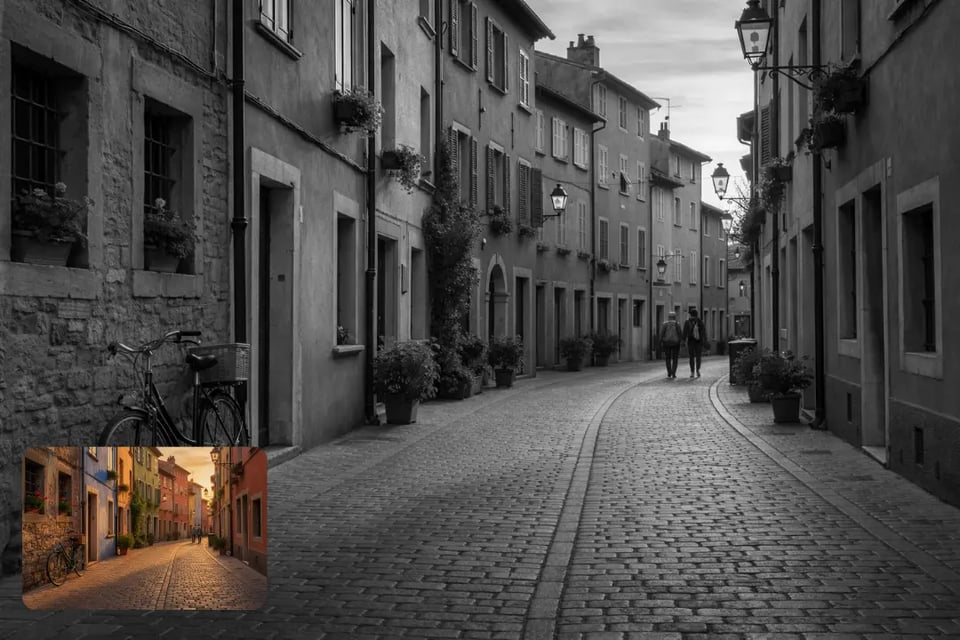
Create Timeless Black-and-White Moments with a Grayscale Image Converter On Bylo AI
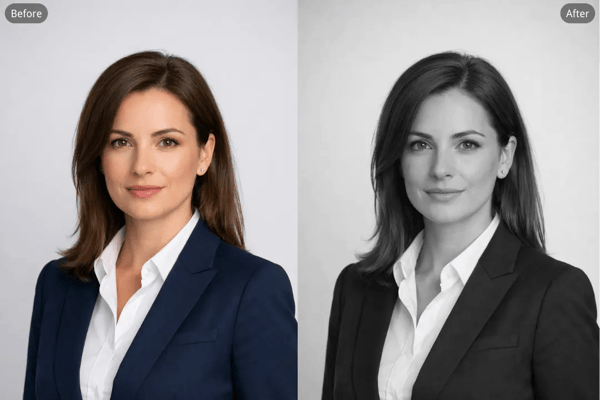
Convert Portrait Photos to Grayscale for Professional Headshots
Many users convert portrait photos to grayscale for professional headshots because monochrome images emphasize facial structure, lighting, and expression. By removing color distractions, grayscale portraits highlight shadows and contours, helping the subject appear more focused and visually refined.
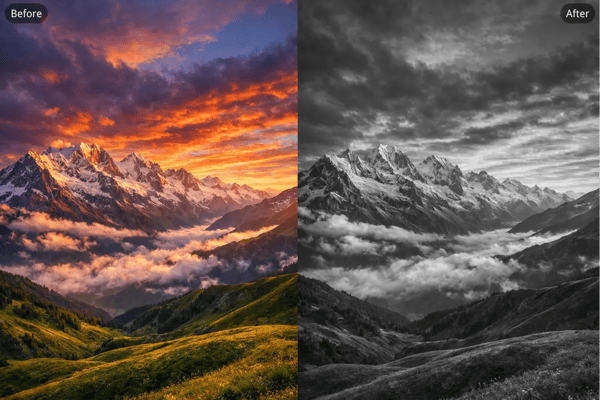
Convert Landscape Photos to Grayscale for Classic Black-and-White Photography
Photographers often convert landscape photos to grayscale to create a timeless black-and-white photography style. Without color, elements such as clouds, buildings, mountains, and shadows become more prominent, allowing composition and tonal contrast to shape the mood of the scene.
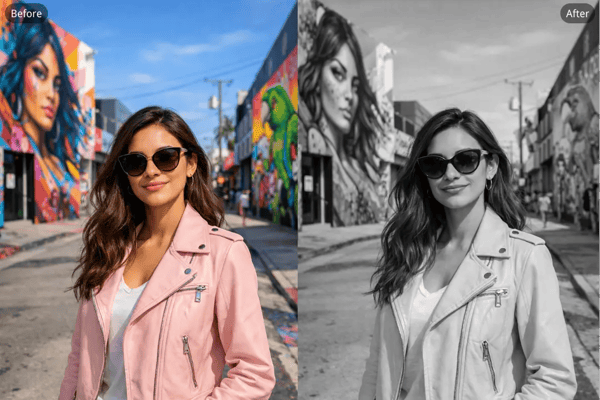
Convert Images to Grayscale for Social Media Profile Pictures
Creators frequently convert images to grayscale for profile pictures to achieve a clean and minimal aesthetic on platforms like Instagram or LinkedIn. A monochrome avatar can stand out in a busy feed while maintaining clear facial features and balanced contrast.
Convert Old Photos to Grayscale for Memorial Portraits
Families sometimes convert old photos to grayscale for memorial portraits when creating remembrance visuals for loved ones. A grayscale style gives the image a quiet, timeless tone while preserving the original portrait details and emotional expression.
Why Choose Bylo.ai’s Grayscale Image Converter To Grayscale Your Image
Free Grayscale Image Converter for Instant Black-and-White Results
Bylo.ai provides a Free Grayscale Image Converter that lets you convert image to grayscale quickly without complicated setup. Simply upload your image and the tool will automatically transform the color photo into a balanced black-and-white version while maintaining natural brightness and contrast.
Easy Tool to Convert Image to Grayscale Online
Our grayscale image converter is designed to convert image to grayscale online with a simple and intuitive workflow. Upload your photo, apply the grayscale conversion, and preview the result instantly, making the tool accessible even for users with no photo editing experience.
Realistic Results When You Convert Photo to Grayscale
When you convert photo to grayscale using Bylo.ai, the system recalculates tonal brightness and contrast to keep the image visually natural. Highlights, shadows, and textures remain clear, producing monochrome images that feel realistic rather than flat or overprocessed.
Multiple Color Editing Tools Beyond Image to Grayscale
Beyond the image to grayscale converter, Bylo.ai offers multiple color editing tools that allow you to adjust tones, experiment with visual styles, and refine image appearance. This makes it easy to enhance photos and explore creative edits within the same platform.