
Select the model you want to generate your image with.
Clean Shave Filter for Natural Beard Removal
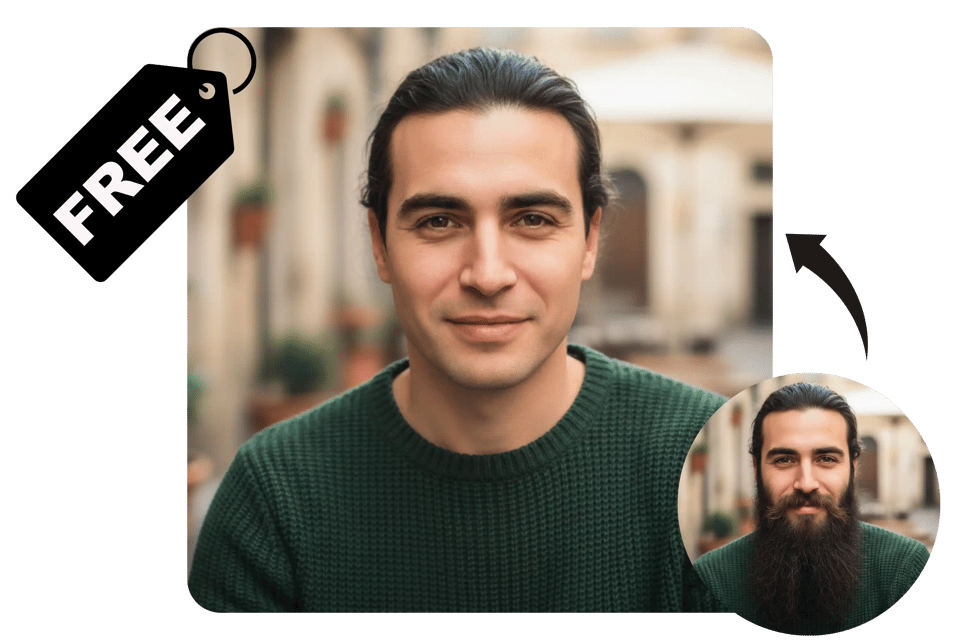
Instantly remove beards and stubble from your photos and see a natural, clean-shaven look in seconds.

Your Generated Images
Key Features of the Clean Shave Filter by Bylo AI
One-Click Beard Remover AI for a Clean Shave Look
Bylo AI’s clean shave filter is built for speed and simplicity. With one click, the beard remover AI automatically detects and removes beards, mustaches, and stubble. The clean shave AI filter creates a natural, balanced no beard look without manual editing or extra steps.
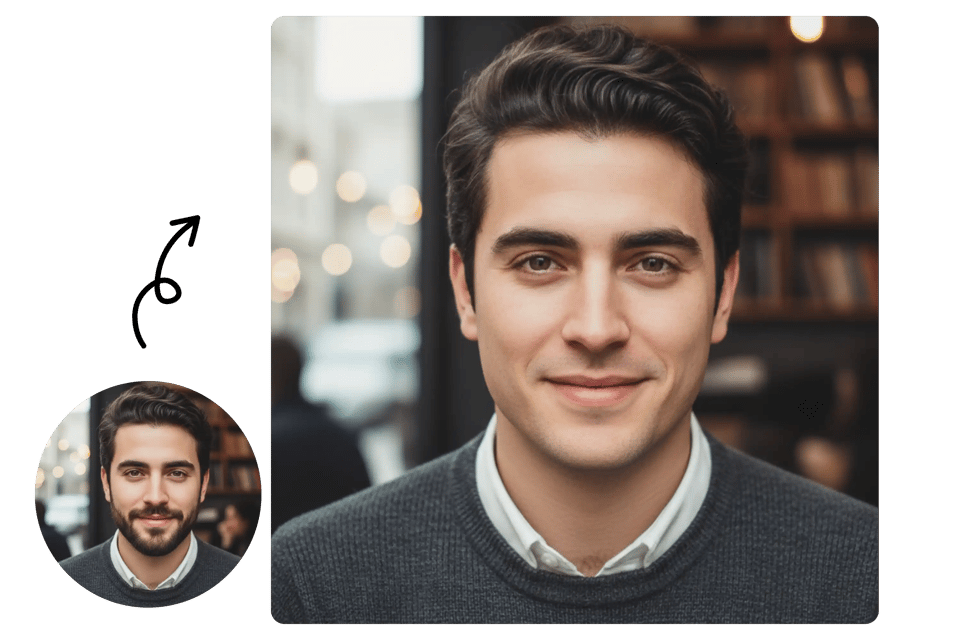
Intelligent Facial Analysis with Realistic Skin Reconstruction
Our clean shave filter goes beyond basic hair removal. Bylo AI uses intelligent facial analysis to understand your jawline, skin tone, and lighting. The beard remover AI rebuilds skin texture and facial contours, delivering a clean shave result that looks realistic and human.
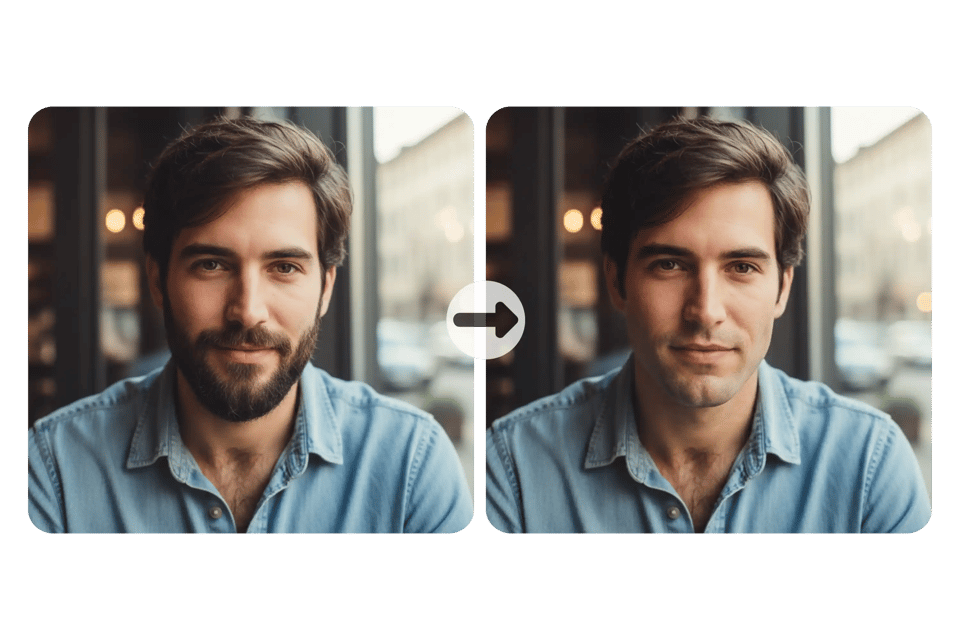
Clean Shave Filter Online with Instant Results
The Bylo AI clean shave filter online delivers results in just seconds. Upload your photo, apply the clean shave AI filter, and preview your no beard look instantly. This fast workflow makes it easy to test different styles without waiting or complicated adjustments.
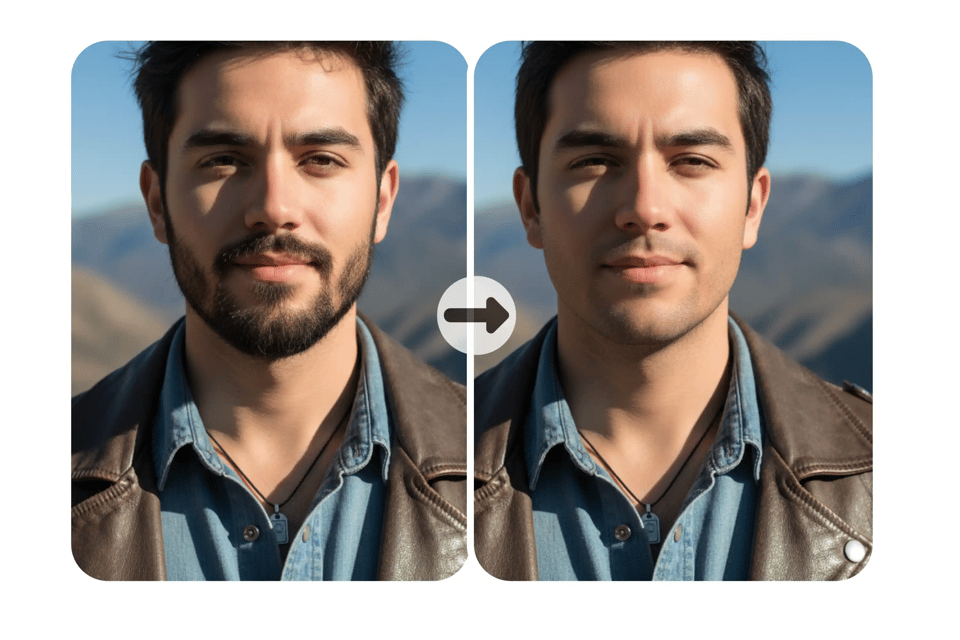
Beard Remover AI for All Beard Types
Bylo AI clean shave filter works across different beard styles and densities, including light stubble, mustaches, short beards, and full beards. The beard remover AI adapts to each hair pattern, ensuring smooth, even results while keeping skin texture and facial details natural.
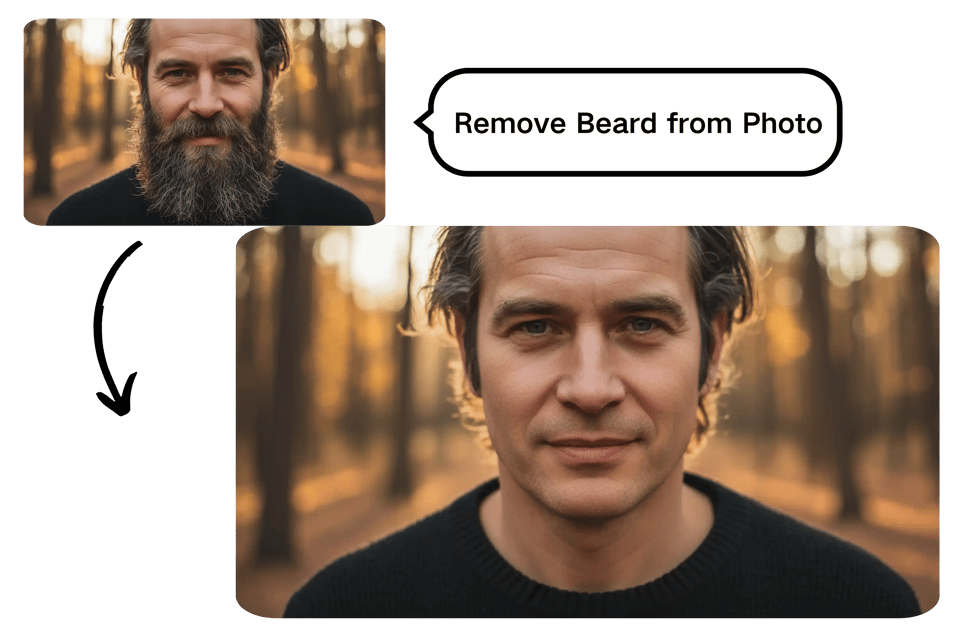
No App Needed – Clean Shave Filter on Any Device
Bylo AI offers a clean shave filter online with zero downloads. Use the beard remover AI directly in your browser on desktop or mobile. The clean shave filter is free to try, works across devices, and fits seamlessly into your everyday workflow.
How to Use the Clean Shave Filter Online
Step 1: Upload Your Photo
Start by uploading a clear photo to the clean shave filter on Bylo AI. The tool works best with front-facing portraits where the beard or stubble is visible. There’s no setup needed—just choose your image and let the clean shave filter do the work.
Step 2: Apply the Clean Shave Filter
Once your photo is uploaded, apply the clean shave filter with a single click. Bylo AI automatically removes facial hair and adjusts the skin and jawline for a natural result. No sliders, no manual edits—everything happens in the background.
Step 3: Preview and Download Your Result
In a few seconds, you’ll see your clean-shaven look. Preview the result, then download the image when you’re happy with it. The clean shave filter online keeps your photo clear and ready for use on profiles, resumes, or social media.
Clean Shave Filter Use Cases on Bylo AI
Clean Shave Filter for Profile Pictures and Social Media
Use the clean shave filter to refresh your profile photo on platforms like Instagram, X, or dating apps. The no beard filter helps create a clean, approachable look that feels natural and polished, without the need for real shaving or photo editing.
Beard Remover AI for Professional Headshots
The beard remover AI is ideal for LinkedIn profiles, resumes, and business websites. With the clean shave filter online, you can present a tidy, professional appearance in minutes—perfect for job applications, portfolios, or company profiles.
Try a Clean Shave Look Before Shaving
Not sure if a clean-shaven style suits you? The clean shave AI filter lets you preview your look before picking up a razor. This use case helps users make confident grooming decisions without commitment.
No Beard Filter for Photo Updates and Rebranding
When updating old photos or refreshing your online presence, the no beard filter offers a quick fix. Use the clean shave filter free to modernize avatars, banners, or personal branding images without reshoots or studio sessions.
Why Choose Bylo AI Clean Shave Filter?
Advanced Clean Shave AI Technology
Bylo AI’s clean shave filter is built on advanced face understanding technology, not simple overlays. The beard remover AI carefully analyzes facial structure, skin tone, and lighting to produce clean shave results that look natural, realistic, and consistent across different photo styles.
Batch Processing
You can try the clean shave filter online for free, with no installation or complicated setup. This makes it easy to test a no beard look instantly, whether you’re exploring a new style or updating a photo, before deciding on further edits.
More Than a Clean Shave Filter
Bylo AI is not limited to a single clean shave filter. You can go further by changing your overall look with tools like the AI Hairstyle Changer, allowing you to test different hairstyles, match them with a clean shave, and explore complete appearance changes in one place.