
Select the model you want to generate your image with.
Transform Yourself into a Baby Face with AI
Upload a photo and get instant baby face filter effect with free AI baby filter on Bylo AI.
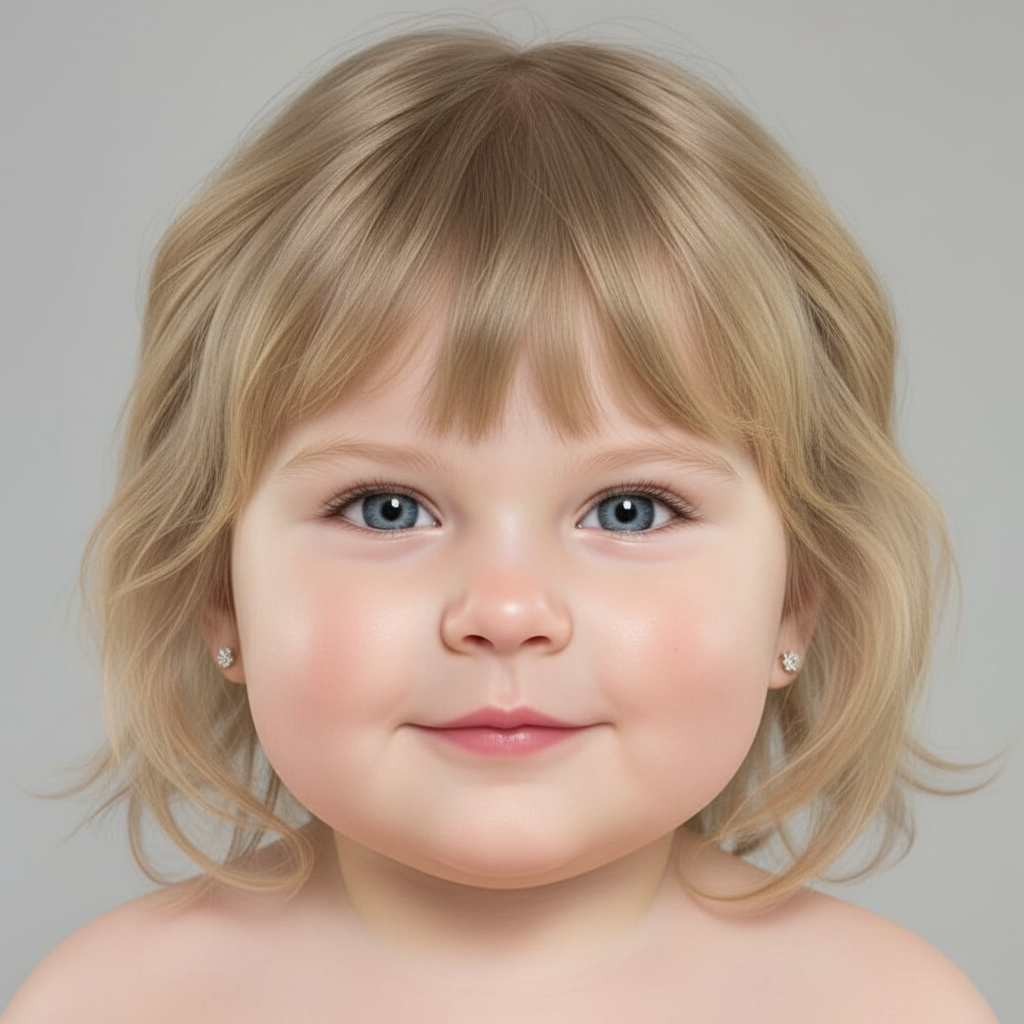
Your Generated Images
Key Features of Bylo AI Baby Filter
AI Baby Filter to Turn Yourself into Baby Face Instantly
AI Baby Filter on Bylo AI lets you turn yourself into baby face with one click. Upload a photo and baby filter automatically creates a realistic baby face filter effect. No manual editing is required. This AI baby face filter is simple, fast, and easy for anyone to use.
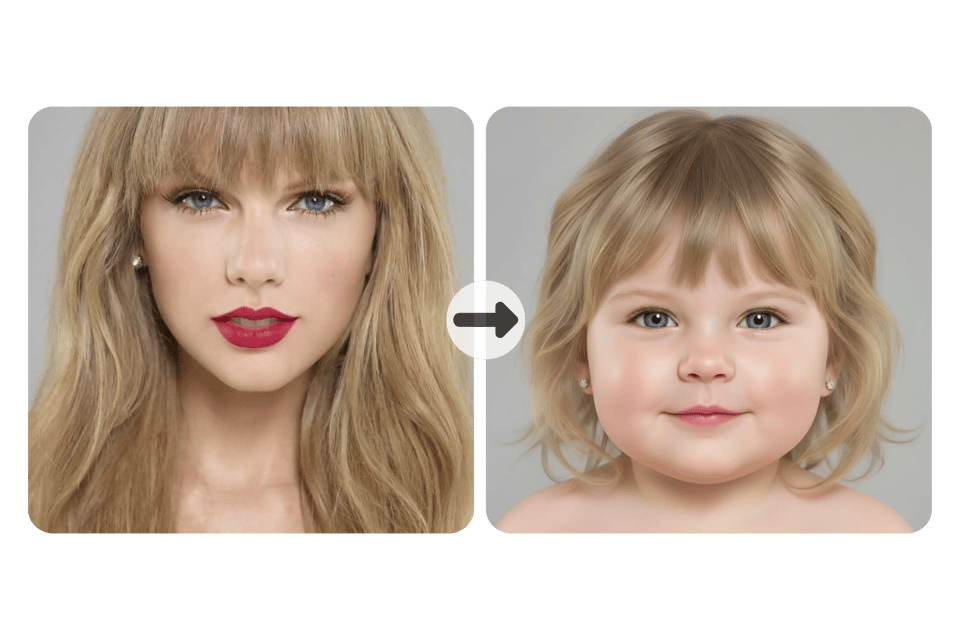
Baby Face Filter Effect That Preserves Your Real Identity
Our baby filter uses advanced AI baby face filter technology to analyze facial structure, expressions, and proportions. AI Baby Filter keeps your unique identity while softly transforming features into a natural baby face filter effect. You still look like yourself, just younger, softer, and cuter.
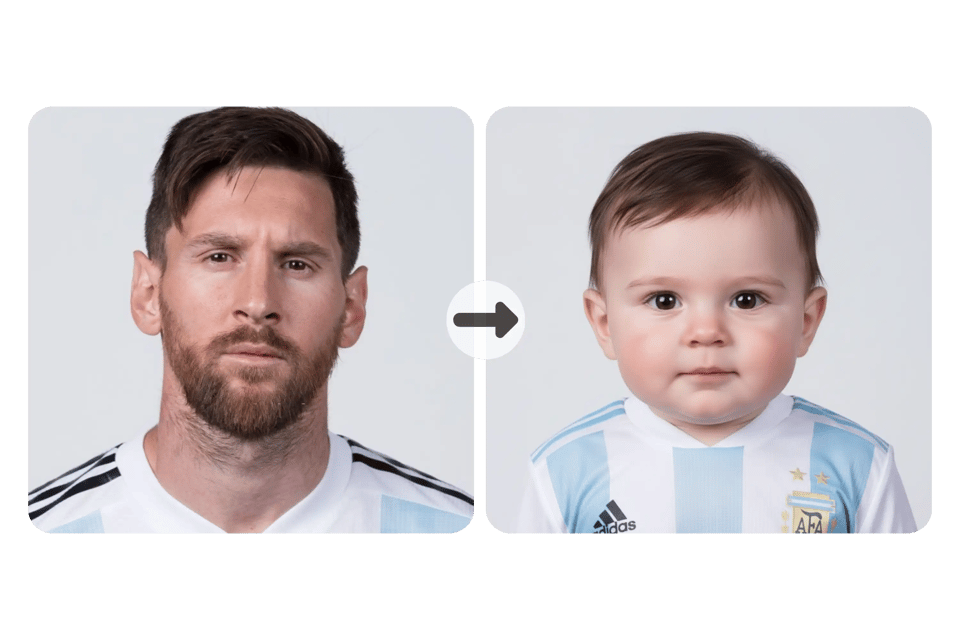
Add a Baby Filter to Your Photos Without Changing Scene
With this AI Baby Filter, only facial details are transformed. Baby face filter effect does not change background, clothing, or lighting. You can add a baby filter to your photos while keeping original scene intact, resulting in a natural and realistic AI baby face filter output.
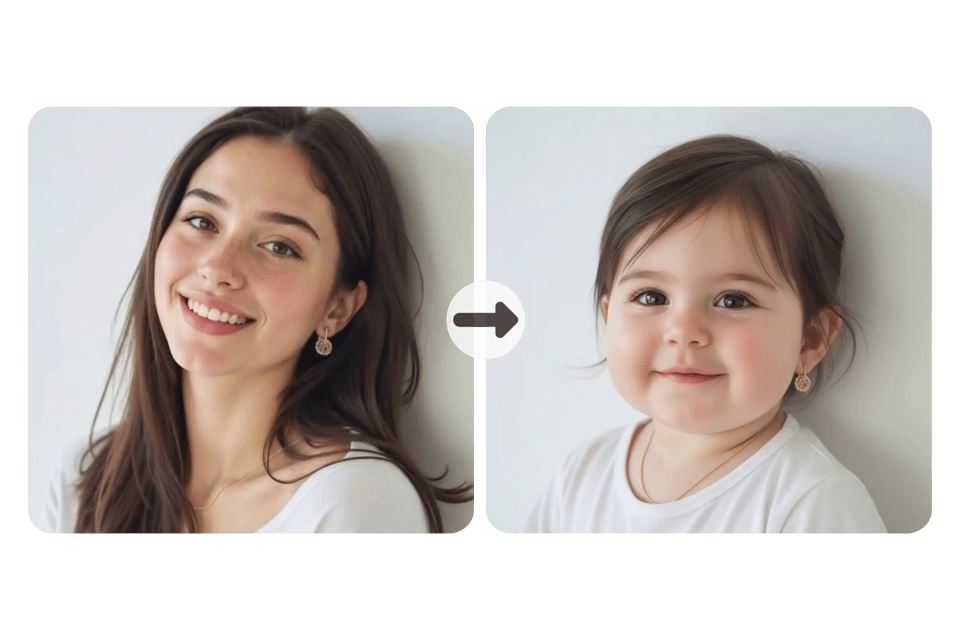
Turn Your Face Into Baby Online in Seconds
Bylo AI baby filter is optimized for speed. Upload an image and turn your face into baby online within seconds. AI baby face filter delivers instant results with no waiting, making it easy to preview, experiment, and share baby face filter effect anytime.
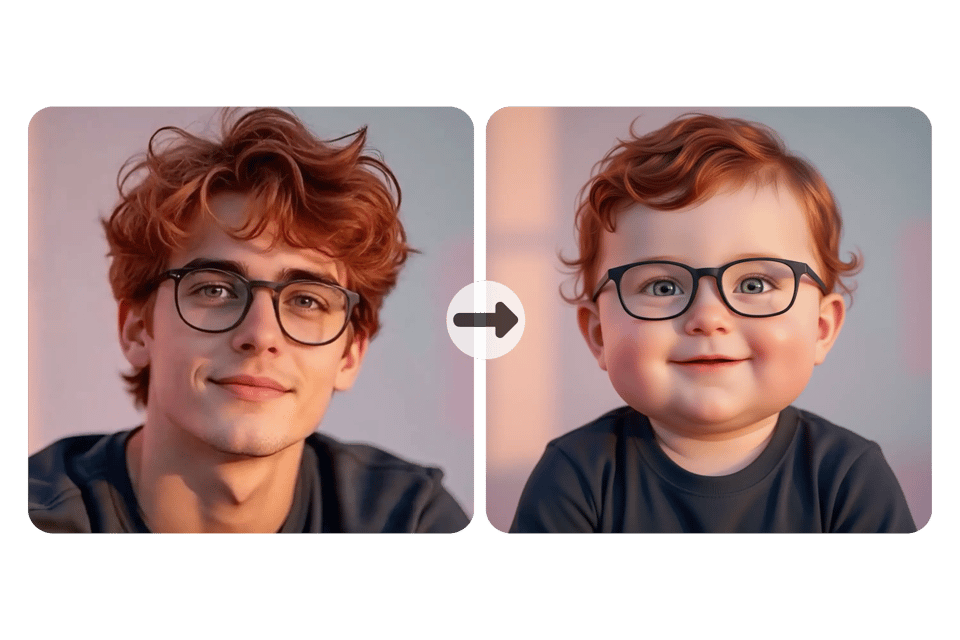
Preview Baby Face Filter Effect with Free AI Baby Filter
Bylo AI offers free trial access to AI baby filter so you can preview baby face filter effect before upgrading. Upload a photo, test baby filter online, and see how AI baby face filter turns your face into a natural baby look with no commitment.
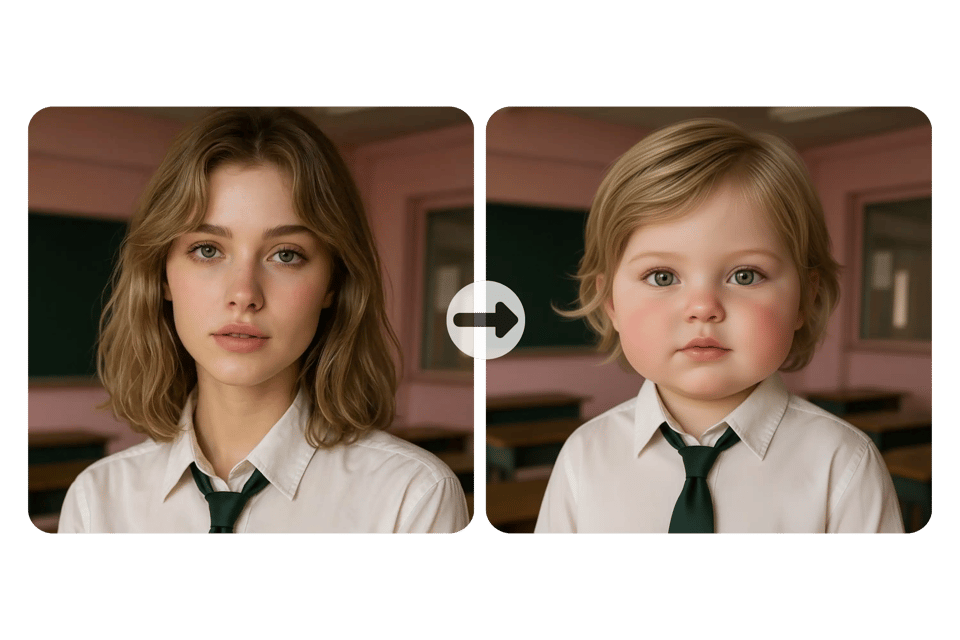
How to Turn Yourself into a Baby Face Online
Upload a Photo to Start Baby Filter
Upload a clear selfie or portrait to begin using the baby filter. The AI baby filter works best with front-facing photos where facial features are visible. No setup or installation is required to turn your face into a baby online.
Apply AI Baby Face Filter Automatically
Once your photo is uploaded, the AI baby face filter runs automatically. The system analyzes facial structure and applies baby face filter effect in seconds, transforming your features into a natural baby look while keeping your identity intact.
Preview and Download Baby Face Result
Preview the baby face filter effect instantly and check how the AI baby filter looks on your photo. If satisfied, download the result or continue editing. Free AI baby filter allows easy testing before any upgrade.
Ways to Use Baby Filter for Photos and Creative Content
Turn Yourself into a Baby Face for Social Media Content
Use baby filter to create eye-catching posts for Instagram, TikTok, or stories. AI baby filter turns your face into a cute baby look while keeping expressions natural, making baby face filter effect ideal for shares, reactions, and short-form social content.
AI Baby Filter for Fun Portraits and Profile Photos
AI baby face filter works well for casual portraits and profile images. Add baby filter to your photos to create a playful version of yourself without changing background or style. Baby face filter effect stays clean and realistic for everyday use.
Transform Yourself into a Baby Face with AI for Friends and Couples
Transform yourself into a baby face with AI together with friends or couples. Baby filter supports multiple faces in one image, making AI baby filter great for group photos, comparisons, and fun before-and-after moments shared online.
Create Baby Face Images for Creative and Meme Content
Baby face filter effect is perfect for creative projects and meme content. Turn your face into a baby online to generate humorous visuals, themed edits, or viral images. Free AI baby filter helps test ideas quickly before final use.
Why Choose AI Baby Filter on Bylo AI
Free AI Baby Filter to Use Online with No Login
Bylo AI provides a free AI baby filter that works online with no account or login required. You can try baby filter instantly, turn your face into a baby online, and preview baby face filter effect with zero friction. It’s designed for fast testing and casual use.
One-Click Baby Filter with Automatic AI Processing
AI baby face filter runs fully automatically after photo upload. With one click, baby filter analyzes facial features and applies baby face filter effect in seconds. No settings, no manual edits—just a simple way to transform yourself into a baby face with AI.
More Than Baby Filter – Explore Free AI Filters Like Old Filter
Bylo AI is more than a baby filter tool. You can also explore other free AI filters, including Old Filter, to see how you look at different ages. This makes Bylo AI a flexible platform for experimenting with multiple AI face filters in one place.