
Select the model you want to generate your image with.
Add Santa to Photo Online Free with Bylo AI
Create fun holiday images, catch Santa in your house, or take a picture with Santa in just a few seconds.
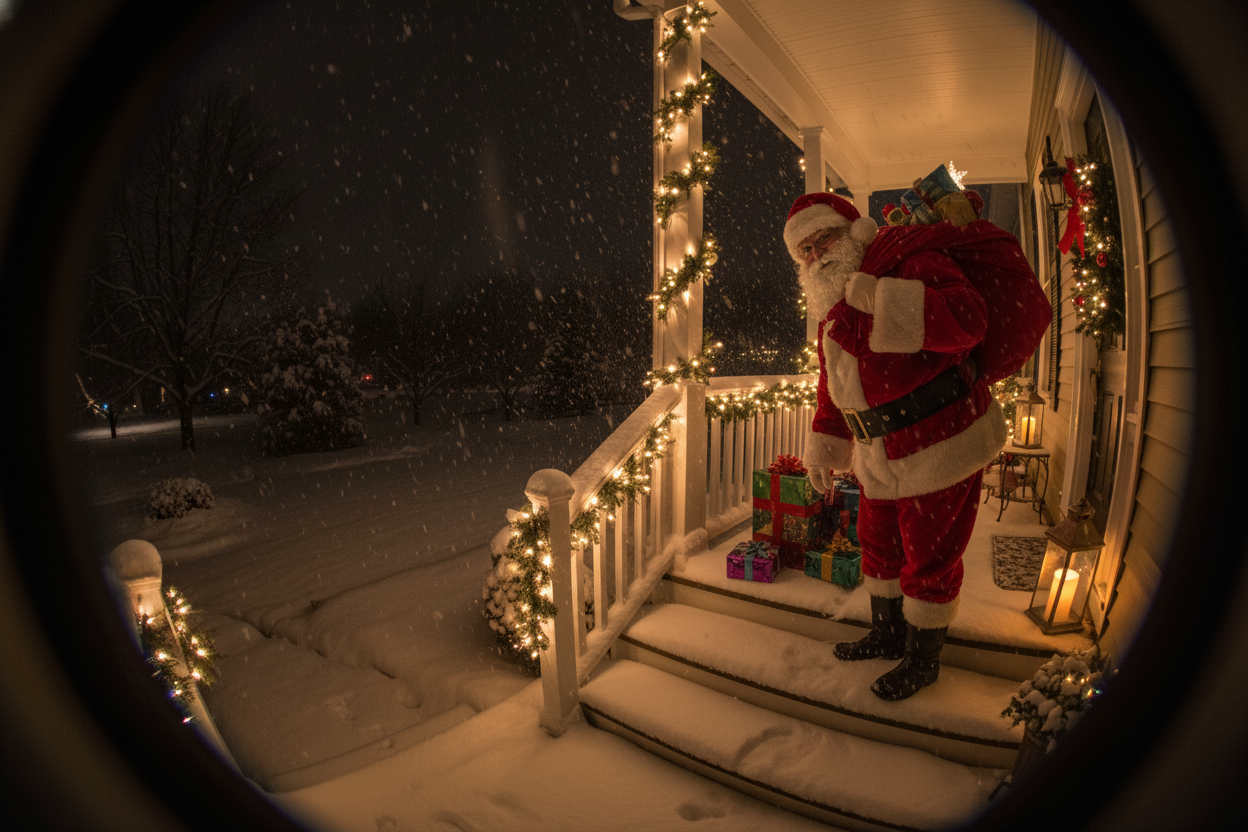
Your Generated Images
Add Santa to Photo for Realistic Holiday Scenes
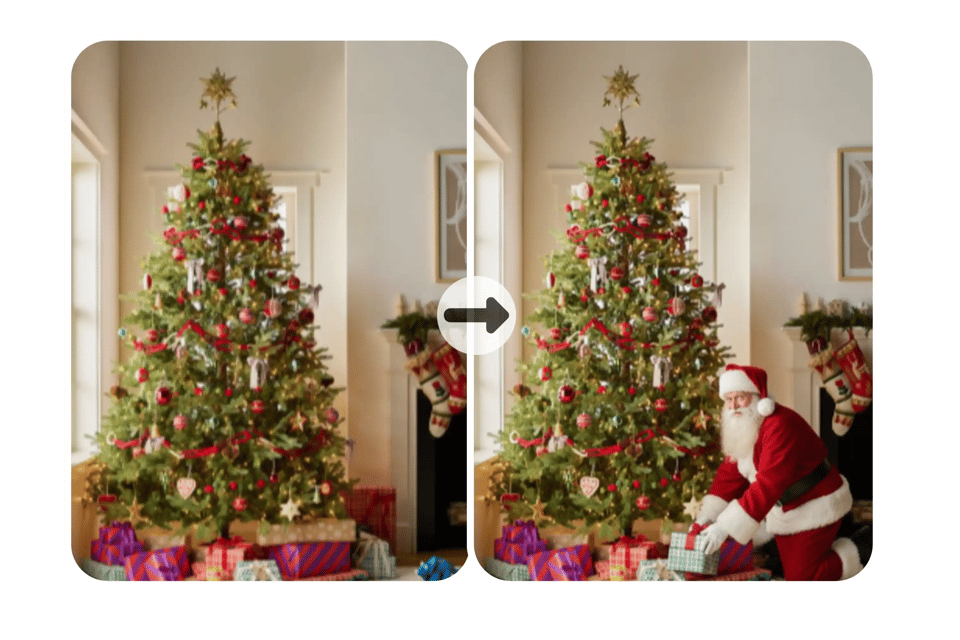
Catch Santa in Your House with Natural Lighting and Scale
Bylo AI analyzes lighting, shadows, and depth in your indoor photo to create a believable “catch Santa in your house” moment. Santa is placed with matching scale and perspective, allowing him to blend naturally into rooms, hallways, or decorated holiday spaces. The final scene appears cohesive and realistic, making it suitable for both casual and family holiday photos.
Take a Picture with Santa in Any Pose You Want
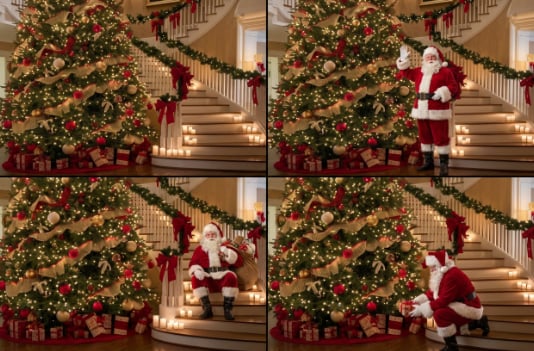
You can describe any pose you prefer when you take a picture with Santa. Whether you want Santa waving, placing gifts under the tree, leaning forward, or standing beside your family, Bylo AI adapts the pose to your scene. The placement remains balanced and consistent, so the edited image feels natural and easy to share.
Catch Santa in My House for Kids and Family Photos
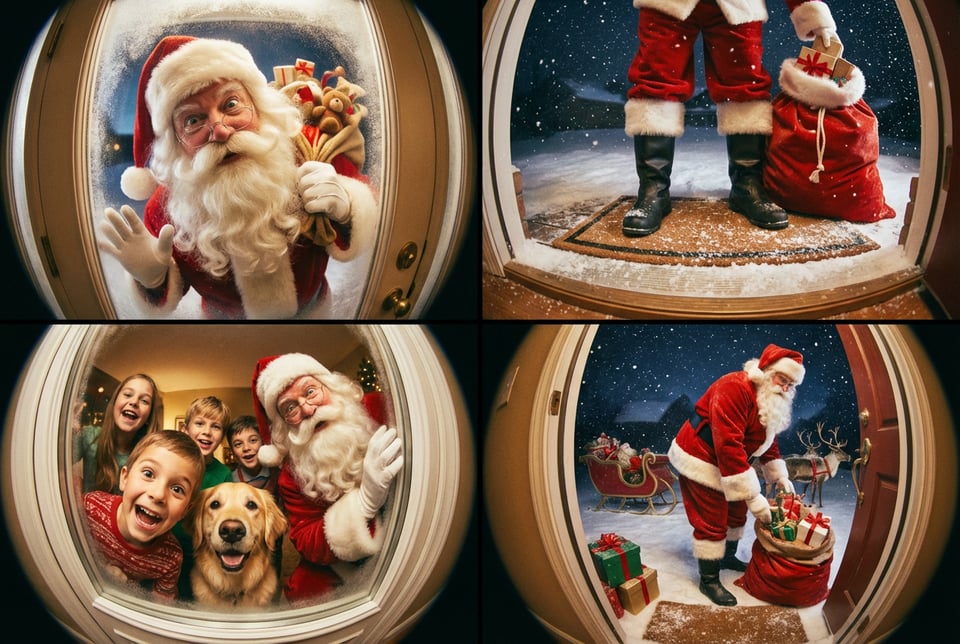
You can create a “catch Santa in my house” moment that feels natural for children and families. Santa is placed smoothly into living rooms, play areas, or holiday decorations without harsh edges or strong edits. The result is simple, clear, and suitable for sharing with kids.
Add Santa to Photo with Style and Background Controls
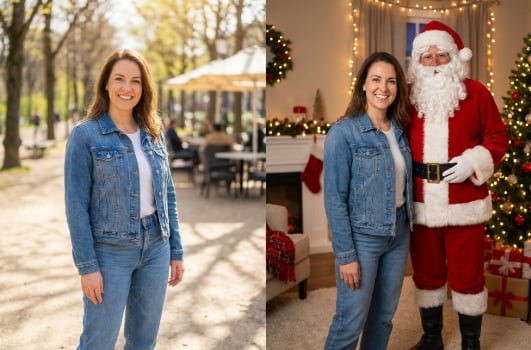
Apply a Christmas Background That Matches Any Scene
You can replace your original background with a Christmas background that fits the mood you want. Choose a warm indoor room, a snowy outdoor setting, or a minimal festive design. Bylo AI adjusts lighting and depth so the new background fits naturally with your photo.
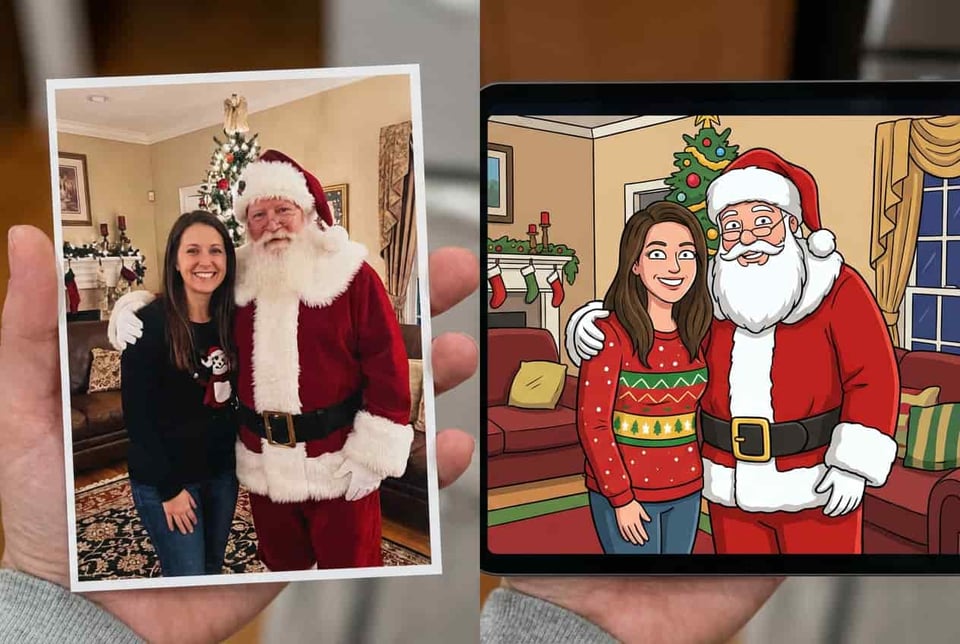
Customize Santa’s Style for Cartoon or Realistic Looks
Choose the appearance that fits your photo—soft cartoon colors for a playful look or a realistic style for traditional holiday images. Each option adapts to the lighting and tone of your picture so the overall mood stays unified.
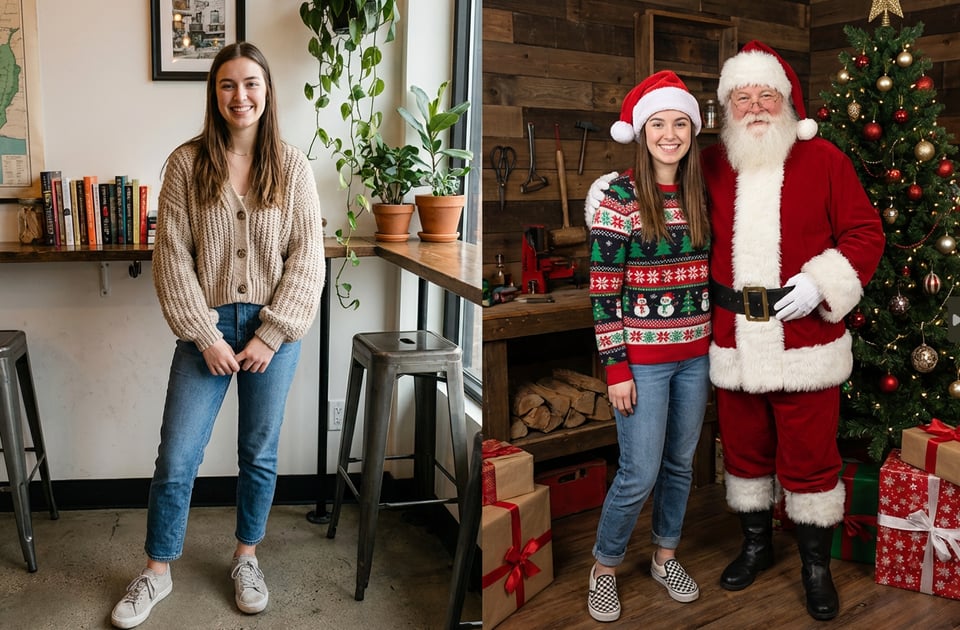
Turn Your Outfit into a Christmas-Themed Look
You can transform your outfit into a Christmas style with simple adjustments. Bylo AI can add seasonal colors, soft textures, or small festive details to match the holiday atmosphere. This helps your picture feel more complete when you take a picture with Santa or create a full Christmas scene.
How to Add Santa to Photo Online Free with Bylo AI
Step 1: Choose the Bylo AI Add Santa to Photo Tool
Open the Bylo AI editor and select the “Add Santa to Photo” tool. Upload the picture you want to edit, whether it’s a family photo, a room setup, or a simple indoor snapshot.
Step 2 — Describe the Santa Pose, Style, or Christmas Background You Want
Tell the AI what you want to create. Describe the Santa pose, the position in the scene, or the Christmas background you prefer. You can also mention details like lighting, outfit changes, or a “catch Santa in your house” moment. The system interprets your instructions and prepares the edit.
Step 3 — Preview the Result and Download Your Final Image
Review the generated image and make adjustments if needed. Once everything looks right, download the final photo in high quality. The image is ready for sharing, printing, or adding to your holiday collection.
Why Choose Bylo AI to Add Santa to Photo Online Free
Catch Santa in Your House with Free, No-Login Access
Start editing immediately without signing up or paying. Upload a photo and create a quick “catch Santa in your house” moment in just a few steps. This setup keeps everything simple and accessible for casual holiday use.
Take a Picture with Santa Using One-Click Santa Magic
Santa is added automatically once your photo is uploaded. No masking, layering, or manual positioning required. This makes it easy to take a picture with Santa and get a clean holiday result without adjusting anything yourself.
Catch Santa in Your House with More Free Christmas Filters
Add extra holiday details with free Christmas filters, soft festive effects, and simple options like add Santa hat to your photo. These small adjustments help build a clearer “catch Santa in my house” scene while keeping the overall image warm, balanced, and consistent.
Best Ways to Add Santa to Photo Online Free with Bylo AI
Catch Santa in Your House for Kids’ Christmas Surprises
Create a small Christmas surprise by making it look like Santa really stopped by your home. Place him near the tree, next to the presents, or anywhere that feels natural in your living room. This works especially well when you want to bring a little holiday magic to children.
Take a Picture with Santa Without Visiting a Mall
Skip the long lines and crowded holiday events. Add Santa directly to your photo at home and create a simple, relaxed holiday portrait. Whether it’s just you or your whole family, the result feels like a traditional Christmas photo without the effort.
Catch Santa in My House for Holiday Cards and Family Photos
Use this feature to create warm, friendly images for greeting cards or seasonal updates. Santa can appear naturally in decorated rooms or cozy home settings, giving your holiday photos a personal touch and making them easy to share with friends and family.
Add Santa to Photo for Social Posts, Parties, and Christmas Events
Make quick edits for social posts, invitations, or group celebrations. Whether you want something playful or something more classic, adding Santa brings a festive feel to your images. It’s a simple way to dress up event photos or add holiday spirit to your online posts.