
Select the model you want to generate your image with.
GTA Filter Online Free – Morph Your Pics into Los Santos Legends
Turn everyday photos into bold GTA-style artwork with one click—no design skills needed!
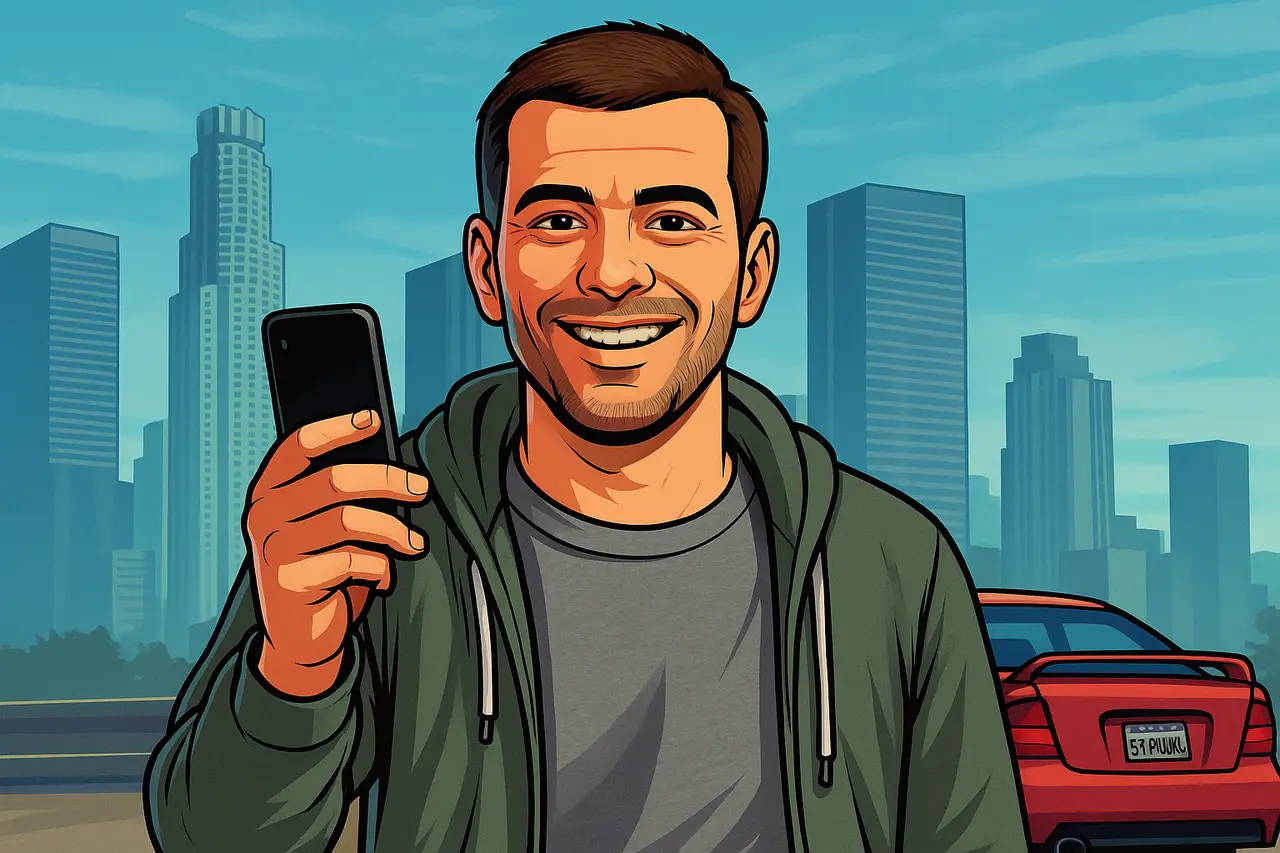
Your Generated Images
Key Features of GTA Filter by Bylo.ai
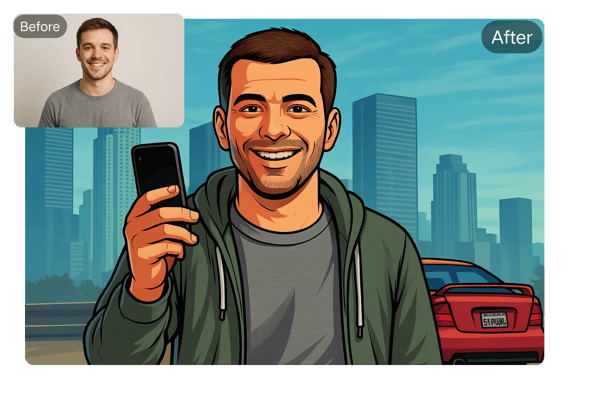
One-Tap Getaway to Los Santos
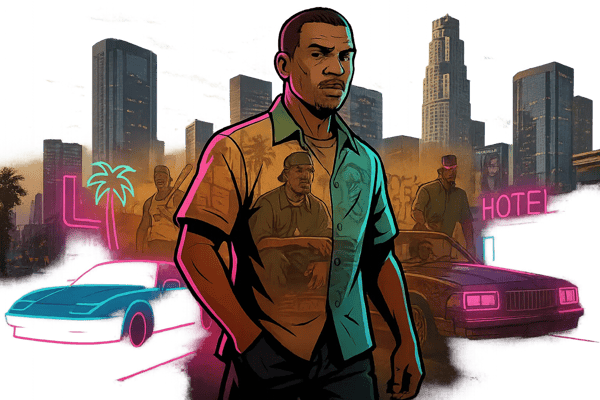
Bylo.ai uses advanced AI to instantly apply a stunning GTA photo effect to your images. From GTA V’s cinematic flair to Vice City’s retro neon glow, your photos transform into authentic GTA art with bold outlines and rich textures.
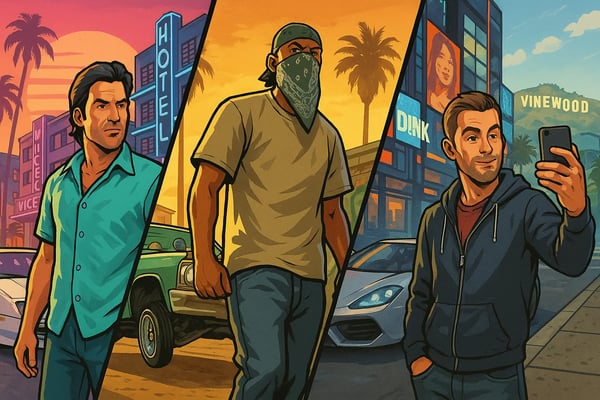
Choose Your Turf: Custom GTA Eras
Select from classic GTA filters like GTA V, San Andreas, or Vice City, or create your own with custom prompts such as 'neon skyline' or 'gangsta vibe.' The GTA AI generator lets you choose your visual turf and fully customize your photo.
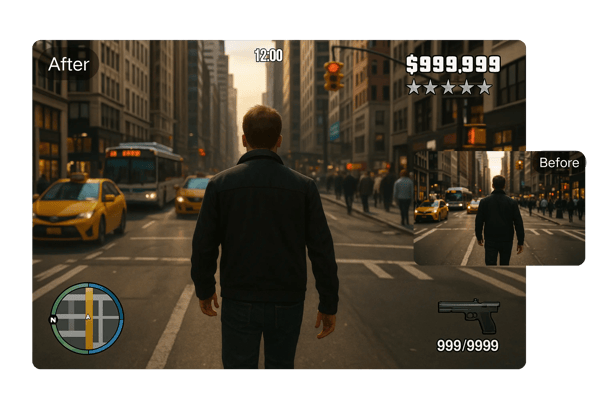
Iconic GTA Elements
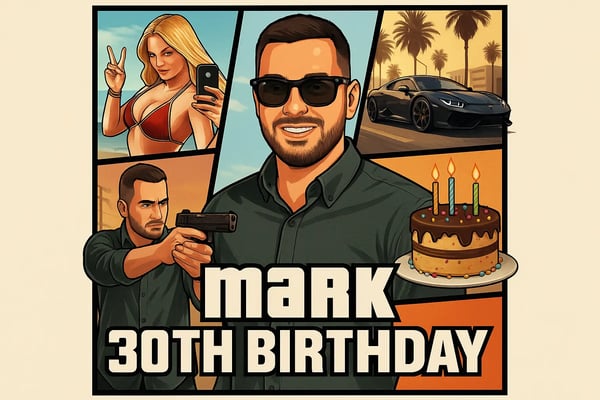
Enhance your GTA-style image with signature elements like health bars, mini-maps, or ‘WASTED’ overlays. You can even design a GTA V game cover starring your own avatar or create posters for content and branding.
Free, Fast, Secure Los Santos Photo Magic
No downloads, no signups—Bylo.ai’s GTA filter is free to try online and works across devices. Upload a photo and generate high-quality GTA art instantly while keeping your data safe and private.
How to Use the GTA Filter on Bylo.ai
Upload Your Photo
Start by uploading your image in JPG or PNG format directly to the Bylo.ai GTA AI generator. No technical setup needed.
Choose Your GTA Style
Input prompt to customize like "add a lowrider" or "80s neon skyline."(optional)
Generate & Download Instantly
Click generate and in less than a minute, your GTA art is ready to download and share—no additional edits required.
Use Case of GTA Filter by Bylo.ai
Game-related content creation
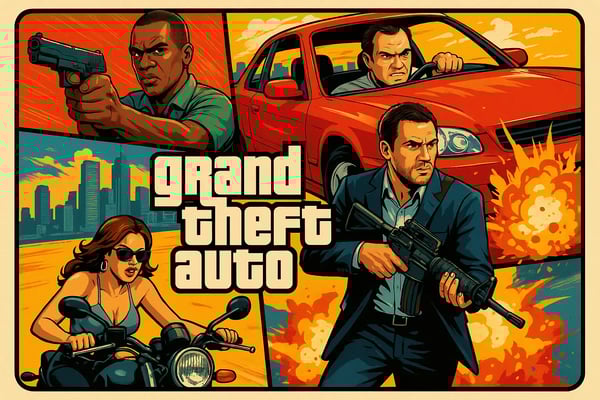
Game streamers or content creators can use GTA filters to create thumbnails, banners, or live broadcast covers to enhance channel brand recognition.Used to create GTA-themed fan art or personalized game character images.
Art and creative expression
Digital artists or enthusiasts can explore different art styles through GTA filters, quickly generate inspirational drafts or finished products, and improve creative efficiency.Used to create GTA-themed scenes such as high-speed car chases, city night scenes or character confrontations to enrich visual narratives.
Brand and Marketing Promotion
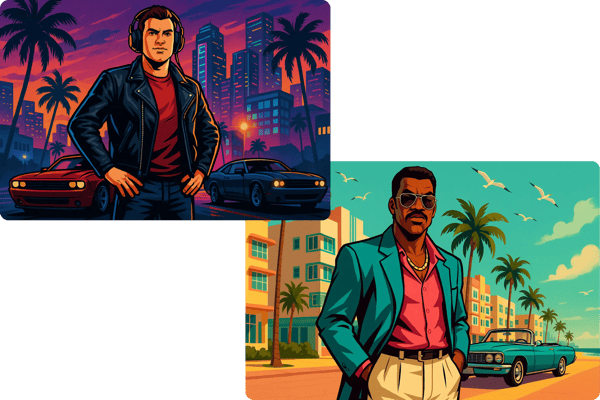
Create bold, GTA-inspired visuals for campaigns, merchandise, or event promotion. Great for urban brands or gaming events.
Personalized GTA portraits
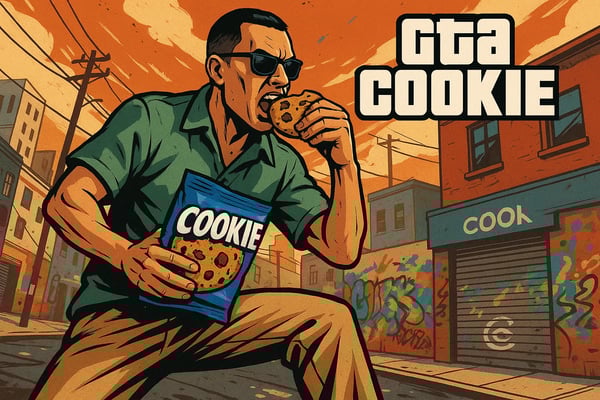
Design personalized GTA portraits for birthdays, anniversaries, or fan art. A creative and memorable way to give a digital gift.
What Users Say About the GTA Filter
This GTA AI generator is fire! My profile pic looks straight out of GTA V. Super quick and no Photoshop needed.
Alex Morgan
Twitch Streamer
I use Bylo.ai’s GTA filter to create unique compositions for fan art. Love the ability to customize backgrounds and poses!
Jamie Chen
Digital Artist
We used GTA-style graphics for our latest campaign—huge success! The online generator made it so easy to create bold visuals.
Priya Desai
Marketing Manager
My channel’s branding just leveled up. I turned my photo into a GTA game cover and my subs loved it!
Carlos Rivera
YouTube Creator
I’m just an amateur photographer, but GTA Filter makes my photos look professional! The interface is super beginner-friendly, and the effects are so cool. My friends keep asking how I get that epic vibe in my shots!
Sophie Davis
Student/Photography Enthusiast
GTA Filter’s retro game-style effects are a total win for my design projects. It let me tweak everything just right, saving me tons of time in post-production. It’s a must-have tool!
Michael Brown
Graphic Designer
Frequently Asked Questions
How do I start using the GTA filter?
Upload your photo, input your desired GTA theme, and click generate. Your image will be processed instantly.
Is the GTA filter free to use?
Yes, Bylo.ai offers a free trial—no login required to generate your first GTA portrait.
Can I use my AI-generated GTA filter image commercially?
Commercial use requires a subscription. Check the terms of service for detailed licensing information.
Do I need to install any software?
No installation is needed. The GTA filter runs online on and works on any modern browser.
How long does it take to generate a GTA portrait?
The AI processes your photo in under a minute, delivering print-ready, high-resolution results.
Is my photo and data safe on Bylo.ai?
Yes, your data is secure. Images are not stored or used without your permission.
Can I customize the generated image?
You can re-upload your photo with different prompts to explore various styles and outputs.
What kind of photos work best?
Portraits and clear selfies yield the best GTA filter results, but the AI also handles landscape shots well.