Select the model you want to generate your image with.

Model Version
Task

Supported formats: PNG, JPG, or WEBP

Maximum file size per image: 5 MB, up to 10 images can be uploaded.

0/2000
0/2000
0/2000
0/2000

No Watermark

Private

Kostenloser Online-Generator für Lens-Flare-Effekte mit KI

Fügen Sie mit einfachen Eingaben auf Bylo.ai realistische Lens-Flare-, Sonnenlichtglanz- und kinospezifische Lichteffekte zu Ihren Fotos hinzu.

Record image

Your Generated Images

No images yet. Generate your first masterpiece!

So fügen Sie kostenlos einen Lens-Flare-Effekt zu Ihrem Bild auf Bylo.ai hinzu

Folgen Sie diesen einfachen Schritten, um mit unserer Plattform zu beginnen.

Laden Sie Ihr Bild hoch

Beschreiben Sie den gewünschten Lens-Flare-Effekt

Erstellen Sie Ihr Bild mit Lens-Flare-Effekt

Wichtige Funktionen des Lens-Flare-Effekts von Bylo.ai

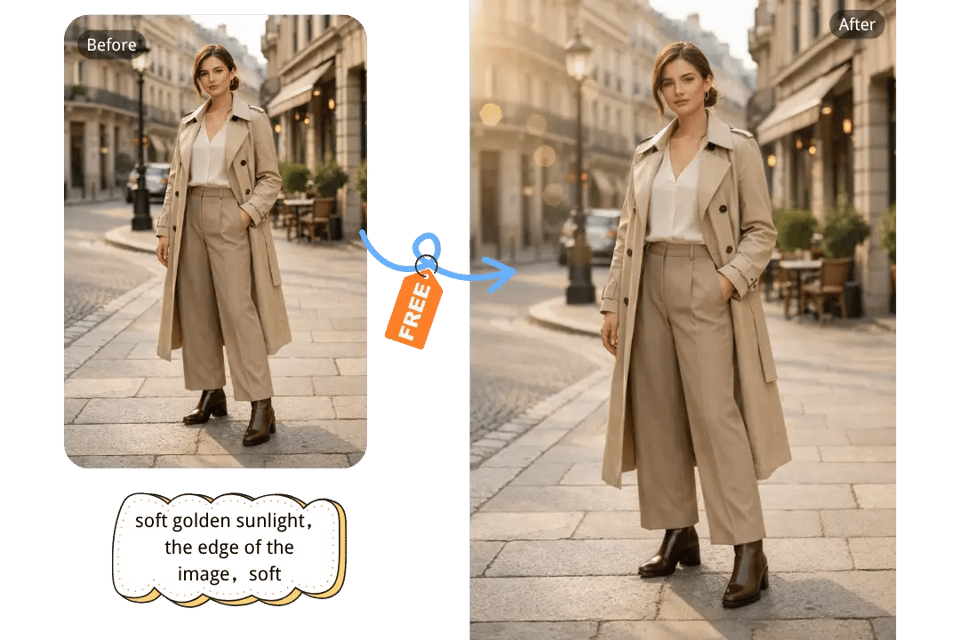
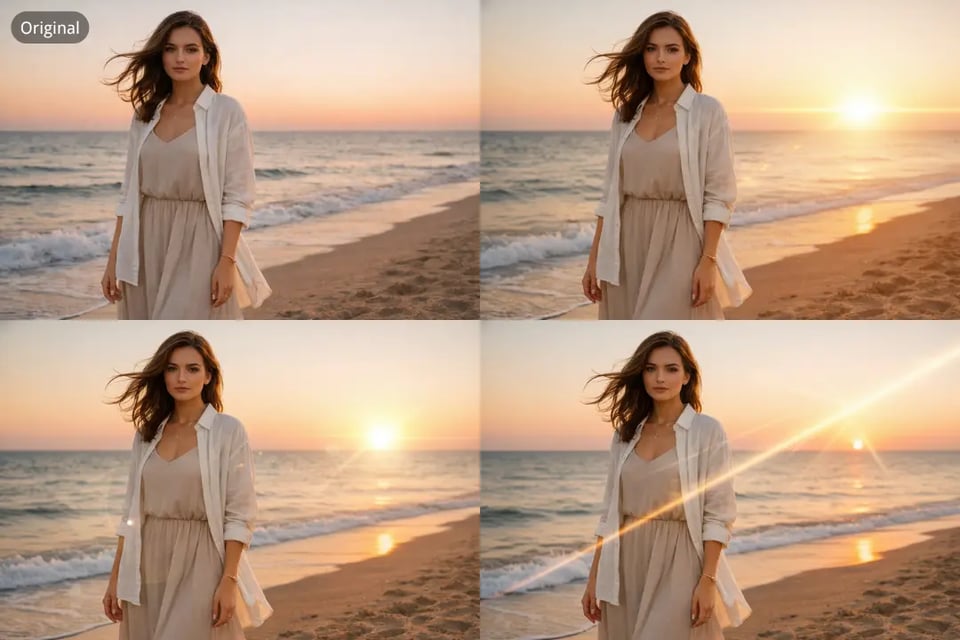
Lens-Flare kostenlos zum Foto hinzufügen – mit nur einem Klick online

Lens-Flare kostenlos zum Foto hinzufügen – mit nur einem Klick online

KI-basierter Lens-Flare-Effekt-Generator für realistische Sonnenlichtverbesserung

KI-basierter Lens-Flare-Effekt-Generator für realistische Sonnenlichtverbesserung

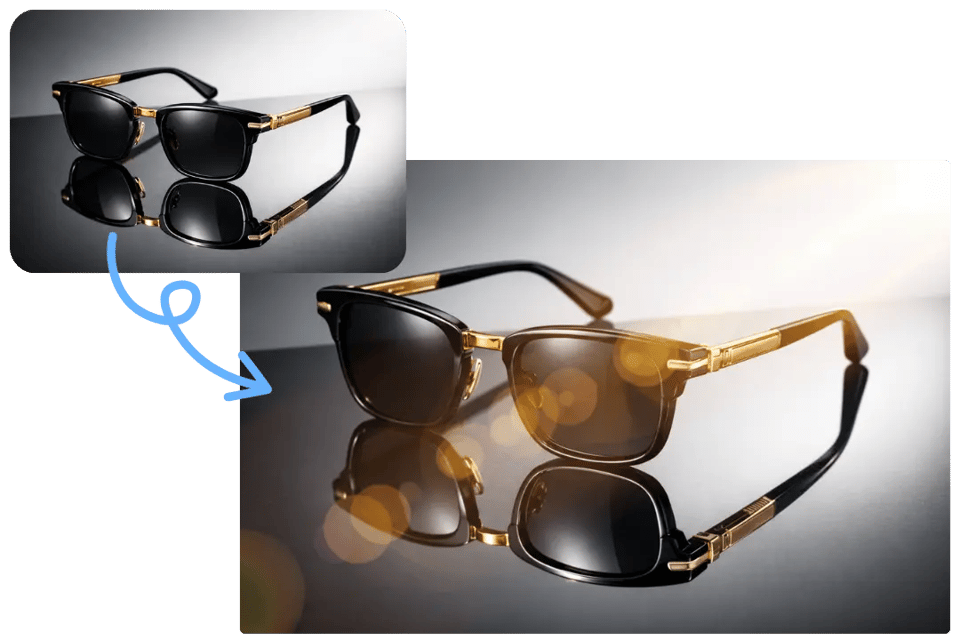
Sonnenlicht-Effekt-Bildbearbeitung mit sanftem Glanz, Glüheffekt und Flare-Stil

Sonnenlicht-Effekt-Bildbearbeitung mit sanftem Glanz, Glüheffekt und Flare-Stil

Filmähnlicher Lichtschein-Effekt für dramatische und atmosphärische Fotos

Filmähnlicher Lichtschein-Effekt für dramatische und atmosphärische Fotos

Entdecken Sie verschiedene Lens-Flare-Effekte für unterschiedliche Szenen auf Bylo.ai

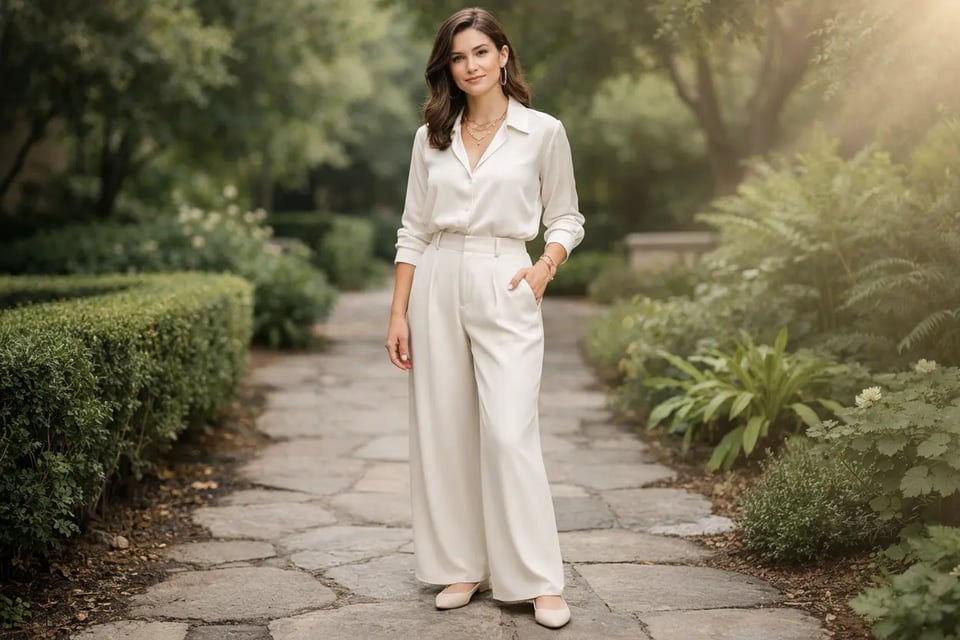
Goldener Sonnen-Flare für Outdoor-Porträts

Goldener Sonnen-Flare für Outdoor-Porträts

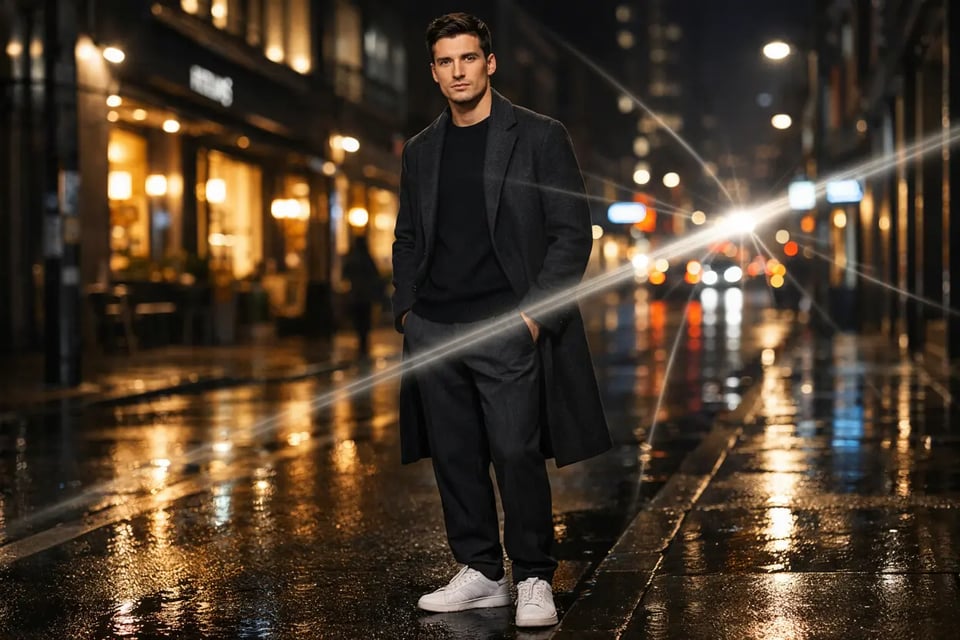
Kinoähnliche Lichtstreifen für Stadtbilder und Nachtansichten

Kinoähnliche Lichtstreifen für Stadtbilder und Nachtansichten

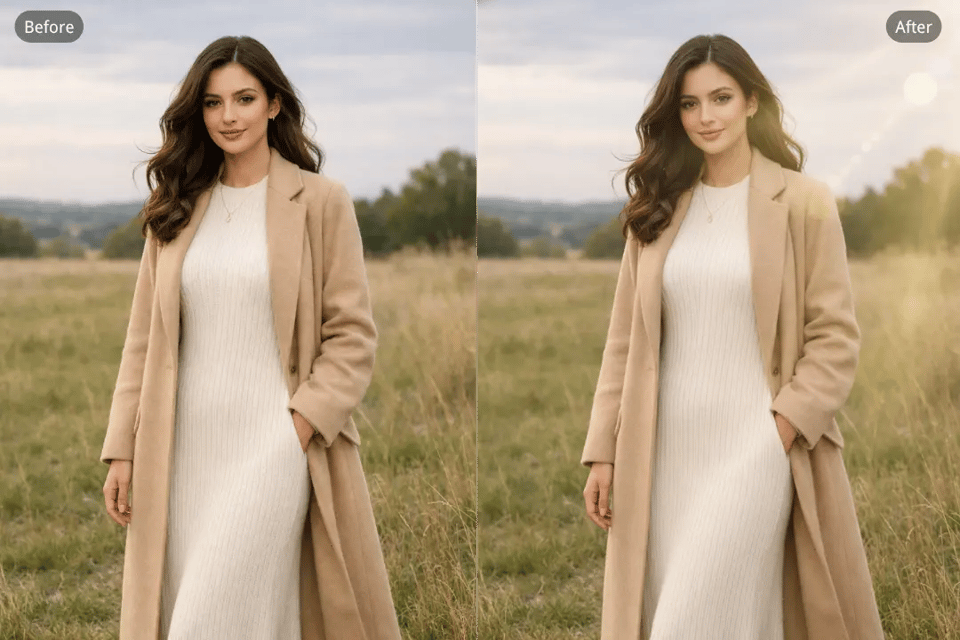
Sanfter Haloglanz für Reise- und Landschaftsfotos

Sanfter Haloglanz für Reise- und Landschaftsfotos

Warum Nutzer Bylo.ai den Lens-Flare-Effekt wählen

Kostenloser Test des KI-Lens-Flare-Effekt-Generators für kreative Tests

Bylo.ai’s Lens Flare Effect gives users an easier way to explore cinematic light edits before moving deeper into a project. For anyone who wants to compare different flare moods, test sunlight-inspired looks, or see how a flare changes the overall tone of an image, this free trial approach makes creative experimentation feel more flexible and more accessible from the start.

Einfacher Lens-Flare-Editor für schnelle und einfache Bildbearbeitung

For users who do not want to spend time on complicated manual adjustments, Bylo.ai’s Lens Flare Effect offers a more direct editing experience. Uploading an image, describing the flare, and generating a result feels much simpler than working through traditional photo editing steps, which makes Bylo.ai’s Lens Flare Effect a strong choice for fast and easy lens flare photo editing.

Realistische Lens-Flare-Effekte für natürliche Lichtverhältnisse

A lens flare effect works best when it feels like part of the original image instead of an obvious visual layer added afterward. Bylo.ai’s Lens Flare Effect helps create warmer, more believable light that fits more naturally into portraits, landscapes, and stylized images, making the final result feel more polished while keeping the atmosphere visually convincing.

Mehr als nur ein Lens-Flare-Editor: weitere KI-Bildbearbeitungstools

Bylo.ai offers more than a single way to improve an image after adding cinematic light. In addition to using Bylo.ai’s Lens Flare Effect, users can continue editing with other Bylo.ai image editors for enhancement, retouching, background changes, stylized transformations, and broader visual refinement, making Bylo.ai a more flexible destination for users who want more than a basic lens flare editor.

Häufig gestellte Fragen zu Bylo.ais Lens-Flare-Effekt