
Select the model you want to generate your image with.

Task

Supported formats: PNG, JPG, or WEBP

Maximum file size per image: 5 MB, up to 5 images can be uploaded.

0/2000
0/2000

No Watermark

Private

Kostenloser Online-Bild-Zoomer

Jetzt ausprobieren – Bilder zoomen mit kristallklaren Details und verbesserter Qualität.

Record image

Your Generated Images

No images yet. Generate your first masterpiece!

Bilder online kostenlos vergrößern mit Bylo.ai – so geht's

Folgen Sie diesen einfachen Schritten, um direkt loszulegen.

Bild hochladen

Zoom-Faktor eingeben

Vorschau und Download

Hauptfunktionen des Bylo AI Bild-Zoomers

KI-Foto-Zoomer für klarere Nahaufnahmen

KI-Foto-Zoomer für klarere Nahaufnahmen

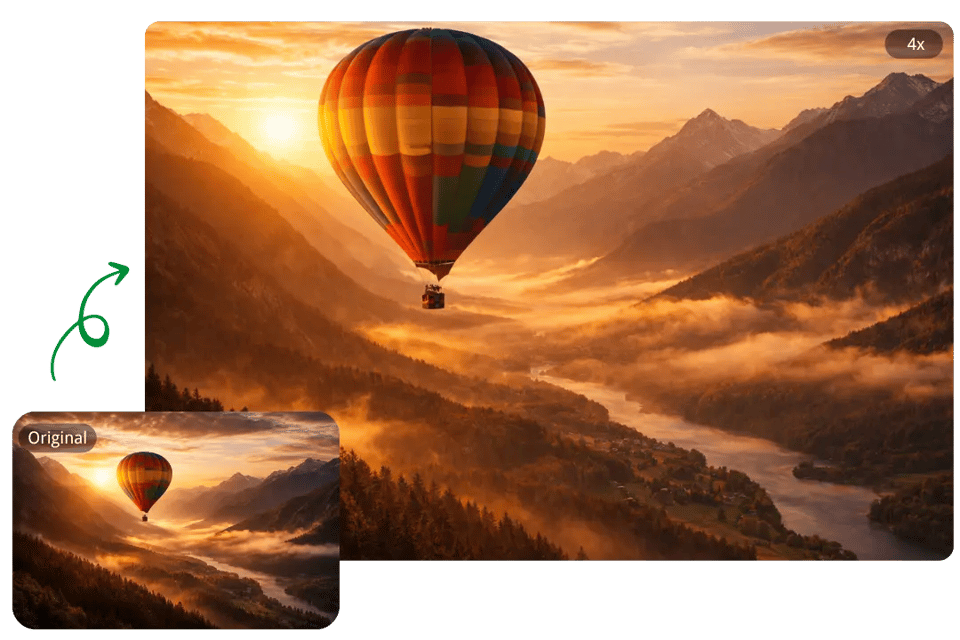
Bilder online zoomen – ohne starke Unschärfe oder Verpixelung

Bilder online zoomen – ohne starke Unschärfe oder Verpixelung

KI-Bild-Zoomer für schärfere Vergrößerungen

KI-Bild-Zoomer für schärfere Vergrößerungen

Bildbereiche für Produkte, Porträts und Text zoomen

Bildbereiche für Produkte, Porträts und Text zoomen

Ihre Möglichkeiten mit dem Bylo AI Bild-Zoomer

Produktbilder zoomen für gestochen scharfe Detailansichten

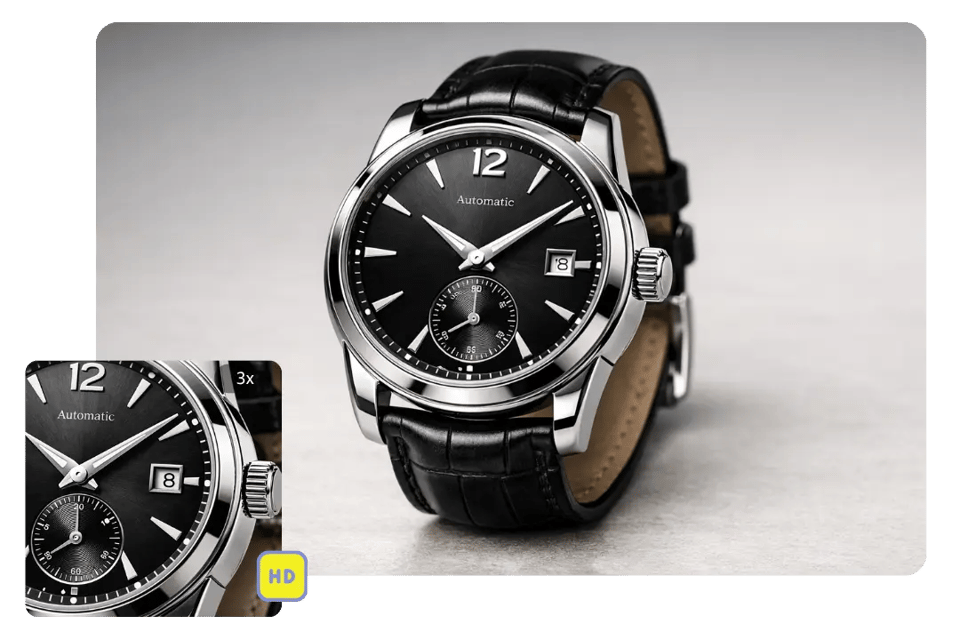
Product photos often need a closer view to show textures, materials, packaging, or small design elements more clearly. Bylo.ai’s Image Zoomer helps zoom product images with a cleaner visual result, making them more effective for e-commerce listings, product pages, ads, and digital catalogs.

Porträts vergrößern für eine bessere Gesichtsdarstellung

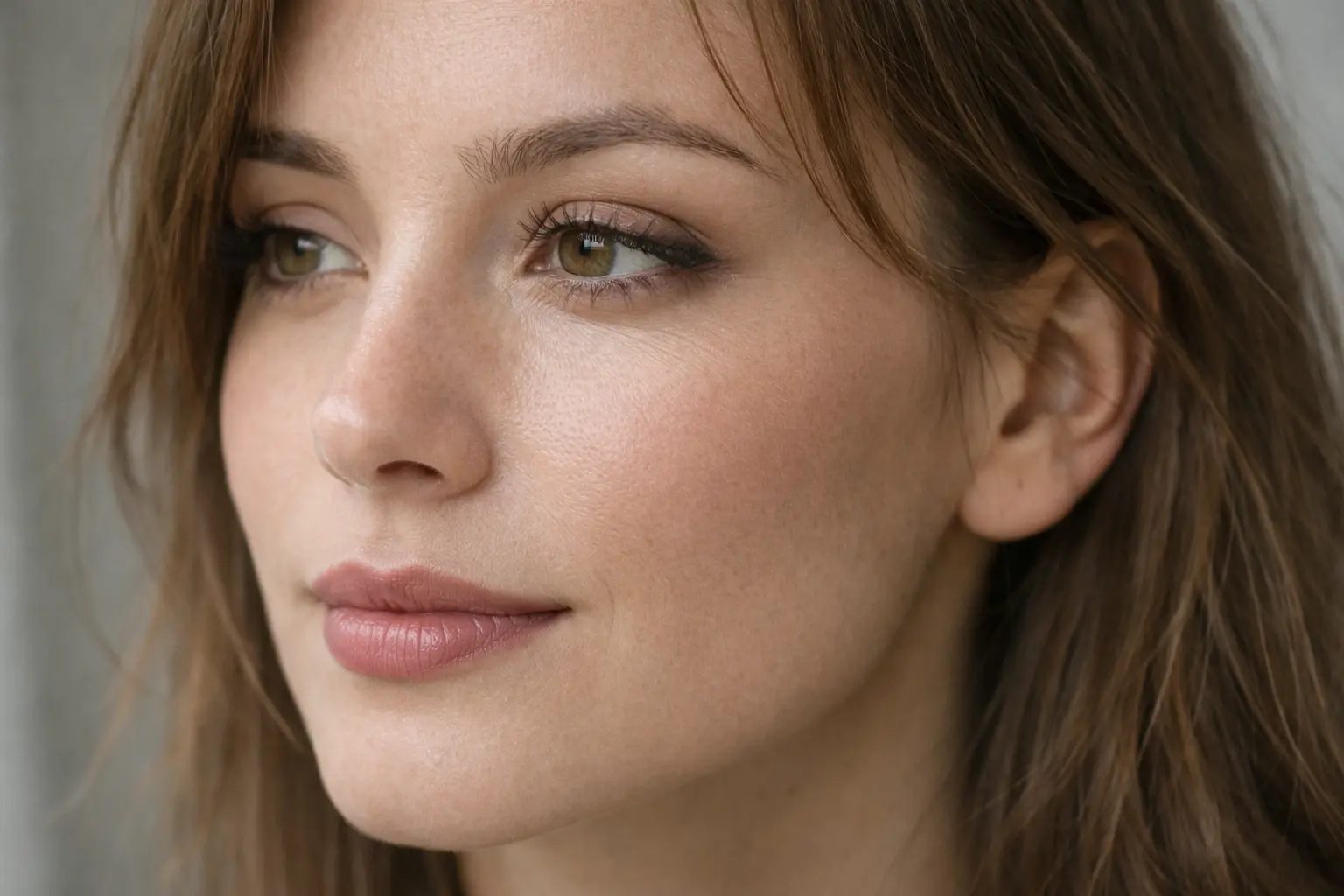
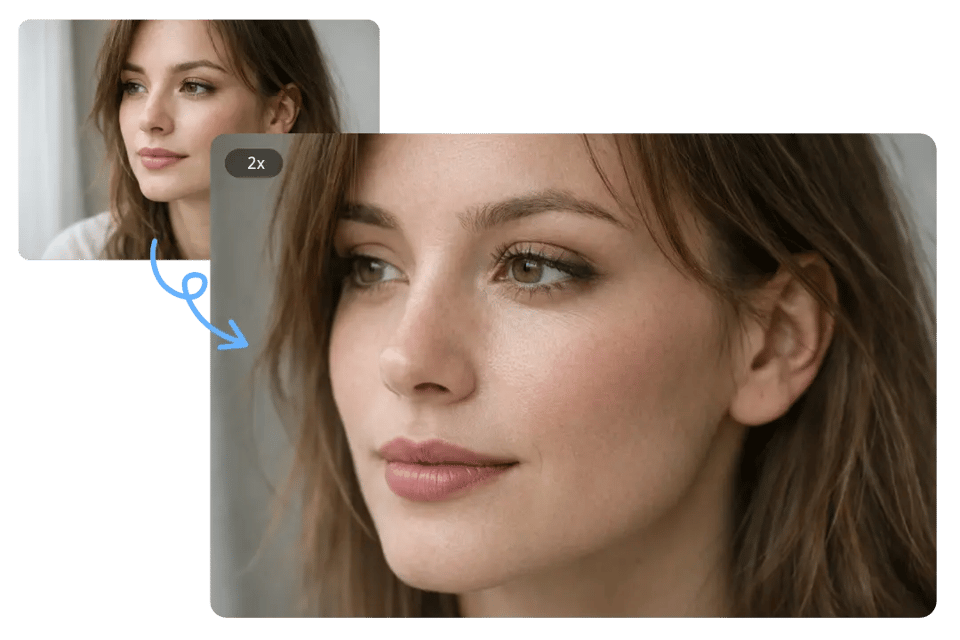
Portrait photos sometimes need a tighter view to bring more attention to facial features, expressions, hair details, or makeup. Bylo.ai’s Image Zoomer helps users zoom in image portraits while keeping the result cleaner and more visually polished for headshots, beauty photos, and profile pictures.

KI-Foto-Zoomer für Texte und Screenshots nutzen

Small text and interface details can be difficult to review when the original image is limited in size. Bylo.ai’s Image Zoomer works well for screenshots, presentation visuals, and text-heavy images, helping important areas look larger, clearer, and easier to inspect.

KI-Bild-Zoomer für kreative Bildbearbeitung einsetzen

A closer view is often helpful when checking composition, textures, edges, or smaller design elements before editing. Bylo.ai’s Image Zoomer makes it easier to inspect visual details during design work, retouching, and other creative editing tasks.

Warum Bylo.ai für Ihre Bildvergrößerung?

KI-Foto-Zoomer kostenlos online testen

Bilder online einfach vergrößern

Mehr als nur ein KI-Bild-Zoomer – mit weiteren Bildbearbeitungstools

Häufig gestellte Fragen zum Bylo.ai Bild-Zoomer