
Select the model you want to generate your image with.
Schnurrbart kostenlos zum Foto hinzufügen – online
Verwenden Sie den KI-Schnurrbart-Filter von Bylo.ai, um realistische, klassische oder lustige Schnurrbartstile auszuprobieren – ohne manuelle Bearbeitung.
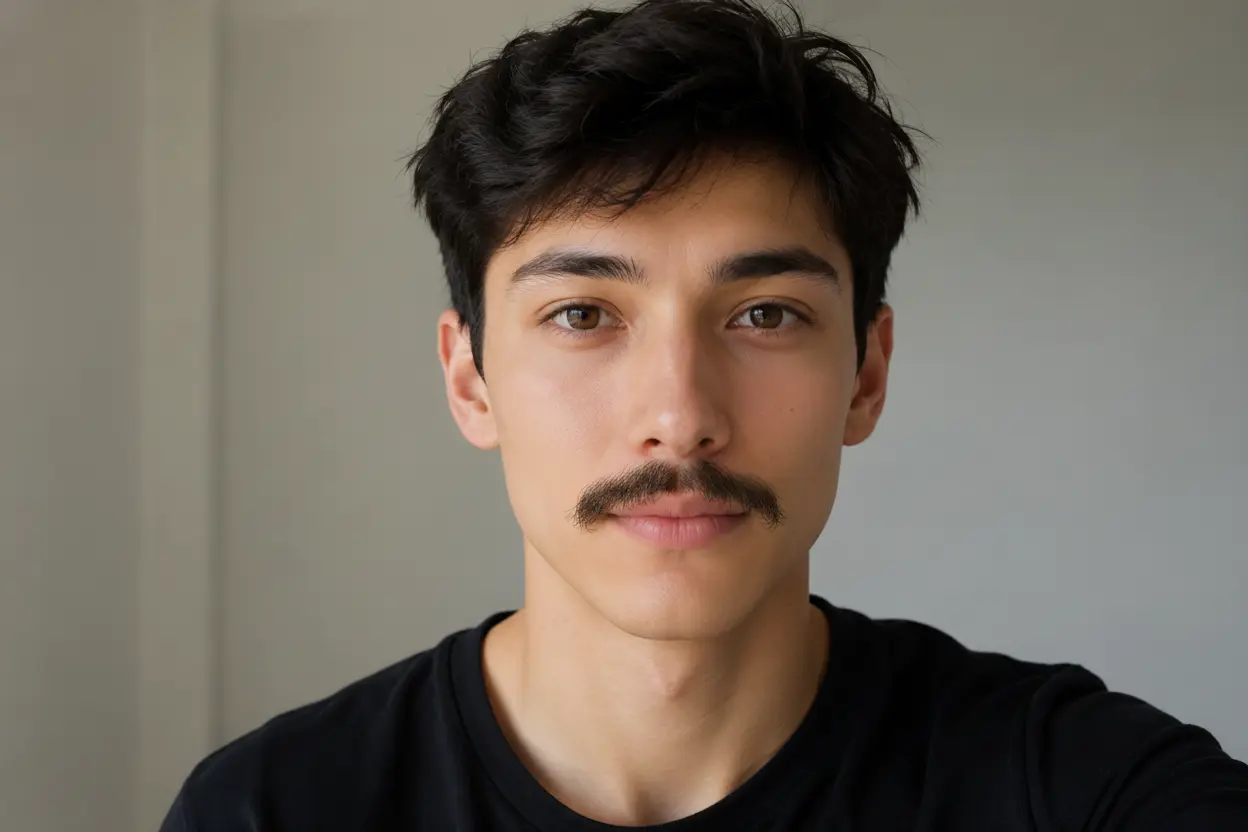
Your Generated Images
So fügst du deinem Foto kostenlos einen Schnurrbart hinzu – mit Bylo.ai
Folge diesen einfachen Schritten, um mit Bylo.ai loszulegen.
Schritt 1: Laden Sie ein klares Porträtfoto hoch
Wählen Sie ein Selfie, ein Profilbild oder ein Porträt mit deutlich sichtbarem Gesicht. Ein Frontalbild mit guter Beleuchtung funktioniert in der Regel am besten, da die KI die Unterlippe, den Gesichtswinkel und die natürliche Schattenrichtung besser erkennen kann, bevor sie den Schnurrbart hinzufügt.
Schritt 2: Beschreiben Sie den gewünschten Schnurrbartstil
Geben Sie einen kurzen Prompt ein, der den Schnurrbartstil, die Farbe, die Dicke und die Stimmung beschreibt, die Sie möchten. Sie können beispielsweise einen realistischen Chevron-Schnurrbart, einen dünnen Bleistiftschnurrbart, einen lockeren Handlebar-Schnurrbart oder einen lustigen übertriebenen Schnurrbart anfordern – je nachdem, ob Sie einen natürlichen Look testen oder eine spielerische Bildbearbeitung durchführen möchten.
Schritt 3: Generieren und Speichern Sie Ihren neuen Look
Klicke auf „Generieren“, damit unser KI-Schnurrbart-Filter deinem Foto einen realistischen Schnurrbart hinzufügt. Das Ergebnis passt sich der Gesichtsform, dem Lippenkontur, der Beleuchtung und dem ursprünglichen Ausdruck des Subjects an – damit das Bild natürlich aussieht und nicht wie ein einfacher Aufkleber wirkt.
Hauptmerkmale des KI-Schnurrbart-Filters von Bylo.ai
Schnurrbart realistisch zum Foto hinzufügen mit natürlicher Gesichtsausrichtung
Ein guter Schnurrbart-Edit sollte nicht wie ein flacher Aufkleber aussehen. Mit Bylo.ai platziert der KI-Schnurrbart-Filter Bart und Schnurrbart natürlich entlang der natürlichen Oberlippe und berücksichtigt dabei die Gesichtsform, Beleuchtung, Haarfarbe und Hautfarbe des Subjects. Das Ergebnis sieht glaubwürdig aus – perfekt für Selfies, Porträts, Profilbilder oder Vor-und-Nach-Tests.
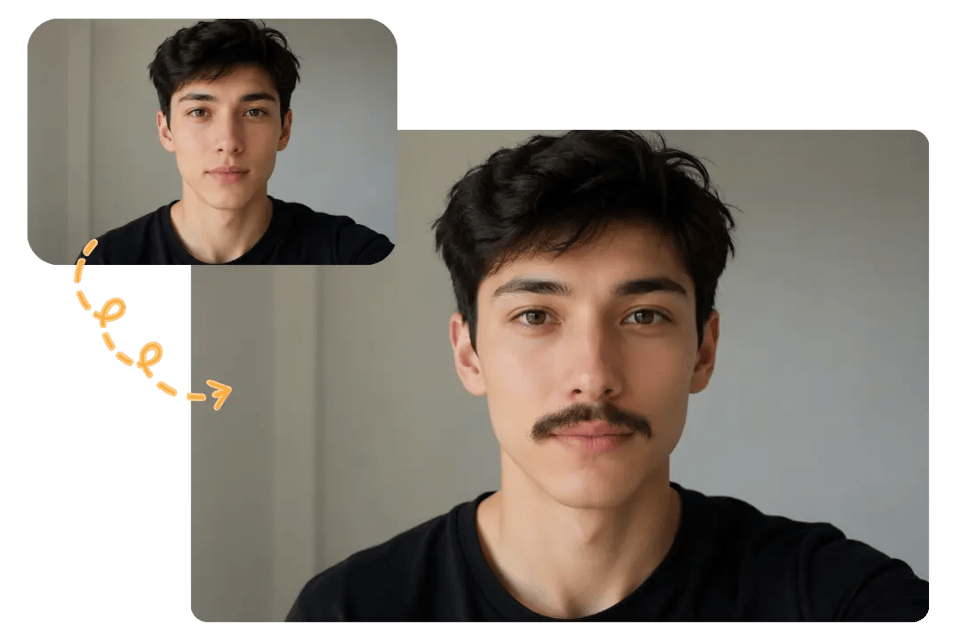
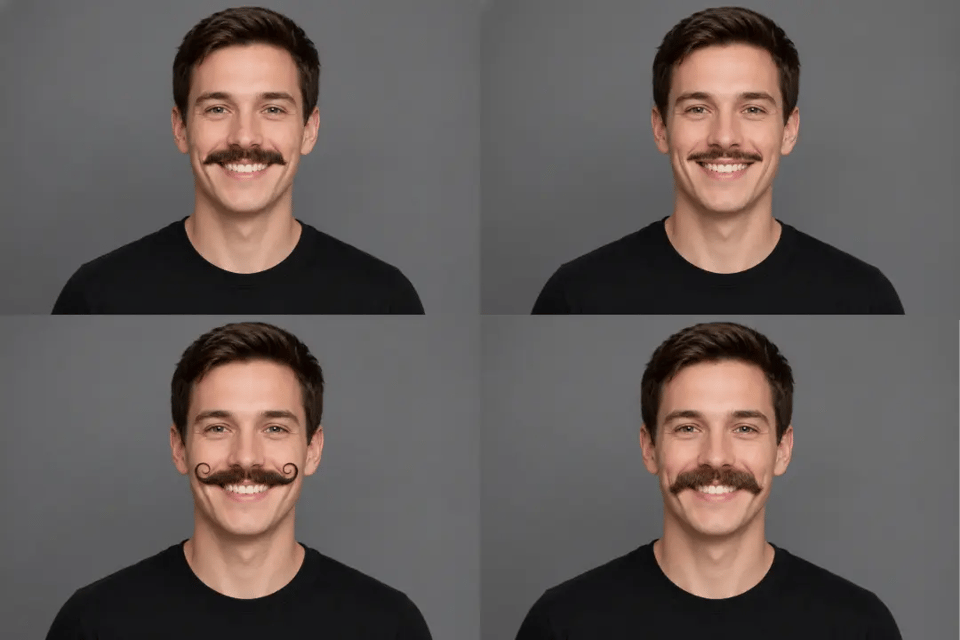
KI-Schnurrbart-Filter mit klassischen und lustigen Stilen ausprobieren
Verschiedene Nutzer möchten unterschiedliche Schnurrbart-Effekte – von subtiler Haarpflege-Vorschau bis hin zu überspitzten Comedy-Editings. Mit dem KI-Schnurrbart-Filter von Bylo.ai kannst du den gewünschten Stil beschreiben: von einem Chevron-Schnurrbart, Bleistiftschnurrbart, Handlebar-Schnurrbart, Walross-Schnurrbart bis hin zu lustigen Party-Schnurrbarts – und das Ergebnis lässt sich einfach durch einfache Beschreibungen anpassen.
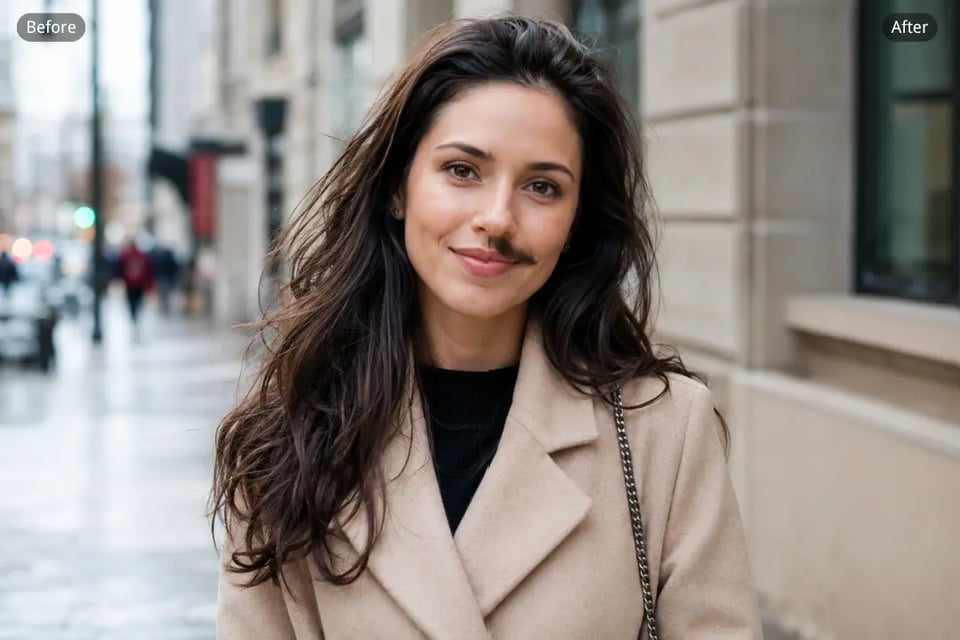
Füge deinem Foto kostenlos einen Schnurrbart hinzu – online und originalgetreu
Beim Bearbeiten von Porträts sollte das Gesicht, der Ausdruck, die Kleidung, der Hintergrund und die Bildkomposition stabil bleiben. Mit Bylo.ai können Nutzer kostenlos einen Schnurrbart zum Foto hinzufügen, ohne dass sich die Identität des Subjects oder die Bildqualität verändert. Der Schnurrbart wird die zentrale Veränderung, während das ursprüngliche Porträt weiterhin vertraut und sauber wirkt.
Teilbare KI-Schnurrbart-Filter-Fotos für soziale Medien-Unterhaltung
Schnurrbart-Bearbeitungen eignen sich besonders gut für spielerische Social-Media-Inhalte, Freunde-Pranks, Themenposts, Movember-Beiträge, Charakterideen und Tierfotos. Mit Bylo.ai können Nutzer gewöhnliche Porträts in einzigartige KI-Schnurrbart-Filter-Fotos verwandeln, die Spaß machen, schnell erstellt werden und für Gruppenchats, Profilaktualisierungen oder Social-Media-Beiträge geeignet sind.
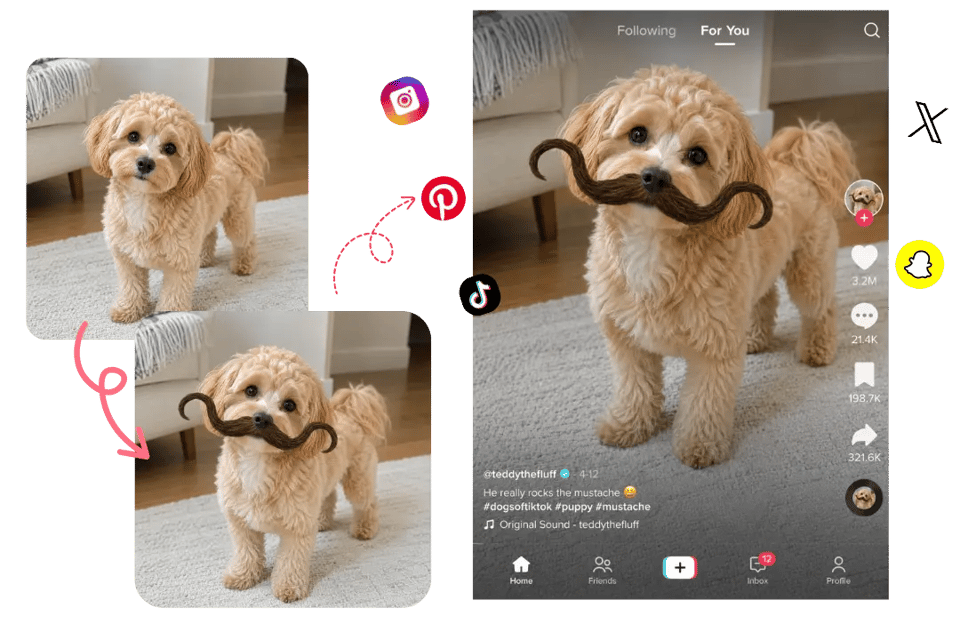
Was können Sie mit dem Hinzufügen eines Schnurrbarts zu Fotos erstellen?
Vergleichen Sie verschiedene Schnurrbart-Stile, bevor Sie Ihr Aussehen ändern
Nutzer, die über eine Bartpflege nachdenken, können verschiedene Schnurrbart-Stile ausprobieren, bevor sie eine Entscheidung treffen. Der KI-Schnurrbart-Filter von Bylo.ai verwandelt ein sauberes Porträt in eine schnelle virtuelle Probeträgerung für Chevron-, Bleistift-, Handlebar-, Halbmond- oder natürliche Alltagsschnurrbärte – und hilft so, den passenden Stil für das Gesicht zu finden.
Spaßige KI-Schnurrbart-Filter-Edits für Freunde
Ein Selfie, ein Freunde-Foto oder ein Gruppenbild kann zu einer lustigen Schnurrbart-Bearbeitung für Chats, Geburtstagswitz, Reaktion-Bilder oder alltägliche Social-Media-Beiträge werden. Mit dem KI-Schnurrbart-Filter von Bylo.ai wird humorvoller Bart hinzugefügt, ohne dass das ursprüngliche Gesicht, die Mimik oder die Pose verloren geht – das Ergebnis wirkt lustig, ohne die Identität der Person zu verlieren.
Create Themed Photos with Add Moustache to Photo Effects
Movember, No-Shave November, Kostümpartys, Vintage-Konzepte und Retro-Kampagnen-Visuals profitieren alle von schnellen Schnurrbart-Bearbeitungen. Mit Bylo.ai können Nutzer ganz einfach einen Schnurrbart zu Fotos hinzufügen – ideal für Profilaktualisierungen, Awareness-Beiträge, Event-Grafiken oder thematische Porträts – ohne dass das Bild durch einfache Aufkleber oder Overlays unsauber wird.
Charakterporträts mit KI-Schnurrbart-Filter erstellen – Details und Funktionen
Schriftsteller, Künstler, Rollenspieler und Spieleentwickler können Schnurrbart-Bearbeitungen nutzen, um zu testen, wie Bart und Schnurrbart das Alter, die Stimmung, die Berufung oder das visuelle Erscheinungsbild eines Charakters verändern. Der KI-Schnurrbart-Filter von Bylo.ai fügt Porträts rauer, eleganter, komischer, vintage- oder dramatischer Schnurrbart-Details hinzu – ohne dass das gesamte Charakterbild von Grund auf neu erstellt werden muss.
Warum Bylo.ai als Tool zum Hinzufügen eines Schnurrbarts zum Foto wählen?
Kostenloser Test mit Schnurrbart zum Foto – für schnelle Stiltests
Bylo.ai gives users a free trial to test moustache edits before moving into more advanced photo creation. You can upload a portrait, try realistic or funny moustache styles, and check how the final look fits your face without needing complex editing software.
Einfacher KI-Schnurrbart-Filter für mühelose Bearbeitung
The AI Moustache Filter works through a straightforward upload-and-prompt workflow. Users only need to describe the moustache style they want, such as a pencil moustache, chevron moustache, or handlebar moustache, and Bylo.ai handles the facial placement, blending, and generation process.
Realistische Ergebnisse beim Hinzufügen eines Schnurrbarts zum Foto – passt perfekt zum Gesicht
A good moustache edit should match the upper lip area, face angle, lighting, skin tone, and natural hair color. Bylo.ai helps users add moustache to photo results that feel integrated with the original portrait instead of looking like a flat sticker or rough overlay.
Weitere Gesichtseditor-Tools jenseits des KI-Schnurrbart-Filters
Bylo.ai also supports broader face editor workflows beyond moustache edits. After using the AI Moustache Filter, users can explore beard effects, hairstyle changes, makeup edits, portrait retouching, funny filters, and other AI-powered face transformations in one place.