Select the model you want to generate your image with.

Task

Supported formats: PNG, JPG, or WEBP

Maximum file size per image: 5 MB, up to 5 images can be uploaded.

0/2000
0/2000

No Watermark

Private

KI-Lippenstift virtuell testen – Kostenlos & sofort

Trage Lippenstift auf dein Foto auf – mit realistischer Lippenfarbe, natürlichem Finish und einfachem virtuellem Farbton-Test auf Bylo.ai.

Record image

Your Generated Images

No images yet. Generate your first masterpiece!

So verwenden Sie Bylo.ai für den kostenlosen KI-Lippenstift-Try-On

Folgen Sie diesen einfachen Schritten und legen Sie gleich los.

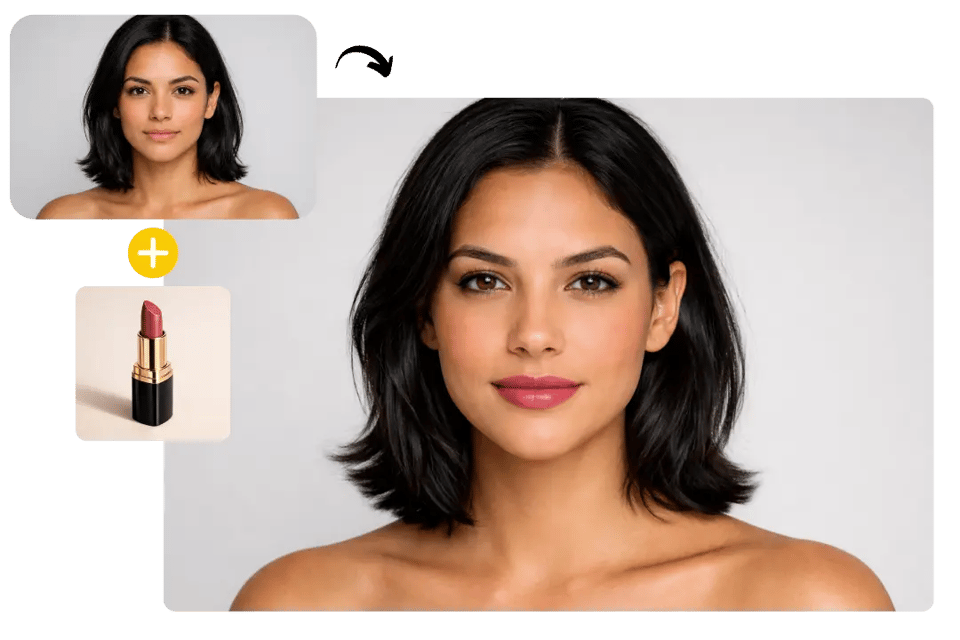
Ein klares Porträtfoto und eine Lippenstift-Referenz hochladen

Einen realistischen Lippenlook erstellen

Verschiedene Lippenstift-Looks ausprobieren und Ihren Favoriten herunterladen

Hauptfunktionen des Bylo AI Lippenstift-Fotoeditors

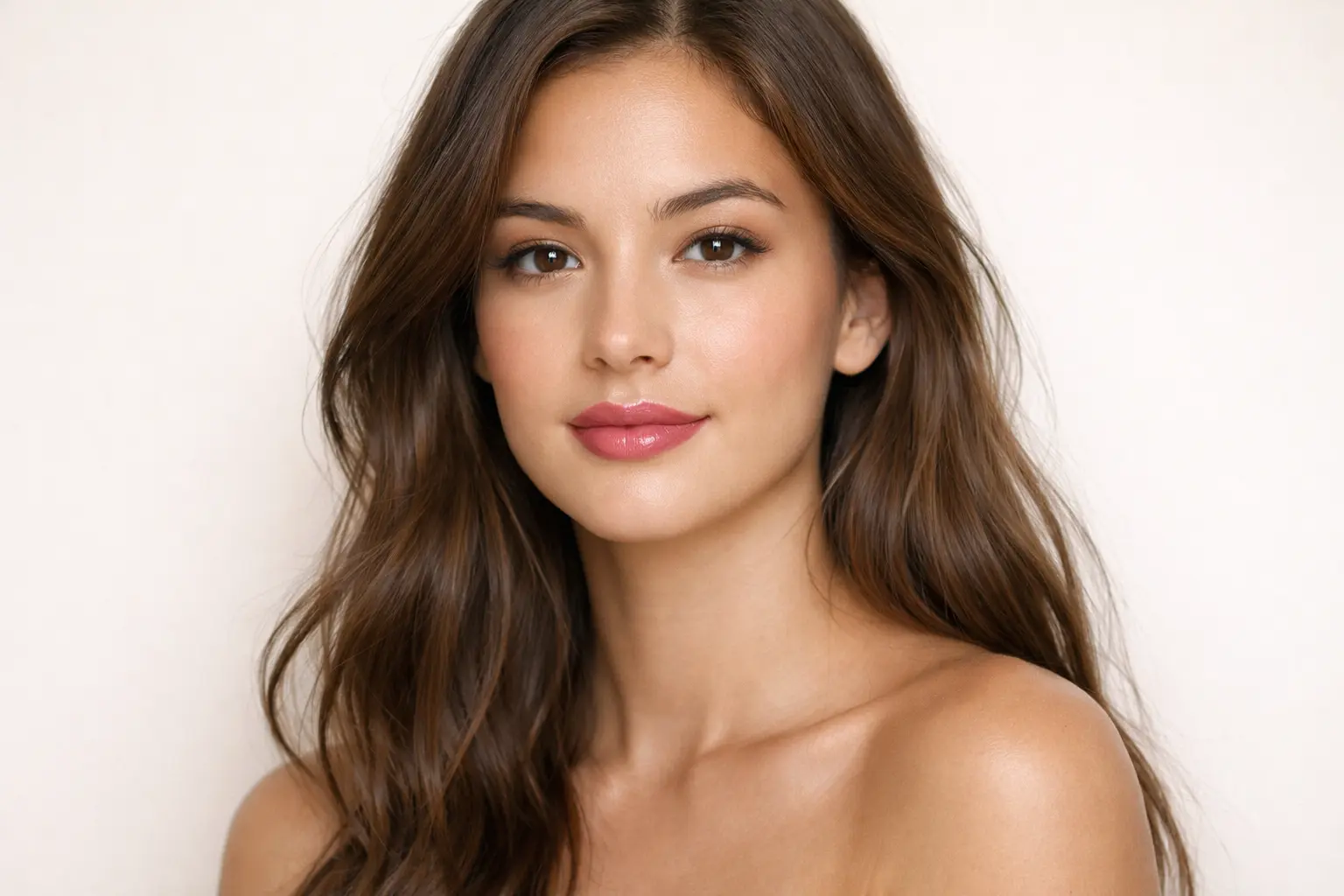
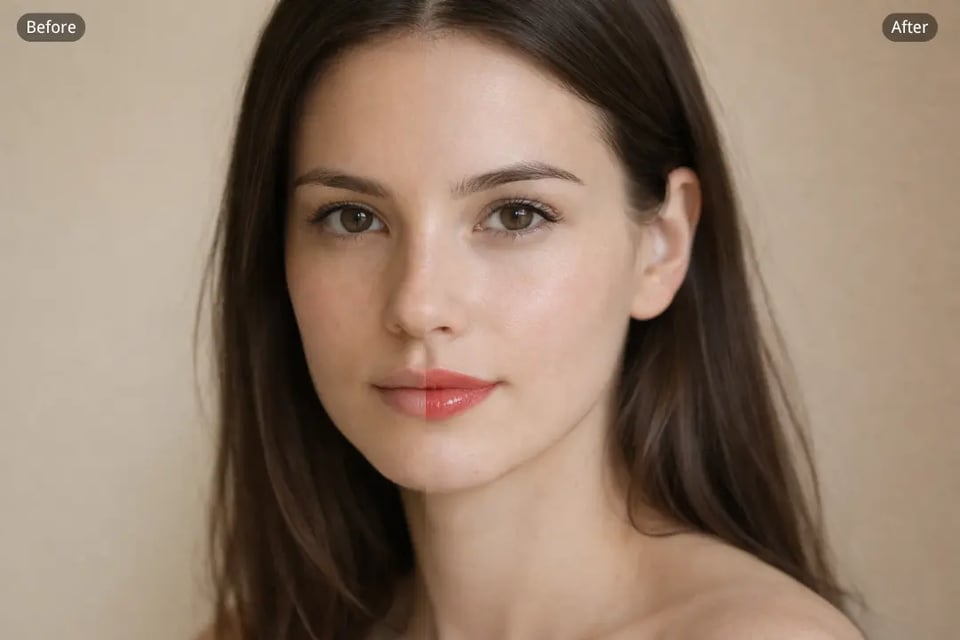
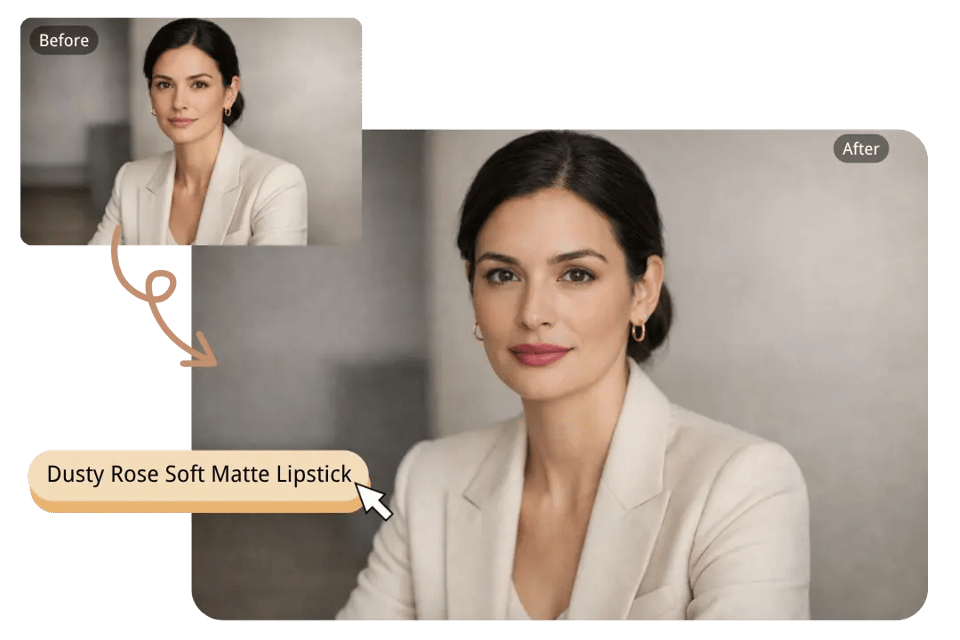
Natürlicherer KI-Lippenstift-Try-On mit präziserer Lippenkontur

Natürlicherer KI-Lippenstift-Try-On mit präziserer Lippenkontur

Lippenstift auf Foto auftragen – mit Farbvorlage für präzise Ergebnisse

Lippenstift auf Foto auftragen – mit Farbvorlage für präzise Ergebnisse

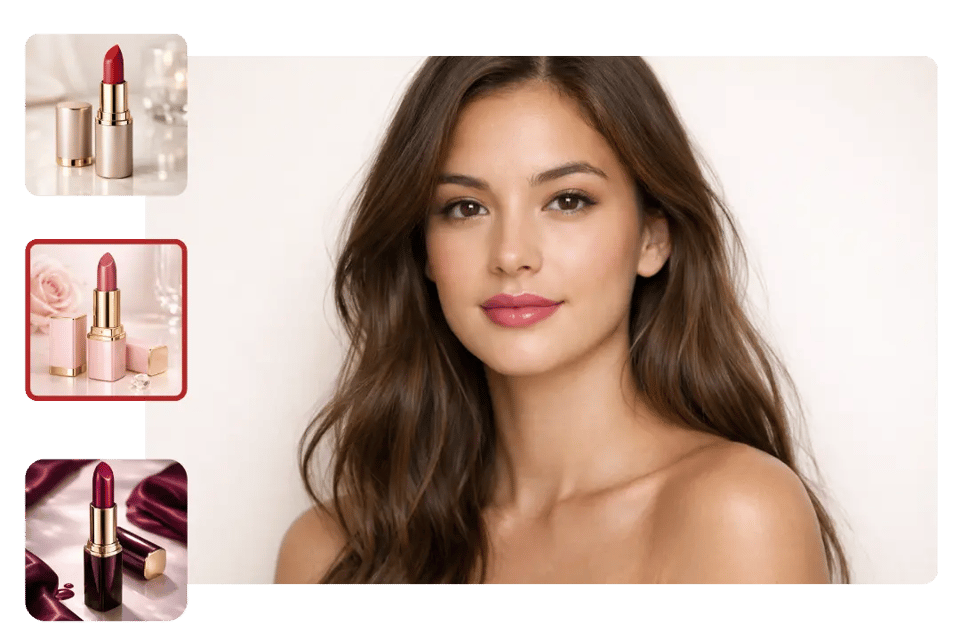
Virtuelles Lippenstift-Try-On mit mehr Finish- und Farbton-Vielfalt

Virtuelles Lippenstift-Try-On mit mehr Finish- und Farbton-Vielfalt

KI-Lippenstift-Fotoeditor, der den Rest des Porträts unberührt lässt

KI-Lippenstift-Fotoeditor, der den Rest des Porträts unberührt lässt

Ways to Use Bylo.ai for AI Lipstick Try-On and Photo Makeup Edits

Add Lipstick to Photo Before Buying a New Shade

Shopping for lipstick online often feels uncertain because a color that looks good in a product photo may appear very different on an actual face. Bylo.ai makes Add Lipstick to Photo more useful for this kind of decision by helping users preview how a nude, pink, berry, or red shade may look on their own portrait before making a purchase.

Use AI Lipstick Try-On to Upgrade Plain or Washed-Out Selfies

Some selfies have good composition and lighting but still look slightly unfinished when the lips appear too pale or do not stand out enough in the final image. Bylo.ai makes AI Lipstick Try-On helpful in this situation by adding a more flattering lip color that gives the portrait a fresher, more styled, and more camera-ready makeup effect.

Try Different Outfit and Event Looks with Virtual Lipstick Try-On

The lipstick style that works for an everyday outfit may not feel right for a formal event, date night, party, or seasonal look. Bylo.ai makes Virtual Lipstick Try-On more practical when users want to compare several beauty directions from the same photo, helping them test whether a softer neutral, a glossy coral, or a stronger statement shade fits the mood better.

Plan Beauty Content Faster with an AI Lipstick Photo Editor

Creating beauty content often means exploring multiple makeup directions without reshooting the same portrait again and again. Bylo.ai works well as an AI Lipstick Photo Editor for creators and beauty-focused users who want to generate different lip looks from one image, making content planning, visual testing, and style variation easier to manage.

Warum Bylo.ai für virtuelles Lippenstift-Testen nutzen?

Free AI Lipstick Try-On for Faster Beauty Testing

Add Lipstick to Photo with a Simple and Easy Workflow

Lippenstift virtuell testen – mit weiteren Beauty-Tools

Häufig gestellte Fragen zum KI-Lippenstift-Try-On