
Select the model you want to generate your image with.
Free AI Smile Filter:Add Smile To Photo With Bylo.ai
Bring Joy to Your Photos Instantly — Free AI Smile Filter, No Sign-Up Required.

Your Generated Images
Key Features of Bylo.ai's Smile Filter
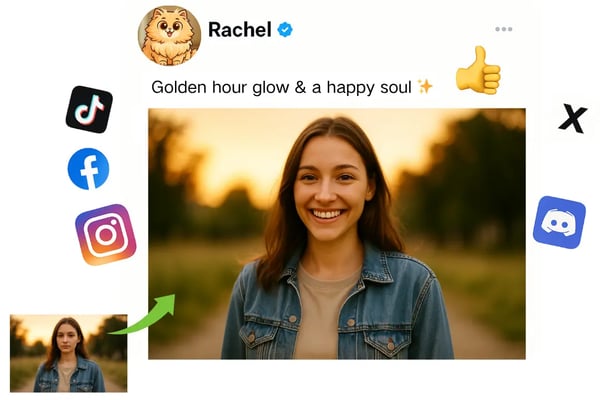
Realistic AI Smile Generator for Social Media Glow
Transform selfies with our free AI smile generator. Add natural smiles to photos for vibrant Instagram or X posts, making every moment share-worthy without any cost.
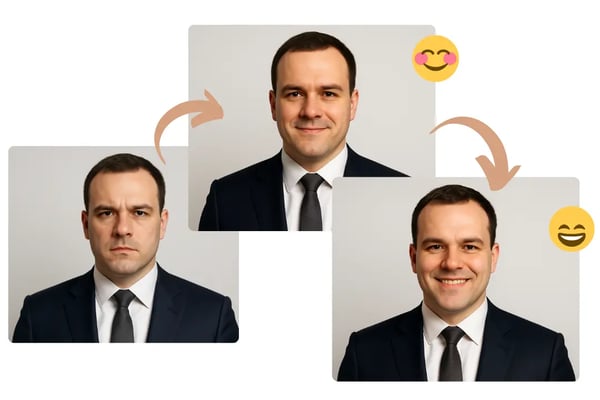
Customizable Smile Filters for Professional Portraits
Enhance LinkedIn headshots with our AI smile filter. Choose from subtle to wide smiles to create approachable, professional-grade portraits that impress.
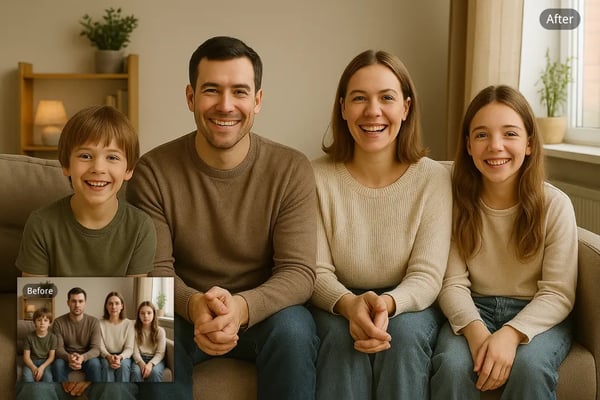
Secure Free Smile Filter for Family Memories
Add joyful smiles to family photos with our smile filter online. Encrypted processing ensures your data stays safe while creating heartwarming memories.
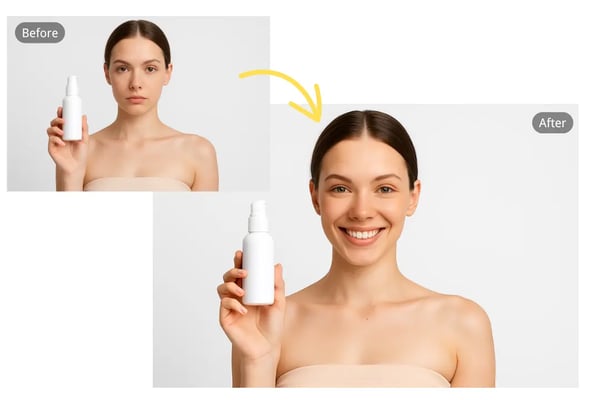
One-Click Add Smile to Photo for Engaging Ads
Boost e-commerce and marketing with our AI smile generator. Add natural smiles to product photos to create positive, customer-friendly brand imagery.
How to Add a Smile To Photo with Bylo.ai
Step 1:Upload Your Photo
Drag and drop or click to upload your photo in JPG, PNG, or WEBP format to our free smile filter platform.
Step 2:Let AI Work Its Magic
Our AI smile generator automatically detects faces and applies a natural, radiant smile in seconds.
Step 3:Download and Share
Download your enhanced photo in high resolution and share it on social media or use it professionally.
Application Scenarios for Bylo.ai's AI Smile Generator
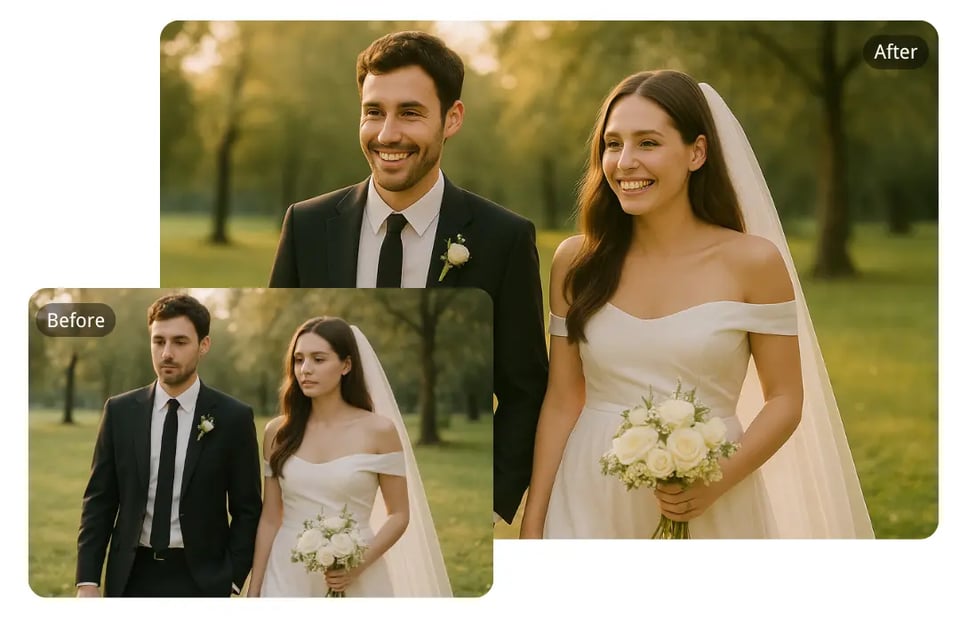
Wedding Photography
Add charming smiles to candid wedding shots to capture the joy of your special day with our AI smile filter.
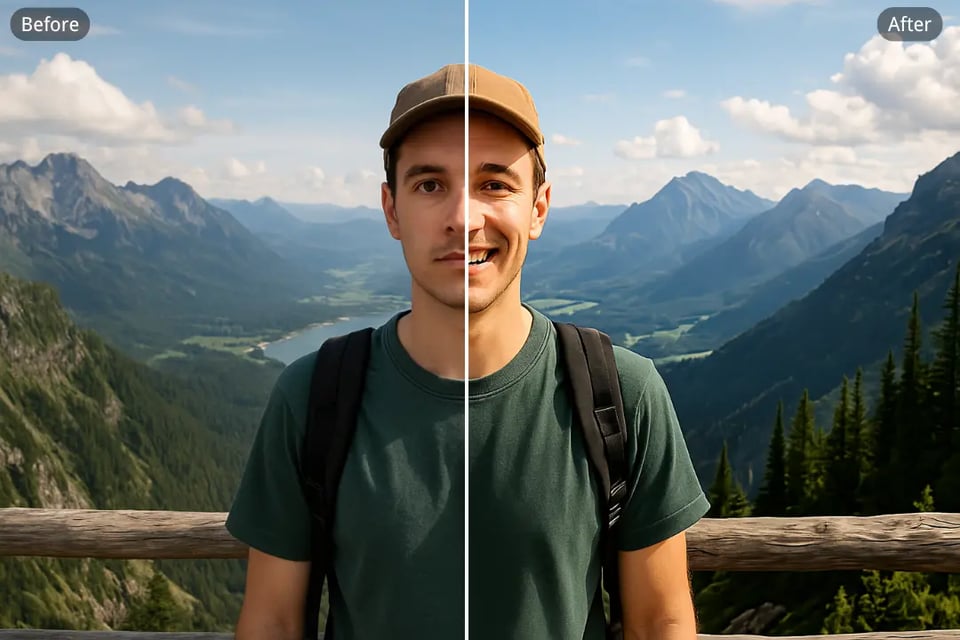
Travel Blogger Shots
Make every travel memory pop with a natural smile, perfect for blogs or albums, using our free smile generator.
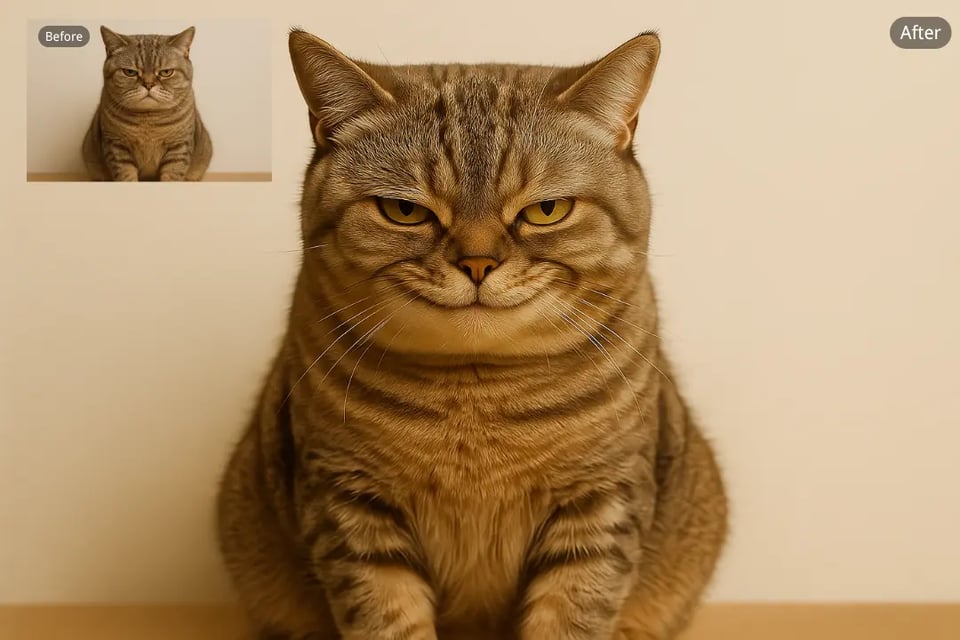
Fun Memes
Create hilarious memes by adding playful smiles to photos of pets or friends with our smile filter online.
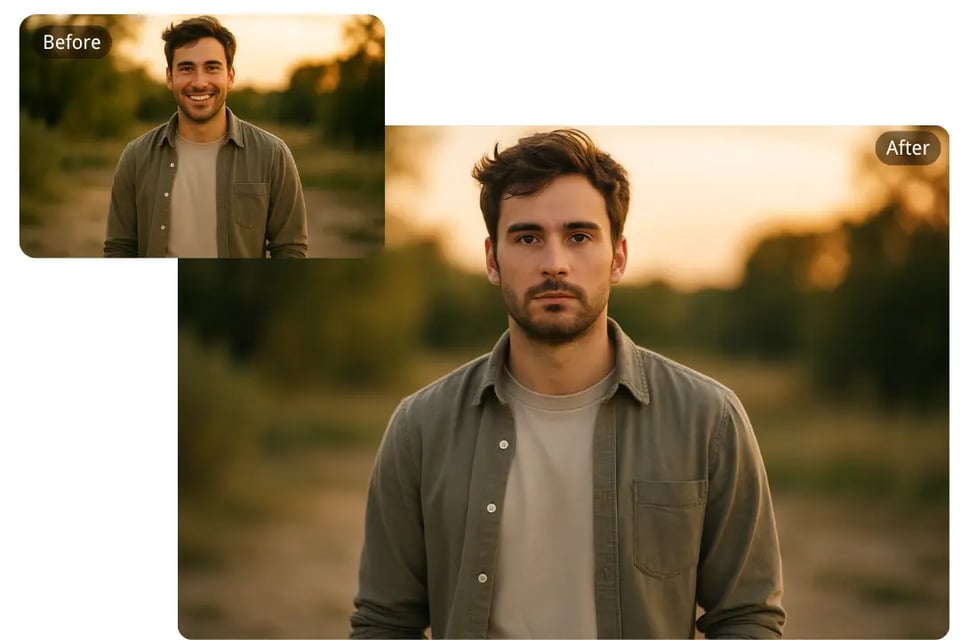
Online Dating Profiles
Add a warm smile to your dating profile to make a welcoming first impression with our AI smile filter.
Frequently Asked Questions About Smile Filter
What is Bylo.ai's Smile Filter?
It’s an AI-powered tool that instantly adds natural, radiant smiles to photos using advanced facial recognition technology.
Is the smile filter free to use?
Yes, Bylo.ai offers the smile filter free with no login or subscription required.
How fast does the smile filter process photos?
Our AI processes images in seconds, delivering high-quality, smiling photos instantly.
Which image formats can I upload?
We support JPG, PNG, and WEBP formats for easy uploading.
How does Bylo.ai ensure data privacy?
All uploaded photos are encrypted during processing and storage to ensure your data remains secure.
Can I customize the smile intensity?
Yes, you can select from subtle grins to wide smiles to suit the mood of your photo.
Is it suitable for professional use?
Absolutely, it’s perfect for enhancing headshots, e-commerce photos, and marketing materials with professional-grade smiles.
Can I apply the smile filter to group photos?
Yes, our AI detects multiple faces and applies natural smiles to each person in the photo.