
Select the model you want to generate your image with.
Remove White Background from Image Instantly with Bylo.ai
AI-powered, one-click solution to remove white background from images — fast, free, and effortless.
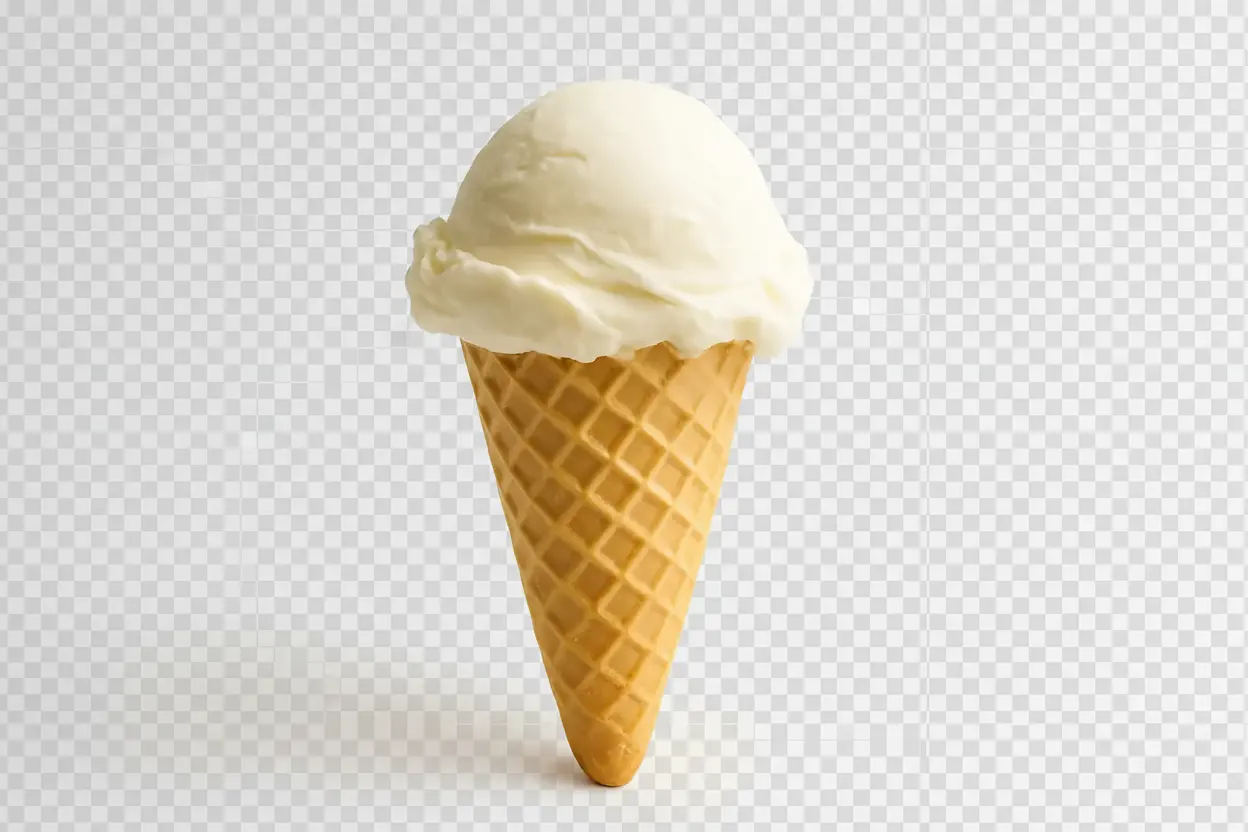
Your Generated Images
Key Features of Remove White Background from Image by Bylo.ai
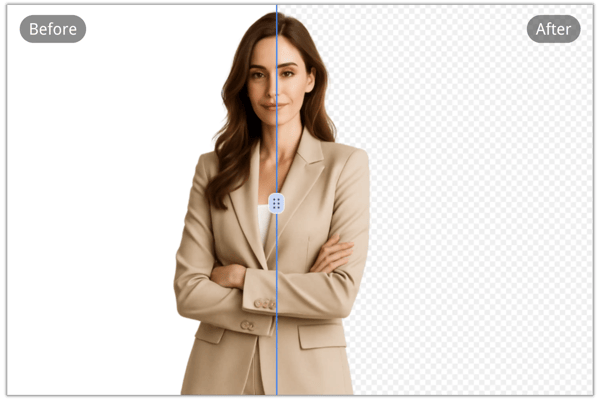
AI-Powered Precision Background Removal
Bylo.ai uses advanced AI to remove white background from image with high accuracy. Whether it’s a product photo or a portrait, enjoy clean, smooth edges without manual work.

Free Online Tool, No Installation Needed
Our remove white background from image feature is 100% online and completely free. Just visit bylo.ai and start editing—no software download required.
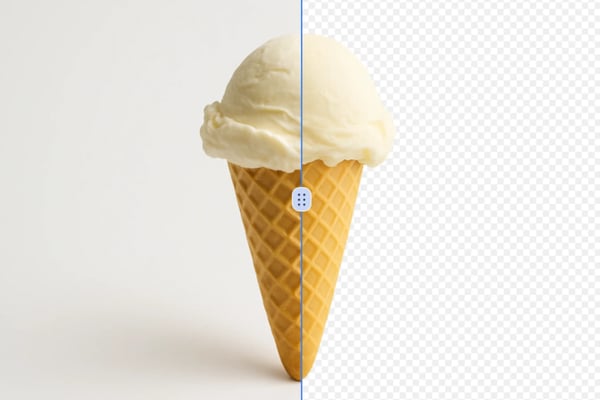
Fast & User-Friendly One-Click Process
With just one click, remove the white background from image in seconds. No design skills or complex tools needed—Bylo.ai makes the process seamless and intuitive.

Cross-Device Compatibility & Secure Processing
Remove white backgrounds on any device—desktop, tablet, or mobile. Bylo.ai ensures data privacyRemove White Background Feature and does not store your images, providing a safe editing environment.
How to Use Bylo.ai to Remove White Background from Image
Upload Your Image
Go to bylo.ai/features/remove-white-background-from-image and upload the image you want to process.
Let AI Do the Work
Our intelligent system will instantly remove the white background from image with precision and clarity.
Download the Result
Download your new image in PNG (transparent) format—ready to use anywhere.
Use Cases for the Remove White Background from Image
E-commerce Product Listings
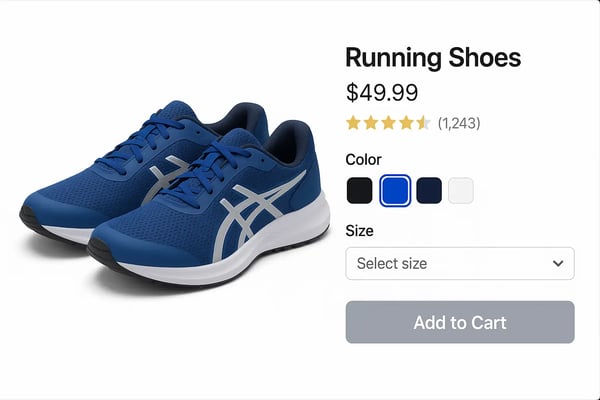
Online retailers remove wrhite background from image to create distraction-free product images, enhancing the shopping experience on platforms like Etsy or Shopify by highlighting items against custom backgrounds.
Social Media Graphics
Content creators design eye-catching posts or ads by removing white backgrounds from image, seamlessly blending them into themed visuals for Instagram or Twitter.

Educational Materials
Teachers and educators prepare clear illustrations or diagrams by removing white background from image, making them easier to overlay on slides or handouts for classroom use.
Professional Portfolios
Photographers and artists isolate subjects from white backgrounds to showcase their work in digital portfolios, allowing for versatile presentation across websites or print media.
User Feedback on Remove White Background from Image
Bylo.ai saved me hours of work! Removing white backgrounds has never been this fast or accurate.
Emily Johnson
Freelance Graphic Designer
The one-click background remover made my product photos look incredibly professional. Highly recommended!
Daniel Kim
E-commerce Store Owner
I love how clean and precise the edges are. It works flawlessly with vector art too!
Sophia Zhang
Digital Illustrator
Bylo.ai is the fastest tool I’ve used for background removal. Great results every time.
Mark Peterson
Marketing Specialist
I love how fast and accurate it is for my product photos. Highly recommended for small businesses!
Michael Chen
E-commerce Seller
This tool saved me hours on my latest project! The precision on edges is unmatched.
Sarah Johnson
Graphic Designer
Frequently Asked Questions about Remove White Background from Image
How to remove white background from image online?
Removing a white background from an image online is simple and can be done without any specialized software. To remove white background from image, simply upload your image, let the tool process it, and then save the output.
Is Bylo.ai really free to use?
Yes, you can remove white backgrounds from images for free using Bylo.ai's online tool.
Do I need to install any software?
No installation is needed. Everything runs directly in your web browser at bylo.ai.
What image formats are supported?
You can upload in PNG, JPG, and WEBP format for processing.
Will the quality of my image be affected?
No, your image quality is preserved. You’ll get high-definition output with clean edges.
Is my data safe when I upload an image?
Absolutely. Bylo.ai respects user privacy and does not store your uploaded files.
Can it handle complex images like hair or fur?
Bylo.ai performs best with high-contrast images, though the AI does a good job with most cases. For complex areas, edge refinement helps achieve smoother results.
Can I use this on my phone or tablet?
Yes, Bylo.ai is fully responsive and works seamlessly across all devices and screen sizes.
How long does it take to remove the background?
Most images are processed in just a few minutes thanks to our advanced AI-powered engine.