
Select the model you want to generate your image with.
Free Add Logo to Photo Tool - Transform Your Images Professionally
Instantly add logos to photos with AI-driven precision for stunning, professional branding in seconds.
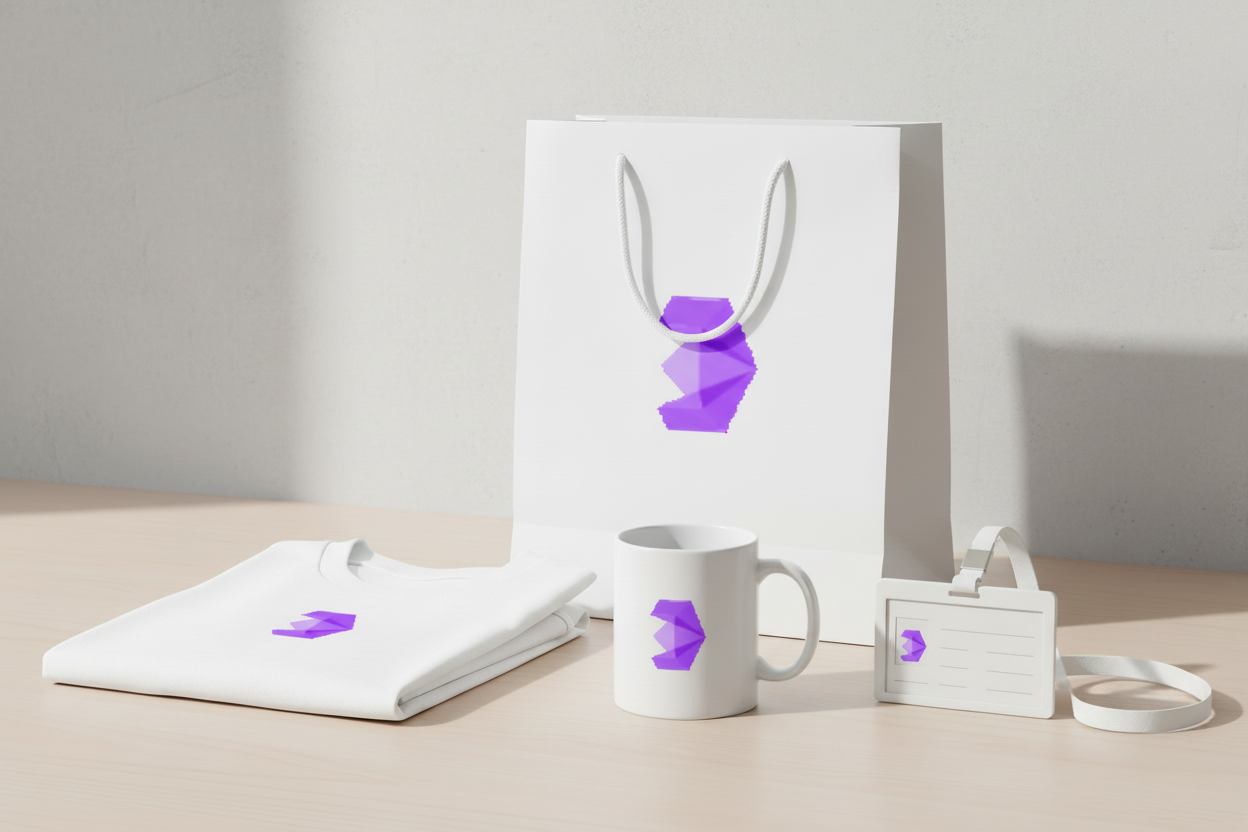
Your Generated Images
Key Features of Our Add Logo to Photo Tool
Effortless Logo Integration for Free
Seamlessly add logo to photo with a single click, perfect for enhancing e-commerce product images or social media graphics. The AI ensures your logo aligns flawlessly with any photo, saving time and delivering professional results for branding.
Smart Size and Angle Adjustment
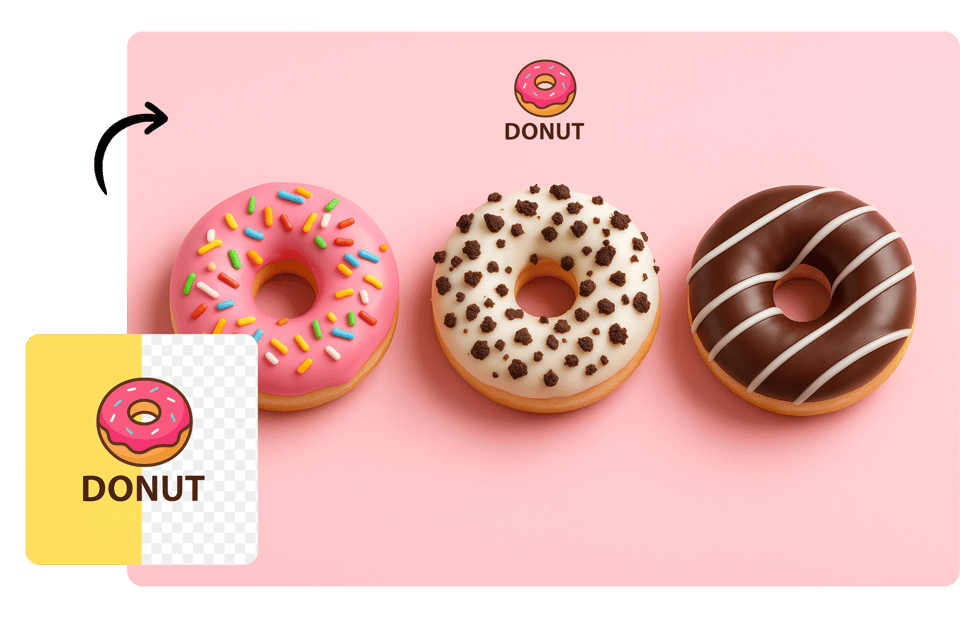
Automatically adjust logo size, angle, and transparency to complement the photo’s aesthetic. The AI add logo to photo feature optimizes placement for visual harmony, ensuring your logo stands out without overpowering the image’s core elements.You can also use our clone stamp tool for further editing.

3D Logo Integration
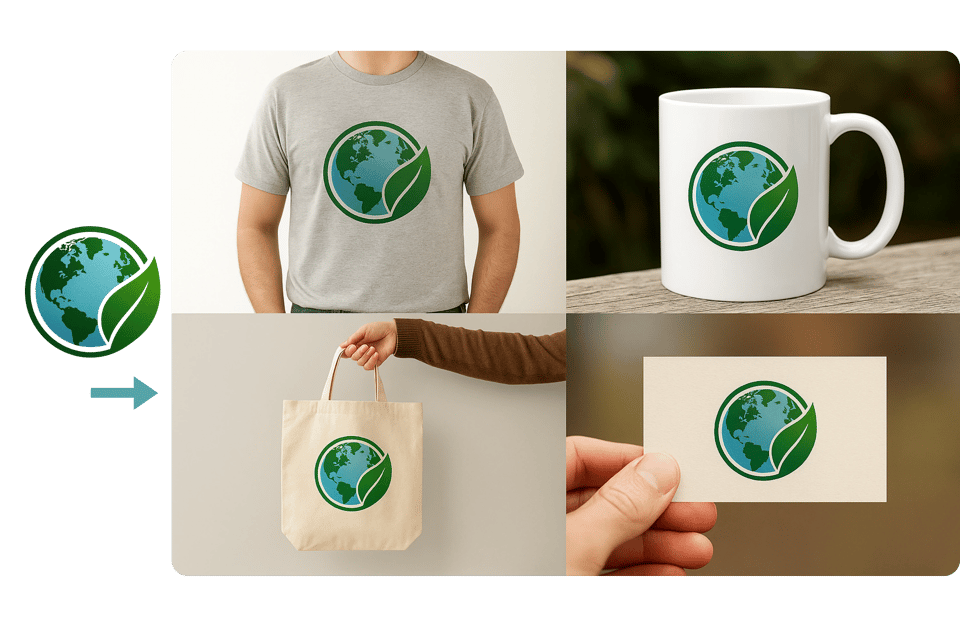
Seamlessly add logo to photo on 3D objects like mugs or shirts. The AI blends logos with the photo’s lighting and perspective, creating realistic, immersive branding effects.
Background Removal
With one click, the AI add logo to photo feature removes the logo’s background, ensuring clean integration into any photo for a professional, distraction-free appearance.

How to Use the Add Logo to Photo
Upload Your Image
Select the photo you want to enhance and upload it. Enter prompt words to fine-tune logo placement, size, or style for a perfect fit.
Let AI Work Its Magic
The AI add logo to photo tool processes your image, automatically blending the logo with optimal size, angle, and lighting in seconds.
Download and Share
Review the final image, download it, and share it on social media or other platforms to showcase your branded content effortlessly.
What Can You Do with Our Add Logo to Photo

Brand Marketing Boost
Businesses can add logo to photo for social media, ads, or websites, creating consistent, professional visuals. The AI ensures quick, high-quality branding for enhanced market presence.
Copyright Protection
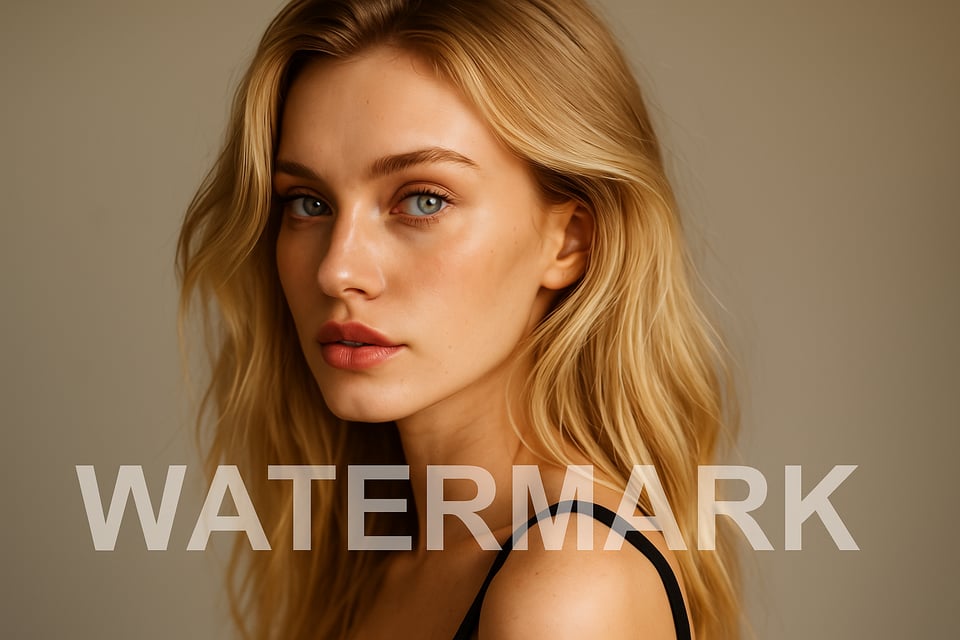
Photographers and artists use AI to add logo to photo as watermarks, safeguarding their work from unauthorized use while maintaining a polished, professional appearance.
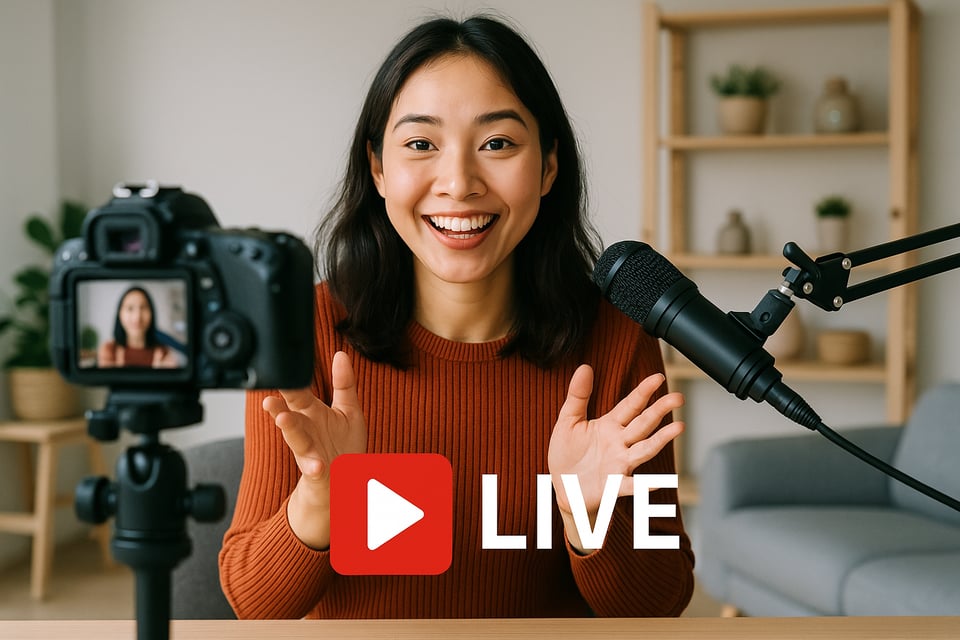
Live Event Branding
During live streams or on-site shoots, the AI add logo to photo tool instantly embeds logos, ensuring real-time brand visibility for events or promotions.
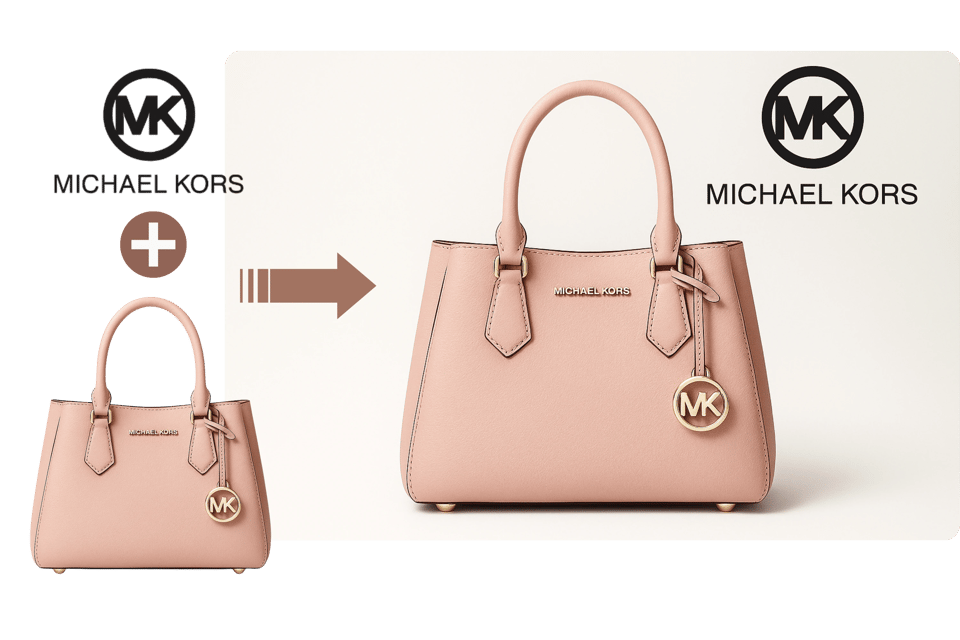
E-Commerce Visuals
Retailers add logo to photo for product images, enhancing brand recognition on online stores. The AI delivers seamless logo integration for appealing, consistent product displays.
Do More Than Just Adding Logos to Photos
Make Your Own Custom Logos
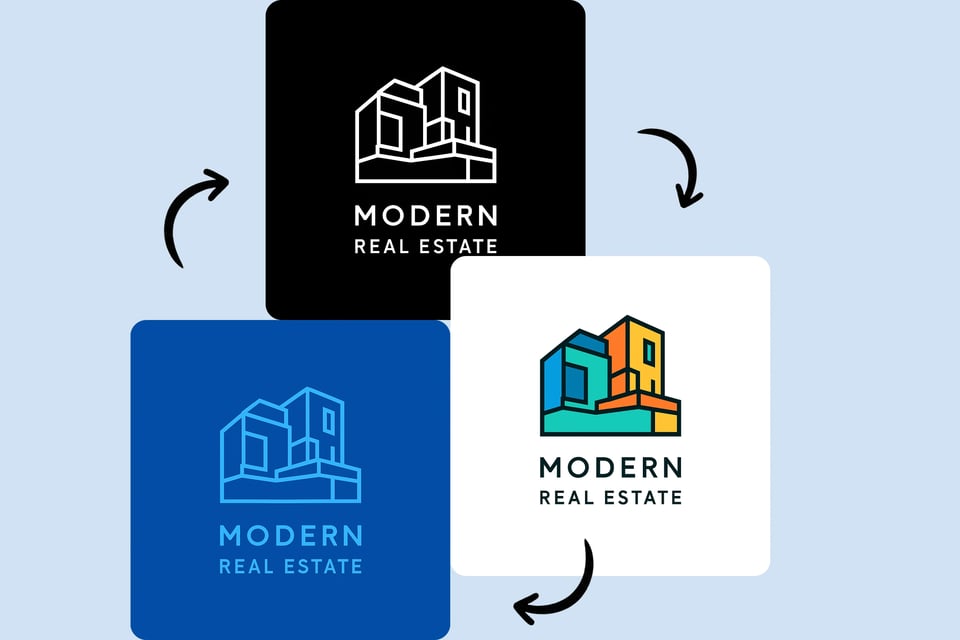
Design unique logos tailored to your brand using intuitive AI tools. Create professional, eye-catching logos from scratch or templates, then seamlessly add logo to photo for cohesive branding across all visuals.
Add Watermarks to Photos
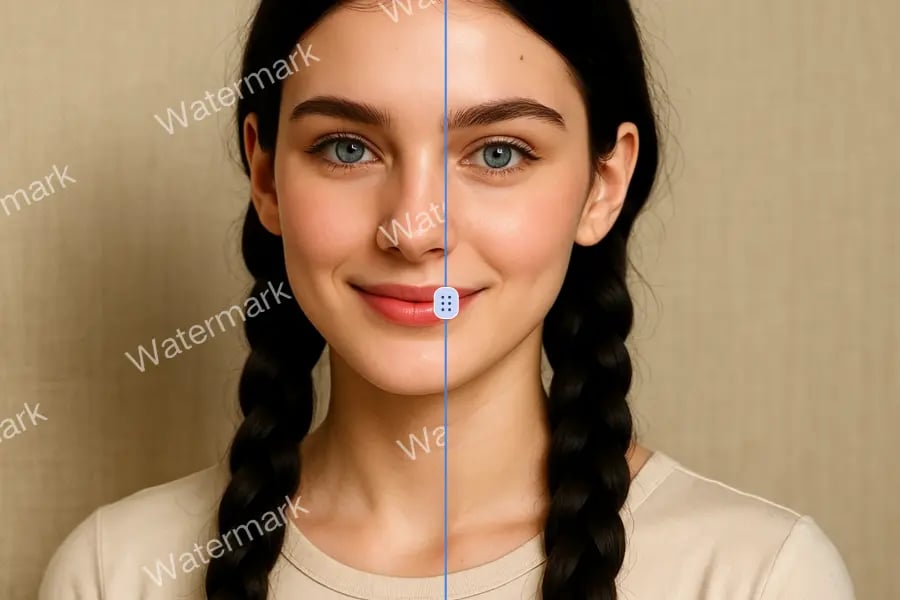
Safeguard your photos with personalized watermarks. The AI add logo to photo tool applies clean, professional watermarks to protect your work while ensuring visuals remain visually appealing for online sharing.
Add Text to Photos
Enhance visuals by adding custom text alongside logos. The AI add logo to photo feature lets you insert captions, slogans, or branding messages, perfectly styled to match your photo’s aesthetic for maximum impact.

Who Can Benefit from Add Logo to Photo
Social Media Marketers
Content creators use the AI add logo to photo tool to brand visuals for Instagram or Facebook, creating professional posts in seconds.
Photographers
Professionals add logo to photo as watermarks, protecting their work from unauthorized use while maintaining a sleek, polished aesthetic.
E-Commerce Sellers
Online retailers can add logo to photo for product images, ensuring consistent branding that boosts trust and recognition on platforms like Amazon or Shopify.
Event Organizers
Planners leverage the AI add logo to photo feature to brand live event photos, enhancing visibility and engagement during promotions.
Users Feedback of Add Logo to Photo
This tool makes adding logos to photos effortless. The AI adjusts size and lighting perfectly, giving my social media posts a professional edge.
Michael Chen
Social Media Strategist
I love how the AI add logo to photo feature avoids covering key elements like faces. It’s fast, intuitive, and delivers stunning results every time.
Emily Rivera
Graphic Designer
The AI add logo to photo tool is a game-changer! It seamlessly blends my logo into product shots, saving hours of editing. Highly recommend for quick branding!
Sarah Thompson
E-Commerce Manager
Perfect for my photography business! The AI add logo to photo tool creates watermarks that protect my work while looking sleek and professional.
David Patel
Professional Photographer
This tool transformed our event marketing. We can add logo to photo during live streams, ensuring instant brand visibility with zero hassle.
Laura Bennett
Event Coordinator
The AI add logo to photo feature is fantastic for our online store. Logos blend naturally into product images, boosting our brand’s credibility.
James Wilson
Retail Business Owner
Frequently Asked Questions of Add Logo to Photo
How fast is the AI add logo to photo tool?
The AI processes images in tens of seconds, instantly adding logos with perfect placement and style adjustments, ideal for quick branding needs.
Can I use any logo format?
Yes, the AI add logo to photo tool supports PNG, JPEG, and WEBP formats, ensuring compatibility with most logo designs for seamless integration.
Does AI add logo to photo tool work on complex photos?
Absolutely! The AI add logo to photo feature handles busy images, avoiding faces or key objects for clean, professional logo placement.
Is AI add logo to photo tool suitable for social media?
Absolutely! The AI add logo to photo tool creates branded visuals perfect for Instagram, Facebook, or other platforms in seconds.
Is the logo background removed automatically?
The AI add logo to photo tool removes logo backgrounds with one click, ensuring a polished, distraction-free blend into any image.
Can I add 2D logos to 3D objects?
Yes, the AI add logo to photo feature aligns logos on 3D surfaces like mugs, matching lighting for realistic, professional branding.